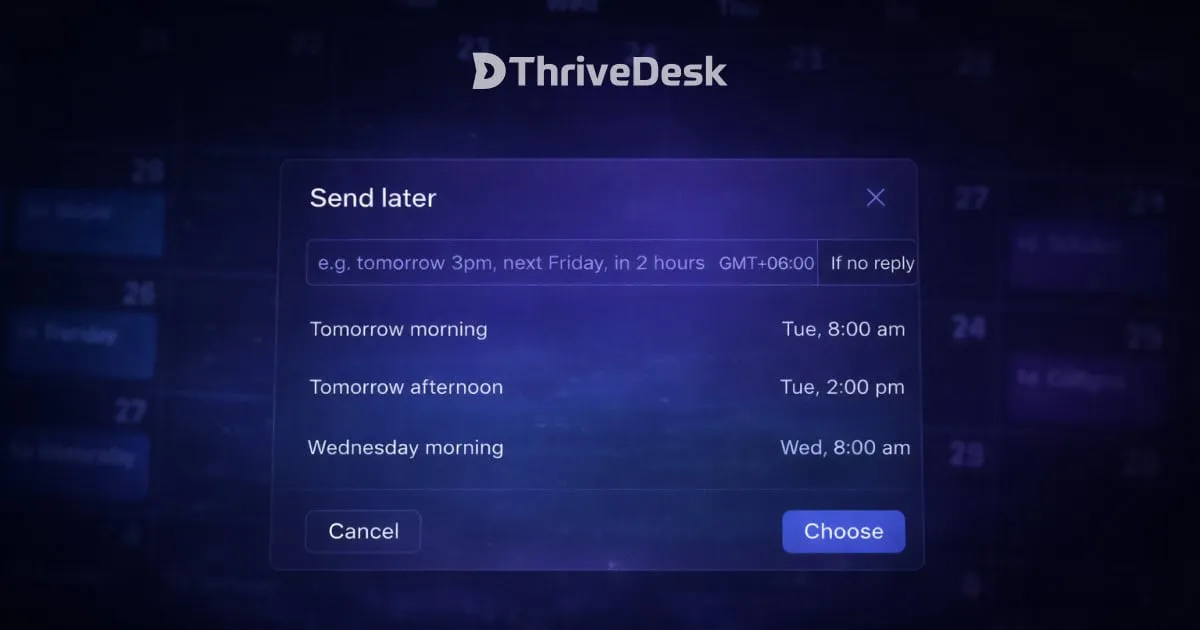
You can now schedule replies to send at exactly the right time, without staying glued to your inbox.
Write your reply when it’s fresh, pick a time, and let ThriveDesk handle the rest.
How It Works
Just type when you want it to go out. No dropdowns, no date pickers. Use natural language commands like:
ThriveDesk parses it instantly and confirms the exact date and time before you commit.
- next friday 10pm
- tomorrow 9am
- in 3 hours
Send Conditions
Not every scheduled reply should fire unconditionally. That’s why we give you two options:
- If no reply — Sends your message only if the customer hasn’t replied before the scheduled time. Perfect for follow-ups you don’t want to double-send.
- Regardless — Sends no matter what. Great for time-sensitive messages, reminders, or confirmations.
Timezone-Aware Scheduling
Scheduled replies respect your agent timezone, so messages land at the right local time — not 3am. Make sure your timezone is set correctly under Settings → Personal → Preferences.
Manage Everything from the Later Queue
All your scheduled replies live in the Later section of your ticket sidebar. Edit or cancel any scheduled reply before it goes out — full control, no surprises.




