

Customer service skills are the abilities a person uses to solve a customer’s problem and keep that customer buying. For years that meant patience, clear writing and product knowledge. In 2026 an AI agent answers most “where’s my order?”, tracking and returns questions in an online store, often before a person sees them.
That changes the job, but it doesn’t end it. The routine replies move to the AI, and the people on the team move to the work it can’t do well: reading customers, selling, training the AI and automating the business around it. This guide covers what AI now handles, the 10 skills that matter next and how the role is splitting on small teams.
How AI is changing customer service jobs
On a small store team, most conversations used to be the same few questions, answered by hand all day. An AI agent connected to the store now answers those from order data and the help center. It works on chat, email and messaging apps around the clock.
For small B2C stores and small B2B sellers, this means fewer people writing routine replies. The relationship work that used to sit with senior agents has moved to customer experience managers, who look after larger accounts and wholesale buyers.
The people who stay in support do different work. They take over the conversations the AI hands off, they sell, and they decide how the AI behaves. That work needs new skills, and it’s usually more interesting than answering the same tracking question for the hundredth time. Our guide to AI in customer support covers how these systems work behind the scenes.
What AI handles now, and what it hands to people
A well-set-up AI agent covers most of the classic skill list on its own. It replies in seconds at 3 a.m., keeps the same tone in every message and quotes the right returns window. It also checks an order before answering and replies in the customer’s language.
What it hands over is the hard part: the angry customer, the request outside policy, the hesitant buyer of a large order and the conversation where the real problem isn’t the one the customer described. Those conversations need a person who understands people and can make a decision.
The rest of the job is behind the scenes. Someone has to tell the AI what good service looks like, spot where it’s wrong and connect it to the store’s processes. The ten skills below cover both halves.

Customer psychology skills
When AI takes the easy conversations, the ones left for people are emotional, unclear or high-stakes. Psychology is the skill that handles them.
1. Reading intent and emotion
Customers rarely say what they want directly. “Is this still coming?” can mean “I need it by Friday” or “I want to cancel”. A person who reads intent from short replies, timing and order history answers the real question. This is also how you spot a buying signal inside a support message. In practice, check the order date and the delivery estimate before replying, because the timing usually tells you which of the two the customer means.
2. De-escalation
The AI hands over angry customers early, so a person gets them at their worst. De-escalation means slowing down, naming the impact on the customer and offering one clear fix instead of a list of options. Read the AI’s part of the conversation first, so the customer never has to repeat the problem. Repeating it is often what turns an annoyed customer into an angry one. Our guide to handling frustrated customer emails has example replies.
3. Rebuilding trust after a mistake
When the store gets something wrong, a fast apology isn’t enough. The customer wants to know what happens now and what changes next time. Keeping a buyer costs five to 25 times less than finding a new one, so this skill pays for itself in repeat orders. A short follow-up after the replacement arrives, written by a person and not a template, does more for trust than a discount code.
Sales skills
Support is now one of the main places a store sells. A shopper who asks a question is often one answer away from buying.
4. Consultative selling
Pre-sale questions about fit, compatibility or delivery dates decide the sale. AI answers the factual part. A person adds value on larger orders and unsure buyers: asking what the product is for, comparing two options honestly and recommending the one that fits. Done well, it feels like advice, not a pitch. It also means knowing when not to sell: a customer who’s already had a bad delivery wants the fix first, and the recommendation can wait for the next order.
5. Upselling and saving the order
An order that’s about to be cancelled can often become an exchange, a store credit or a different size. A person who knows the margin on each option can offer the one that keeps the sale. The same skill spots when a bundle or an add-on genuinely helps, which raises average order value without pushing. Learn the basics of how margins, shipping costs and return rates differ by product, so the offer you make is good for the customer and the store.
AI training skills
The AI only knows what someone teaches it. The person who writes its sources, rules and steps decides the quality of every answer it sends.
6. Writing sources the AI can use
AI answers from your help center, policies and product pages. Short articles with one topic each, exact numbers and plain wording give it clean answers. Learning how to write knowledge base articles is now a core support skill, because each article trains the AI as well as the customer. An article that says “returns are accepted within a reasonable time” gives the AI nothing to quote; “30 days from delivery, unworn, with tags” gives it a clear answer.
7. Writing guidance and step-by-step skills
Sources tell the AI what your policy says. Guidance tells it how to behave: tone, what never to promise, when to offer a discount. Skills tell it what to do next, step by step, for a request like a damaged item. Writing them is like briefing a new teammate, in plain language. The best skills come from the person who handles that request every day, because they know the questions customers ask halfway through and the exceptions the policy never mentions.
8. Reviewing AI answers
Every week, read a sample of the AI’s conversations. Look for wrong answers, missed handoffs and replies that were correct but cold. Each problem traces back to a missing source, a vague rule or a step in the wrong order. Fix that, and the same mistake stops across every future conversation. Keep a short log of each fix and the date, so you can see whether the AI’s answers on that topic improve the following week.
Business automation skills
The last group turns support into a system. These skills come from operations, and they’re new to most support roles.
9. Mapping workflows into automation
Most support processes are a set of if-then decisions: tag the order question, route the wholesale buyer to sales, hold the refund over a set amount for approval. A person who writes those down can turn them into automation rules and escalation rules so the right conversation reaches the right person with the order already checked. You don’t need to code. You need to describe the process clearly enough that someone else could follow it without asking you a question.
10. Reading support data
Support data shows what’s broken in the business. A spike in “where’s my order?” points at a courier, and repeated sizing questions point at a product page. Reports by tag and channel turn conversations into fixes for other teams, and that’s the work that gets support a seat in planning meetings. Bring one number and one suggested fix to each meeting, such as “40 sizing questions on the new jacket last week; add a fit note to the product page.”
The classic customer service skills still underneath
Active listening, clear writing, patience, time management and product knowledge haven’t disappeared. They’re needed in every conversation the AI hands over, and they’re how you judge whether the AI’s answers are good.
What’s changed is their weight. They used to be the whole job description. Now they’re the baseline a hire is expected to have, and the AI meets most of them on routine questions. The traits of a good support representative still apply, but they no longer set a candidate apart. If you’re new to support, learn them in your first months. Then put your effort into the four skill groups above, because that’s where the job is going.
From support agent to customer experience manager

The roles on a store team are splitting. The table shows who handles each kind of work on a small team using an AI agent, and the skill it needs.
| Work | Who handles it now | Skill it needs |
|---|---|---|
| Order status and tracking | AI agent | Clean store data and a clear skill |
| Returns and refunds within policy | AI agent with approval rules | Written policy and approval limits |
| Pre-sale and sizing questions | AI agent, with a person for large orders | Product knowledge and consultative selling |
| Complaints and exceptions | Support specialist | Customer psychology and de-escalation |
| AI answers, rules and automations | AI and automation owner | Writing guidance and mapping workflows |
| Key accounts and wholesale buyers | Customer experience manager | Account planning and relationship building |
On a two-person team, one person often covers the middle three rows. As the store grows, the bottom row becomes its own job, much like customer success grew out of customer service a decade ago. People who already handle exceptions, sell and run the AI are the natural first hires for that role.
How to stay ahead as a support professional
You don’t need a course to start. Three habits build the new skills while you do the current job:
- Read 20 AI conversations a week and fix the source or rule behind every bad answer.
- Ask to sit in on sales calls or read the pre-sale chats that turned into large orders.
- Write down one manual process a week as a set of if-then steps, then automate it.
On a resume, show results from this work, not adjectives. “Cut order-status tickets by rewriting the shipping articles” or “Built the refund skill our AI agent uses” tells a hiring manager more than “excellent communicator”.
How ThriveDesk helps your team work with AI
ThriveDesk is AI customer service for online stores, and each skill group above maps to something your team controls in it. Here’s what’s included on every plan:
- Neo, the AI agent, answering from your store data and help center
- Training, guidance and step-by-step skills, written in plain language
- Escalation rules and approval steps for refunds and other actions
- Customer memory that carries sizes and addresses across conversations
- A shared inbox for email, live chat, WhatsApp and Messenger
- A help center that answers customers and trains Neo at the same time
- Automation rules, tags and saved replies
- Reports by tag and channel
- Store connections for Shopify and WooCommerce
Neo answers the routine questions. Neo answers order-status, tracking and returns questions from your store data and help center. It works on your chat widget, email, WhatsApp and Messenger, so order and shipping questions stop filling the inbox.
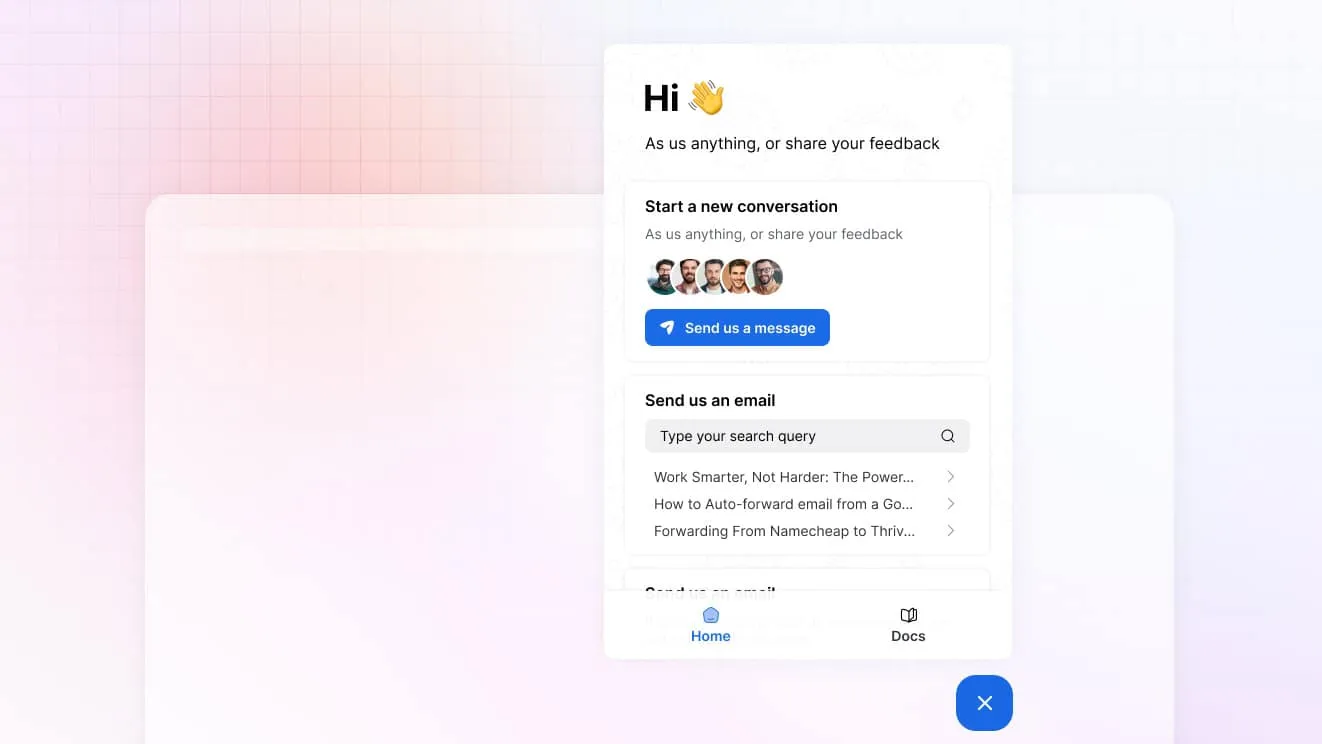
Your team trains it in plain language. Add help articles and other sources on the training page, set tone and rules in guidance and write skills that act in the store, such as checking an order or issuing a refund. No flow builder and no code.
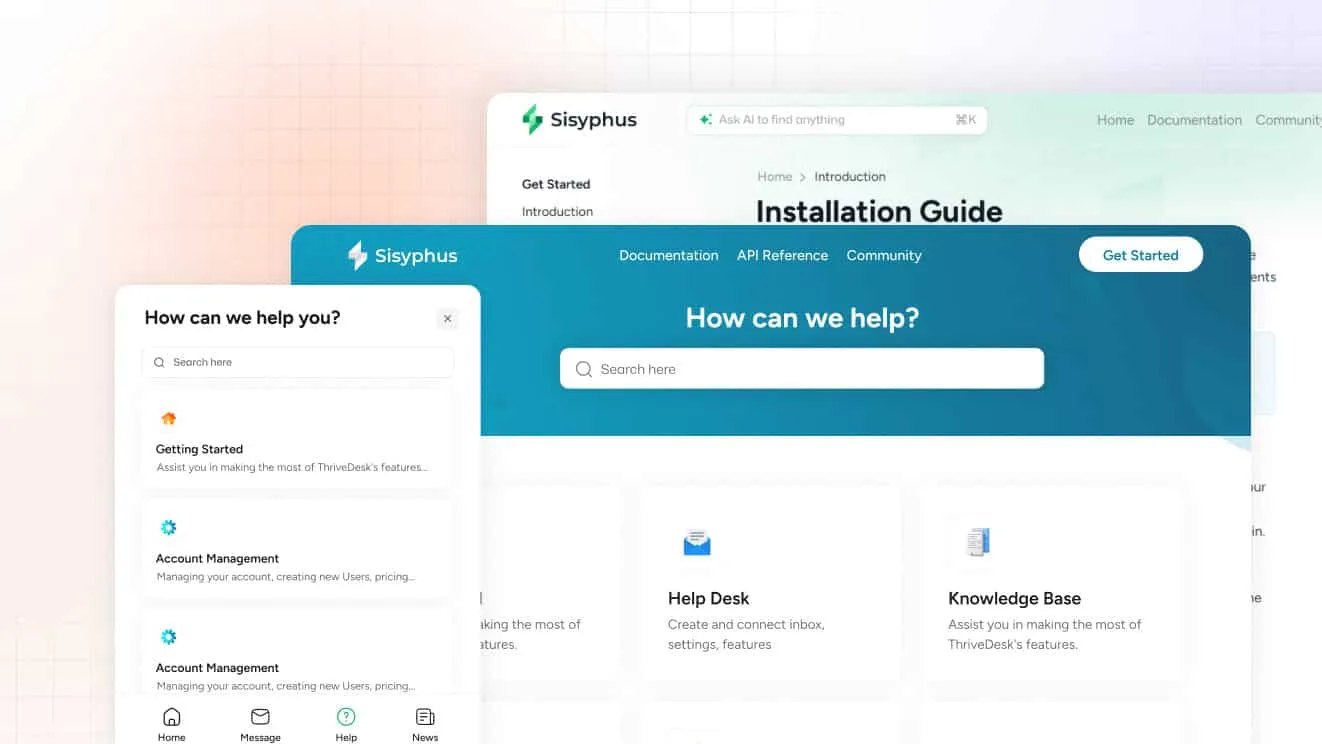
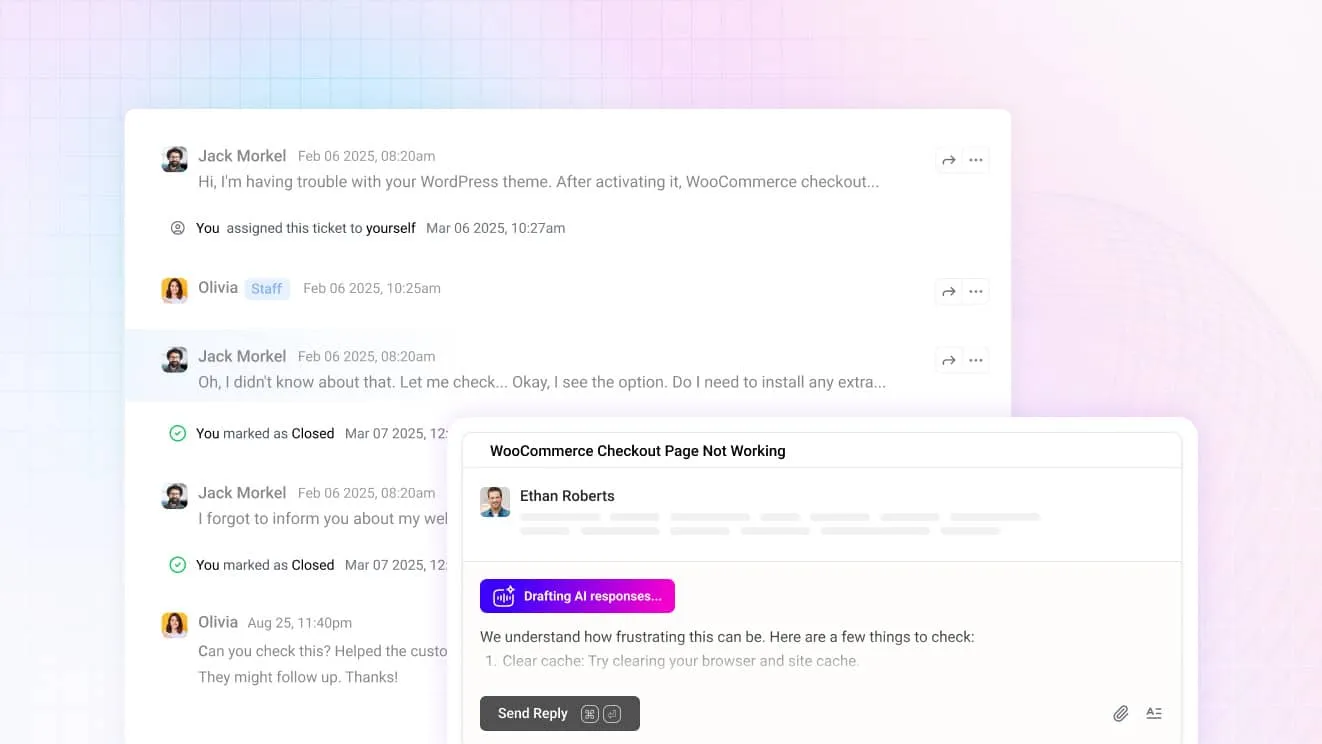
Handoffs arrive with the groundwork done. Neo checks the order and stock before it escalates, so the person who takes over starts with facts. Tools that need approval wait for a teammate, and Neo drafts replies your team can check and send.
It sells as well as answers. Neo answers pre-sale questions and suggests add-ons that fit what the shopper is buying, so support helps increase sales instead of only closing tickets.
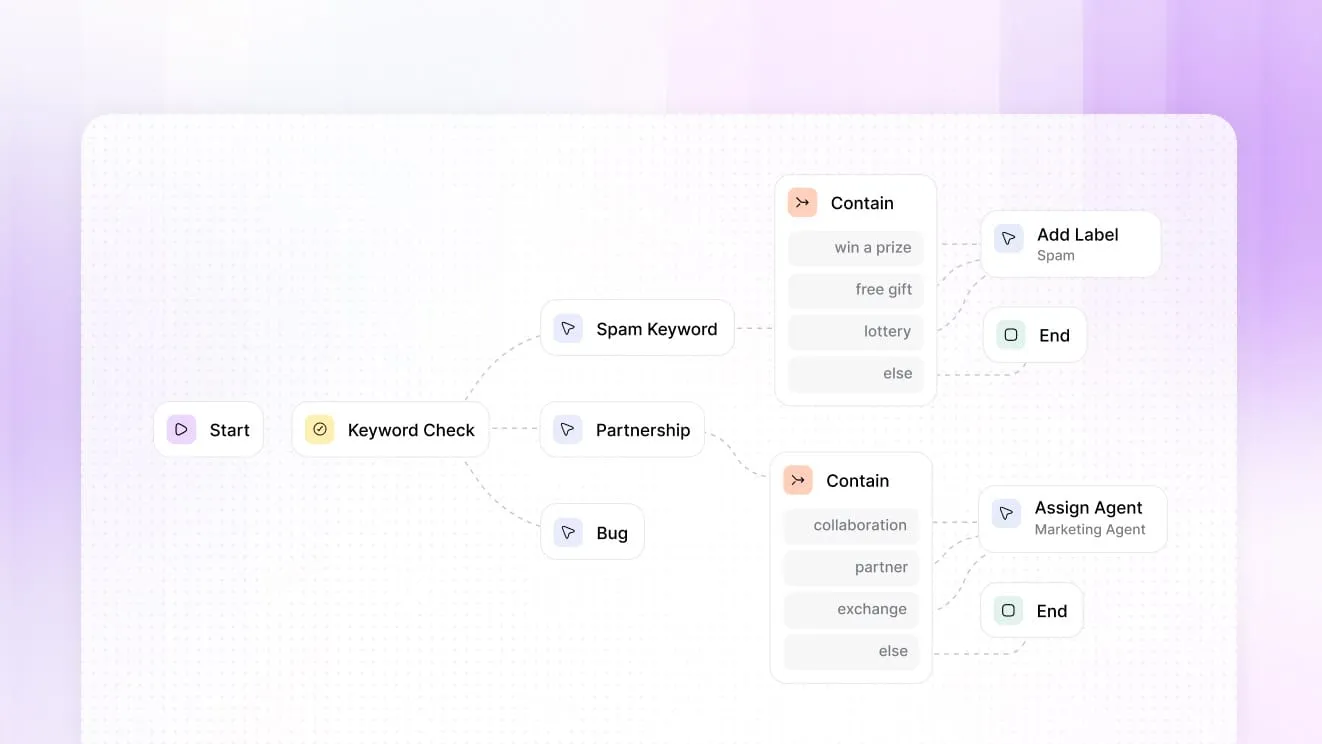
Automation and reports show where to work next. Rules tag and route conversations by keyword, and reports by tag and channel show which questions come in most, so you know which source or skill to write next.
Basic is $29 a month for two teammates, Standard is $69 for five, and Unlimited is $129 for as many as you add, with no per-agent fee on the pricing page.