Your customer’s go-to for instant answers
Boost productivity with ThriveDesk Knowledge Base software. Instantly access product docs, FAQs, user guides, and APIs. Find what you need effortlessly, saving time and maximizing efficiency!
7-day free trial · No card required

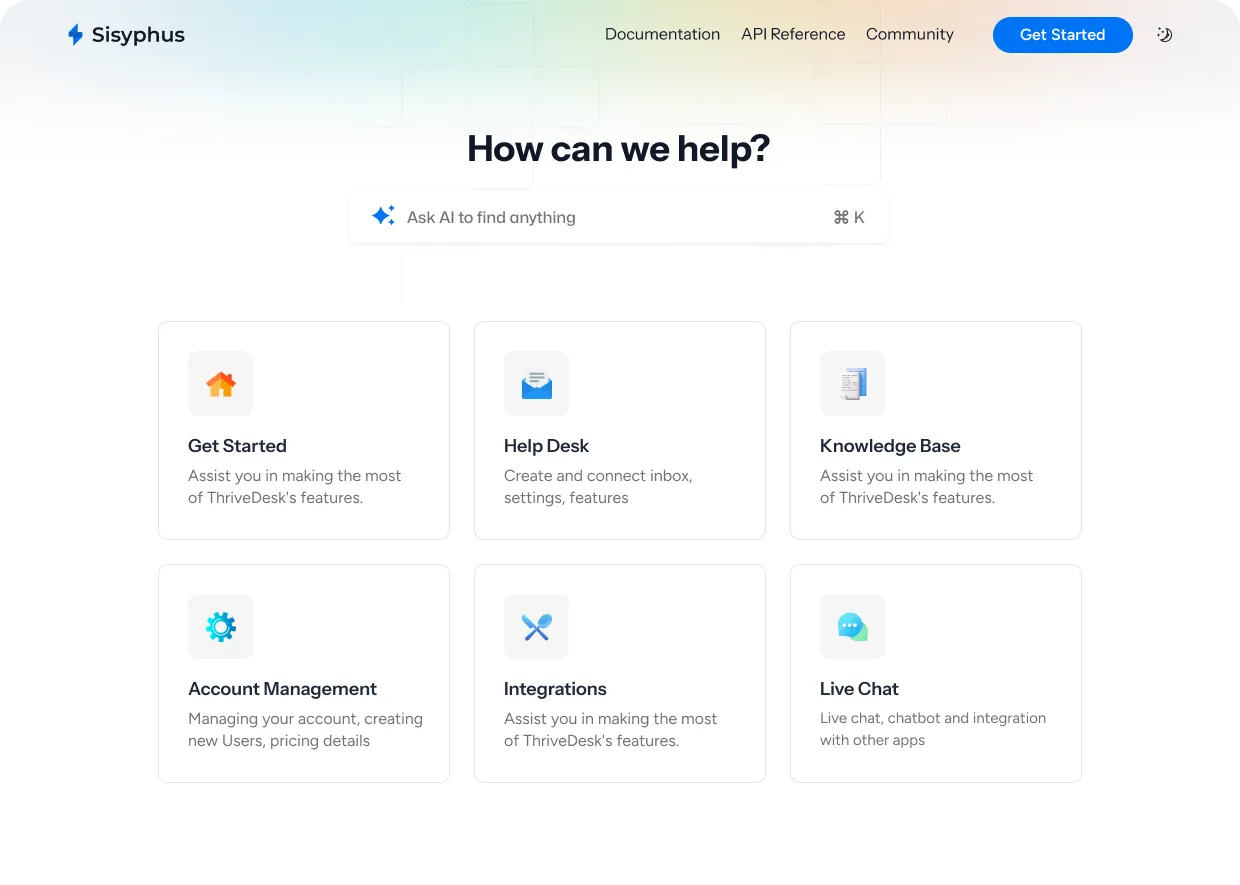
Fueling knowledge bases for companies like





Knowledge Base Use Cases
-
Product Help Docs
Create an exceptional self-service knowledge base for your SaaS products.
-
Technical Documentation
Craft how-to guides, tutorials, reference docs, system docs, and release notes effortlessly.
-
Online User Guides & FAQs
Ditch outdated, static PDF user guides. Embrace dynamic guides that stay up-to-date at all times.
-
API Documentation
Create world-class product documentations, API docs that your user will love.
-
Internal knowledge base
Build a private, login required, documentation for employees or clients.
-
Standard Operating Procedures
Build SOP’s like employee handbooks or sales/marketing playbook.
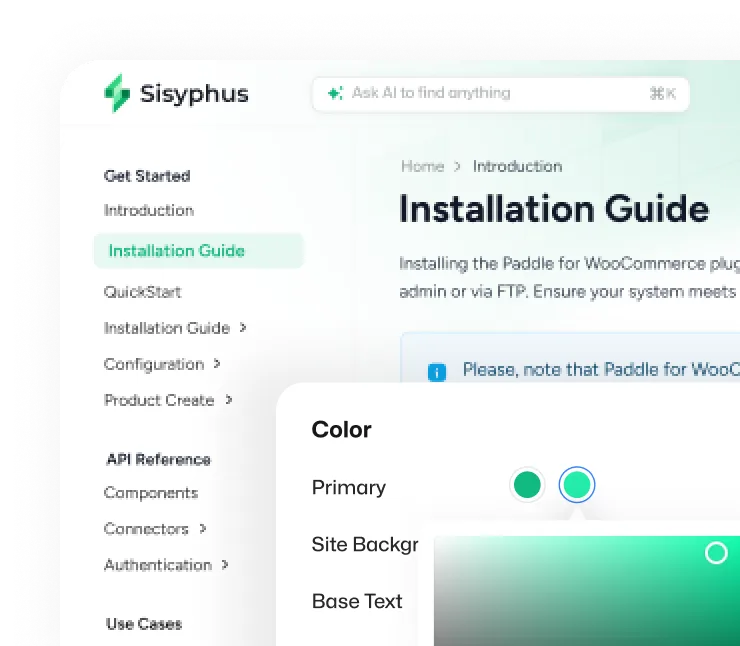
Make it look and feel like your brand
Customize every detail with your own design preference and make it look like your brand.
- Use your own domain
- Upload your company logo
- Customizable colors to match your brand
- Select your preferred Google Fonts
- Backgrounds provided by Unsplash
Actionable data to understand powerful insights
All the data you need to understand the article performance metrics, how many of them found answers, total visitors, and many more.
- Article performance metrics
- Most searched terms
- Most viewed articles
- Article suggestions
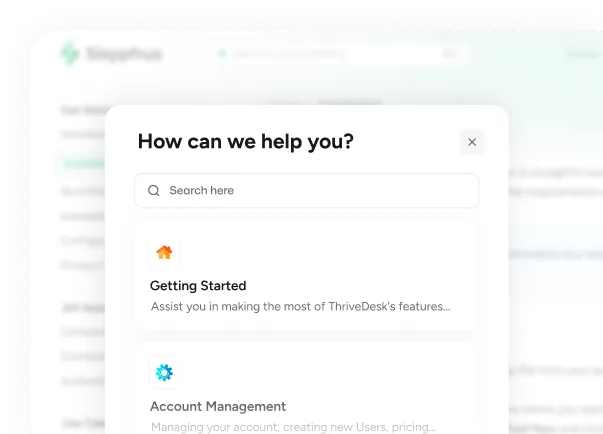
Deliver instant answers live with chat assistant
Stop answering the same questions. Deliver on-the-spot answers from the knowledge base just inside the live chat assistant.
Create articles at rocket speed
Article creation is now fun! Add text, images, hyperlinks, tables, related articles, and videos to articles effortlessly. Select categories, and customize your SEO details for better conversion.

Installation Guide
Installing the Paddle for WooCommerce plugin is straightforward and can be done through the WordPress admin or via FTP. Ensure your system meets the requirements and that WooCommerce is activated.
- Write with AI Start writing with AI
- Text Just start writing with plain text
- H1 Heading 1 Big section heading
- H2 Heading 2 Medium section heading
- H3 Heading 3 Small section heading
“ThriveDesk is really easy to use while being super effective. I can say without a doubt that ThriveDesk is the best software for small companies”
Everything you need to build an awesome Knowledge Base
-
Free SSL
Every site comes with Built-in SSL support for free
-
SEO settings
Advance SEO setting for better conversion rates
-
Custom domain
Easily use your own domain with your knowledge base
-
Open Graph
Make your content more eye-catching in social media feeds
-
White labelling
Brand your own company with logo. No powered by or designed by label
-
Password protection
Ensure access limit by password protection
-
IP restrictions
Limit access to your Knowledge base to specific IP addresses
-
Custom scripts
Add custom JavaScript snippets to your Knowledge base
-
Unlimited Knowledge Bases
Create unlimited knowledge bases for different brands and products
Built to handle massive scale
Robust platform that provides seamless experience at scale
- articles served per month
- 120K+
- articles published per month
- 1K+
- active users per month
- 2K+




