
A shopper asks whether the blue one ships internationally, waits, and buys from the store that answered first. Live chat closes that gap, but only if the tool also knows the order, because an ecommerce conversation is rarely just a question.
The best live chat software for ecommerce in 2026 is: 1) ThriveDesk, for chat, email and store data in one workspace; 2) Tidio, for the most usable free plan; 3) DelightChat, for a Shopify-only store that wants WhatsApp and Instagram in the same inbox; 4) Gorgias, for editing an order from the ticket; 5) Tawk.to, for free chat with no seat limit; 6) JivoChat, for phone, chat and social in one widget; 7) LiveAgent, for a high-ticket-volume store; 8) Chatra, for seeing the cart before you reply; 9) eDesk, for a multi-marketplace seller; and 10) Olark, for routing chat leads into Salesforce.
We ranked them on whether the chat sees the order, what the first paid plan includes, and how the bill moves as a second or third agent joins. Every price below was read on the vendor’s pricing page in September 2026; where a vendor doesn’t publish one, we say so instead of guessing.
What counts as live chat software for ecommerce
Three kinds of tool answer to the name, and a store pays very differently for each.
- A chat widget with store connectors. JivoChat, LiveAgent, Chatra and Olark. The chat is the product; order data comes from a third-party app or a Zapier step.
- A widget built around one platform. Tidio and DelightChat grew up on Shopify and WooCommerce, so product cards and order lookups sit inside the chat by default.
- A help desk with chat and orders built in. ThriveDesk, Gorgias and eDesk. Chat is one channel into an inbox that already holds email and, in ThriveDesk’s and Gorgias’s case, the order itself.
A store selling on one platform with a lean team usually does best with the third kind, because the same two or three people answer everything and shouldn’t have to open the admin panel to check a shipment.
How we evaluated
Four questions, asked of every tool in the same order.
- Does the chat see the order? A live chat that shows the WooCommerce or Shopify order beside the message answers the most common question (“where’s my package?”) before the agent types anything.
- What does the first paid plan include? Chat alone, or chat with an inbox and automation. Most small stores buy this plan and stay a year.
- What happens to the bill at three agents? Per-seat tools triple. Flat plans don’t move, and that’s often the number that decides the renewal.
- Is there a free plan, and where does it stop? A conversation cap, a seat cap or a branding wall. We say which.
Quick comparison
| Tool | Best for | Starting price | Free plan | Order data in the chat |
|---|---|---|---|---|
| ThriveDesk | Chat, email and store data in one workspace; Neo AI agent in every plan, no per-resolution fee | $29 a month, flat | 7-day trial | WooCommerce, Shopify, SureCart, Easy Digital Downloads, Stripe, Paddle |
| Tidio | The most usable free plan | $24.17 a month | 50 conversations a month | Shopify and WooCommerce product cards, order lookup |
| DelightChat | Shopify with WhatsApp and Instagram | Flat monthly plans, not published | Not published | Shopify orders in the unified inbox |
| Gorgias | Editing an order from the ticket | $10 a month for 50 tickets | 7-day trial | Shopify, BigCommerce, WooCommerce order edits and refunds |
| Tawk.to | Free chat with no seat limit | Free | Unlimited agents, chats and sites | Third-party connectors only |
| JivoChat | Phone, chat and social in one widget | Priced per agent, not published | Not published | Third-party connectors only |
| LiveAgent | High-ticket-volume stores | Priced per agent, tiered | Not published | Third-party connectors only |
| Chatra | Seeing the cart before you reply | Priced per agent, not published | Not published | Shopify and WooCommerce cart visibility |
| eDesk | Multi-marketplace sellers | Priced per agent, quote-based tiers | Not published | Amazon, eBay, Etsy and store inboxes in one view |
| Olark | Routing chat leads into Salesforce | Priced per agent, not published | Not published | Third-party connectors only |
1. ThriveDesk: best for chat, email and store data in one workspace
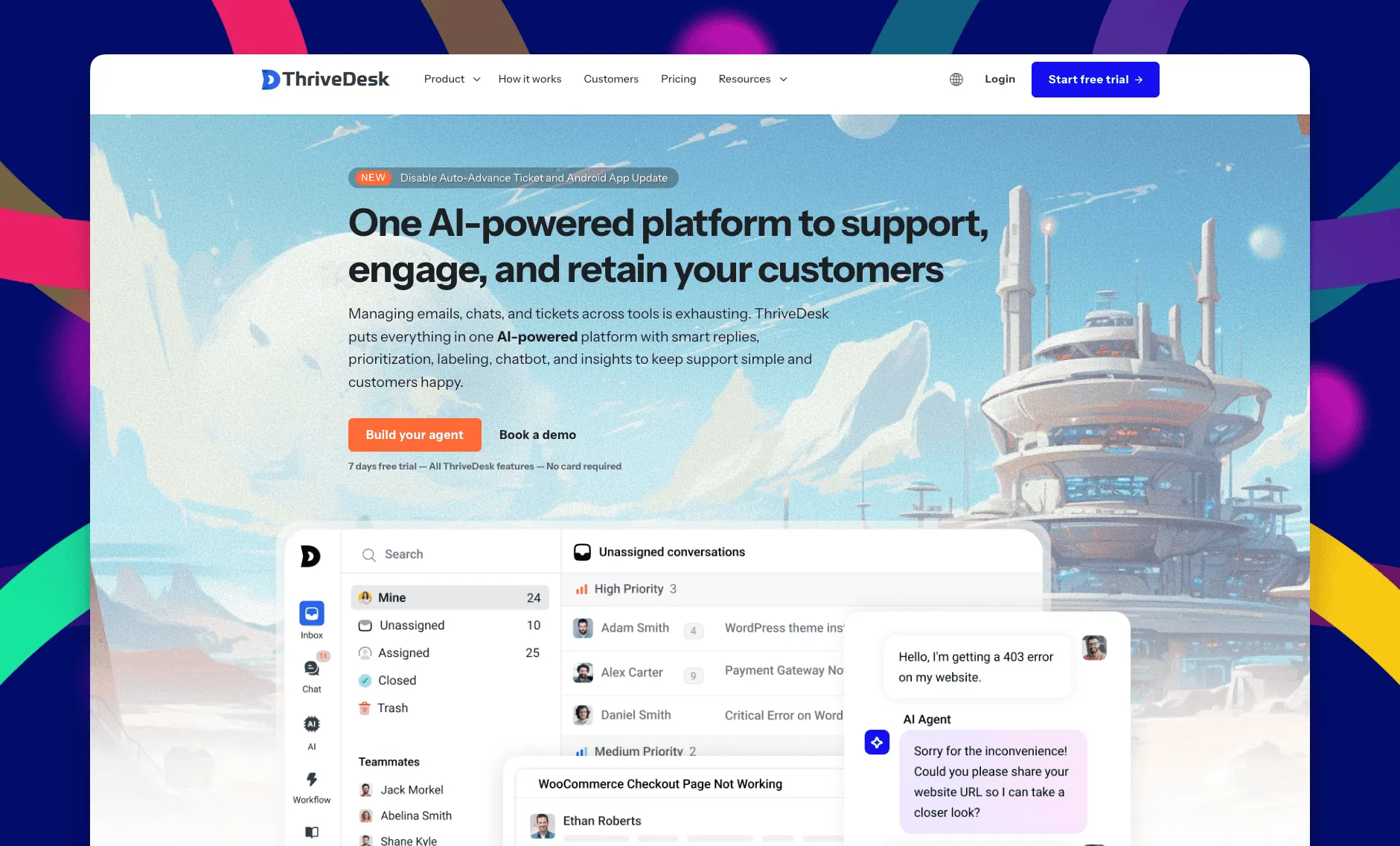
ThriveDesk is AI customer service software for ecommerce: an agentic omnichannel helpdesk, intelligent chatbot, modern help center and powerful reporting, plus Neo, the AI agent that answers customers around the clock. It’s built for online stores and the small teams that run them, with live chat, a shared inbox for email and a help center in one workspace. A store pays for the plan rather than for each person answering it, so a two-person shop and a ten-person team get the same product.
Shared inbox
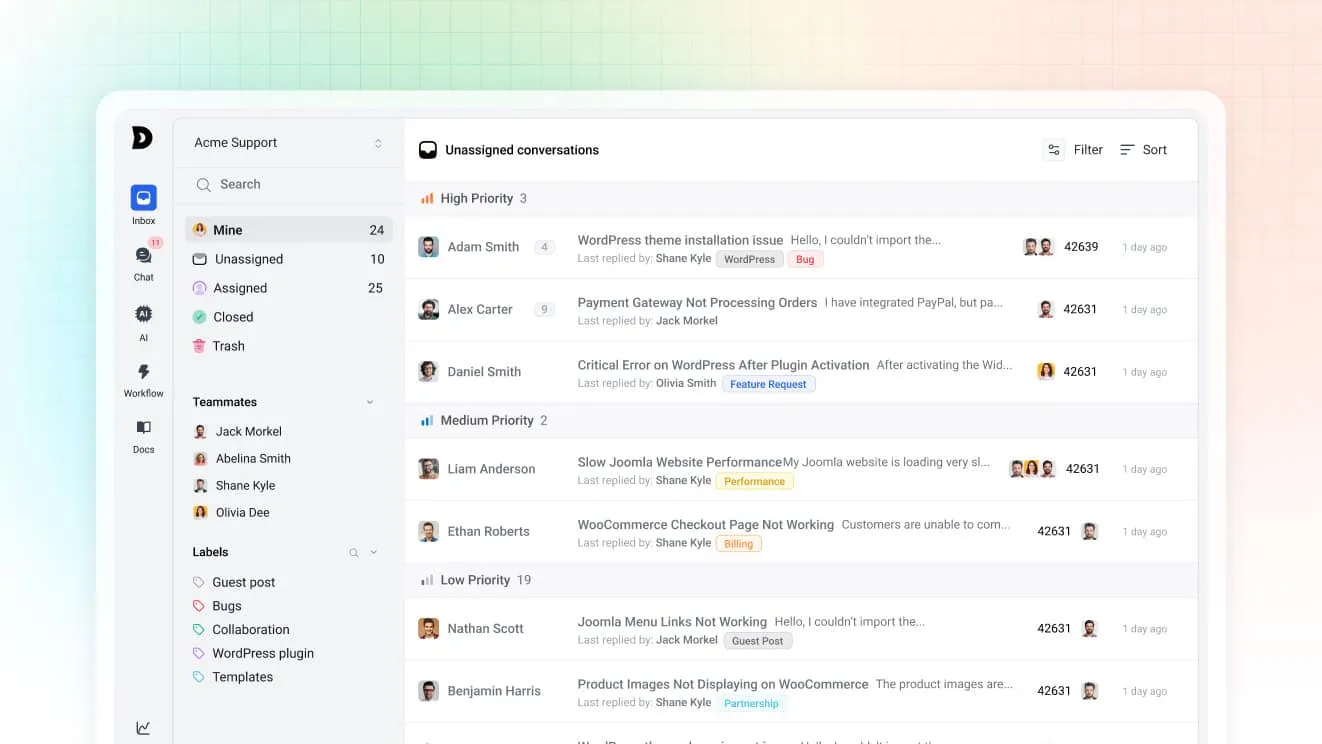
Chats and emails land in the same shared inbox, so a conversation that starts in the widget and continues by email stays one thread. Assignment rules route by tag or priority. Saved replies keep return, shipping and sizing answers consistent, and private notes let one agent flag an order for another without a reply going out to the customer.
Neo, the AI agent
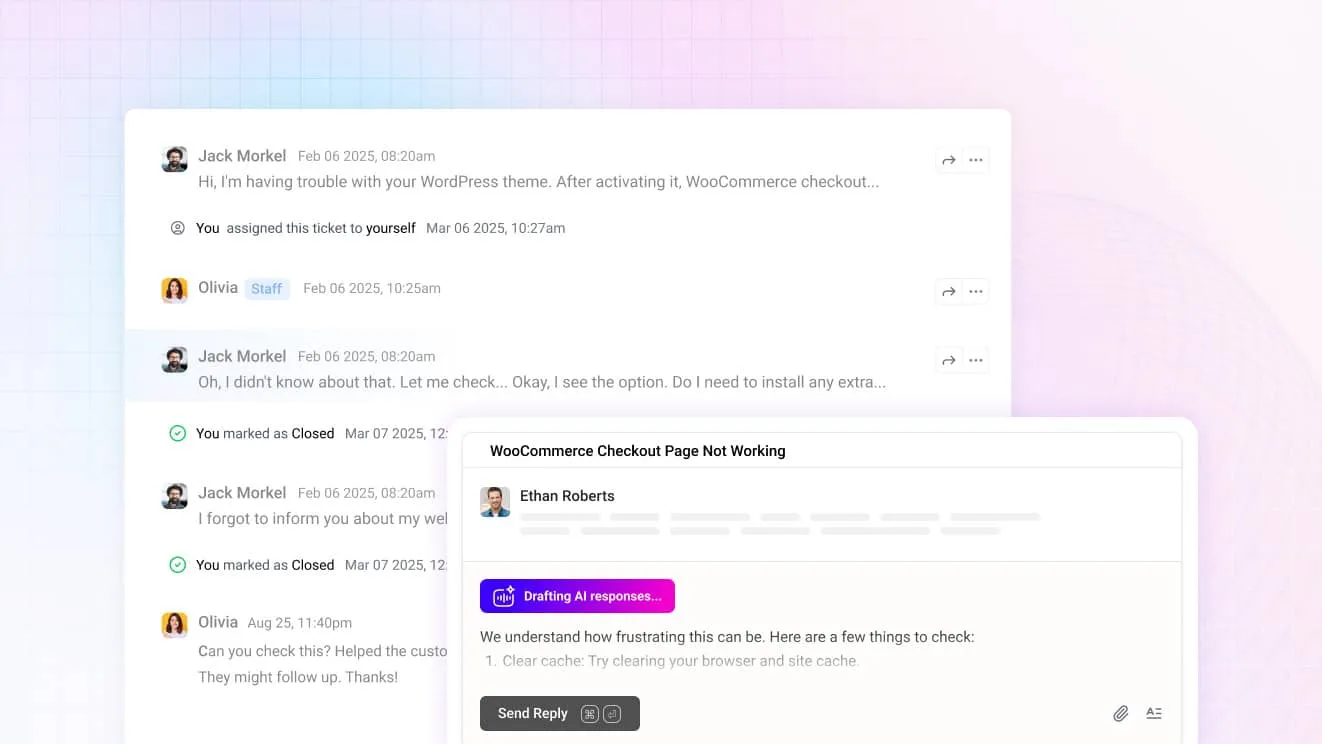
Neo answers from your help center content, so in the chat widget it handles the after-hours “where’s my order” question on its own. The moment a shopper asks for a person, it hands over instead of guessing. It’s included in every plan with no per-resolution fee. For agents, Copilot drafts replies from the same content and summarizes a long thread before you open it.
The chat widget
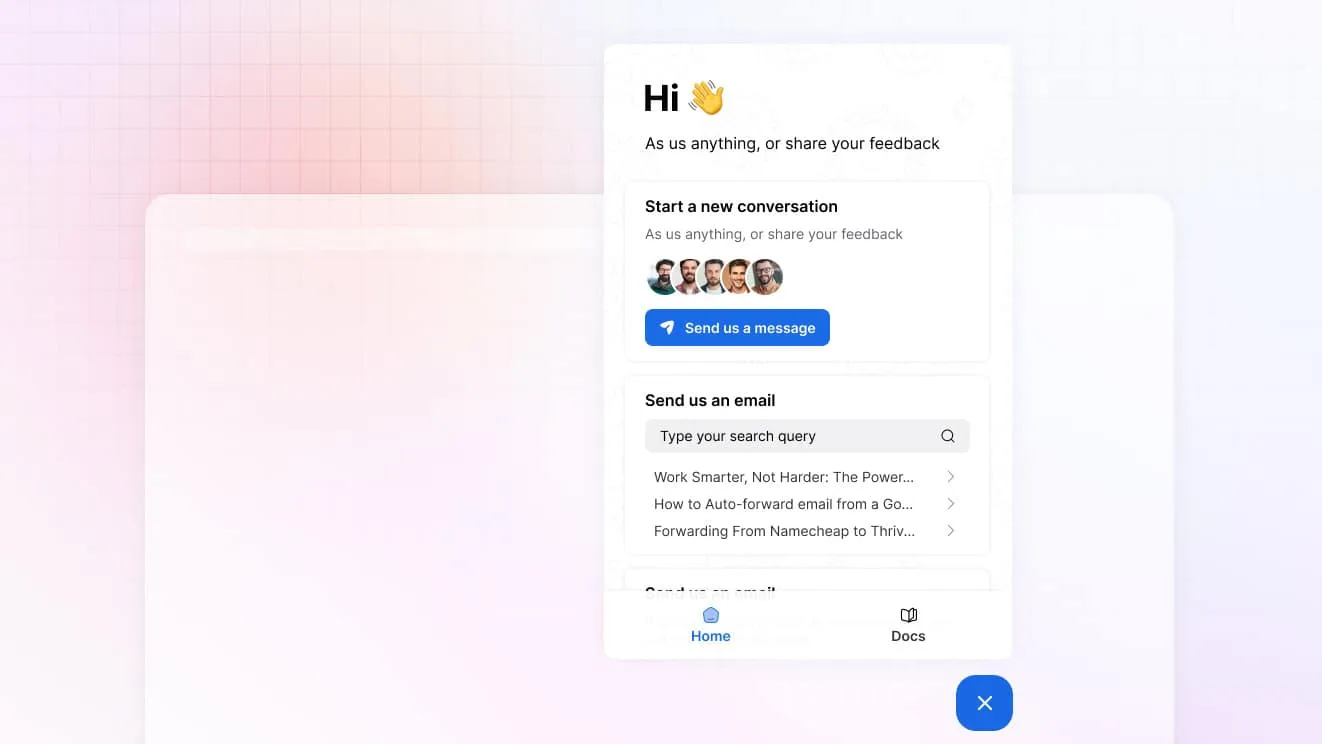
One widget carries live chat, a contact form, an order lookup and search over your help center. A shopper can check a shipment without starting a chat at all, and the ones who do start one arrive with the page they were on already attached. On the Unlimited plan, visitor tracking shows who’s browsing right now.
Store and billing data in the conversation
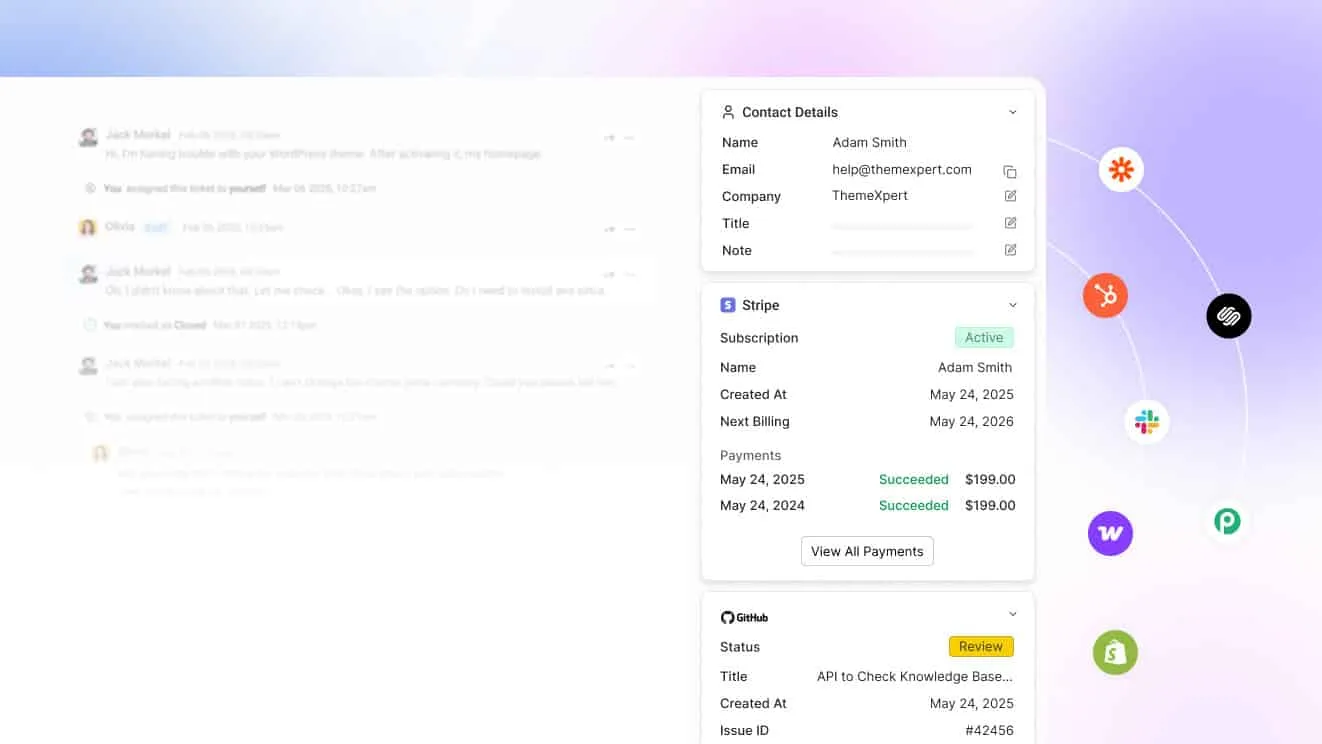
Connect WooCommerce, Shopify, SureCart, Easy Digital Downloads, Freemius, Stripe or Paddle and the customer’s orders, subscriptions and payments sit beside the message. An agent can check a refund or resend a receipt from the conversation itself, instead of switching to the store admin to look it up.
Help center
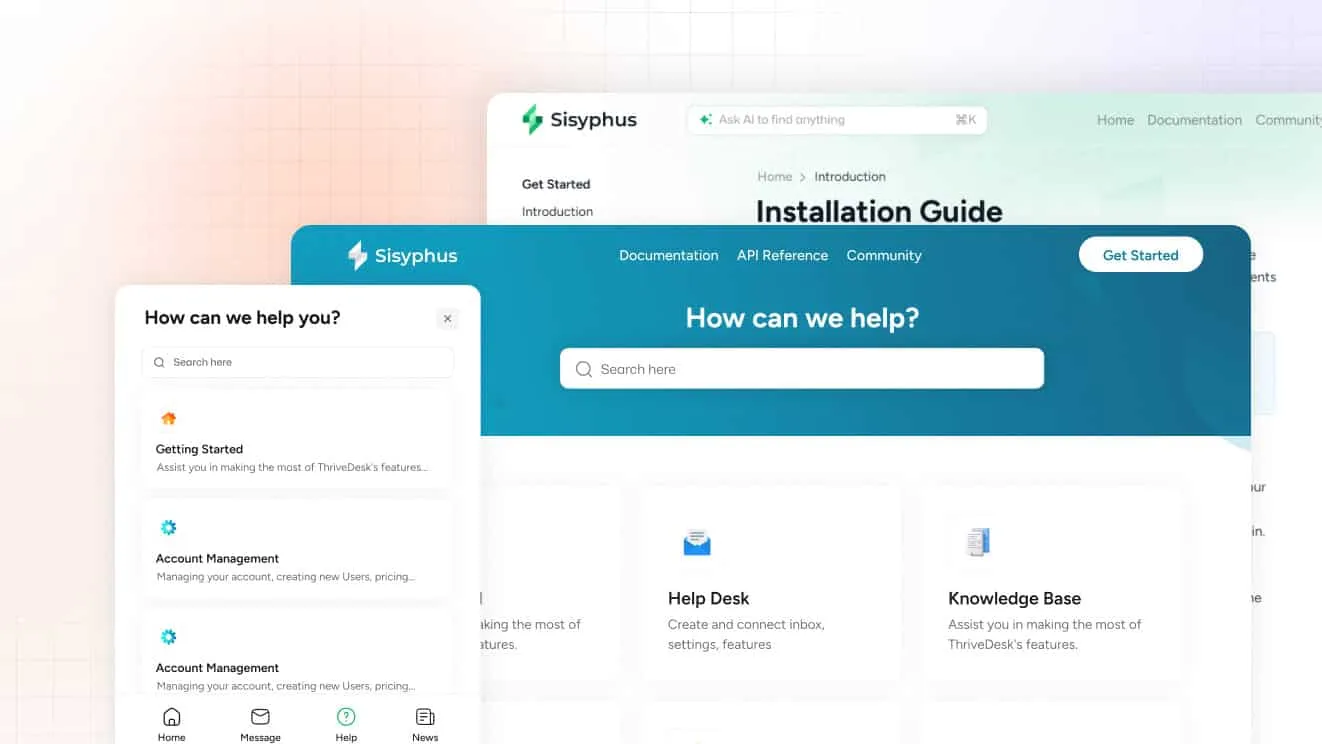
The help center has a block editor for sizing charts, return policies and shipping windows, so shoppers can self-serve before they ever open the widget. Standard includes a public help center. Unlimited adds private and multiple help centers, useful for a brand that runs a wholesale line alongside retail.
What it costs
Basic is $29 a month for two teammates and one inbox, with live chat included. Standard is $69 for five teammates, two inboxes, the public help center and workflow automation. Unlimited is $129 for unlimited teammates and five inboxes, with private help centers and visitor tracking. Annual billing drops those to $19, $49 and $99. Every plan carries a 7-day trial, no card, and support at no extra charge.
Best for: a store on WooCommerce, SureCart or Easy Digital Downloads that wants the chat, the email thread and the order on one screen.
Limitations: there’s a trial but no free plan, and a Shopify store gets order lookups rather than the in-ticket order editing Gorgias offers. The comparison pages line ThriveDesk up against each tool on this list.
2. Tidio: best free plan for a store just starting out
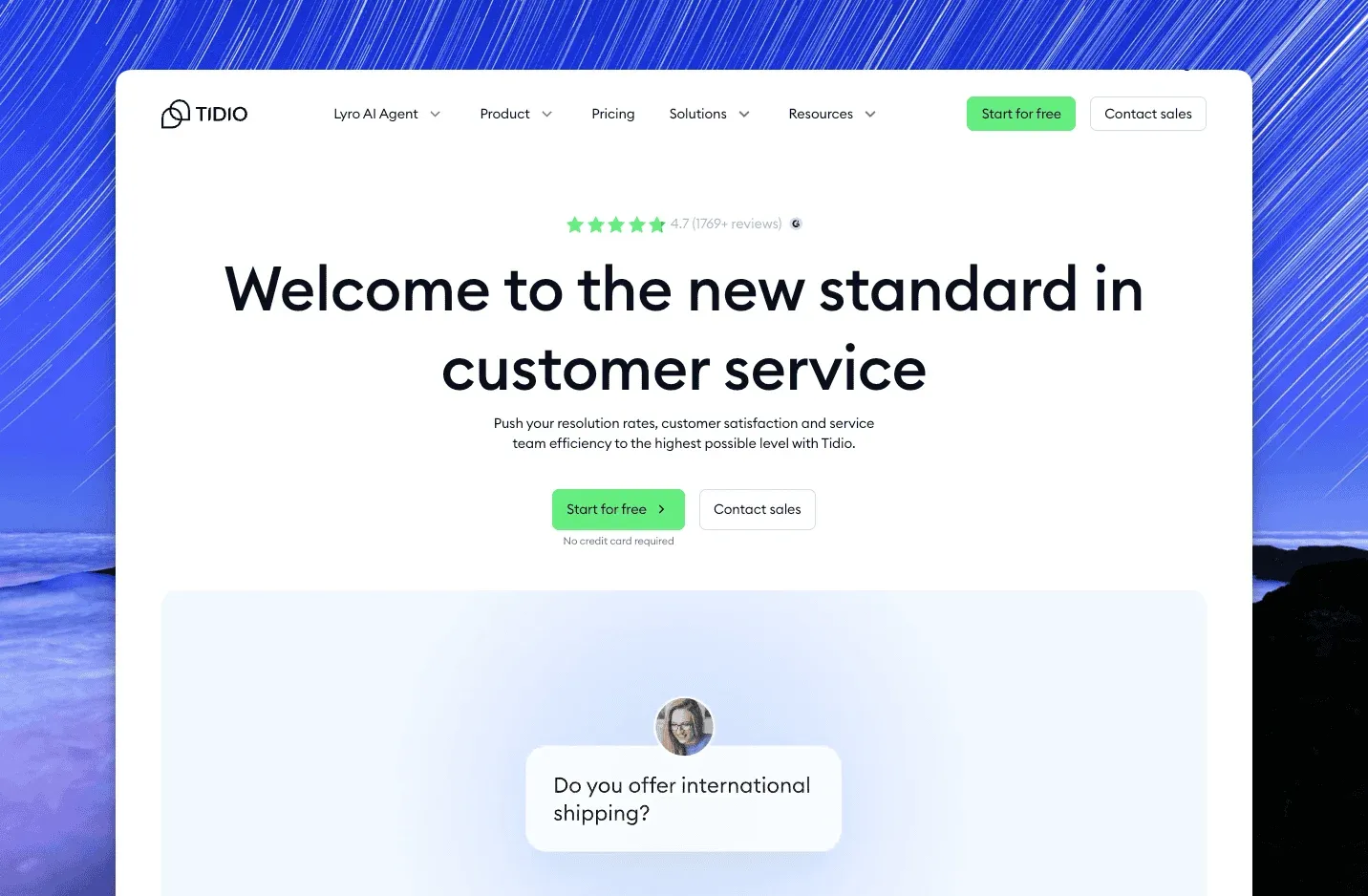
Tidio grew up on Shopify and WooCommerce stores, and the free plan is still the usual way in. The widget carries chat and email tickets. Flows builds no-code bots for abandoned carts and product questions, and Lyro is the AI agent that answers from your content. Reviewers on G2 rate it 4.6 out of 5 from about 1,950 reviews.
Free covers 50 billable conversations a month and 100 visitors reached by Flows. Starter is $24.17 a month, Growth starts at $49.17 and Plus starts at $300 plus usage. Annual billing gives two months free, so Starter works out at $290.04 a year. Lyro is a separate add-on from $32.50 a month for 50 AI conversations. The Shopify and WooCommerce apps put product cards and order lookups inside the chat, which is the feature that keeps small stores on it past the free tier.
Best for: a store that needs a chat bubble, a few bots and nothing else on day one.
Limitations: the plans meter conversations, so a busy month moves you up a tier, and the AI agent is priced separately from the chat itself.
3. DelightChat: best for a Shopify-only store
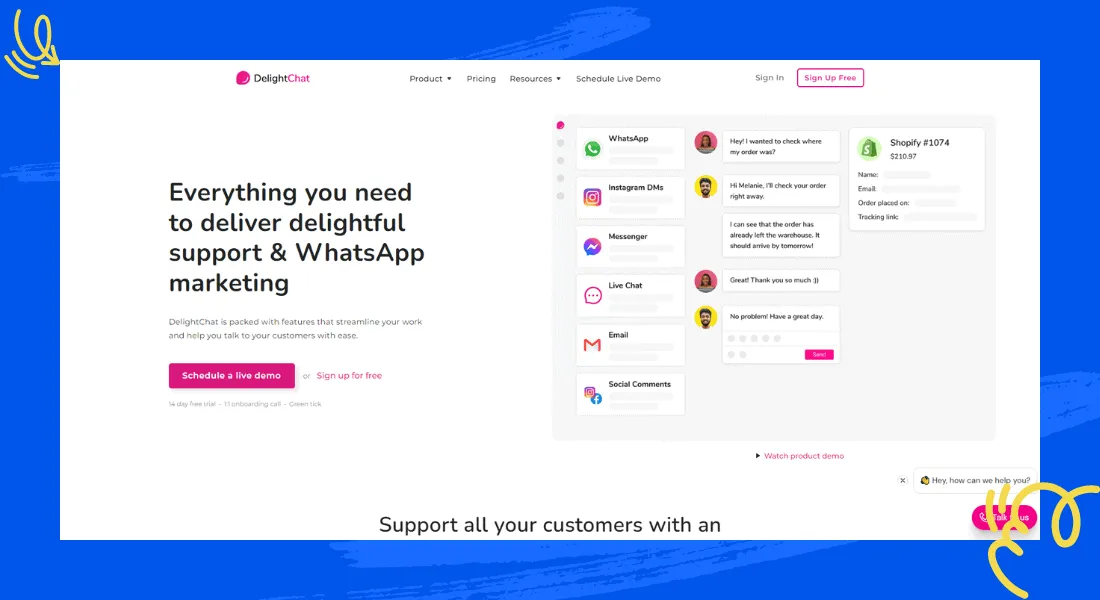
Built specifically for Shopify, DelightChat pulls WhatsApp, Instagram, email and live chat into one queue alongside the order, and it leans on automated post-purchase messages for delivery updates and reviews rather than a general-purpose bot builder. A merchant answering DMs on three apps at once is the problem it’s built to solve.
DelightChat prices in flat monthly plans rather than per agent, though the vendor doesn’t publish current rates. The trade-off for the Shopify focus is that it doesn’t yet support other store platforms, so a WooCommerce or Squarespace store has to look elsewhere.
Best for: a Shopify store that talks to customers on WhatsApp and Instagram as much as on the website.
Limitations: Shopify-only, and the flat plans can cost more than a chat-only tool once a store just wants the widget and nothing else.
4. Gorgias: best for editing an order from the ticket
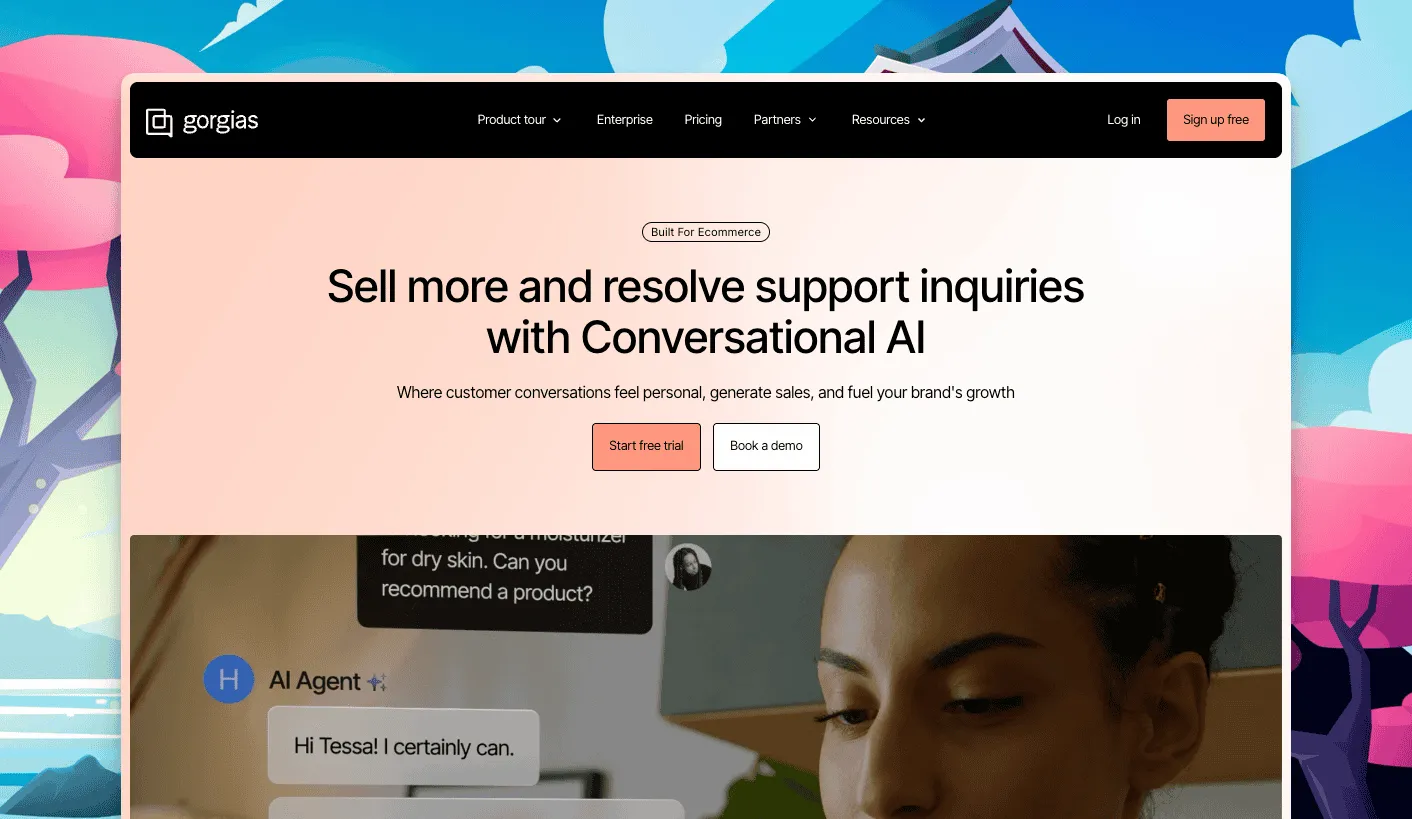
Gorgias puts the order at the center of the ticket instead of the inbox. It embeds natively with Shopify, BigCommerce and WooCommerce, so an agent can edit an order, issue a refund or check a subscription without leaving the conversation. Its automation rules tag and route tickets by intent, and chat campaigns pop up at the pages a store wants to promote. G2 reviewers give it a 4.6.
Starter is $10 a month for 3 seats and 50 tickets, monthly billing only. Basic is $60 a month or $50 annually for 300 tickets, Pro is $360 or $300 for 2,000 tickets, and Advanced is $900 or $750 for 5,000 tickets, with overage from $0.36 to $0.40 a ticket past the cap. The AI Agent adds $1 per interaction monthly ($0.90 annually), and each of those interactions also counts as a billable ticket. There’s a 7-day trial and 500 seats available from the Basic plan up.
Best for: a Shopify or WooCommerce store that wants order actions built into the ticket, not bolted on.
Limitations: pricing is metered by ticket volume rather than seats, so a busy season can push a store into the next tier. The AI Agent’s per-interaction fee stacks on top of the plan too.
5. Tawk.to: best free live chat with no seat limit
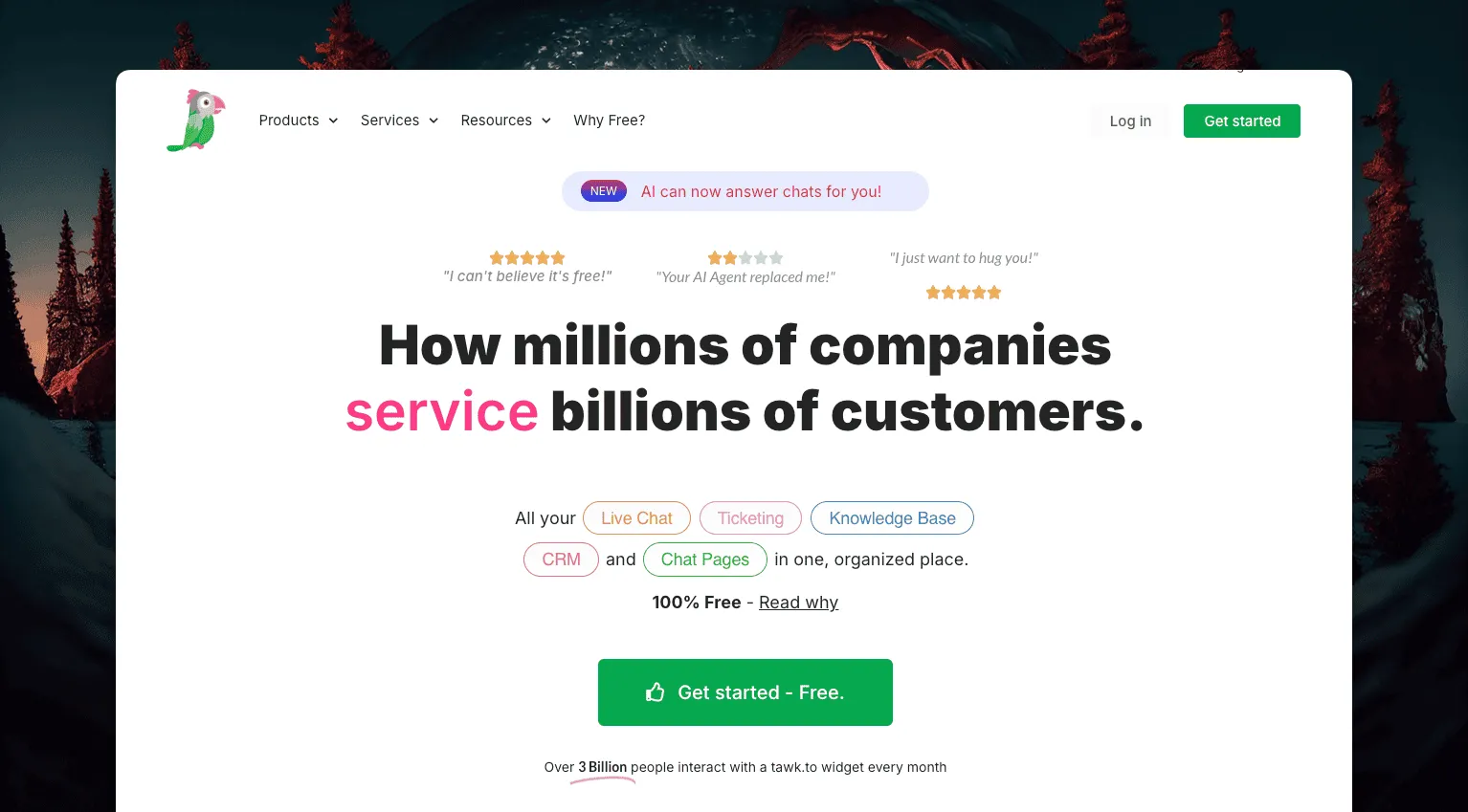
Tawk.to is free for unlimited agents, chats and sites, which is unusual even among free tiers. It bundles live chat, a lightweight ticketing view and a knowledge base, plus visitor tracking and translation for talking to shoppers abroad. Reviewers hold it at 4.5 on G2 from about 200 reviews.
Removing Tawk.to’s branding costs $29 a month, its AI Assist add-on starts at $29 a month, and hired human chat agents run $1 an hour if a store wants staffing without hiring anyone. Store data has to come through a third-party connector rather than a native app, so an agent still opens a second tab to check an order.
Best for: a store with no software budget that still wants a real chat widget on the site.
Limitations: no native order lookup, and the free plan only stays free-looking once you skip the branding removal fee.
6. JivoChat: best for phone, chat and social in one widget
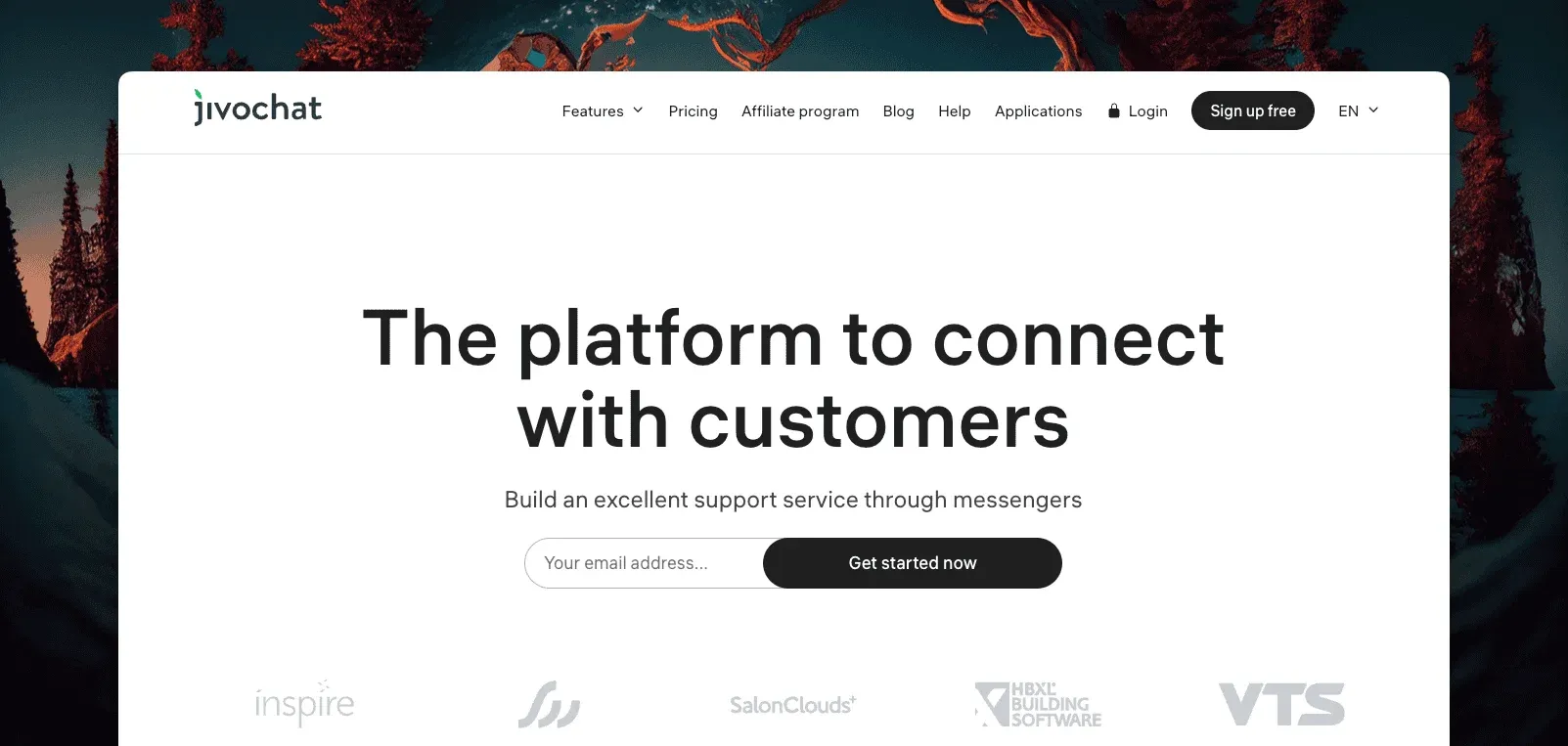
JivoChat bundles live chat with phone calls, email and social messaging (Facebook, Telegram, WhatsApp) into one business messenger. It’s aimed at a store that fields the same question across several channels and would rather not juggle separate apps for each one.
JivoChat prices per agent. The vendor doesn’t publish current rates, so check its own site before assuming a number carried over from an older plan.
Best for: a store where the same small team answers the phone and the chat widget.
Limitations: many of the deeper features, like call forwarding and multi-department routing, sit behind paid tiers, and there’s no native help center.
7. LiveAgent: best for high-ticket-volume stores
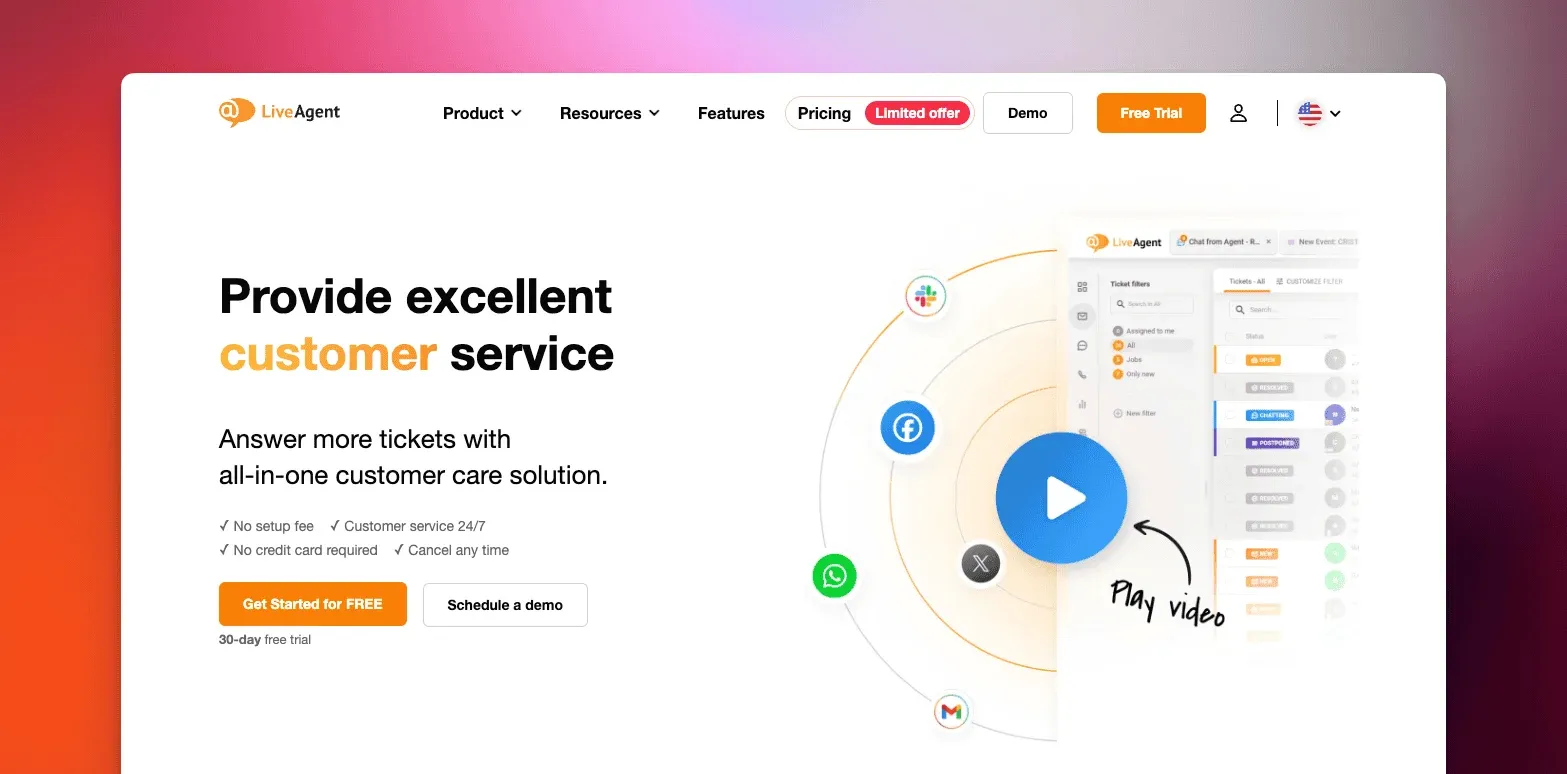
LiveAgent combines chat, email, social and a built-in CRM into one dashboard, with tiers built to scale by agent count and ticket volume. A two-person shop probably doesn’t need it. A store that already runs a ticketing operation and wants chat folded into it does.
LiveAgent prices per agent across several tiers. Current rates aren’t public.
Best for: a store with several agents and a high volume of tickets that wants everything, chat included, in one dashboard.
Limitations: per-agent pricing gets expensive as a team grows, and the interface asks more of a new agent than a lighter chat-only tool would.
8. Chatra: best for seeing the cart before you reply
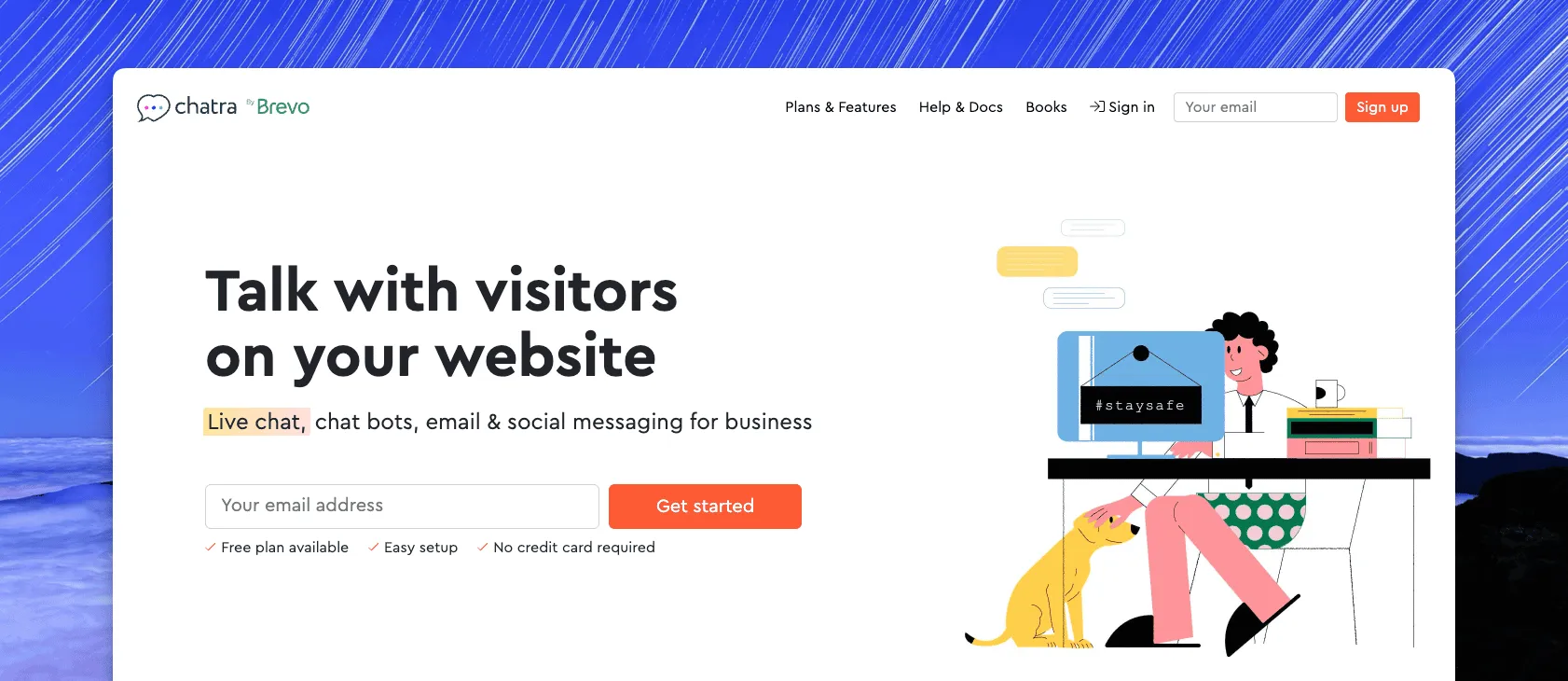
Chatra shows what’s in a shopper’s cart and lets an agent preview a message before it’s sent. It’s built specifically for catching a hesitant buyer before they leave, and native integrations cover Shopify and WooCommerce for that cart view.
Chatra prices per agent. It doesn’t publish current rates either.
Best for: a store that wants proactive outreach to a shopper who’s browsing but hasn’t checked out.
Limitations: reporting and app integrations sit behind paid tiers, and it doesn’t offer a full help desk alongside the chat.
9. eDesk: best for multi-marketplace sellers
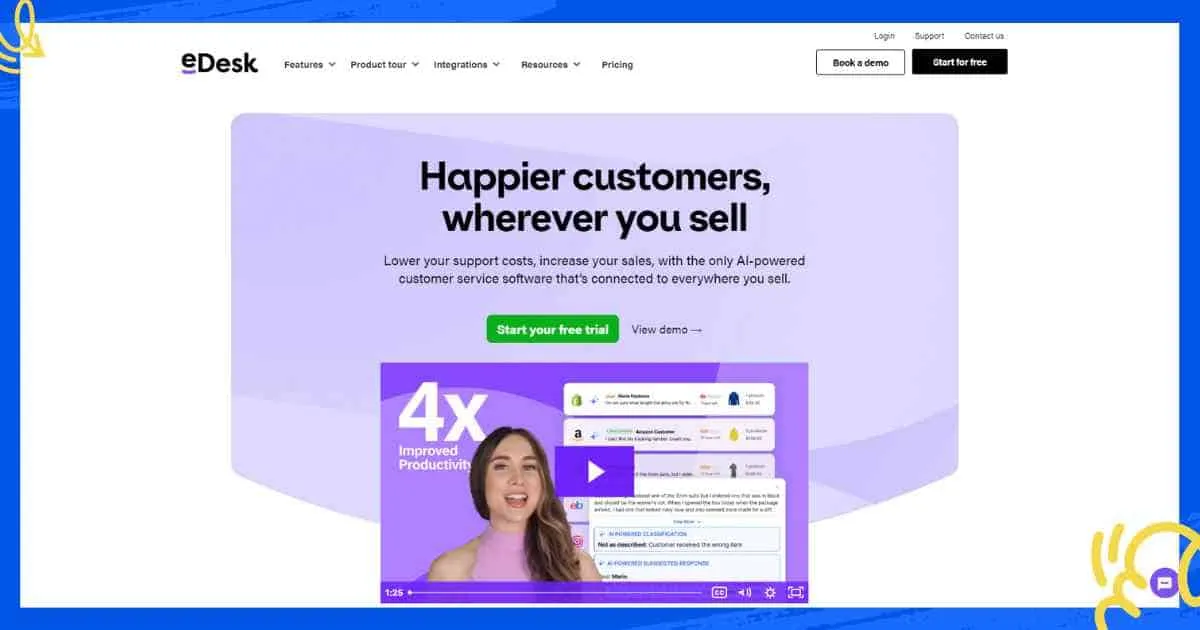
eDesk centralizes email, live chat and social messages, but what sets it apart is marketplace reach. Amazon, eBay, Etsy and other marketplaces sit alongside a store’s own site in one inbox, with order data attached to each thread so an agent isn’t hunting for it across five seller dashboards.
eDesk prices per agent on quote-based enterprise tiers. The vendor doesn’t publish a starting rate publicly.
Best for: a seller who splits volume across Amazon, Etsy or eBay as well as their own storefront.
Limitations: the pricing model suits a multi-channel operation more than a single-storefront shop, and setup takes longer than a single-platform widget.
10. Olark: best for routing chat leads into Salesforce

Olark is a straightforward chat widget with strong automation rules and over 40 integrations, including Salesforce, Zapier and Google Analytics. The fit is a store that wants chat data flowing into a CRM it already runs, rather than living in a separate tool.
Olark prices per agent too. There’s no published rate.
Best for: a store that already lives in Salesforce and wants chat leads to land there automatically.
Limitations: most of the useful automation sits behind paid plans, and there’s no native order or help desk layer.
How to choose live chat software for your store
The right pick depends on the platform you sell on and how much of the order an agent needs to see.
- WooCommerce, Shopify, SureCart or Easy Digital Downloads, two to ten people: ThriveDesk, so the chat, the email thread and the order share one screen.
- Shopify with WhatsApp and Instagram in the mix: DelightChat.
- Shopify or BigCommerce and order edits every day: Gorgias.
- No budget yet: Tawk.to for the widget, Tidio once you want bots too.
- Selling on Amazon, Etsy or eBay as well as your own site: eDesk.
- A CRM-heavy team already on Salesforce: Olark.
Whatever you pick, price it at the agent count you’ll have during your next peak season, not the one you have today. Per-agent tools are cheap for one person and expensive for five, and store connectors that look included often turn out to be a paid add-on. The help desk cost calculator runs that math for the tools above.
Why stores choose ThriveDesk for ecommerce live chat
Online stores pick ThriveDesk for the same reasons they eventually leave a chat-only widget behind: the order, the email and the chat stop living in three different tabs.
The order is in the conversation. WooCommerce, Shopify, SureCart, Easy Digital Downloads, Stripe and Paddle data shows next to the message, so an agent can check a refund or resend a receipt without leaving it. That’s the question a store gets most, answered without a second tool open.
The price stops moving as the team grows. Five agents on a per-seat chat tool can run well past $100 a month before automation or a knowledge base is even included. ThriveDesk Standard covers five teammates for $69, and Unlimited covers as many as you add for $129. The pricing page has no per-seat line.
Chat and email share one queue. The shared inbox treats a chat and the email that follows it as one conversation, with automation rules that tag and assign so a small team isn’t triaging by hand.
Neo covers the hours nobody’s watching the widget. Neo answers from the help center overnight, collects the lead, and leaves a summary for the morning, with no per-resolution fee for any of it.
Start the 7-day trial; no card needed.






