Introducing iOS App v2.0
A redesigned iOS app that's faster to navigate and quicker to work in.
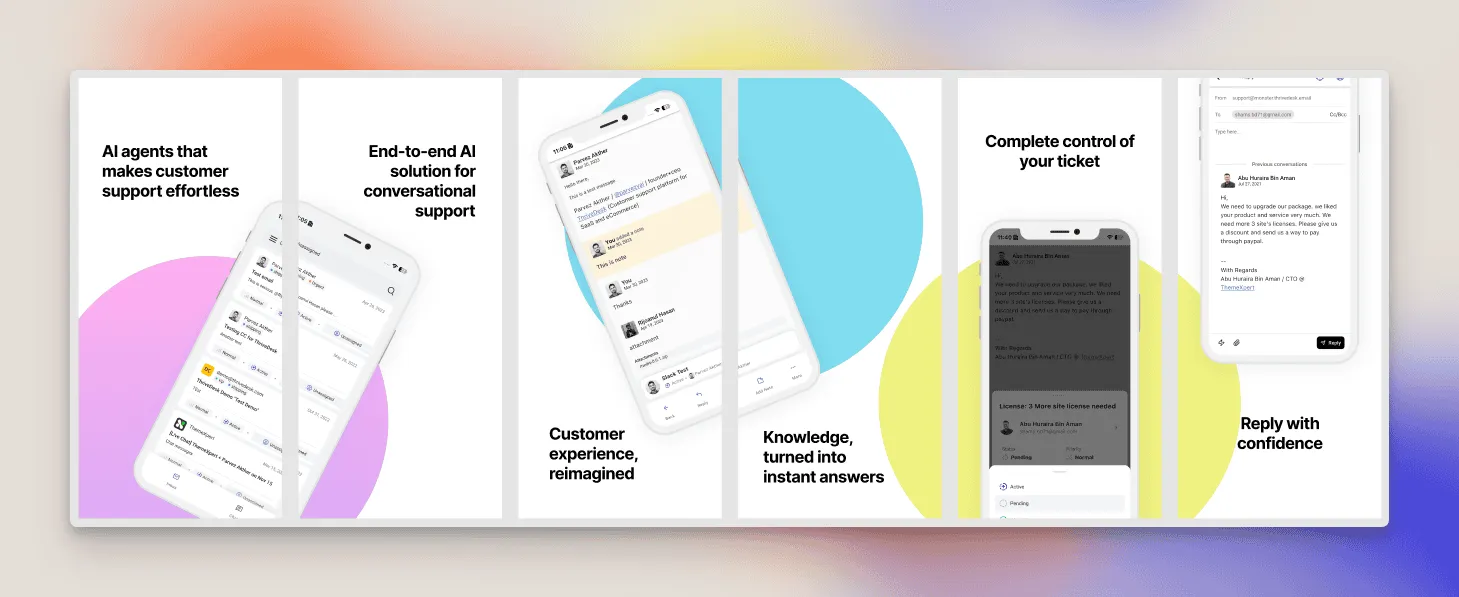
We rebuilt the ThriveDesk iOS app with a new interface, better navigation, and tools that help agents get more done on their phone.
This is our biggest iOS update yet.
Redesigned Conversations List
The conversations list has been fully redesigned with improved spacing, sharper typography, and cleaner message previews.
You can now scan conversation states, participant details, and unread messages much faster.
New Conversation Detail Screen
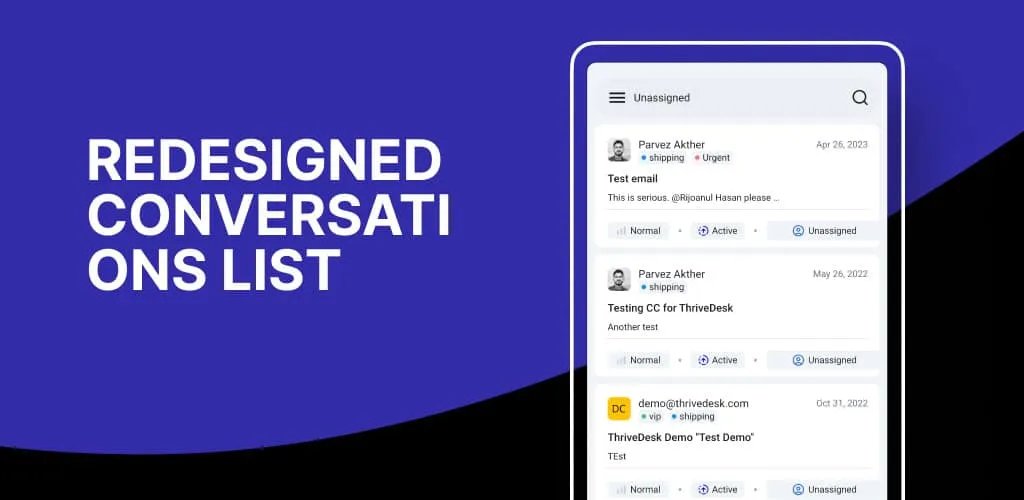
We redesigned the conversation detail screen to give agents a clearer workflow.
Information is now grouped logically, action buttons are easier to reach, and message histories are displayed more clearly.
Whether you’re replying, assigning, or reviewing context, everything is quicker to get to.
Floating Quick Action Bar
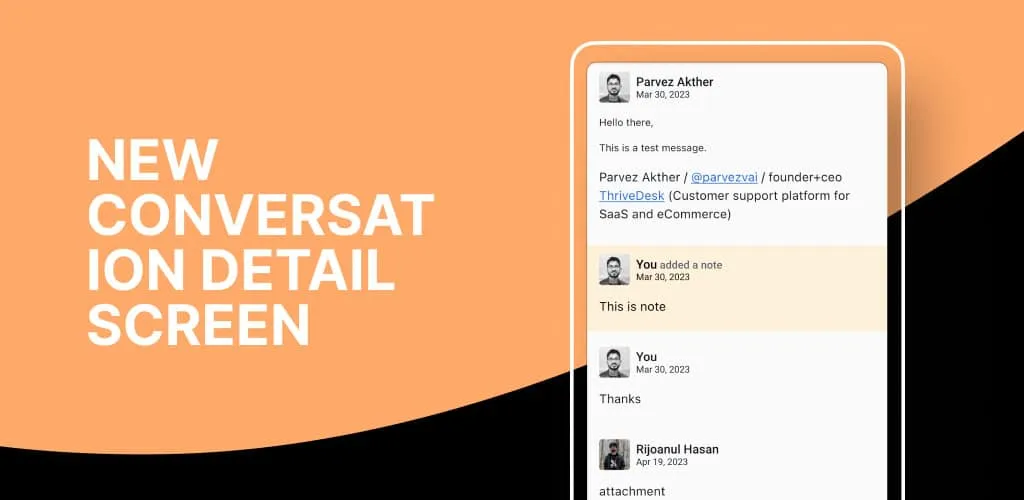
The new floating action bar follows you as you navigate inside a conversation.
Assigning teammates, updating statuses, adding tags, or replying can now be done in one tap.
This eliminates unnecessary scrolling and menu diving, helping you move through conversations much more efficiently.
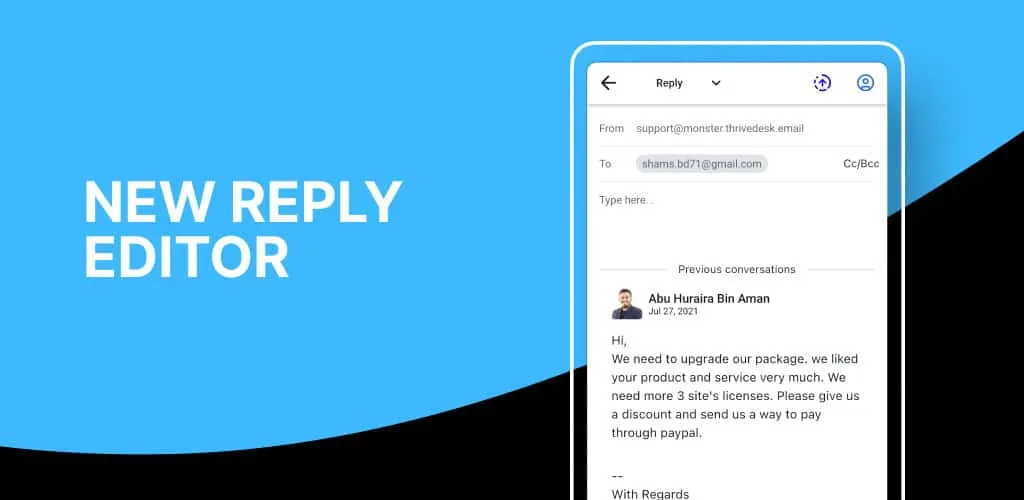
New Reply Editor
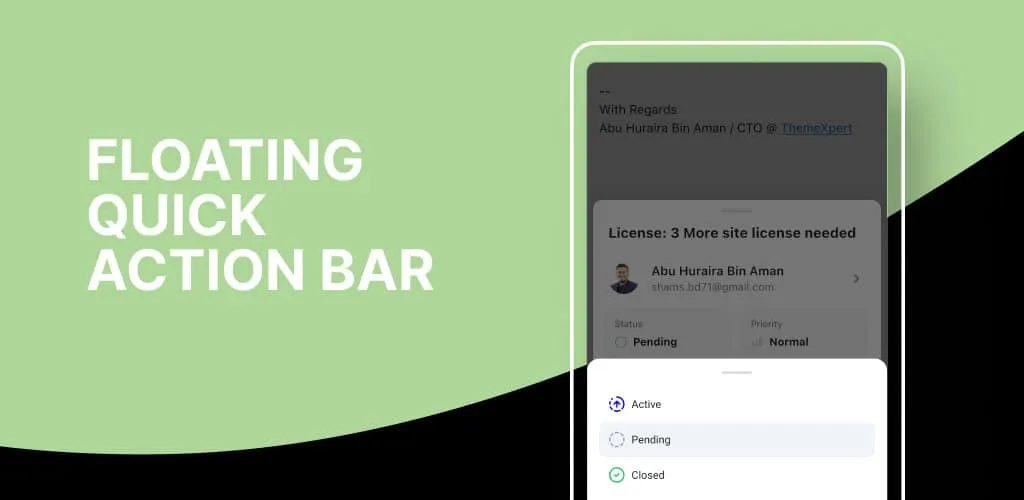
Replying is now faster and more informed with the redesigned editor. You can type while simultaneously viewing the full conversation history, preventing context loss and mistakes.
Formatting is sharper, input handling is smoother, and saved replies are right there for quick responses.
Easier Navigation
The entire navigation system has been improved to feel more predictable and effortless. Switching between inboxes, opening conversations, moving back and forth, and accessing settings now feels much more natural.
Whats next?
We’re improving the live chat flow to make it feel more natural on mobile. In the next release, expect a better live chat experience along with full custom fields integration.




