Undo Send — Take Back a Reply Before It’s Too Late
A few seconds to pull back a reply after you hit Send.
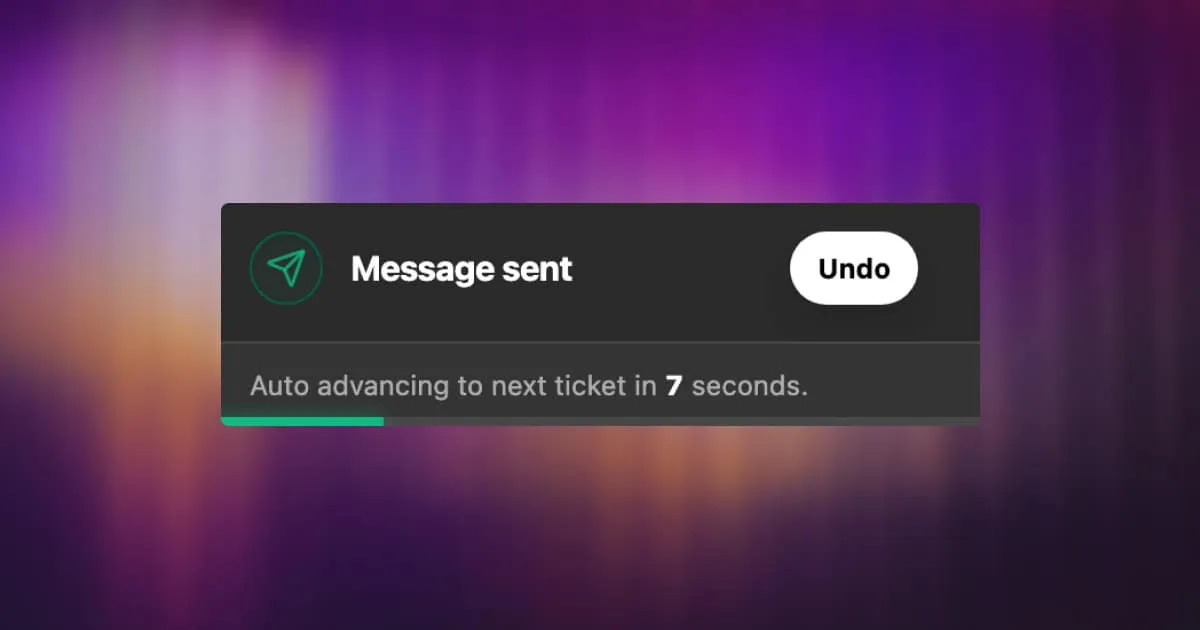
We’ve all been there — you hit Send and immediately spot a typo, realize you forgot an attachment, or just change your mind. Starting today, you have a short window to pull it back.
Undo Send delays your outgoing emails by a few seconds, giving you just enough time to cancel before the message leaves your inbox.
How It Works
Once enabled, every reply you send will be held briefly before going out. A countdown appears — and if you need to cancel, one click pulls it back instantly. No awkward follow-up emails, no “please ignore my last message.”
Configurable Cancellation Window
You choose how long the delay lasts. Head to Settings → Personal → Preferences → Undo Sending and pick what works for you:
A longer window gives you more time to catch a mistake. A shorter one gets your reply out faster. Pick whichever fits how you work.
- 5 seconds
- 10 seconds
- 15 seconds
- 20 seconds
- 30 seconds




