Zoho Desk is free for up to 3 agents. Paid tiers start at $7 a user a month for Express, billed annually. That number looks small next to Zendesk or Freshdesk, and it’s exactly the appeal. The catch shows up later. Zoho Desk assumes you’re already running Zoho CRM, Zoho Books and the rest of the Zoho suite, and connecting anything outside that ecosystem tends to mean a workaround. For an online store, that workaround often means order and shipping data staying in WooCommerce or Shopify, not the ticket.
The best Zoho Desk alternatives in 2026 are: 1) ThriveDesk, for flat pricing with no ecosystem lock-in; 2) Freshdesk, for a ticket-first team; 3) Zendesk, for enterprise-grade workflows; 4) Help Scout, for small-team simplicity; 5) GrooveHQ, for a lean shared inbox; 6) HelpDesk, for basic ticketing without extra complexity.
We compared what each one covers once you leave the free tier or need real automation, how the bill changes as you add agents, how much the product assumes you’re already using the vendor’s other tools, and how directly each connects to a WooCommerce or Shopify store. Every price below was checked on the vendor’s pricing page in August and September 2026.
What Zoho Desk does well, and where it hurts
Zoho Desk is the help desk piece of Zoho’s much larger suite. Ticketing, a knowledge base and Zia, Zoho’s AI, all live in one product that plugs straight into Zoho CRM, Zoho Books and the rest of the lineup. It’s one of the cheapest named help desks on most shortlists. For a team already paying for Zoho elsewhere, the fit is easy: tickets, orders and CRM records sit behind one login. G2 rates it 4.4 out of 5, with reviewers happy about the price and less happy about the interface.
Top features
- Ticketing with SLAs, workflow blueprints and multi-department support.
- Zia, Zoho’s AI, drafts replies and flags sentiment on Professional and up.
- A customer-facing help center and community forum.
- Native links to Zoho CRM, Zoho Books, Zoho Analytics and the rest of the suite.
- Multichannel support across email, chat and social, through Zoho SalesIQ.
- A dedicated mobile app for agents working tickets away from a desk.
Pricing
Zoho Desk is free for up to 3 agents. Paid plans are Express at $7 a user a month billed annually, or $9 monthly. Standard is $14 ($20), Professional is $23 ($35) with Zia included, and Enterprise is $40 ($50). Prices vary by region, so the number on the page isn’t always the number you’re quoted. The trial runs 15 days. Zia’s AI allowance is 30 million tokens a month, then about $1 per million past that.
Why teams look for alternatives
- The free plan and Express tier look good until automation or Zia become the point. Both sit higher up, so the entry price rarely matches what a growing team ends up paying.
- Non-Zoho integrations often need a workaround. The platform is built around its own suite first, and connectors to tools outside it can feel like an afterthought.
- Regional pricing means the number on the page isn’t always the number you pay.
- AI usage is metered past the included allowance, so a busy month costs more without warning.
- Migrating in is easy with Zoho’s own Zwitch service. Migrating out has no import tool of its own, so plan on exporting tickets by hand.
Quick comparison
Starting prices are each vendor’s cheapest paid tier, as shown on its pricing page.
| Tool | Best for | Pricing model | Free plan | Beyond ticketing |
|---|---|---|---|---|
| ThriveDesk | Flat pricing, no ecosystem lock-in | $29 a month, flat | 7-day trial | Live chat, Neo AI agent in every plan with no per-resolution fee, help center, WooCommerce and Shopify data |
| Freshdesk | Ticket-first teams | $19 an agent a month, annual | 2 agents for 6 months | Knowledge base, automation; chat sold separately |
| Zendesk | Enterprise-grade workflows | $19 an agent a month, annual (Suite from $55) | None | Deep reporting, wide app ecosystem |
| Help Scout | Small-team simplicity | $25 a user a month | 5 users, 1 inbox | Shared inbox, Docs, Beacon chat widget |
| GrooveHQ | A lean shared inbox | Tiered, per user (no published figure) | None found | Shared inbox, light automation |
| HelpDesk | Basic ticketing, nothing else | Tiered, per agent (no published figure) | None found | Ticketing only; chat and KB sold separately |
How we evaluated
Six tools, chosen from the switches we actually see teams make off Zoho Desk, not a scrape of every help desk on the market. For each one we looked at what’s included once you leave the free tier or need real automation. We checked how the bill changes as you add agents, and how much the product assumes you’re already using the vendor’s other tools. Free plans and trials counted, along with exactly where they stop. We also noted which tools depend on a wider suite the way Zoho Desk does, since that dependency is often what pushes a team to look elsewhere in the first place, and how each one handles order and payment questions for a WooCommerce or Shopify store, since that’s where a lot of ticket volume for an online store actually comes from. Prices were checked on each vendor’s pricing page in August and September 2026.
1. ThriveDesk: flat pricing with no ecosystem lock-in
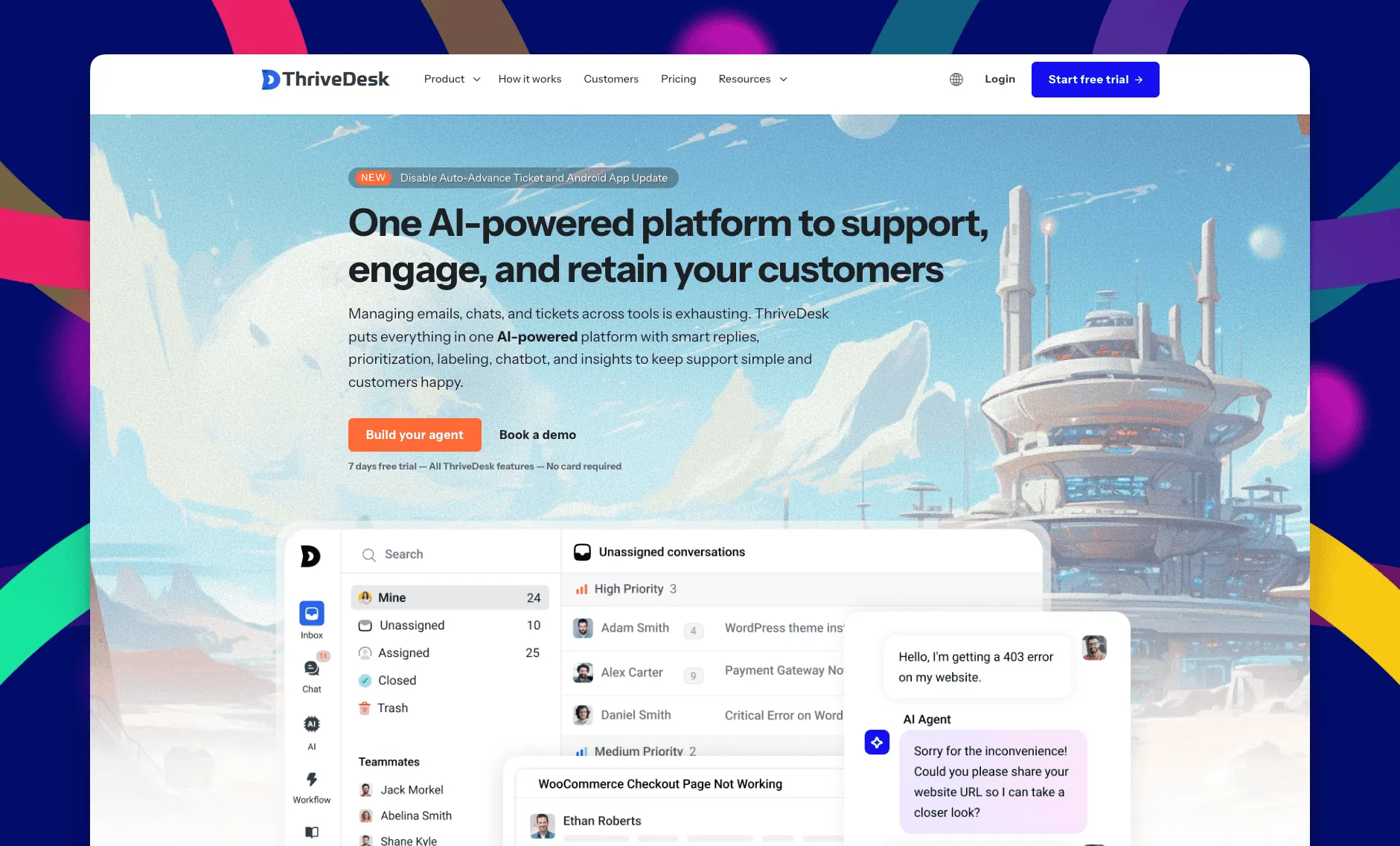
ThriveDesk is AI customer service software for ecommerce: an agentic omnichannel helpdesk, intelligent chatbot, modern help center and powerful reporting, plus Neo, the AI agent that answers customers around the clock. It’s built for small support teams at online stores and SaaS companies that have outgrown a free ticket tool but don’t want a bigger platform’s CRM and billing suite attached, and it prices the whole thing per plan rather than per agent or by region.
A shared inbox that doesn’t assume you run Zoho CRM
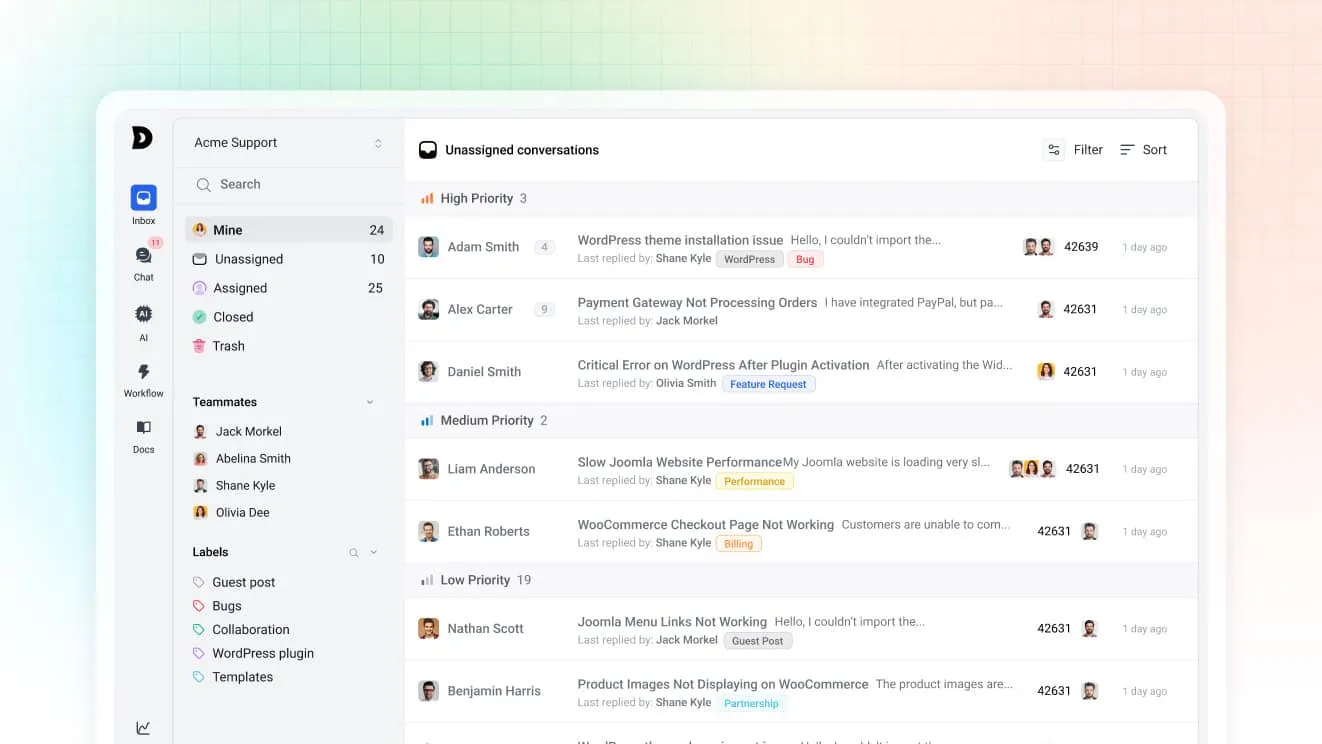
Email, chat and the contact form land in one queue, and the team works it together. Collision detection shows who’s already replying, so two people never answer the same customer twice. Assignment rules route by tag or priority, and custom views give each agent a filtered inbox by status or assignee. None of it depends on a CRM or billing product from the same vendor; WooCommerce, Shopify, SureCart, Stripe and Paddle connect directly instead.
Neo does the repetitive part
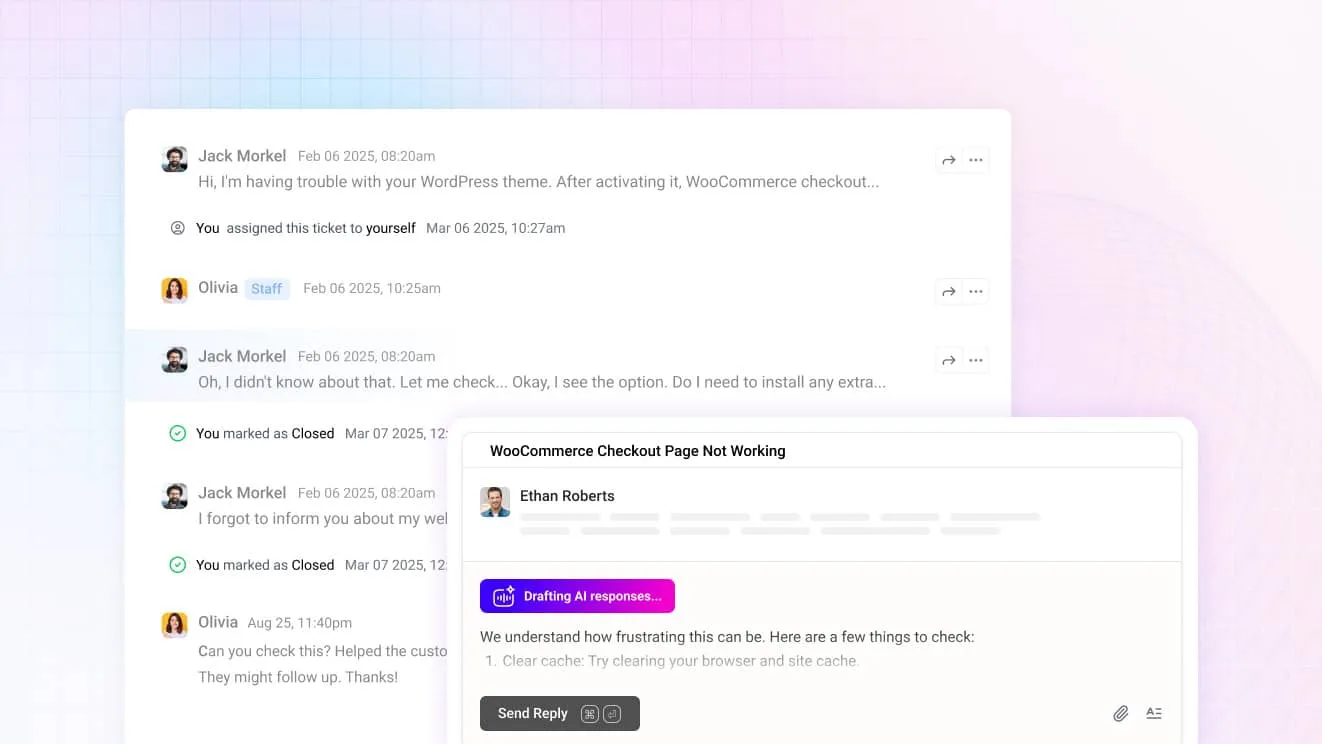
Neo sits on every plan rather than gated behind a higher tier the way Zia is, with no per-resolution fee. It answers common questions on its own, so the queue only holds the ones that need a person. For your team, Copilot drafts replies you can send or edit, summarizes long threads before you read them, and rewrites a message to be shorter or friendlier.
One widget for chat, forms, orders and articles
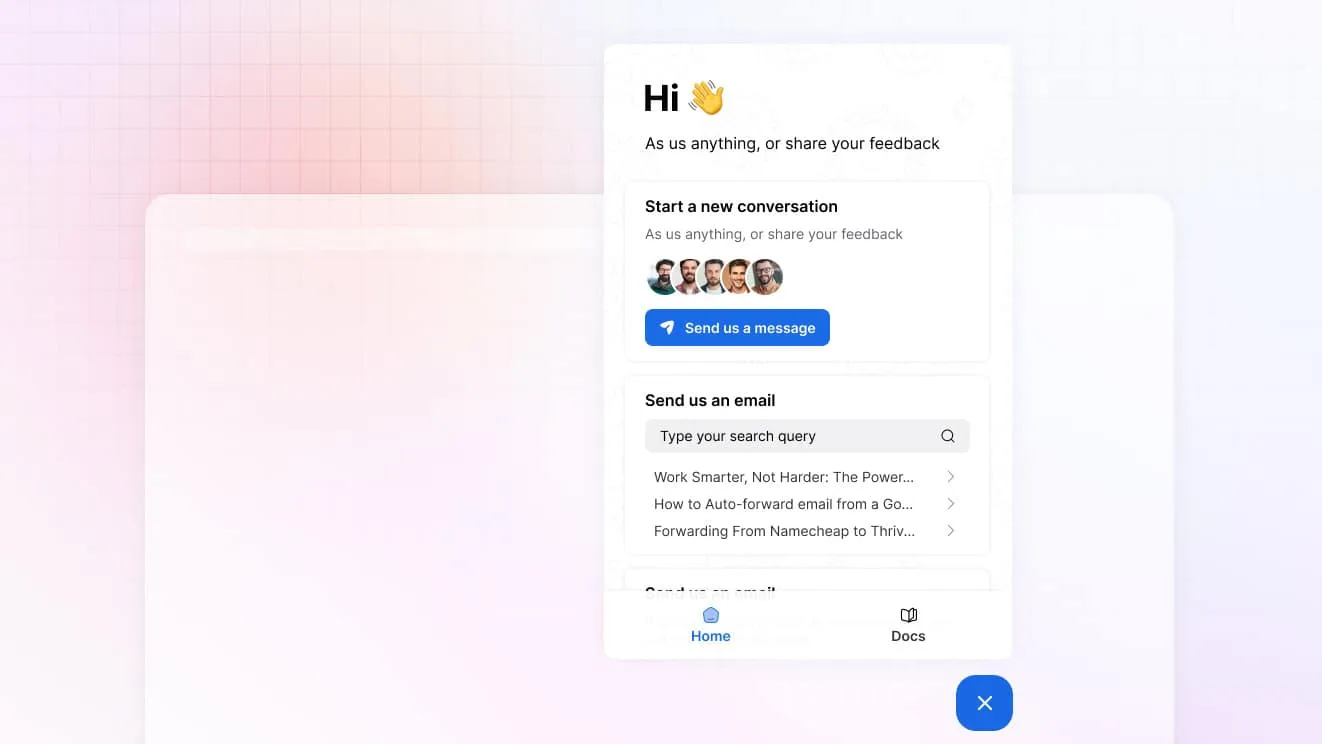
The chat widget handles live chat, the contact form, order lookup and knowledge base search from one bubble. A customer doesn’t need to know which tool answers which question; they just ask, and Neo or a person picks it up from there.
Store and billing data inside the conversation
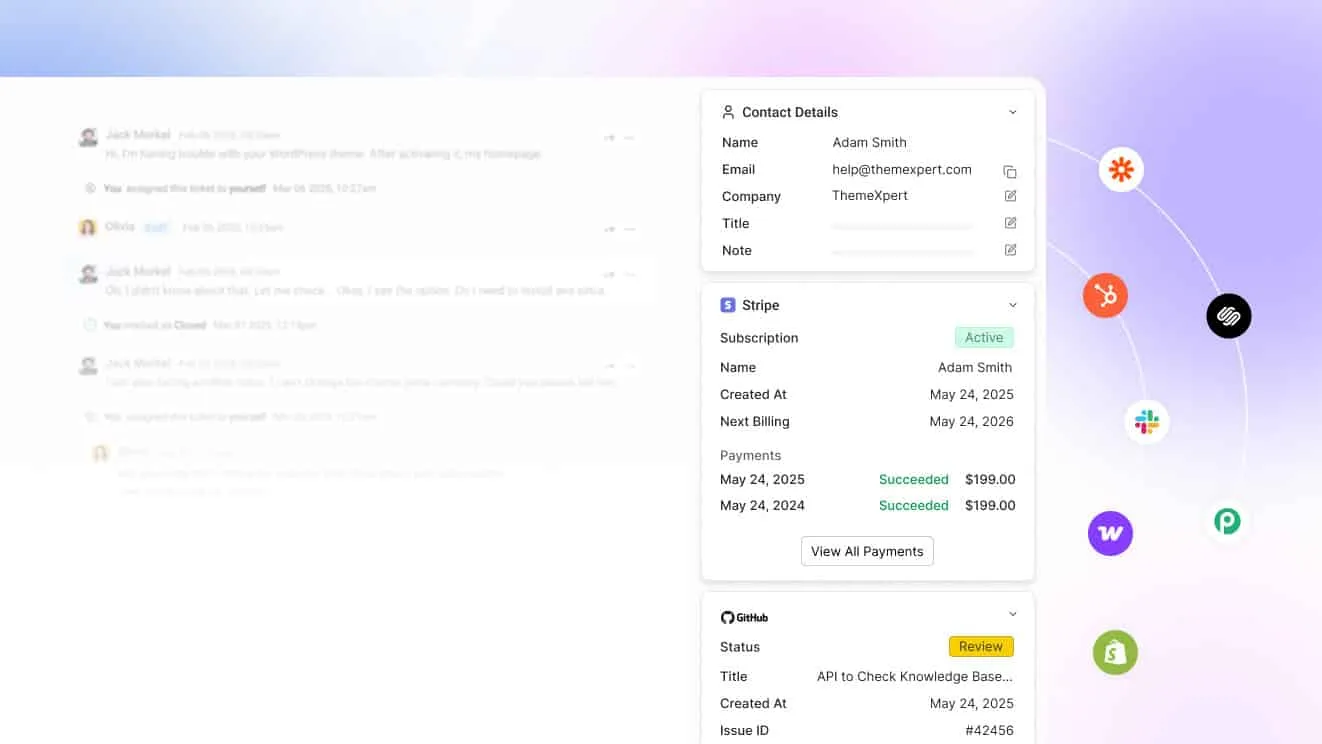
Connect WooCommerce, Shopify, SureCart, Stripe or Paddle and the order, subscription or payment shows next to the message. Agents update an order or check a charge from the reply, instead of opening a billing tab on the side to look it up. Shopify orders work the same way for lookup; a store that needs to edit an order from inside a ticket should compare Gorgias too.
A help center that takes questions off the queue
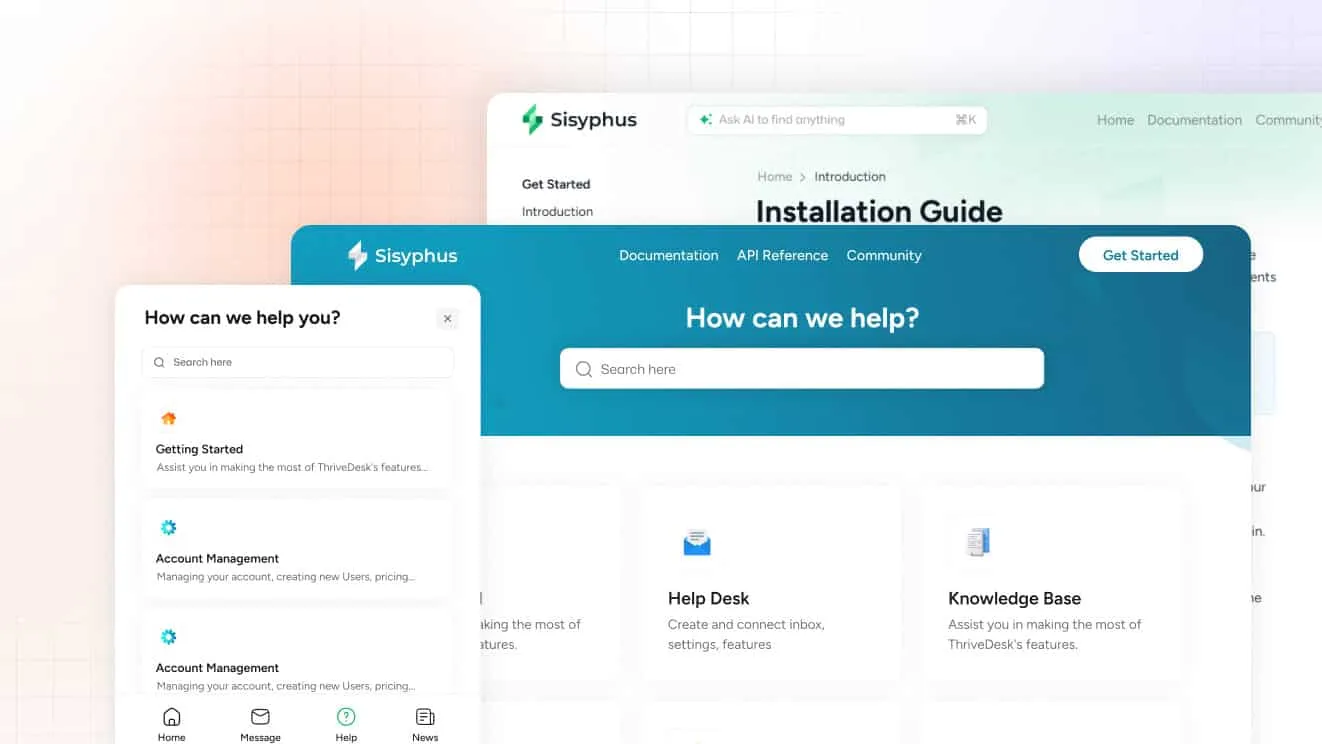
The help center has a block editor, AI help for first drafts, and AI search that also works inside the widget. The article count grows, and the ticket count doesn’t, which matters most in the weeks after a launch or a sale.
What it costs
Basic is $29 a month for 2 teammates and 1 inbox. Standard is $69 for 5 teammates and 2 inboxes, and Unlimited is $129 for unlimited teammates and 5 inboxes. Annual billing brings those to $19, $49 and $99. Every plan includes Neo and support, with no per-agent add-ons and no regional price swings. The trial is 7 days, no card required.
Why teams evaluate ThriveDesk as a Zoho Desk alternative
- No suite to buy into. The help desk works on its own, so leaving Zoho Desk doesn’t mean untangling it from Zoho CRM and Zoho Books first.
- The AI is included, not upsold. Neo sits on every plan; Zia’s better features start on Professional.
- One price, wherever you’re billed. Zoho Desk’s numbers move by region; ThriveDesk’s don’t.
2. Freshdesk: best for a ticket-first team
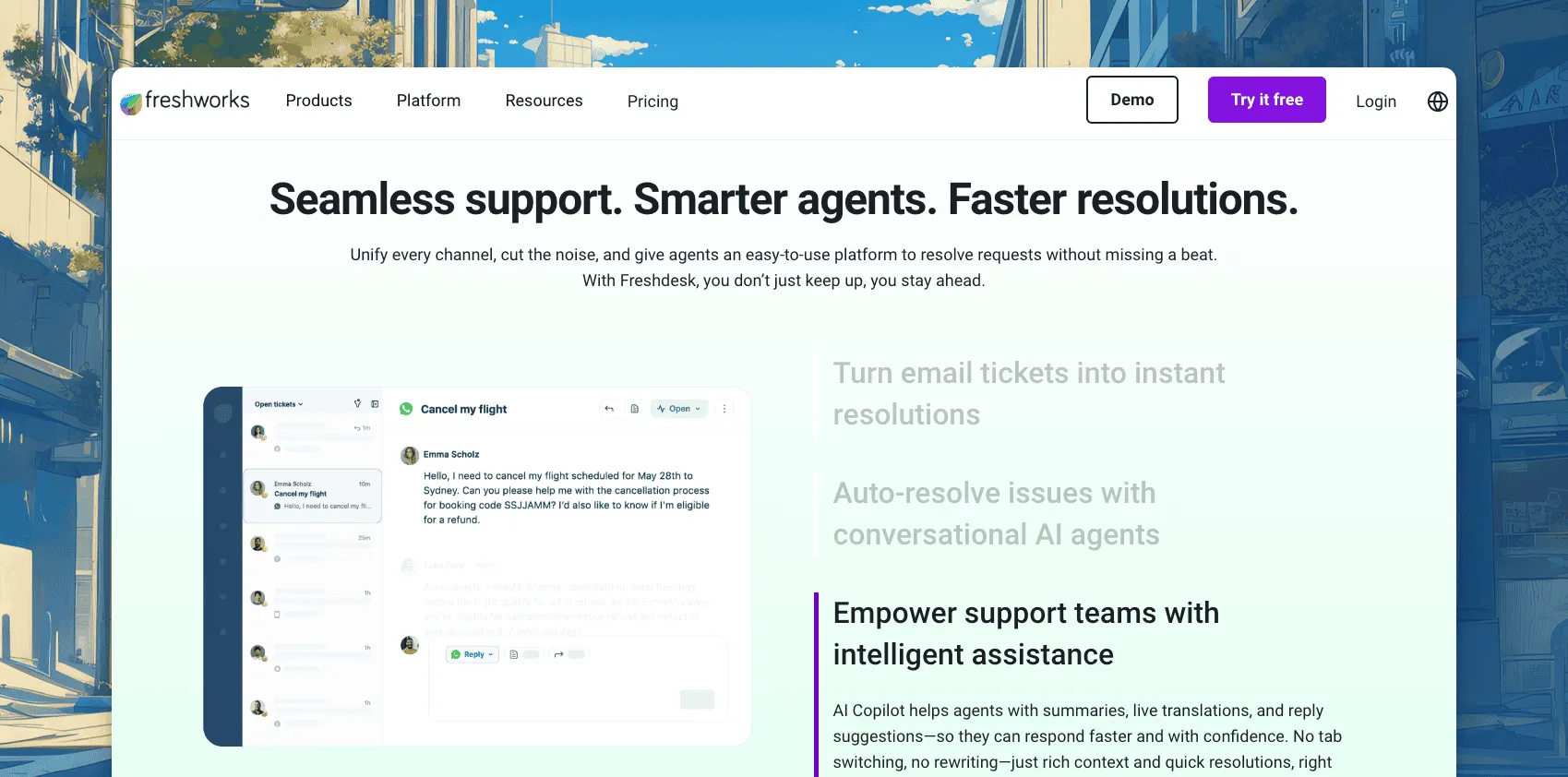
Freshdesk is the other budget-friendly named help desk, and the closest match to Zoho Desk’s ticket-first approach. Freshworks built it around structured ticketing, SLAs and automation, with a customer portal and knowledge base included on every tier. It suits a team that wants Zoho Desk’s ticketing depth without the rest of the Zoho suite attached, and it comes from a founder who also worked at Zoho before starting Freshworks.
Top features
- Ticket views, SLA policies and blueprint-style automation.
- A customer-facing help center and portal on every plan.
- Freddy AI Copilot for agents at $29 an agent a month, Pro and Enterprise only.
- Freddy AI Agent, metered past 500 included sessions a month.
- Deep customization through custom objects and advanced routing rules.
Why teams evaluate it as a Zoho Desk alternative
It’s the closest like-for-like on ticketing depth. The free program covers 2 agents for six months. After that, Growth is $19 an agent a month, Pro is $55, and Enterprise is $89, all billed annually.
Live chat is Freshchat, sold separately, so the move doesn’t remove the multi-product problem; it just changes whose suite you’re in. G2 rates Freshdesk 4.4 out of 5, about the same as Zoho Desk, with reviewers pointing to a similar trade-off: solid ticketing at a fair price, with AI and chat sold as separate upgrades. Its marketplace has apps for WooCommerce and Shopify, though order data doesn’t sit next to the ticket the way it does on a store-first tool. See ThriveDesk vs Freshdesk.
3. Zendesk: best for enterprise-grade workflows
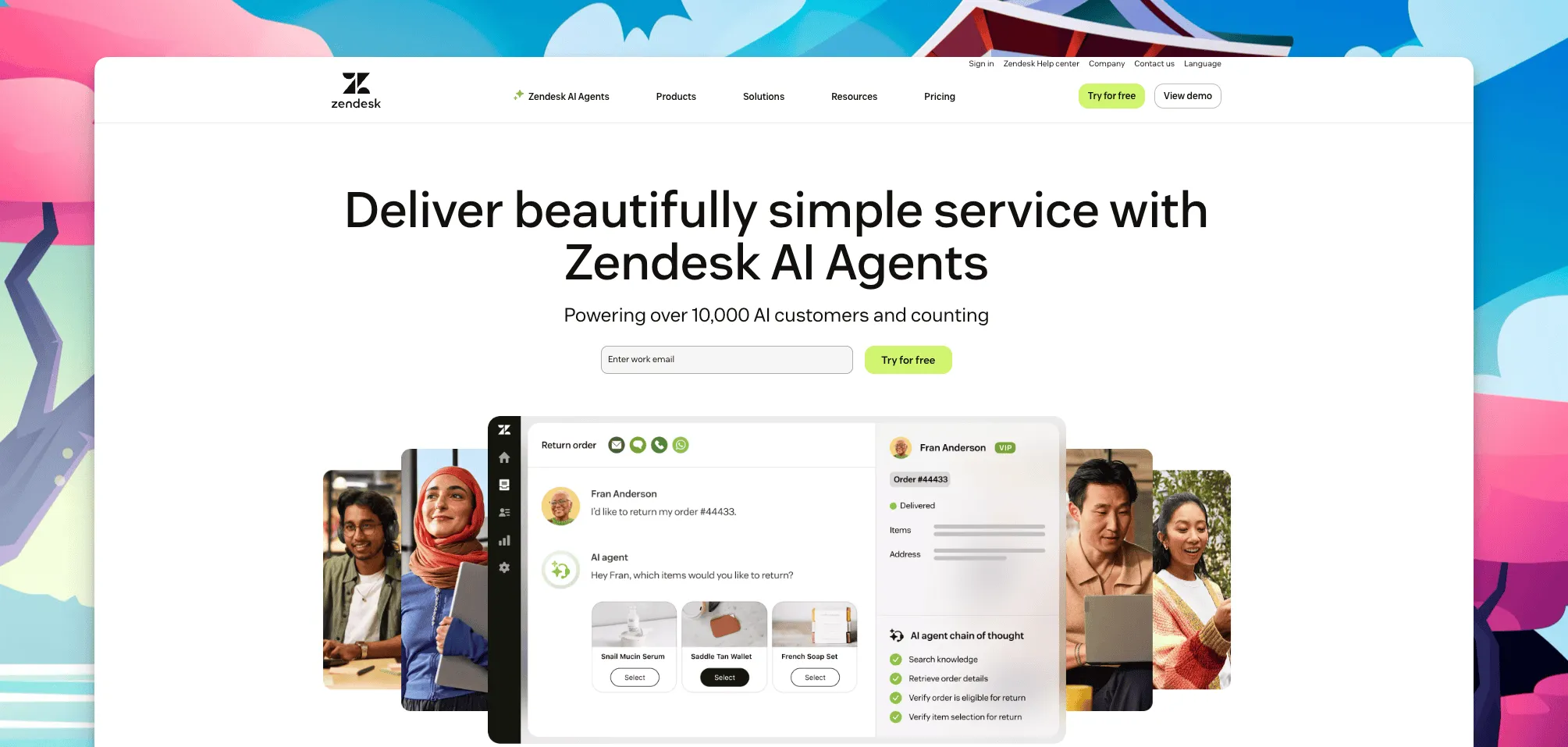
Zendesk is the enterprise default. Deep reporting, a huge app marketplace and multichannel routing make it built for support operations bigger than Zoho Desk is aimed at. Large support orgs use it to standardize workflows across many departments and languages, a scale most Zoho Desk teams haven’t reached yet.
Top features
- Support-only ticketing from $19 an agent a month, or the bundled Suite from $55.
- Advanced routing, SLAs and analytics dashboards.
- One of the largest third-party app marketplaces in the category.
- Copilot, Zendesk’s AI layer, at $50 an agent a month.
- Native voice, messaging and social channels on the Suite plans.
Why teams evaluate it as a Zoho Desk alternative
It’s the upgrade path for a team that has outgrown Zoho Desk’s workflows, not a lateral move. Suite Team is $55 an agent a month, Suite Professional is $115, and Suite Enterprise is on request, all billed annually. G2 rates it 4.3 out of 5. The jump also means more to configure: routing rules, triggers and automations that take longer to set up than Zoho Desk’s blueprints. A multi-channel store can find deeper ecommerce apps in its marketplace, but store data still won’t land next to the ticket without extra setup. The ThriveDesk vs Zendesk page runs the numbers side by side.
4. Help Scout: best for small-team simplicity
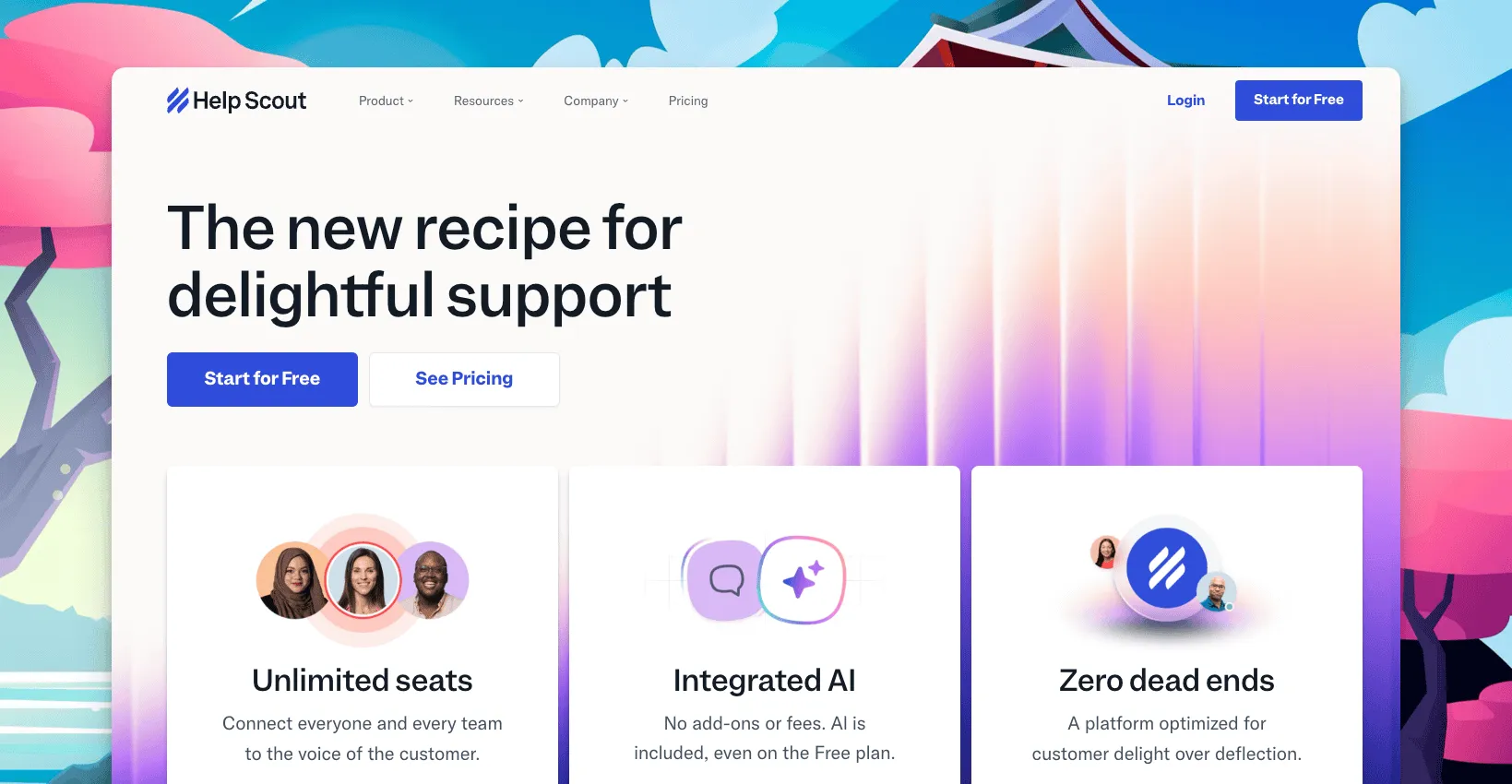
Help Scout trades Zoho Desk’s menu of settings for an inbox that reads like email. It fits a small team that wants support to feel simple rather than configurable, without a blueprint or a workflow builder to set up first. New agents tend to be productive within a day, since there’s no automation builder or ticket field schema to learn before answering the first message.
Top features
- A shared inbox with collision detection and saved replies.
- Docs, a customer-facing knowledge base, on every plan.
- Beacon, an in-app chat widget, included rather than sold separately.
- AI Answers, billed per resolution after a three-month trial.
- Light automation for tagging and routing, without Zoho Desk’s blueprint depth.
Why teams evaluate it as a Zoho Desk alternative
Pricing is per user, not per region. The free plan covers 5 users, 1 inbox and 100 contacts a month. Standard is then $25 a user a month, Plus is $45, and Pro is $75.
An extra inbox costs $12 a month, and G2 rates it 4.4 out of 5. What it doesn’t have is Zoho Desk’s automation depth or its CRM ties, and its dashboards cover the basics well without matching Zoho Desk’s blueprint-driven reporting. Its Shopify app covers basic order lookup, not the deeper integration a store-first tool offers. See ThriveDesk vs Help Scout.
5. GrooveHQ: best for a lean shared inbox
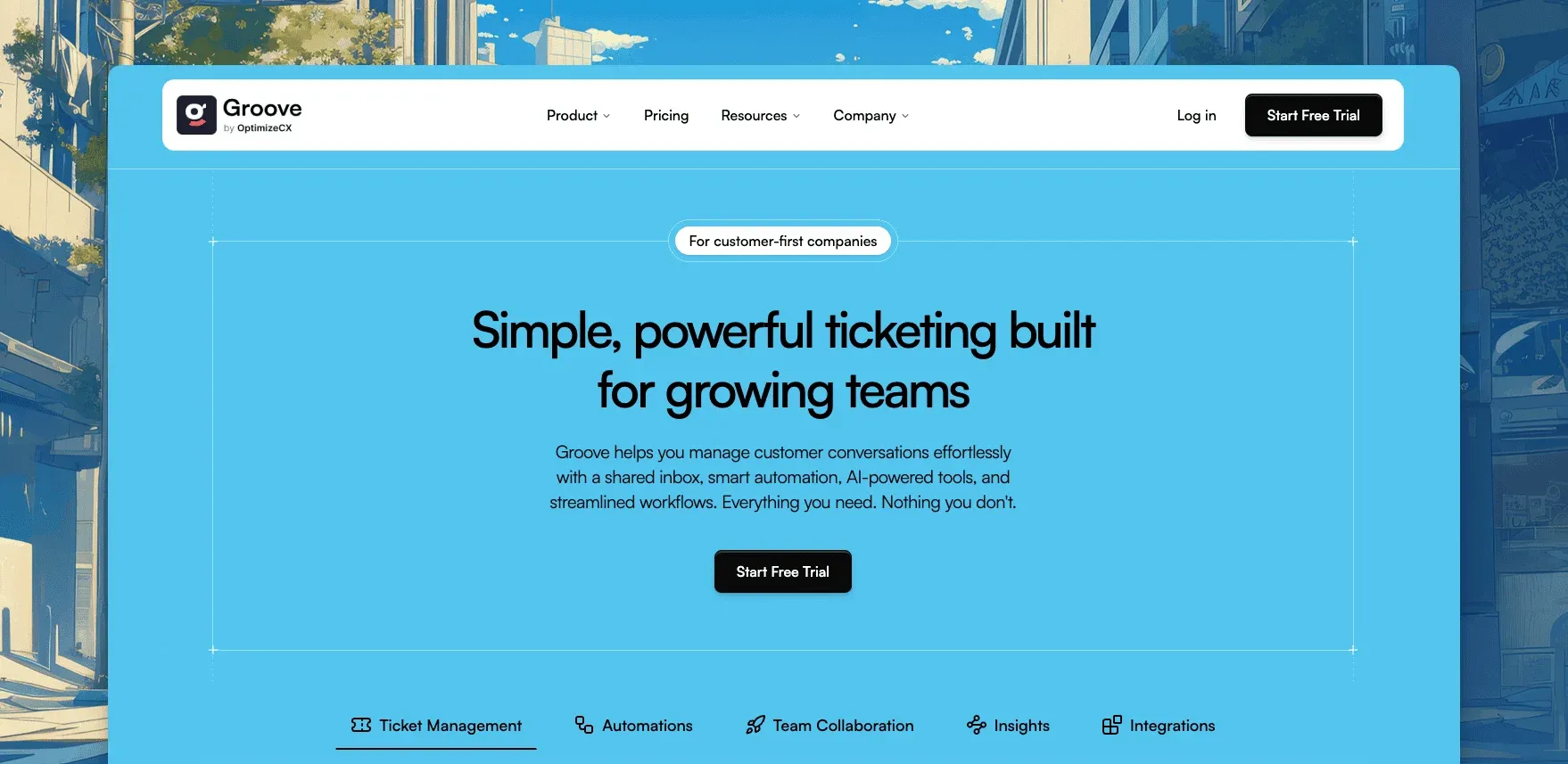
GrooveHQ brands itself as the simple option: a shared inbox and ticketing, without the settings menu Zoho Desk or Zendesk carry. It’s aimed at small teams who found Zoho Desk’s blueprints and workflow rules to be more configuration than a five-person support team needs.
Top features
- A shared inbox built around collaboration rather than deep configuration.
- Light automation and canned replies.
- Reporting that covers the basics: volume, response time, resolution time.
- A smaller app ecosystem than the larger help desks on this list.
- A setup that skips the workflow and blueprint screens Zoho Desk asks for upfront.
Why teams evaluate it as a Zoho Desk alternative
Groove doesn’t publish a price beyond a tiered, per-user structure. It also doesn’t match Zoho Desk’s automation depth or multichannel routing, and there’s no equivalent to Zia. What it trades for that is a shorter setup. Teams that want a shared inbox, not a configurable platform with a settings menu to learn, are the ones who stay with it. That simplicity is also the limit: teams that later need SLAs, multi-department routing, Zia-style AI or a dedicated WooCommerce or Shopify integration tend to outgrow Groove and start the search over.
6. HelpDesk: best for basic ticketing without extra complexity
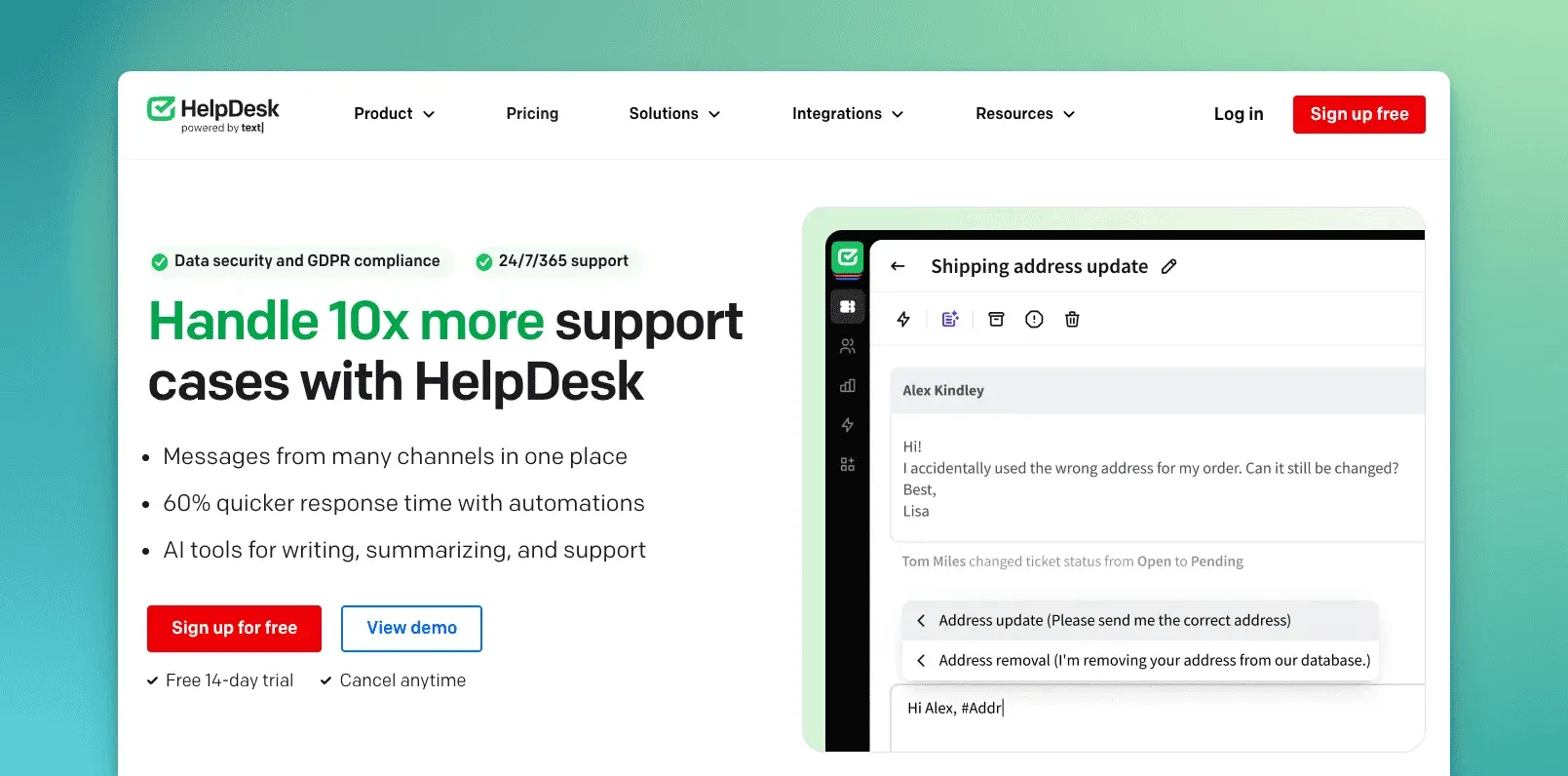
HelpDesk, from the Polish company Text, is narrow by design. It’s email ticketing, and not much past it unless you buy the company’s other products. That narrowness is deliberate: the product skips the settings and blueprint screens that make Zoho Desk feel heavier than a small team wants.
Top features
- Ticket views, canned responses and basic AI assist for summaries.
- GDPR-focused security and audit logs.
- Live chat, a knowledge base and a chatbot are separate Text products, each billed on its own.
- A straightforward setup, with fewer configuration screens than Zoho Desk’s blueprints.
- Messages from every connected channel land in one ticket view.
Why teams evaluate it as a Zoho Desk alternative
It’s a fair swap if all you want is ticketing. There’s no published starting price beyond a tiered, per-agent structure. The trade-off is the same shape as Zoho Desk’s: a narrow core product, with the rest sold as add-ons, just from a different vendor, and no dedicated WooCommerce or Shopify integration to speak of. Teams that only ever used Zoho Desk for email tickets tend to find the switch painless, since neither one asks them to learn a workflow builder first.
How to choose between these Zoho Desk alternatives
- You want to stay inside a bigger platform: Zendesk, for the deepest reporting and app ecosystem.
- You want Zoho Desk’s ticketing depth without the suite: Freshdesk.
- You want support to feel like email: Help Scout.
- You just want a shared inbox, nothing configurable: GrooveHQ.
- You want ticketing alone, at its simplest: HelpDesk.
- You run a WooCommerce or Shopify store and want order data in the ticket, plus chat and a knowledge base at one flat price: ThriveDesk.
For a lean ecommerce team, weigh how much of Zoho Desk’s ecosystem you actually use before you shortlist. Then weigh how much of your ticket volume is really order and shipping questions a store integration could answer faster. A team that lives in Zoho CRM day to day has a harder case for leaving than one that only touches Zoho Desk itself. Run your team size through the help desk cost calculator before deciding. Per-agent and per-region pricing land very differently depending on where your team sits, and the cheapest tool at three people is rarely the cheapest at ten.
Why teams choose ThriveDesk over Zoho Desk
Teams leave Zoho Desk for the same reason many pick it up: the price looked simple. It stops feeling that way once automation, Zia or another region’s currency gets involved, or once a ticket needs data from outside the Zoho suite. Here’s what changes with ThriveDesk.
One workspace, no suite required. Shared inbox, live chat and the help center live in the same product, with no CRM or billing suite required to make it work. A team can be live the same day it signs up, without mapping fields to a CRM first or waiting on a blueprint to be built.
The AI is included everywhere. Neo answers routine questions and Copilot drafts and summarizes for agents on every plan, not just the tiers above Professional. There’s no separate token allowance to watch, and no per-million overage bill at the end of a busy month.
Store data comes to the ticket. With WooCommerce, Shopify, SureCart, Stripe or Paddle connected, the order or payment shows next to the message instead of living in a separate tab. Neo can answer the order-status question on its own, without an agent needing to open a second tab, even when a sale pushes order volume up for a day or two.
The price doesn’t move with your address. It’s $29 a month on Basic, $69 on Standard, and $129 for unlimited teammates on Unlimited, the same number wherever you’re billed from. See the full breakdown on ThriveDesk vs Zoho Desk, or put your team size into the cost calculator before you switch.
Start the 7-day trial; no card needed.






