A shopper on a Wix store asks whether an order shipped and gets nothing back for an hour, because nobody’s watching Wix’s own chat widget. Live chat fixes that, but only a handful of tools actually fit how a Wix store owner works: no developer on staff, no in-house IT, and no appetite for a second dashboard on top of the Wix editor.
The best live chat apps for Wix stores in 2026 are: 1) ThriveDesk, for chat, email and a help center in one embed; 2) Tidio, for the best free plan; 3) Tawk.to, for free chat with no seat limit; 4) LiveChat, for a team that lives in chat all day; 5) LiveAgent, for chat backed by a full ticketing system; 6) JivoChat, for chat, phone and social in one widget; and 7) Help Scout, for email-first support with chat on every plan, free included.
We checked what each app needs to run on Wix, what the first paid plan includes, and what’s actually published on the vendor’s own pricing page. Every price below was read in September 2026. Where a vendor doesn’t publish one, we say so instead of guessing.
What counts as live chat apps for Wix
Wix doesn’t have the deep app ecosystem WordPress does. Most live chat tools reach a Wix site the same way: a short script pasted into Wix’s custom code settings rather than a dedicated marketplace listing. A handful also list in the Wix App Market for a one-click install. What differs between the tools themselves is what sits behind that script once it loads.
- A chat-only widget. Tidio, Tawk.to, LiveChat and JivoChat. The widget is the product; bots, social messaging or a bare ticketing view ride alongside it, rather than a full shared inbox.
- A widget backed by full ticketing. LiveAgent. Chat is one entry point into a much larger help desk built for a higher volume of tickets than a single Wix site usually sees.
- A help desk with chat as one channel. ThriveDesk and Help Scout. Chat and email share the same inbox from the start, so a question that moves from the widget to an email thread doesn’t get triaged twice.
A one-person Wix store usually does best with the third kind. There’s nobody free to babysit a separate chat-only tool all day on top of running the store itself.
How we evaluated
Six questions, asked of every tool in the same order.
- Does it embed cleanly on Wix? A code snippet in Custom Code, or a listing in the Wix App Market. We say which, and how much setup either one takes.
- Does it help with the questions a Wix store gets most? Order status, shipping windows and return policies are what shoppers actually ask; a saved reply or a help center article answers them without pulling a person into every thread.
- Does chat share a queue with email? If the follow-up email lands somewhere else, the chat widget just added a second inbox to check every morning.
- What does the first paid plan include? Chat alone, or chat with a help desk and automation built in from the start.
- Is there a free plan, and where does it stop? A seat cap, a conversation cap, a branding fee, or no free tier at all.
- What happens once a second person joins, or a sale sends traffic up? A tool priced for a solo store owner should still make sense once support isn’t a one-person job, or a busy weekend triples the usual chat volume.
Quick comparison
| Tool | Best for | Starting price | Free plan | Setup on Wix |
|---|---|---|---|---|
| ThriveDesk | Chat, email and a help center in one embed; Neo AI agent in every plan, no per-resolution fee | $29 a month, flat | 7-day trial | Custom code snippet |
| Tidio | Free plan for a store just starting out | $24.17 a month | 50 conversations a month | Wix App Market or custom code |
| Tawk.to | Free chat with no seat limit | Free | Unlimited agents, chats and sites | Wix App Market or custom code |
| LiveChat | A team that lives in chat all day | $19 a person a month, annual | 14-day trial | Wix App Market or custom code |
| LiveAgent | Chat backed by a full ticketing system | Priced per agent, not published | Not published | Wix App Market or custom code |
| JivoChat | Chat, phone and social in one widget | Priced per agent, not published | Not published | Custom code snippet |
| Help Scout | Email-first support, chat on every plan | $25 a user a month | 5 users, 1 inbox | Custom code snippet (Beacon) |
1. ThriveDesk: best for chat, email and a help center in one embed
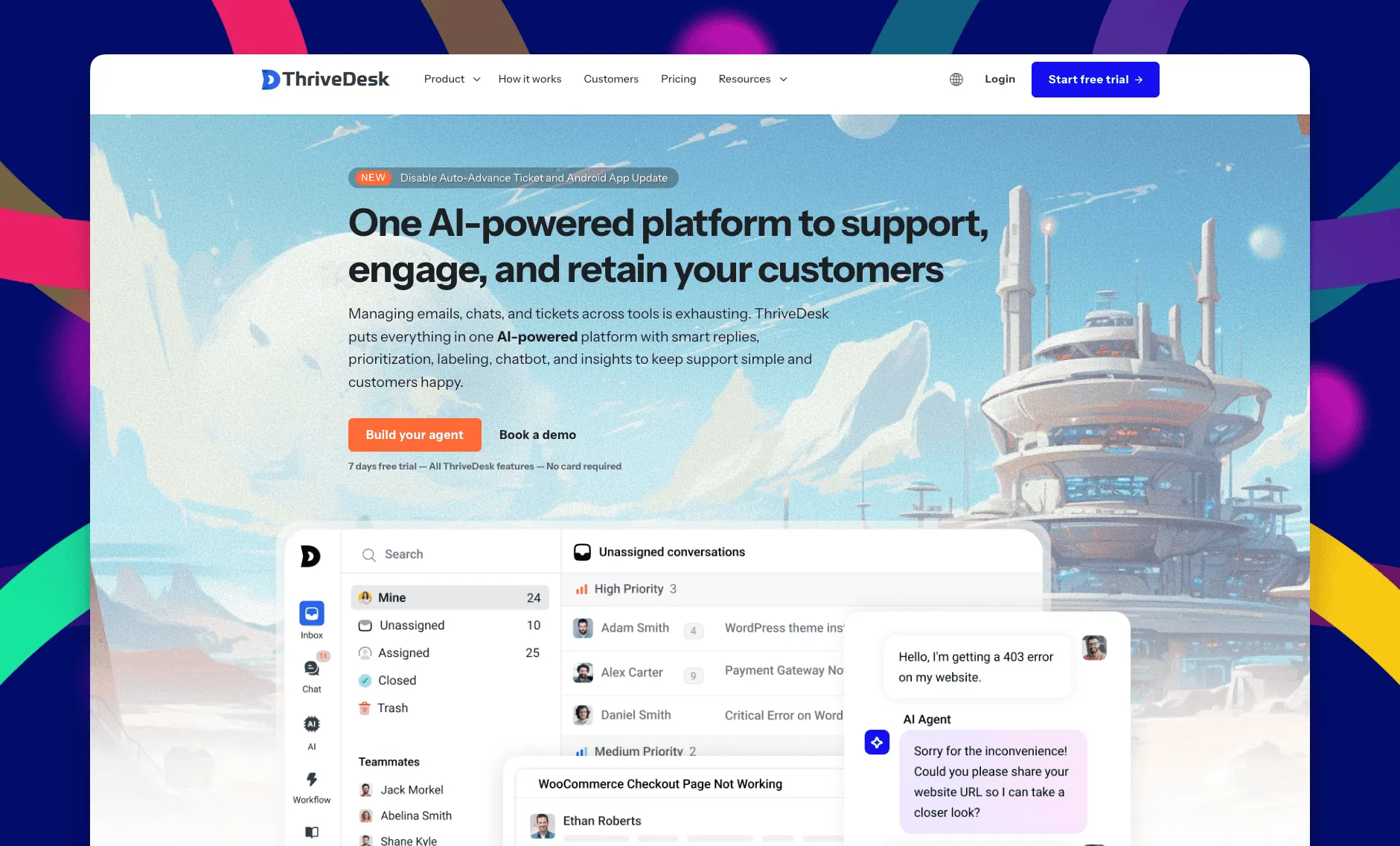
ThriveDesk is AI customer service software for ecommerce: an agentic omnichannel helpdesk, intelligent chatbot, modern help center and powerful reporting, plus Neo, the AI agent that answers customers around the clock. It reaches a Wix site through a short embed rather than an app-market listing. Create a chat widget in ThriveDesk, copy the snippet, and paste it into Wix’s custom code settings. From there, it runs as a full help desk behind the widget, not just a chat bubble.
Shared inbox
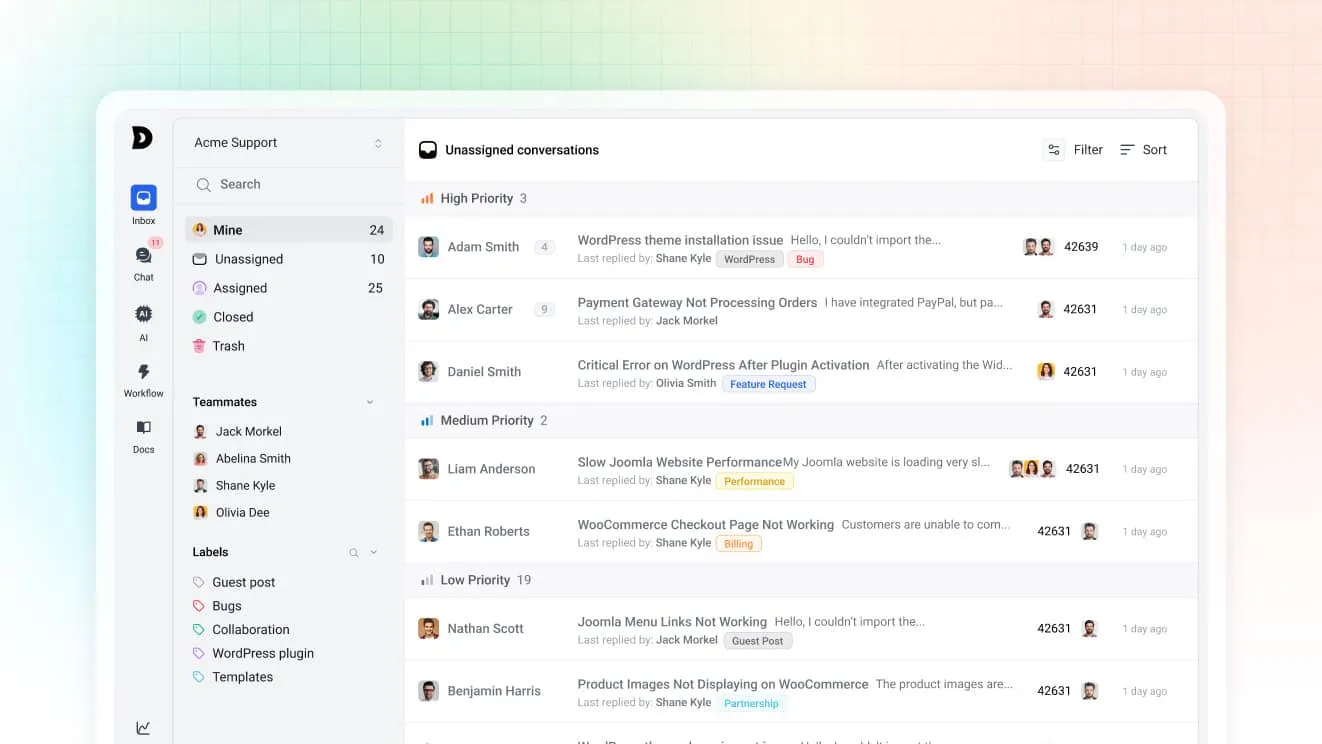
Chats and emails land in the same shared inbox, so a question that starts in the widget and continues by email stays one thread. Saved replies keep answers to booking, pricing and shipping questions consistent, and tags group conversations so a one-person team can triage fast.
Neo, the AI agent
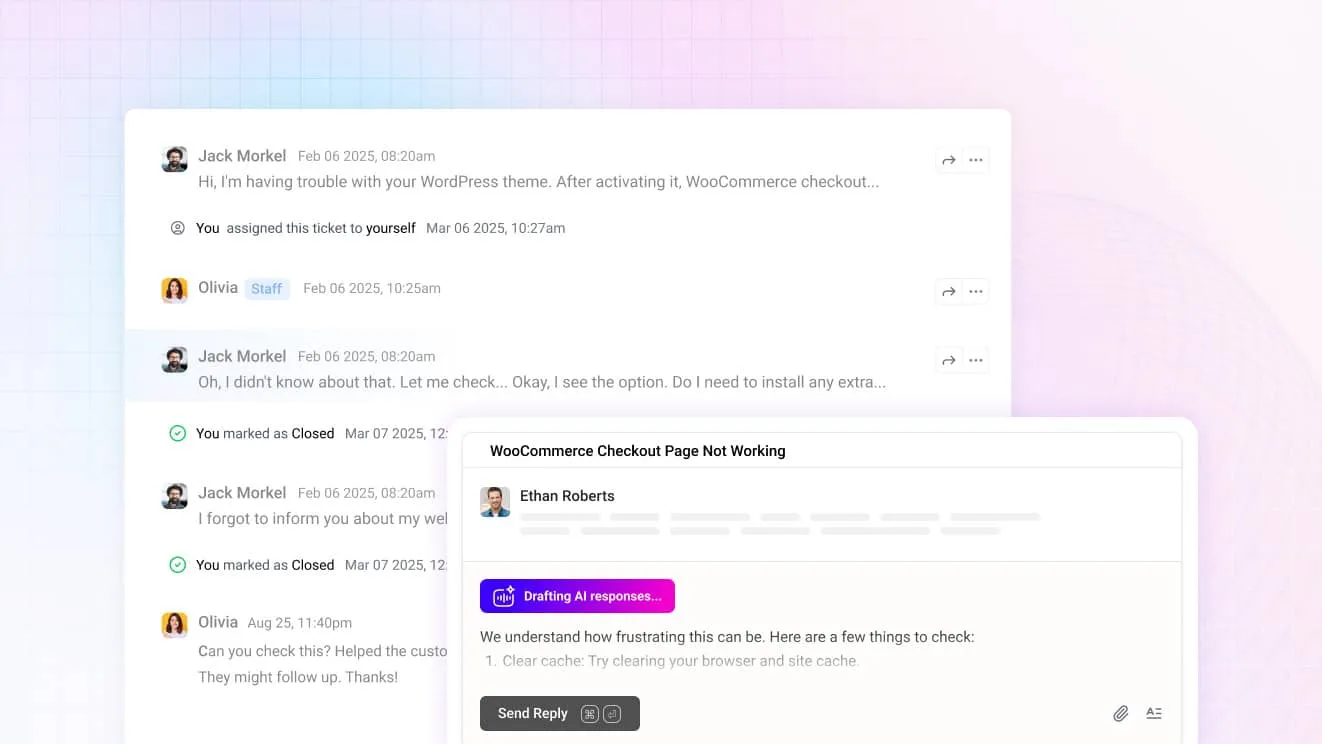
Neo answers from your help center content. In the chat widget it handles a repeat question on its own after hours, and hands over the moment a visitor asks for a person instead of a bot. It’s included in every plan with no per-resolution fee. For agents, Copilot drafts replies from the same content and summarizes a long thread before you open it.
The chat widget
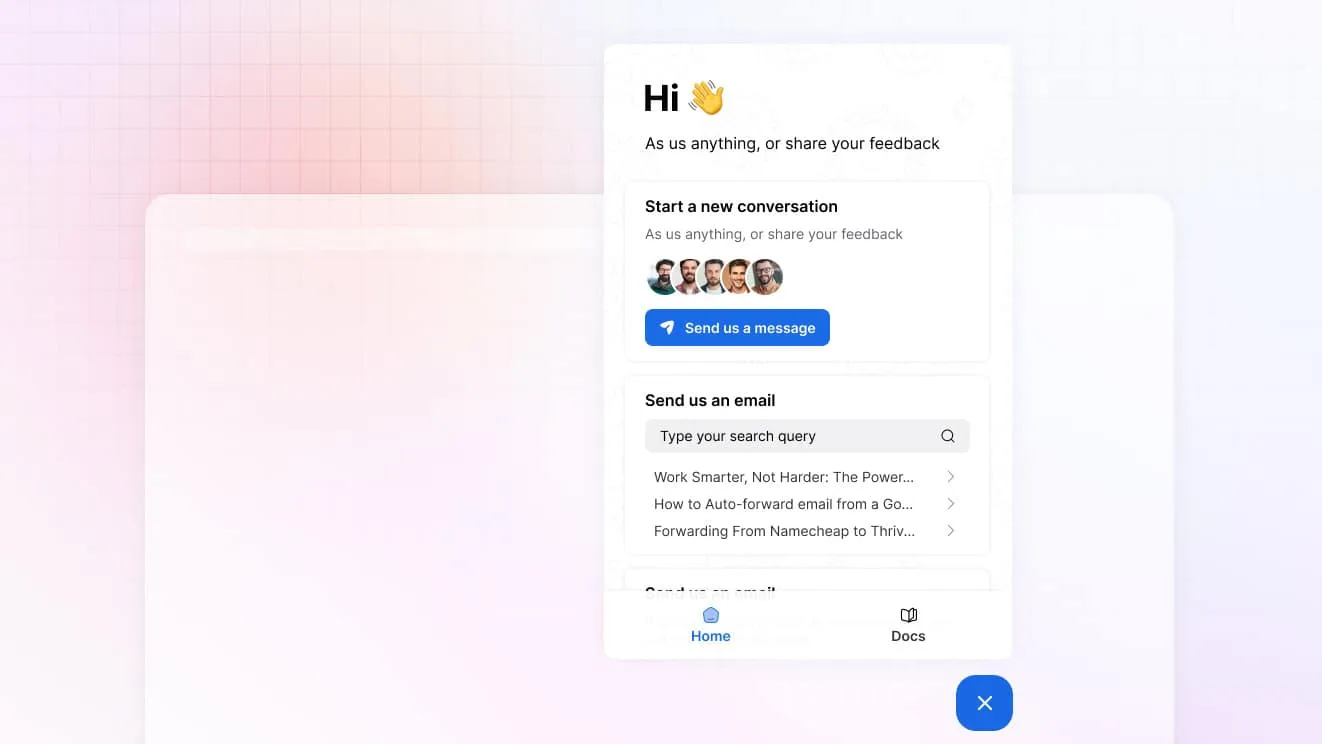
One widget carries live chat, a contact form and search over your help center, so a visitor can find an answer without waiting for a reply at all. On the Unlimited plan, visitor tracking shows who’s browsing the site right now.
Billing data in the conversation
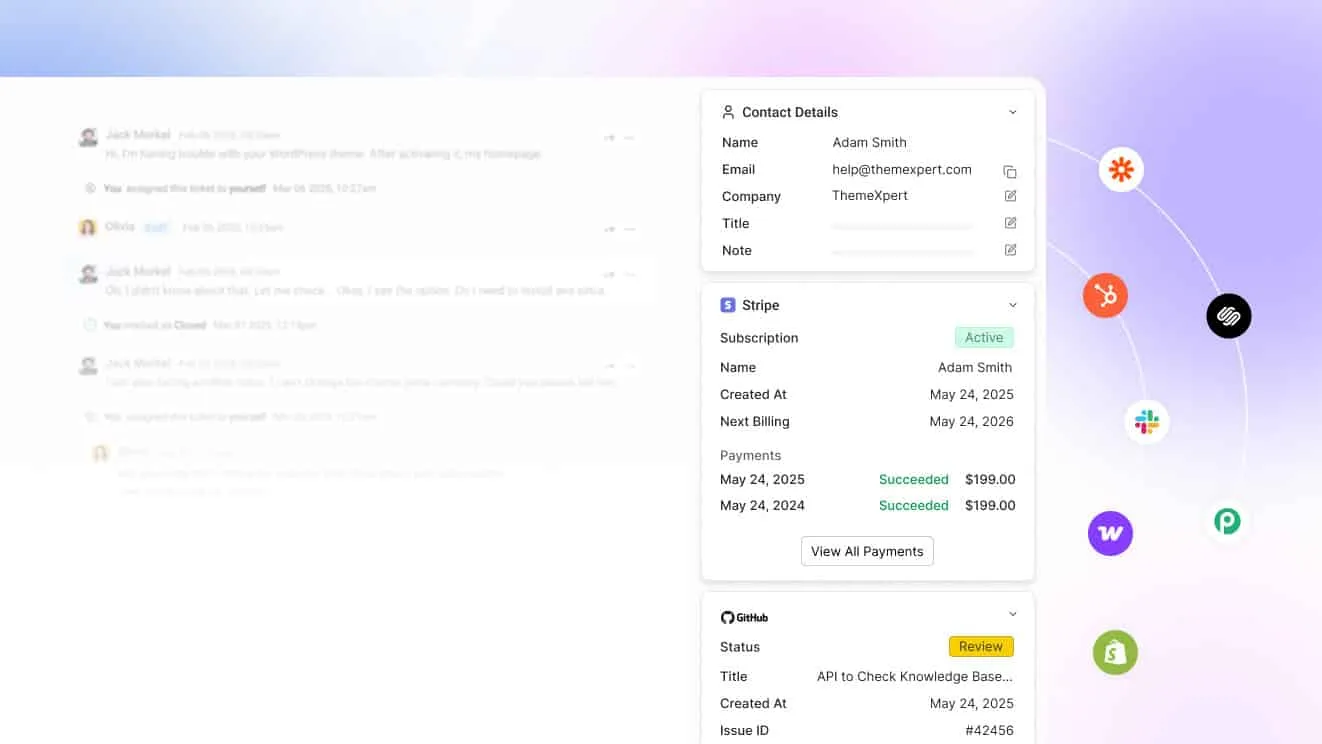
A Wix business selling subscriptions or digital products through Stripe or Paddle can connect either one. A customer’s payment history then sits beside the message instead of behind a login in a separate dashboard, and an agent can check a charge without leaving the conversation.
Help center
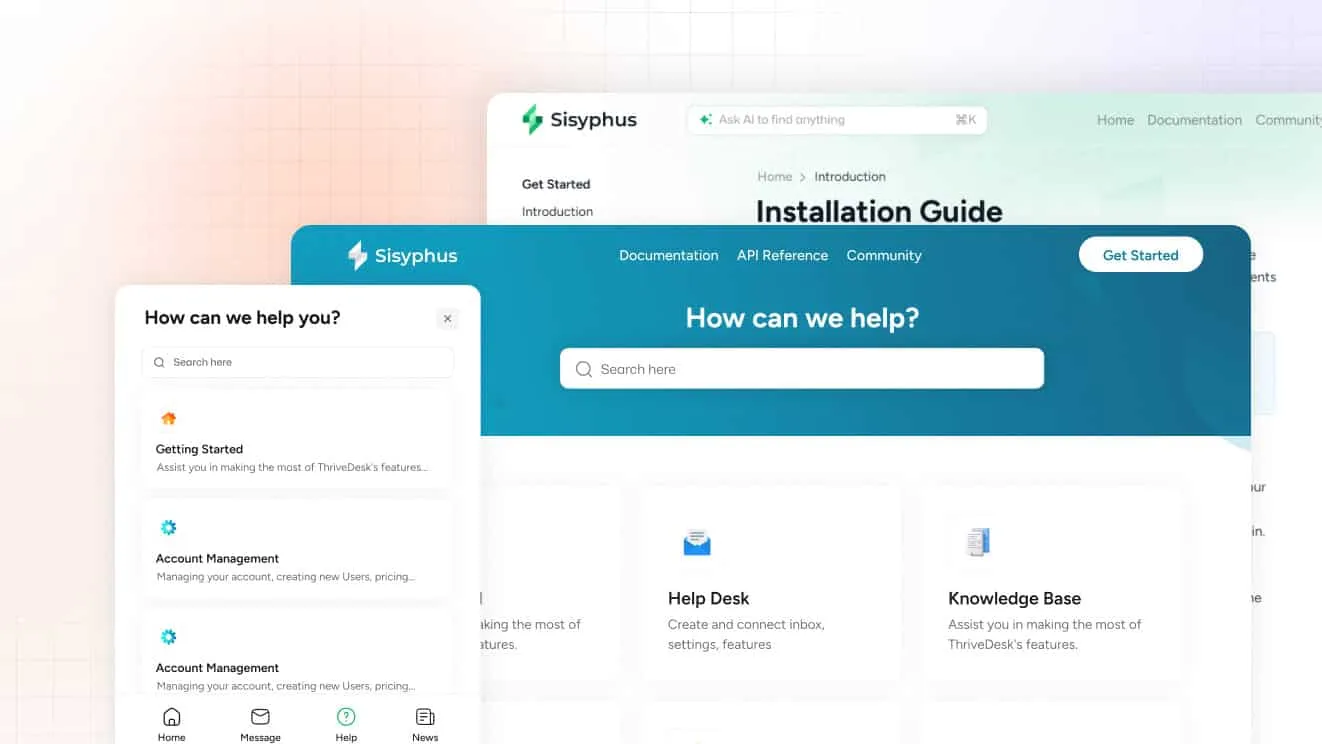
The help center has a block editor for FAQs, policies and how-to articles, so visitors can self-serve before they ever open the widget. Standard includes a public help center; Unlimited adds a private one.
What it costs
Basic is $29 a month for two teammates and one inbox, with live chat included. Standard is $69 for five teammates, two inboxes, the public help center and workflow automation. Unlimited is $129 for unlimited teammates and five inboxes, with visitor tracking added. Annual billing drops those to $19, $49 and $99. Every plan carries a 7-day trial, no card, and support at no extra charge. Reviewers hold ThriveDesk at 4.9 out of 5 on G2.
Best for: a Wix site or store with one to ten people that wants chat, email and self-serve docs without a per-seat bill.
Limitations: there’s a trial but no free plan, and setup means pasting a snippet rather than a one-click app install. The comparison pages line ThriveDesk up against each tool on this list.
2. Tidio: best free plan for a Wix store just starting out
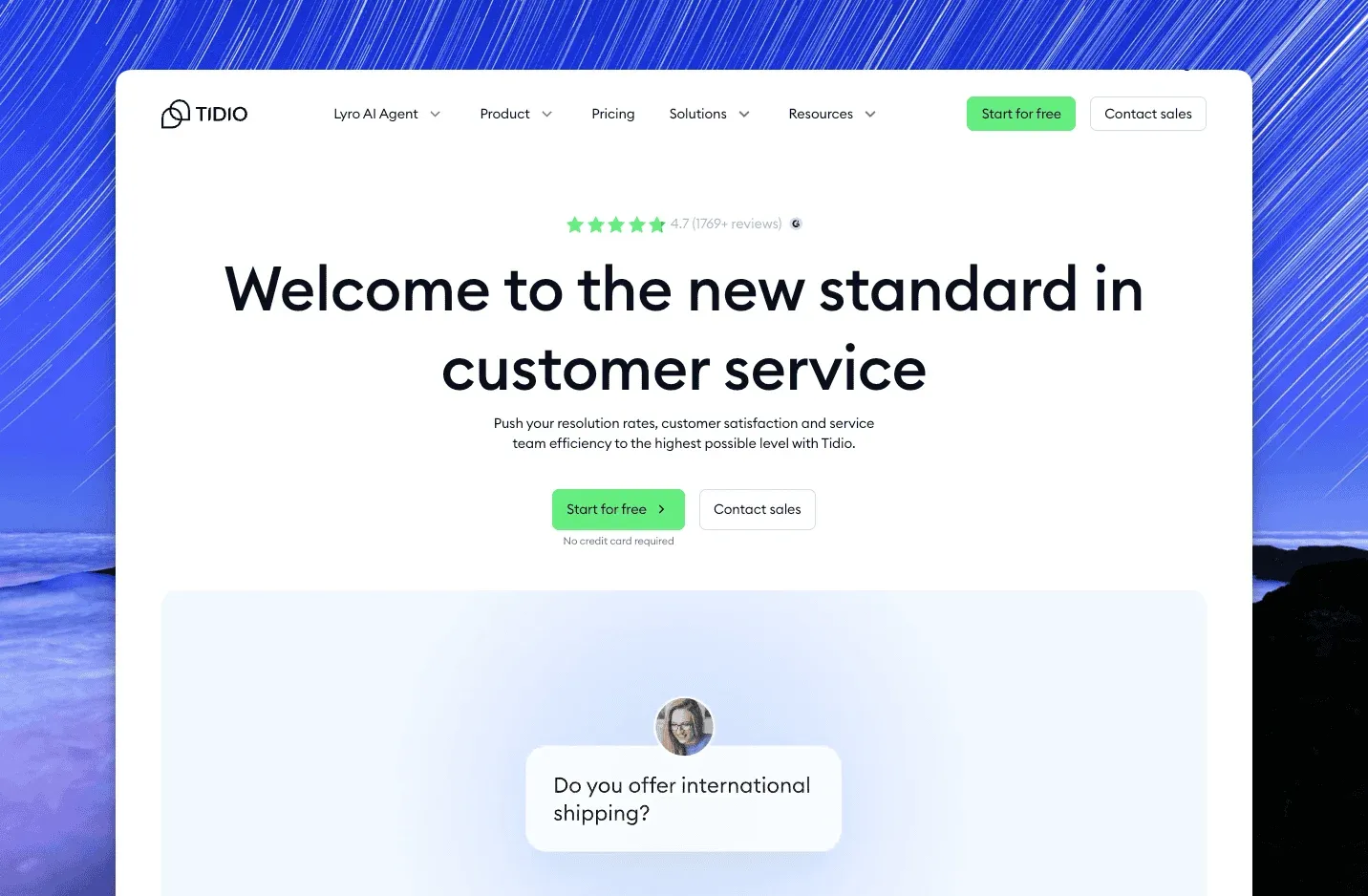
Tidio is a live chat and chatbot tool that’s popular with small sites well beyond WordPress and Shopify, and it lists in the Wix App Market for a one-click install. The widget carries chat and email tickets, and Flows builds no-code bots for common questions like store hours and shipping times. Lyro is the AI agent that answers from your content when nobody’s at the keyboard. Reviewers rate it 4.6 out of 5 from about 1,950 reviews on G2.
Free covers 50 billable conversations a month and 100 visitors reached by Flows. Starter is $24.17 a month, Growth starts at $49.17 and Plus starts at $300 plus usage. Annual billing gives two months free, which brings Starter down to $290.04 a year. Lyro is a separate add-on from $32.50 a month for 50 AI conversations.
Best for: a Wix store that wants a chat bubble and a few bots without committing to a full help desk.
Limitations: the plans meter conversations, so a busy month moves you up a tier before you’re ready for it, and the AI agent is priced separately from the chat itself.
3. Tawk.to: best free live chat with no seat limit
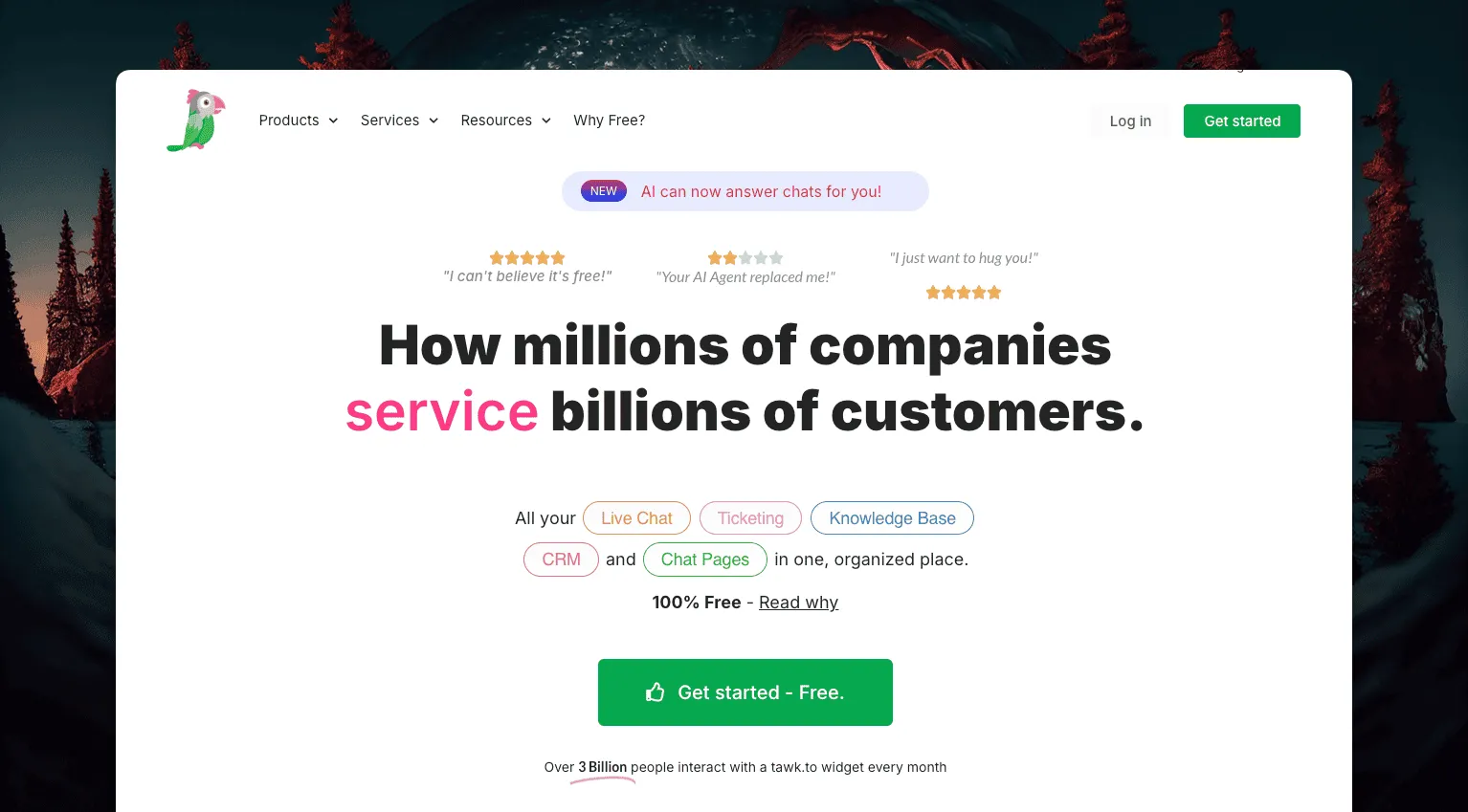
Tawk.to is free for unlimited agents, chats and sites. It’s one of the most widely embedded chat widgets on small sites, which is unusual even among tools with a free tier. It bundles live chat with a lightweight ticketing view, a knowledge base and basic visitor tracking. Reviewers hold it at 4.5 on G2 from about 200 reviews.
Removing Tawk.to’s branding costs $29 a month, and its AI Assist add-on starts at $29 a month too. Hired human chat agents run $1 an hour if a site wants staffing without hiring anyone. The free plan itself never expires and doesn’t cap seats or conversations.
Best for: a Wix store with no software budget that still wants a real chat widget for order and shipping questions, not just Wix’s own basic one.
Limitations: no native help desk beyond a lightweight ticketing view, and the free plan only stays free-looking once you skip the branding removal fee.
4. LiveChat: best for a team that lives in chat all day
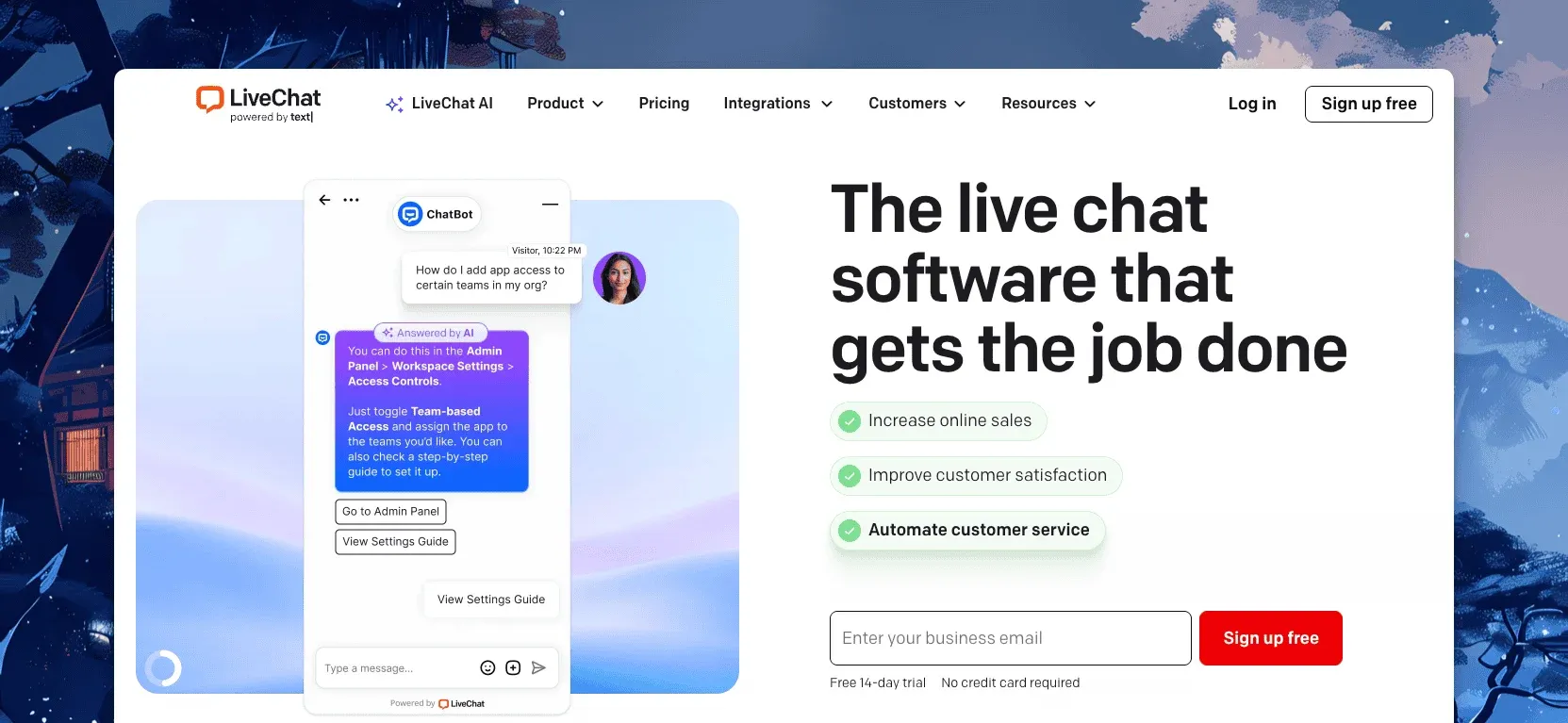
LiveChat does one thing well: the agent app shows who’s on the site, what they’ve looked at and what they’re typing before they hit send. It also plugs into more than 200 other tools once a store outgrows the basics. Reviewers give it 4.4 on G2 from about 790 reviews.
Starter is $19 a person a month billed annually ($25 monthly), Team is $49 ($59), Business is $79 ($89). Enterprise is quote-based. Every plan has a 14-day trial, and Text Intelligence, the vendor’s AI layer, is included rather than metered.
Best for: a Wix store that wants the deepest visitor tracking on this list, down to which product page a shopper is stuck on, and doesn’t need email support running through the same tool.
Limitations: per-person pricing, and there’s no email inbox, so a ticketing tool, a knowledge base and a chatbot are each sold separately under the Text brand.
5. LiveAgent: best for chat plus a full ticketing system
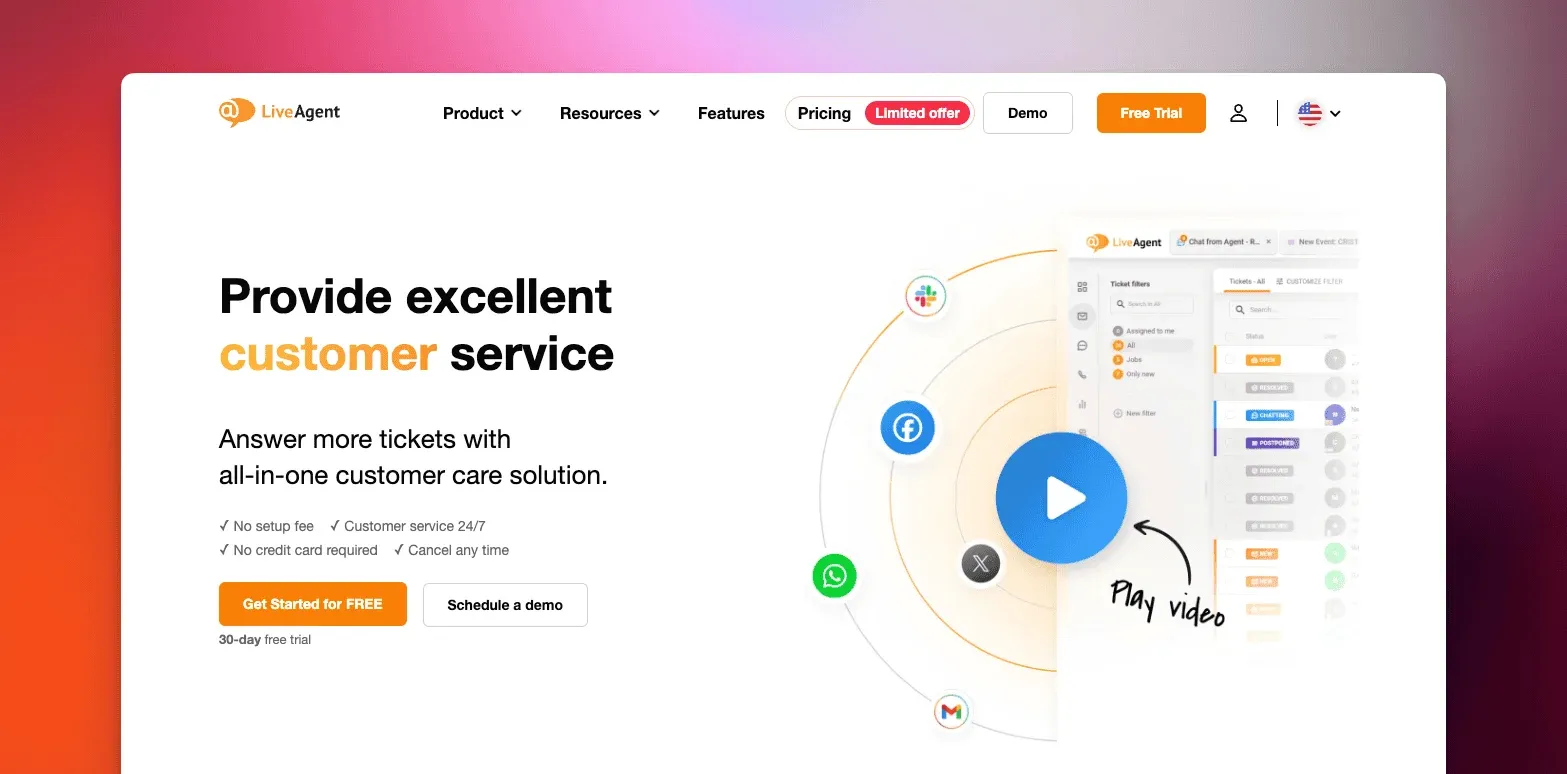
LiveAgent bundles live chat with email, social messaging and a full ticketing system. It’s aimed at a Wix store that expects a higher volume of questions than a chat widget alone can handle, especially once a sale or a peak season pushes ticket volume up. Its dashboard covers automated ticket distribution, canned messages and a universal inbox across channels, plus gamification features for a growing team.
LiveAgent prices per agent across several tiers. The vendor doesn’t publish current rates, so get a live quote before assuming an older number still holds. It’s also open enough to self-host behind your own firewall, which matters more to a larger operation than a single Wix storefront.
Best for: a Wix store with more than one or two agents that wants a real ticketing system behind the chat widget, not just a bubble.
Limitations: per-agent pricing gets expensive as a team grows, and the interface asks more setup time and training than a single embedded widget would.
6. JivoChat: best for chat, phone and social in one widget
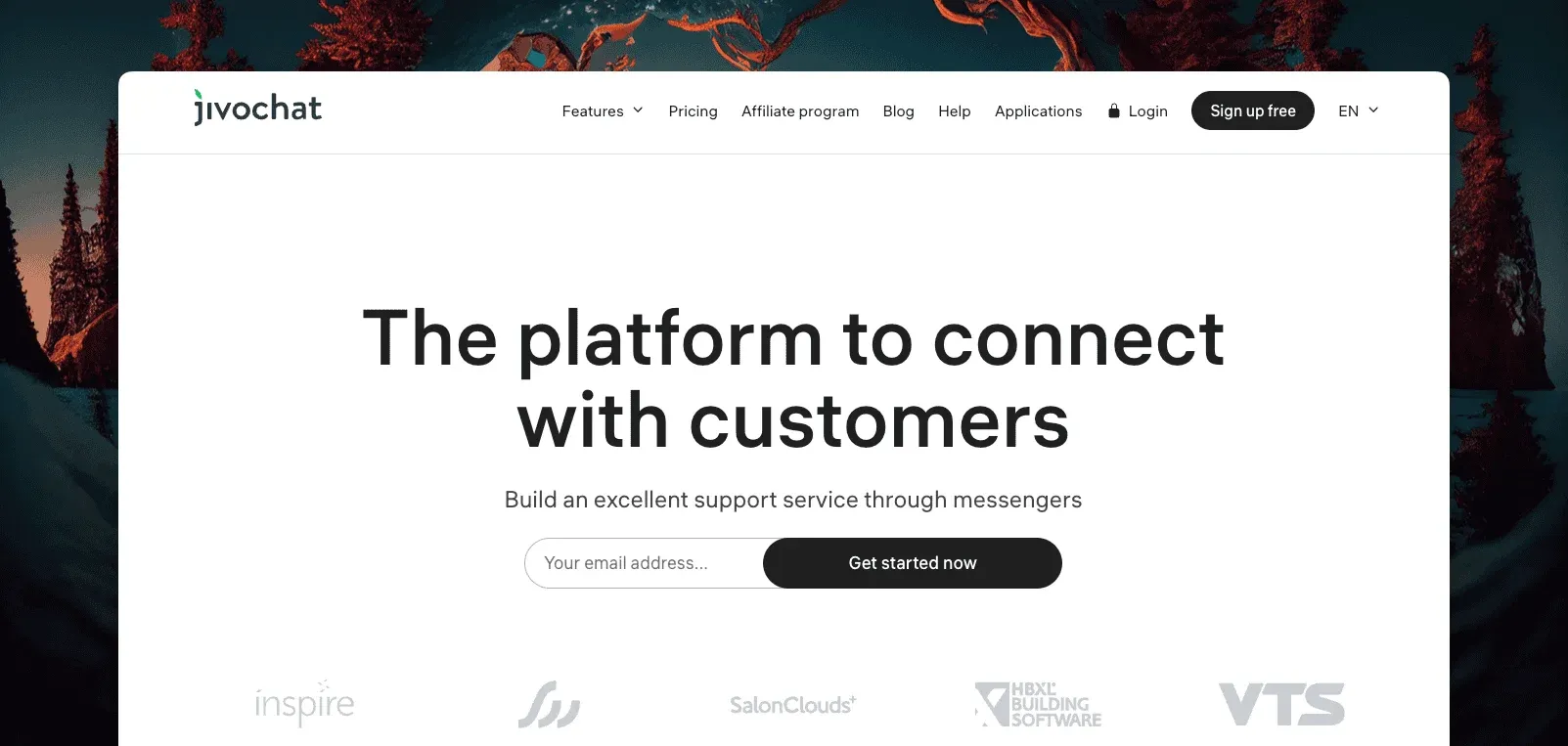
JivoChat folds phone calls, email and social messaging (Facebook, Telegram, WhatsApp) into live chat, all inside one business messenger. A Wix store already fielding questions across more than one channel can answer all of them from this single app instead of four. Visitor monitoring shows where someone came from and what they’ve looked at before the chat even starts. Translation support helps a store talking to visitors in more than one language.
JivoChat prices per agent, and there’s no published rate to check against.
Best for: a Wix store where the same one or two people answer the phone, the chat widget and social messages, and would rather not juggle four separate apps.
Limitations: several of its deeper features, like call forwarding and multi-department routing, sit behind paid tiers, and there’s no native help center or self-serve knowledge base.
7. Help Scout: best for email-first support with chat on every plan
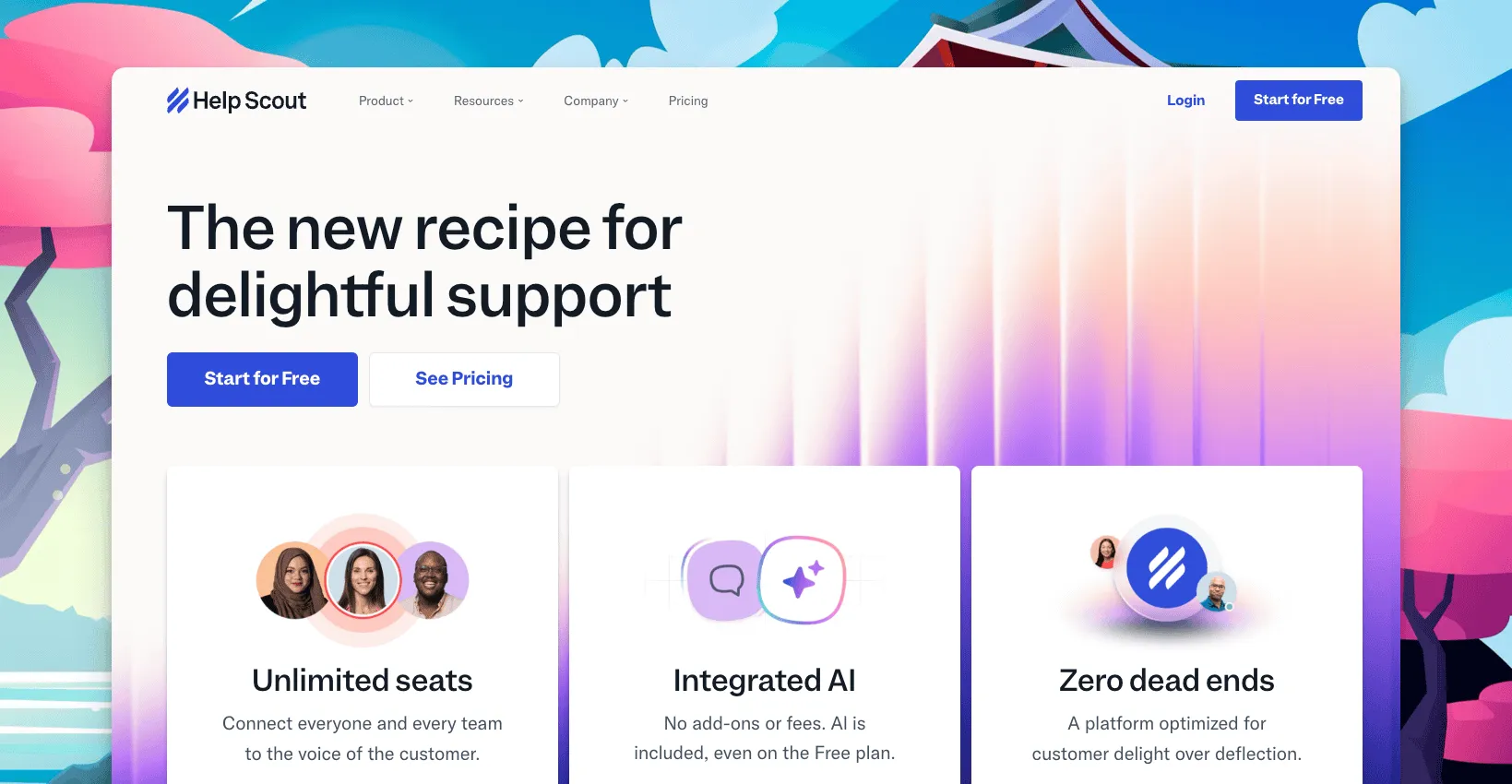
Help Scout is a shared inbox with a knowledge base and Beacon, a chat widget that ships on every plan, including the free one. It reads like email. That suits a Wix store owner who’s never run a help desk before and doesn’t want to learn a new interface just to answer a chat about an order.
Free covers 5 users, 1 inbox and 1 Docs site, with Beacon included rather than gated behind a paid tier. Standard is $25 a user a month, Plus $45, Pro $75, with roughly 16% off on annual billing. An extra inbox runs $12 a month, and collision detection stops two people from answering the same conversation at once. It holds a 4.4 on G2 from 423 reviews.
Best for: a Wix store owner who wants a real free plan and doesn’t mind that chat is the smaller half of the product next to email.
Limitations: chat is the least developed part of the product next to a dedicated widget, and the free plan’s five-user cap is tight once a second person joins support full time.
How to choose live chat apps for Wix
The right pick depends on how much of the workload the chat widget is actually meant to carry, not which app has the flashiest widget design.
- A one-person Wix site or store: ThriveDesk, so chat, email and self-serve docs live in one place from day one, with nothing else to configure.
- No budget at all: Tawk.to’s unlimited free plan, or Tidio once you want a few bots on top of the chat.
- Dedicated chat agents who want deep visitor tracking: LiveChat, and email handled somewhere else entirely.
- Higher ticket volume than a widget alone can handle: LiveAgent, for the full ticketing system sitting behind it.
- Phone, chat and social all in one small team’s hands: JivoChat, so nobody has to check four separate apps for four separate channels.
- Mostly email, and chat as a side door: Help Scout’s free plan, until the sixth user joins the team.
Price it against how much support the store actually generates, not how the widget looks in a screenshot. A free plan is easy to start on and hard to leave once a store’s conversation volume outgrows it, especially heading into a peak season. Check the cap before you build a workflow around it. A per-agent tool is cheap for one person and gets expensive fast once a second hire joins, so model that jump before you commit to a plan. The help desk cost calculator runs that math for the tools above.
Why Wix store owners choose ThriveDesk for live chat
Wix store owners pick ThriveDesk because it behaves like a real help desk once it’s embedded, not just a bubble sitting in the corner of the screen, and because it doesn’t ask for a developer to get there.
Setup is a snippet, not a rebuild. Paste the code into Wix’s custom code settings, and the widget, the inbox and the help center go live within minutes. No developer, no plugin conflicts, no migration required, and nothing to maintain beyond the store itself.
Chat and email share one queue. The shared inbox treats a chat and the email that follows it as one conversation, start to finish. Automation rules tag and assign, so a one-person team isn’t triaging by hand every morning.
Order and shipping questions get answered without extra tools. Saved replies handle the return-policy and shipping-window questions a Wix store gets on repeat, and the help center takes the rest before a ticket even opens.
The price stays flat as the store grows. Basic covers two teammates for $29 a month; Standard covers five for $69, with the public help center and automation included. The pricing page has no per-seat line waiting to surprise a growing team at renewal, unlike the per-agent tools on this list.
Neo covers the hours nobody’s watching the widget. Neo answers from the help center overnight, collects the lead, and leaves a summary for the morning. There’s no per-resolution fee for any of it, unlike the AI add-ons on several other tools here.
Start the 7-day trial; no card needed.






