
A patient asks whether a walk-in clinic takes their insurance, waits six minutes on hold, and calls the practice down the street instead. Live chat closes that gap for a front desk that’s already answering phones and rooming patients at the same time.
Healthcare adds a wrinkle general software wasn’t built around: whatever a patient types could become protected health information. Good live chat software for healthcare gives a practice a plan for that, not just a chat bubble on the website.
The best live chat software for healthcare in 2026 is: 1) ThriveDesk, for chat, email and a help center in one workspace; 2) Rocket.Chat, for a self-hosted option; 3) OhMD, for texting tied to your practice’s phone number; 4) Twilio, for a custom-built stack; 5) Trillian, for secure staff messaging; 6) Medchat, for automating routine contact; and 7) Pabau, for chat bundled into clinic management.
We checked what each plan includes, what the bill does as staff are added, and what to ask a vendor before any patient detail touches the chat. ThriveDesk’s price was checked on its pricing page in September 2026. Most others here don’t publish a number, so we say that plainly instead of guessing.
What counts as live chat software for healthcare
Five kinds of tool answer to this search, and they aren’t interchangeable.
- A general help desk with a chat widget. ThriveDesk. Built for any small business, not healthcare specifically, so nothing in it is designed around protected health information on its own.
- A patient communication platform built around texting. OhMD ties chat and SMS to the practice’s existing phone number.
- A platform built around automating routine contact. Medchat uses AI agents for triage, scheduling and refill requests.
- A secure messaging tool for care teams, not patients. Trillian connects staff to each other rather than to the person on the website.
- A building block or a self-hosted option. Twilio gives a developer the pieces for a custom stack; Rocket.Chat is open source and can run on your own servers.
Pabau doesn’t fit neatly into any of these. It’s clinic management software with chat and video visits attached to scheduling and records, which is its own case below. Knowing which bucket a tool sits in matters more than its feature list. A staff messaging app and a patient-facing widget solve different problems, even when both use the word “chat.”
How we evaluated
Five questions, asked the same way for every tool. None of the answers below include a compliance certification, because a vendor’s marketing page isn’t where you’d confirm one.
- What does the first plan include? Chat alone, or chat with email, a help center and automation.
- What happens to the bill as staff are added? Per-agent tools add up fast once a second location opens; flat plans don’t move.
- Is a patient supposed to type into this chat, or is it staff-to-staff? Some tools here are internal messaging with a healthcare label.
- What would you ask the vendor before rollout? A signed business associate agreement, where data is stored, and who can export a conversation. A pricing page rarely answers any of that.
- Does it replace phone tag, or add a fourth channel nobody checks? Texting tied to the practice’s existing number is different from a new inbox that sits unread.
What a tool does once you outgrow the first plan matters too. A per-user product scales its price with headcount, while a flat plan usually just unlocks more seats or features at the next tier. We also looked at whether a tool was built for a website visitor to type into, or built for internal staff and marketed to healthcare anyway. That distinction shapes the “best for” line under each entry more than any single feature does.
Quick comparison
| Tool | Best for | Pricing model | Patient-facing chat | Free plan or tier |
|---|---|---|---|---|
| ThriveDesk | Chat, email and a help center in one workspace; Neo AI agent in every plan, no per-resolution fee | $29 a month, flat | Yes | 7-day trial, no free plan |
| Rocket.Chat | A self-hosted or open-source option | Free tier, paid per user | Yes | Yes, free tier |
| OhMD | Two-way texting tied to your practice’s phone number | Free plan, paid tier above it | Yes | Yes, free plan |
| Twilio | Building a custom communication stack | Usage-based, quote | Depends what you build | No |
| Trillian | Secure messaging between care teams | Free tier, paid per user | No, staff only | Yes, free tier |
| Medchat | Automating routine patient calls and texts | Quote-based | Yes | No |
| Pabau | Chat bundled into clinic scheduling and records | Quote-based | Yes | No, trial only |
Here’s the detail behind each ranking, starting with the tool most healthcare front desks should try first.
1. ThriveDesk: best for chat, email and a help center in one workspace
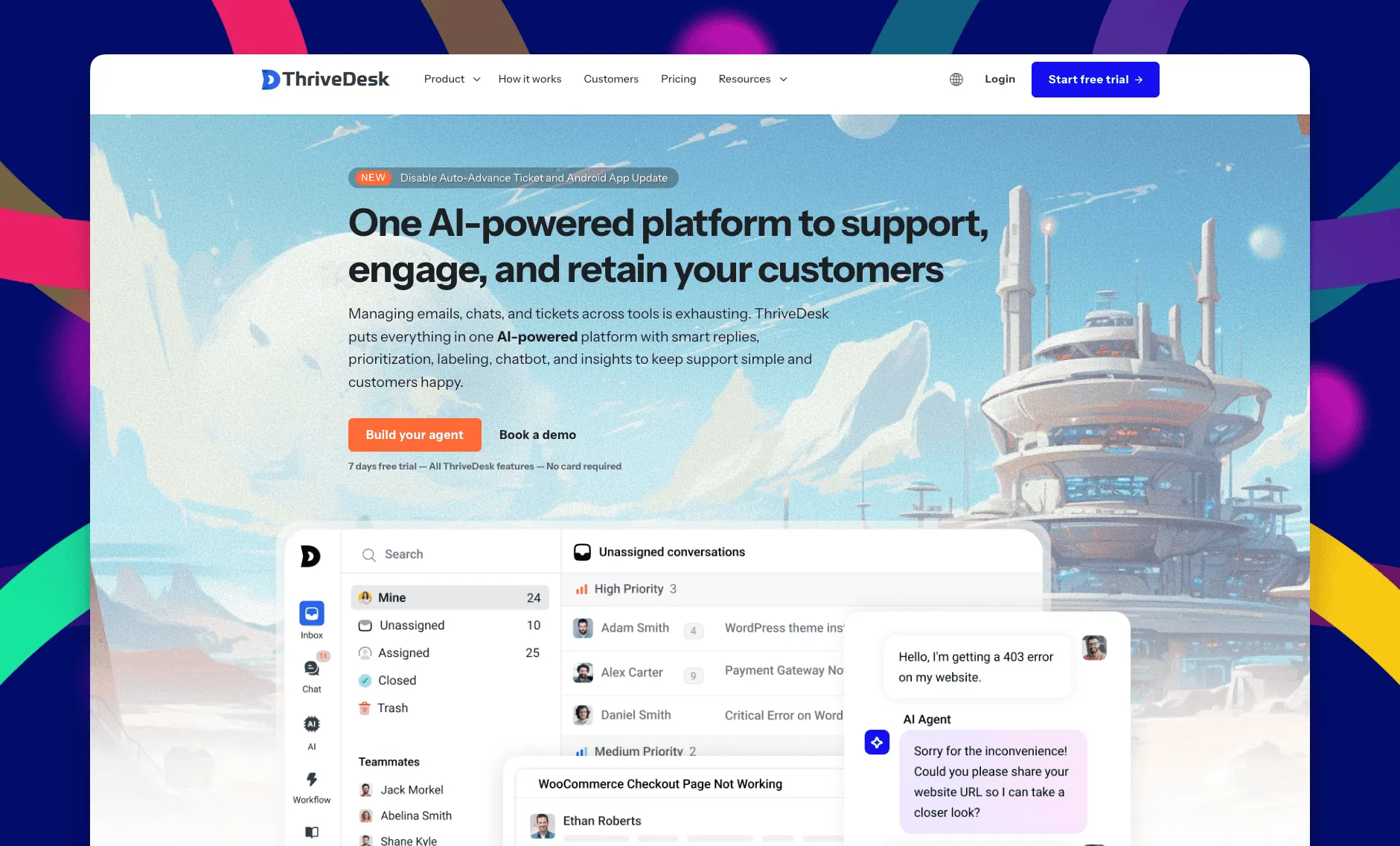
ThriveDesk is AI customer service software for ecommerce: an agentic omnichannel helpdesk, intelligent chatbot, modern help center and powerful reporting, plus Neo, the AI agent that answers customers around the clock. It’s built for small and midsize teams, not healthcare specifically. A solo practice and a ten-person front desk both get the full product, not a stripped-down tier. Reviewers rate it 4.9 out of 5 on G2. You pay for the plan rather than for each person answering it.
Shared inbox
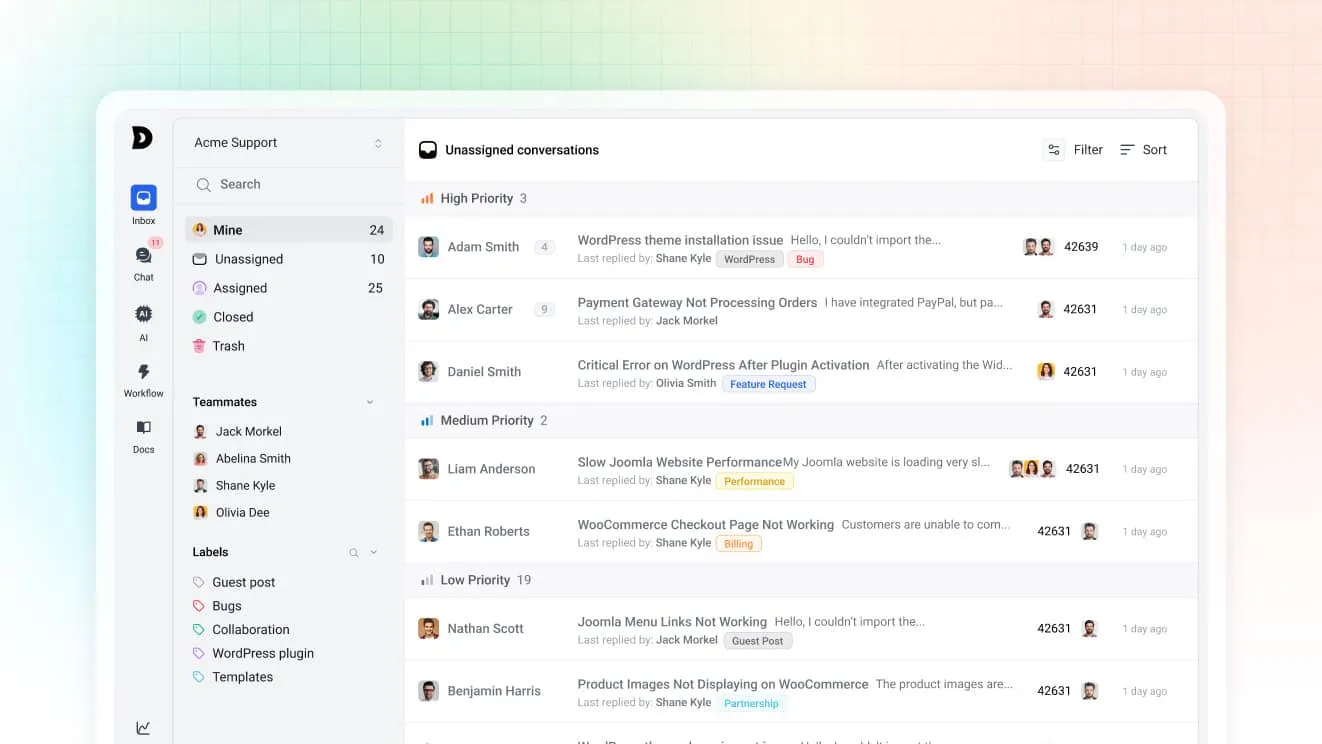
Chat and email both land in the same shared inbox. A question that starts on the website and continues by email stays one thread instead of two. Assignment rules route by tag or subject, and saved replies keep wording consistent across whoever is at the desk. Tags separate a billing question from a scheduling one at a glance.
Neo, the AI agent
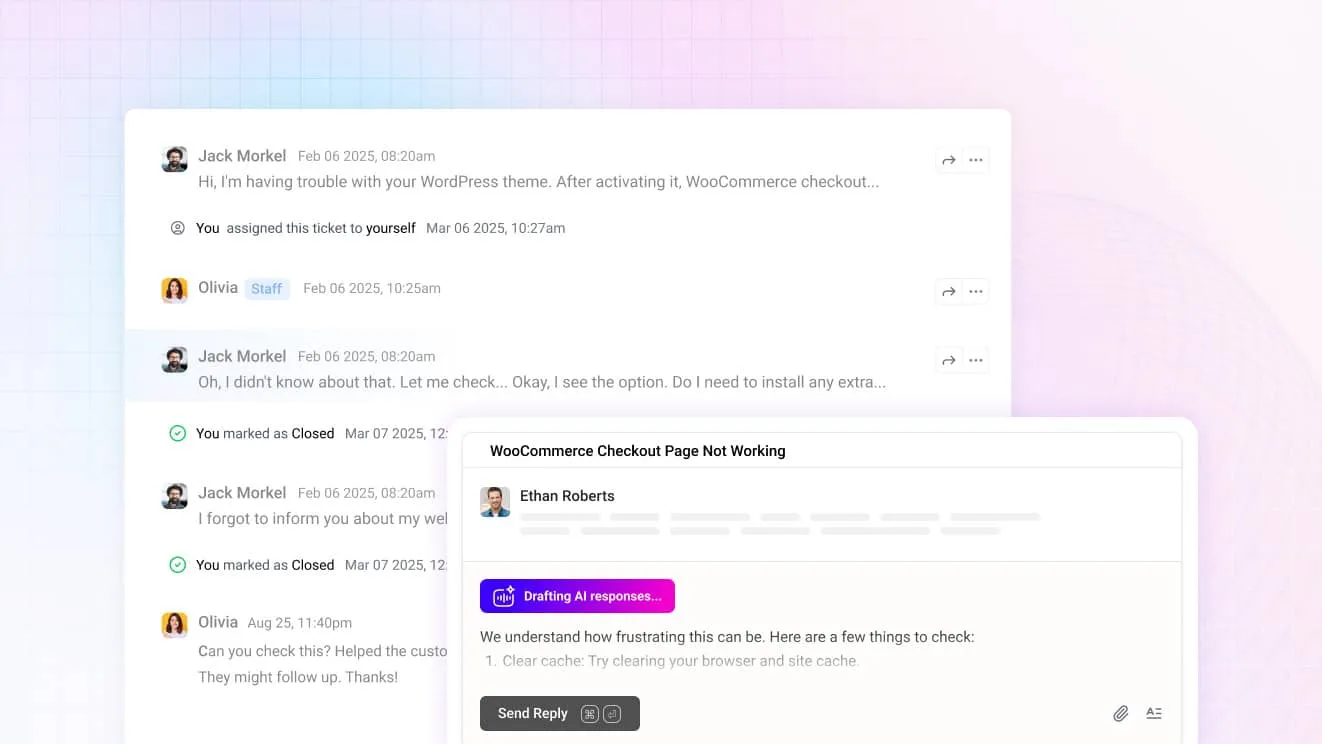
Neo answers the after-hours question from your help center content and hands off the moment a visitor asks for a person, rather than guessing at something it shouldn’t. It’s included in every plan with no per-resolution fee. For staff, Copilot drafts replies from the same content and summarizes a long thread before anyone opens it.
The chat widget
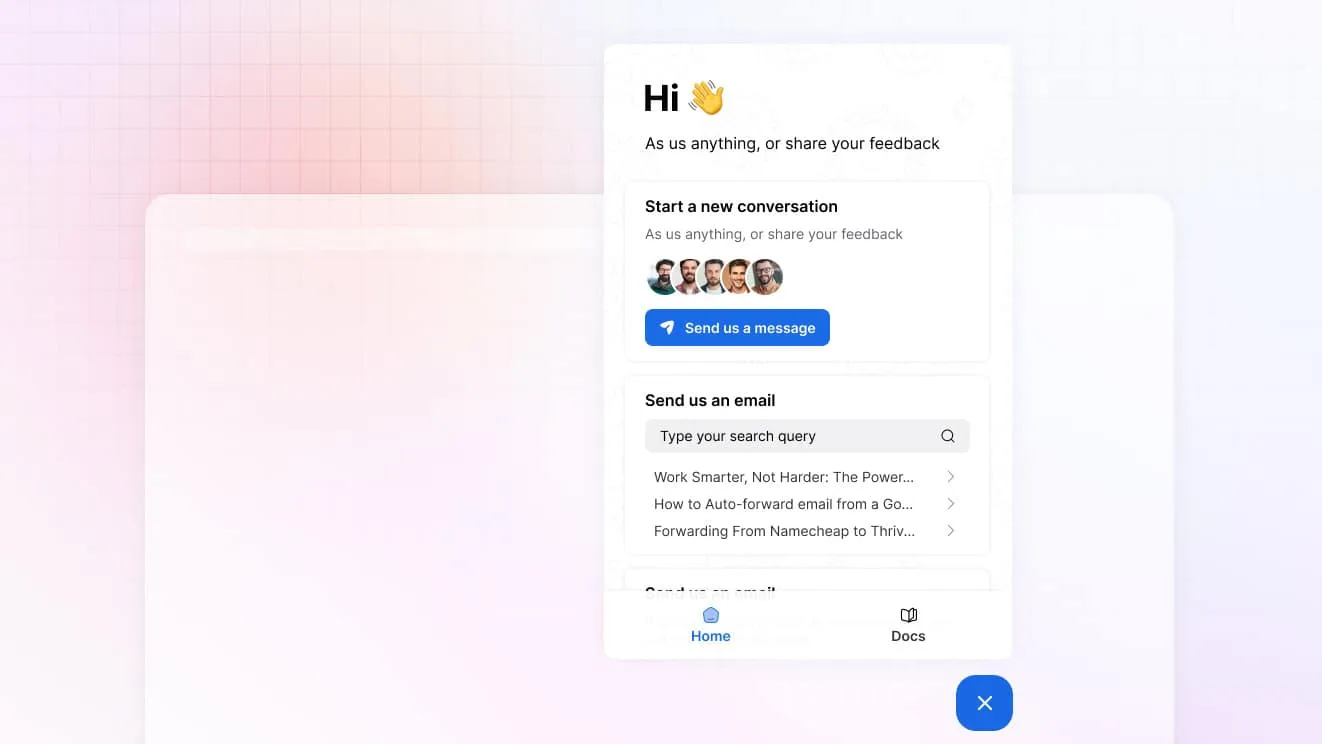
One widget carries live chat, a contact form and a search box over your help center. A patient can find office hours or a parking answer without starting a chat at all. The ones who do start a chat arrive with the page they were on already attached.
Help center
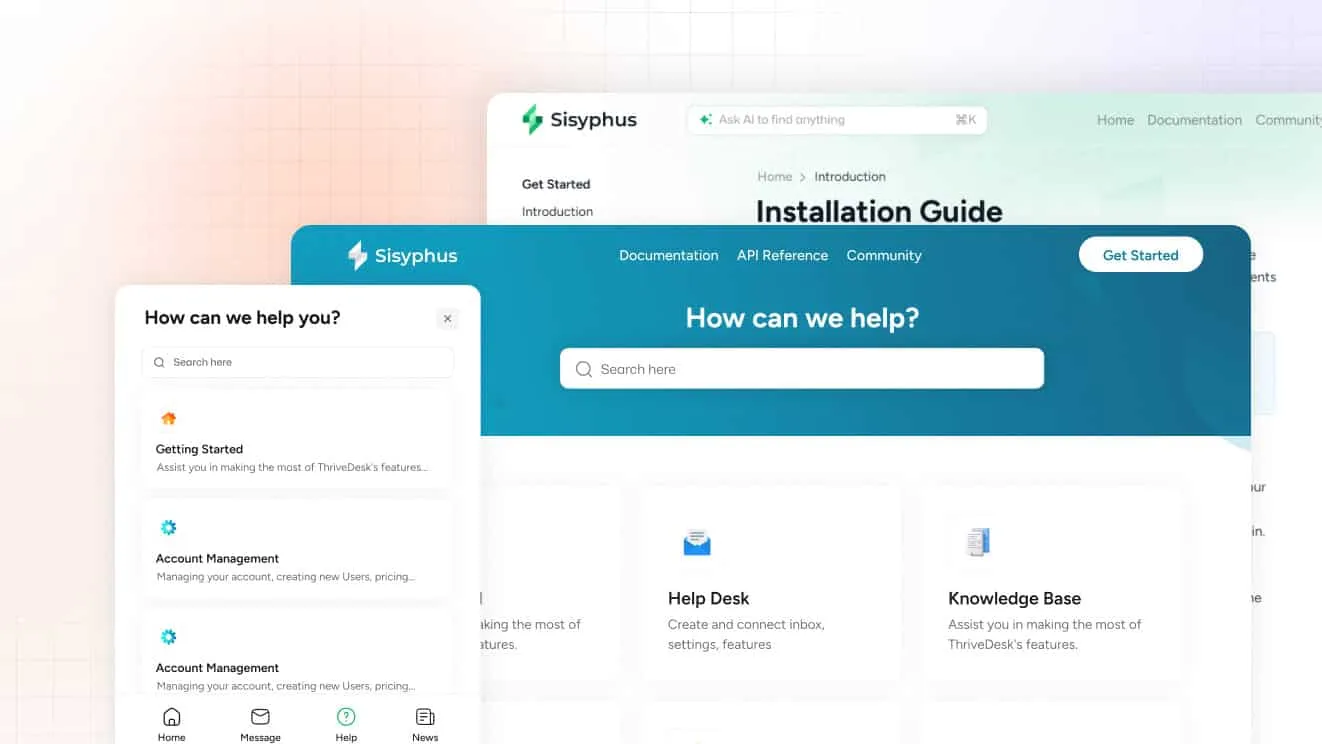
The help center holds intake instructions, insurance questions and after-visit information a patient can search before typing a message. Standard includes a public help center. Unlimited adds private and multiple help centers, useful for a multi-location practice that wants each site’s information kept separate.
What it costs
Basic is $29 a month for two teammates and one inbox, with live chat included. Standard is $69 for five teammates, two inboxes, the public help center, workflow automation and the MCP server. Unlimited is $129 for unlimited teammates and five inboxes. Annual billing brings those down to $19, $49 and $99. Every plan has a 7-day trial, no card required.
Best for: a practice or clinic front desk that wants chat, email and a help center in one place instead of three logins.
Limitations: ThriveDesk isn’t built for healthcare specifically, so it has no EHR integration and no business associate agreement built in. Ask about a BAA before any patient detail goes through the chat; that question is worth asking every vendor on this list. There’s a trial but no free plan. The comparison pages put ThriveDesk beside other help desks.
2. Rocket.Chat: best for a self-hosted or open-source option
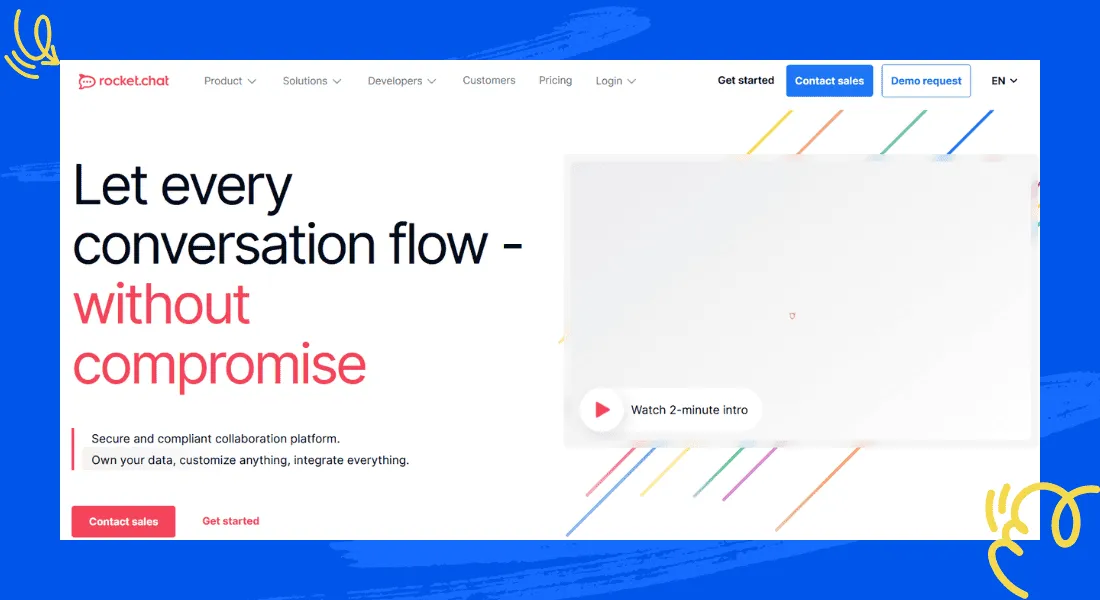
Rocket.Chat is an open-source messaging platform. A practice or hospital IT team can run it on their own infrastructure instead of a vendor’s cloud. It brings chat, video, voice and SMS into one omnichannel inbox, with an API for automating outreach and a full conversation history in one place. The self-hosted option is the real differentiator here: nothing has to leave your servers unless you choose the cloud plan instead. Admin controls extend to who can see which conversations, which matters once several departments share one instance.
Best for: an organization with an IT team that wants messaging data to stay on infrastructure it controls.
Limitations: self-hosting means someone maintains the server, patches and uptime. The free tier suits smaller deployments; paid, per-user plans apply once a team grows past it, and setting up the full omnichannel stack takes real time. A practice without in-house IT support will likely spend more on setup than the license itself.
3. OhMD: best for two-way texting tied to your practice’s phone number
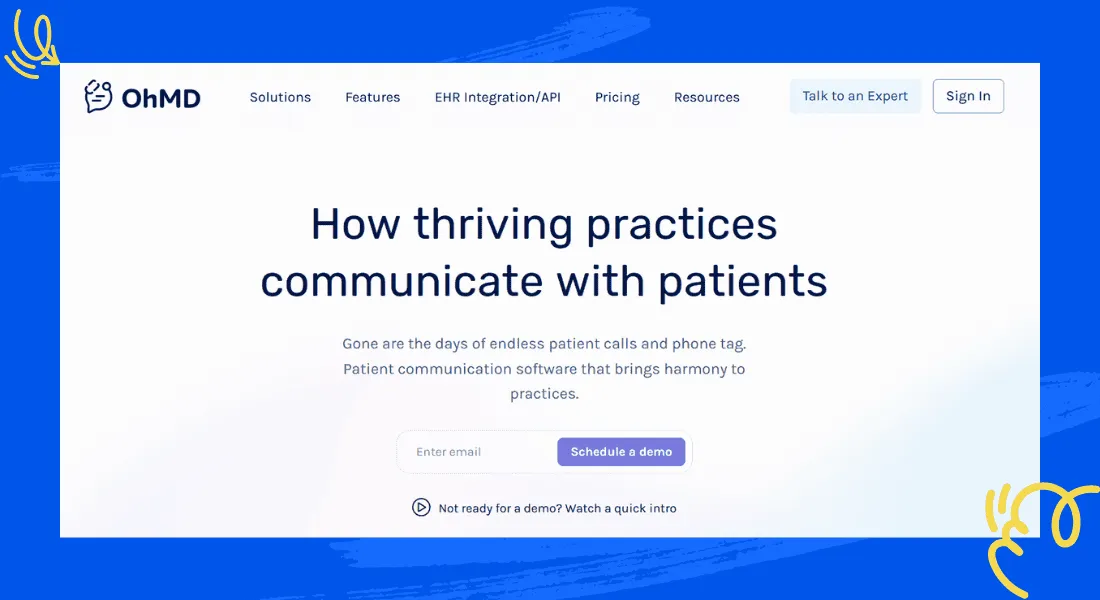
OhMD is a patient communication platform. It lets a practice text from the same number patients already call, rather than adding a separate app. Two-way texting, appointment reminders, video visits and a website chat widget all sit on one platform built specifically for medical practices. Broadcasts let a practice message a whole patient group at once instead of calling each person, and forms collect intake details before a patient arrives. Video visits run on the same platform, so a practice offering telehealth doesn’t need a separate link or a third app.
Best for: a practice that wants to cut down phone tag by meeting patients on text instead of adding another portal.
Limitations: it’s built for texting first; the website chat widget is a smaller piece of that. Ask about EHR integration depth for your specific system before committing, since “integrates with EHR” can mean anything from a deep sync to a basic lookup.
4. Twilio: best for building a custom communication stack
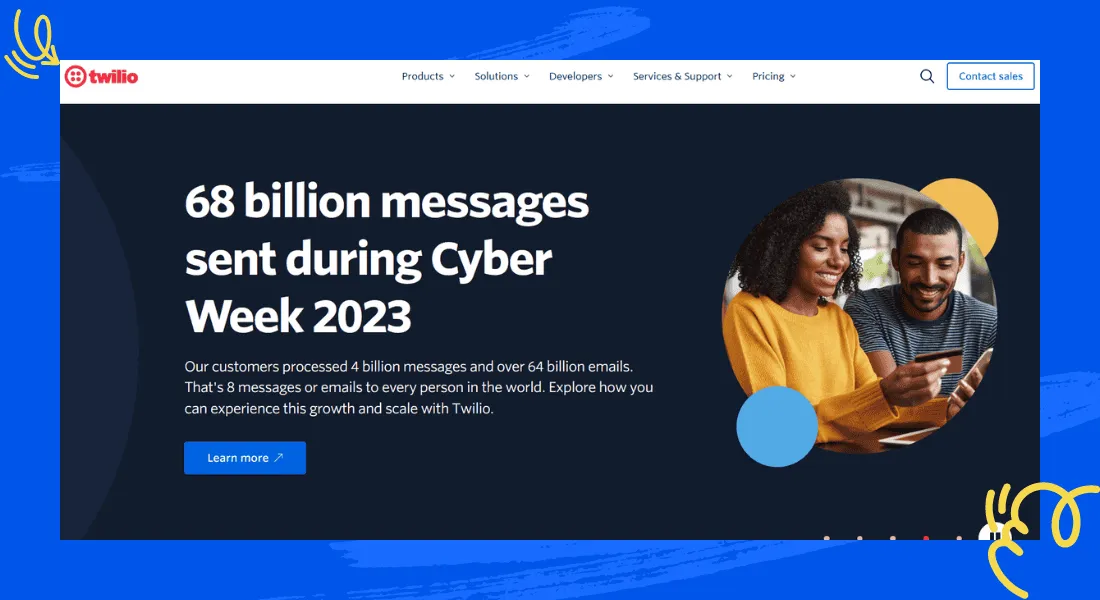
Twilio isn’t a finished chat product; it’s a set of APIs for building one. A development team can assemble SMS, voice, video and chat into a flow shaped around a practice’s own intake and follow-up process. Visitor behavior tracking and automated chat invitations triggered by specific pages are available too, for a team that wants to build them. Most off-the-shelf chat products don’t expose tools like these. A support-staff optimization layer adds monitoring and feedback for agents once the build is live, which is closer to a full contact-center feature set than a simple widget.
Best for: a health system with engineering resources that wants a communication flow no off-the-shelf tool offers.
Limitations: Twilio is quote-based and priced by usage, and there’s no chat widget to install without building one first. A small practice without developer time should look elsewhere on this list; the build itself is usually the bigger cost, not the monthly usage.
5. Trillian: best for secure messaging between care teams, not patients
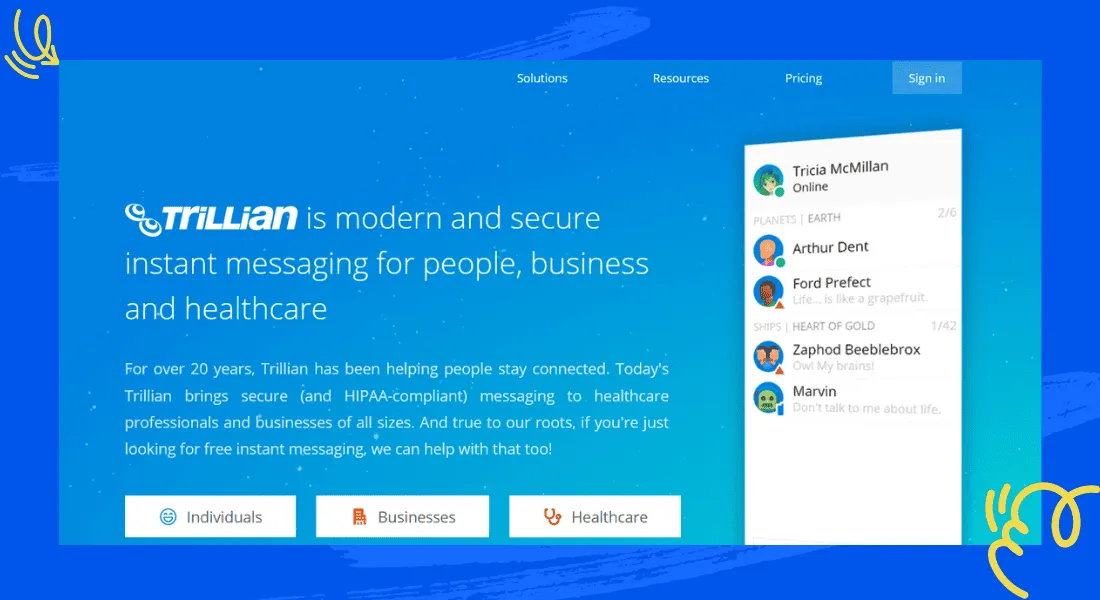
Trillian is secure messaging for staff, not a patient-facing widget. Care teams use it to coordinate on a case and share files, with urgent alerts that break through do-not-disturb settings when something can’t wait. An on-premises server option keeps messages inside the building, for an organization that wants full control over where they live. Desktop and mobile clients cover most of the devices a care team already carries.
Best for: coordinating nurses, doctors and administrators on a case, separate from anything a patient sees.
Limitations: it doesn’t answer the original question of chat for a website visitor. Paid tiers are per user, with a free tier for individuals. Pair it with a patient-facing tool from higher on this list rather than instead of one; the two solve different jobs even though both get called “secure messaging.”
6. Medchat: best for automating routine patient calls and texts
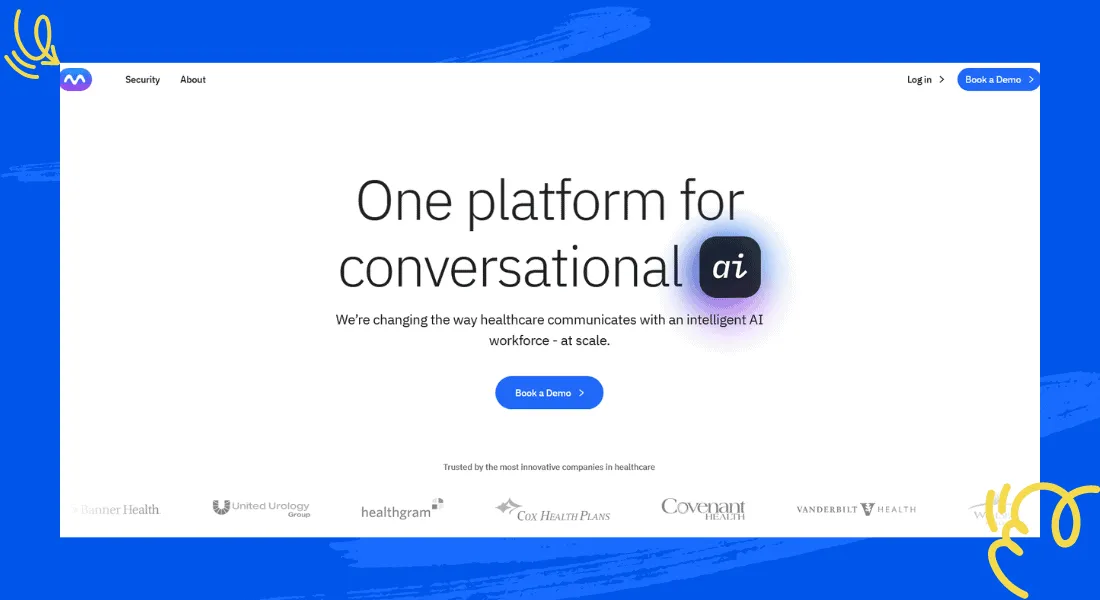
Medchat uses AI agents to handle the calls and texts that eat front-desk time: triage questions, appointment scheduling, insurance verification and refill requests, across phone, text and live chat. A live chat assistant also sits alongside human agents to speed up replies during business hours. Reporting shows which automations are actually resolving a contact, rather than just deflecting it to a human later.
Best for: a practice or health system that wants automation to absorb call volume before it wants a chat widget.
Limitations: it’s quote-based, so budgeting takes a sales conversation. Automating patient-facing communication also raises its own oversight questions worth discussing with the vendor directly, including how a call escalates to a human when the automation isn’t sure.
7. Pabau: best for chat bundled into clinic scheduling and records
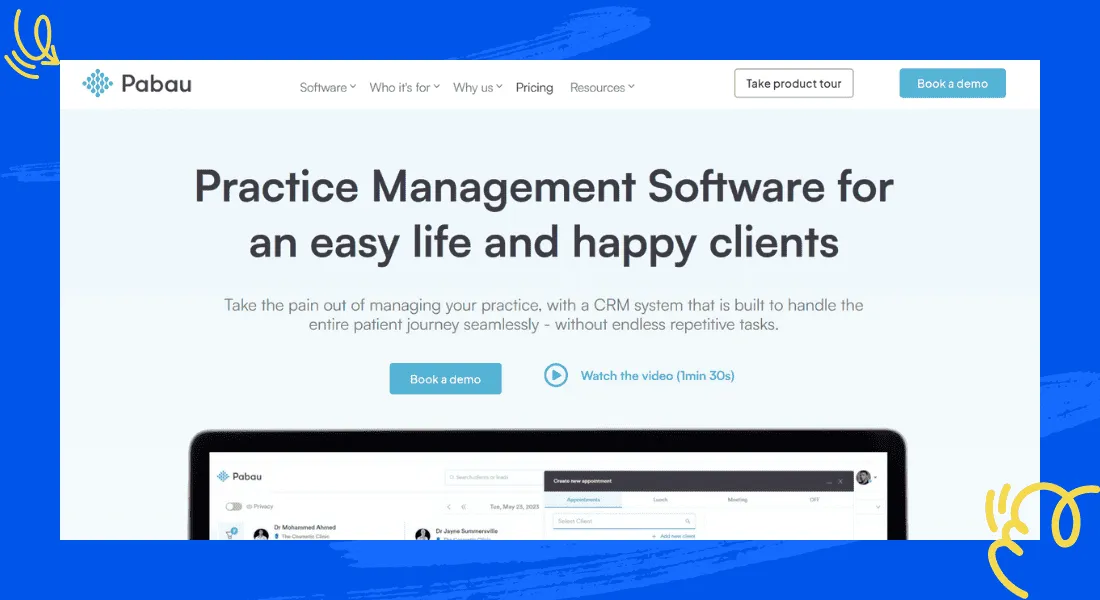
Pabau is clinic management software first: appointments, patient records, forms and billing. Chat and video consultations sit inside that same system instead of standing alone. A message from a patient can attach directly to their record, rather than living in a separate inbox. Patients get a portal to view their own bookings and invoices, and photo capture for treatment records sits next to the calendar. Deposit management and automated reminders round out the scheduling side, which is where most of Pabau’s value actually sits rather than in the chat widget itself.
Best for: a clinic that would rather add chat to the practice-management system it already runs than manage a second tool.
Limitations: it’s quote-based, and the chat itself is a small piece of a much larger platform. A practice that only wants live chat may be paying for scheduling and records software it doesn’t need, and switching later means moving records too, not just a chat widget.
How to choose live chat software for healthcare
Match the tool to what’s actually going to be typed into it, not just the feature list. The team answering the chat, and what they’re allowed to say in it, matters more than which logo is on the widget.
- A solo practice or small clinic front desk: ThriveDesk, for chat, email and a help center in one plan.
- An organization that needs data to stay on its own servers: Rocket.Chat’s self-hosted option.
- A practice that wants to text from its existing phone number: OhMD.
- A health system with developers to build a custom flow: Twilio.
- Coordinating staff on a case, separate from patient chat: Trillian, alongside a patient-facing tool.
A practice trying to cut call volume before adding a widget should look at Medchat’s automation. One that would rather bolt chat onto scheduling and records it already runs should look at Pabau instead.
Team size matters as much as the industry label. A single-location practice with two or three staff rarely needs more than a shared inbox and a help center. A multi-location group juggling shift schedules gets more out of automation and routing rules.
Whichever you shortlist, ask the same question before rollout: will the vendor sign a business associate agreement, and where does the data live. Get that answer in writing before a contract, not after the first patient conversation happens in the tool. The help desk cost calculator helps price out the tools that do publish a number. It’s worth running even for a quote-based vendor, once they give you one.
Why teams choose ThriveDesk for healthcare support
Practices pick ThriveDesk because the pieces come together in one plan, not because any single feature is unique to healthcare.
The price stops moving as staff are added. A five-person front desk on Standard costs $69 a month, flat. The pricing page has no per-seat line and no per-resolution meter, so a busier flu season doesn’t change the bill.
Chat and email share one queue. The shared inbox treats a website chat and the email that follows it as one conversation, with automation rules that route and tag so a small front desk isn’t triaging by hand.
The help center answers the routine questions first. Office hours, insurance accepted and what to bring to a first visit can live in the help center and get searched before a patient ever types a message.
Neo covers the hours the front desk is closed. It answers from the help center content at 2 a.m., collects the lead, and leaves a summary for the morning. It hands off the moment a visitor asks for a person.
Setup takes a day, not a procurement cycle. A solo practice can have chat, email and a basic help center live the same afternoon they sign up, without a sales call or an implementation project.
A live chat vendor’s pricing page is not where you confirm HIPAA compliance; a signed business associate agreement is. That’s true of ThriveDesk as much as any tool on this list. Ask about a BAA before rollout, and get the answer from a person rather than a features page. Start the 7-day trial; no card needed.






