
A customer asks a bank’s chat widget why a transfer is pending, gets a canned reply, and calls the branch anyway. Live chat should close that gap.
Banking adds a wrinkle most chat vendors weren’t built around: the conversation can touch account numbers, balances and card details. Good live chat software for banking gives a team a plan for that data, not just a widget on the homepage.
The best live chat software for banking in 2026 is: 1) ThriveDesk, for chat, email and a help center in one workspace; 2) Zendesk, for a full omnichannel suite with an audit trail; 3) LiveChat, for a chat-first team with deep visitor tracking; 4) Freshchat, for a bank already on the Freshworks suite; 5) Helpshift, for chat built into a mobile banking app; 6) REVE Chat, for co-browsing and video during account help; and 7) Nextiva Chat, for a bank that wants chat inside a wider phone system.
We checked what each plan includes, what the bill does when a bank adds agents, and what to ask before account data touches the chat. ThriveDesk, LiveChat and Freshchat prices are from September 2026; Zendesk’s are from August.
What counts as live chat software for banking
Three kinds of tool answer to this search.
- A general help desk with a chat widget. ThriveDesk. Built for any small business, so nothing in it is designed around banking data specifically.
- An enterprise customer service suite. Zendesk and Freshchat, both selling chat as one channel inside a bigger platform with bots, reporting and add-ons priced separately.
- A chat-first tool with a narrower job. LiveChat, Helpshift, REVE Chat and Nextiva Chat all lead with the chat widget itself, adding tickets, mobile SDKs or internal messaging around it rather than starting from a full help desk.
None of these categories tells you whether a tool is safe for account data. That’s a separate question, and it’s the one a features page answers least clearly. A small institution often does better starting from the help desk category and adding channels as it grows. Starting from an enterprise suite and trying to shrink it down usually costs more, both in dollars and in the time it takes staff to learn a platform built for a much larger operation.
How we evaluated
Five questions, asked the same way for every tool. None of the answers below include a compliance certification, because a pricing page isn’t where you’d confirm one.
- What does the first plan include? Chat alone, or chat with a full help desk behind it.
- What happens to the bill as agents are added? Per-agent tools multiply fast at a multi-branch institution; flat plans don’t move.
- Does chat share a queue with email, or create a fourth channel to check? A widget with no inbox behind it just adds a place for follow-ups to get lost.
- What would you ask the vendor about security paperwork? A current SOC 2 report, where transcripts are stored, and whether card data could ever land in a chat message. A pricing page rarely answers any of that.
- Is there a bot, and is it priced separately? Most vendors here sell the AI layer as an add-on, not a feature of the base plan.
Team size matters here as much as the vendor’s marketing angle. Two branches with three agents each need a very different plan than a ten-person call center, even inside the same bank.
Quick comparison
| Tool | Best for | Pricing model | Chat and email together | Free plan or trial |
|---|---|---|---|---|
| ThriveDesk | Chat, email and a help center in one workspace; Neo AI agent in every plan, no per-resolution fee | $29 a month, flat | Yes | 7-day trial, no free plan |
| Zendesk | A full omnichannel suite with an audit trail | $19 an agent a month, annual | Yes, on Suite plans | 14-day trial, no free plan |
| LiveChat | A chat-first team with deep visitor tracking | $19 a person a month, annual | Chat; tickets are a separate product | 14-day trial |
| Freshchat | Already running the Freshworks suite | Free up to 10 agents, then $19 an agent | Chat and messaging; email needs Freshdesk | Free plan |
| Helpshift | Chat built into a mobile banking app | Not published | Chat plus email | Free trial |
| REVE Chat | Co-browsing and video during account help | Not published; chat and chatbot billed separately | Yes | 14-day trial |
| Nextiva Chat | Chat inside a wider phone and messaging suite | Quote-based | Yes, plus internal chat | Not published |
Here’s what’s behind each ranking, starting with the tool most community banks and credit unions should try first, before moving through the enterprise suites and the narrower specialists.
1. ThriveDesk: best for chat, email and account questions in one inbox
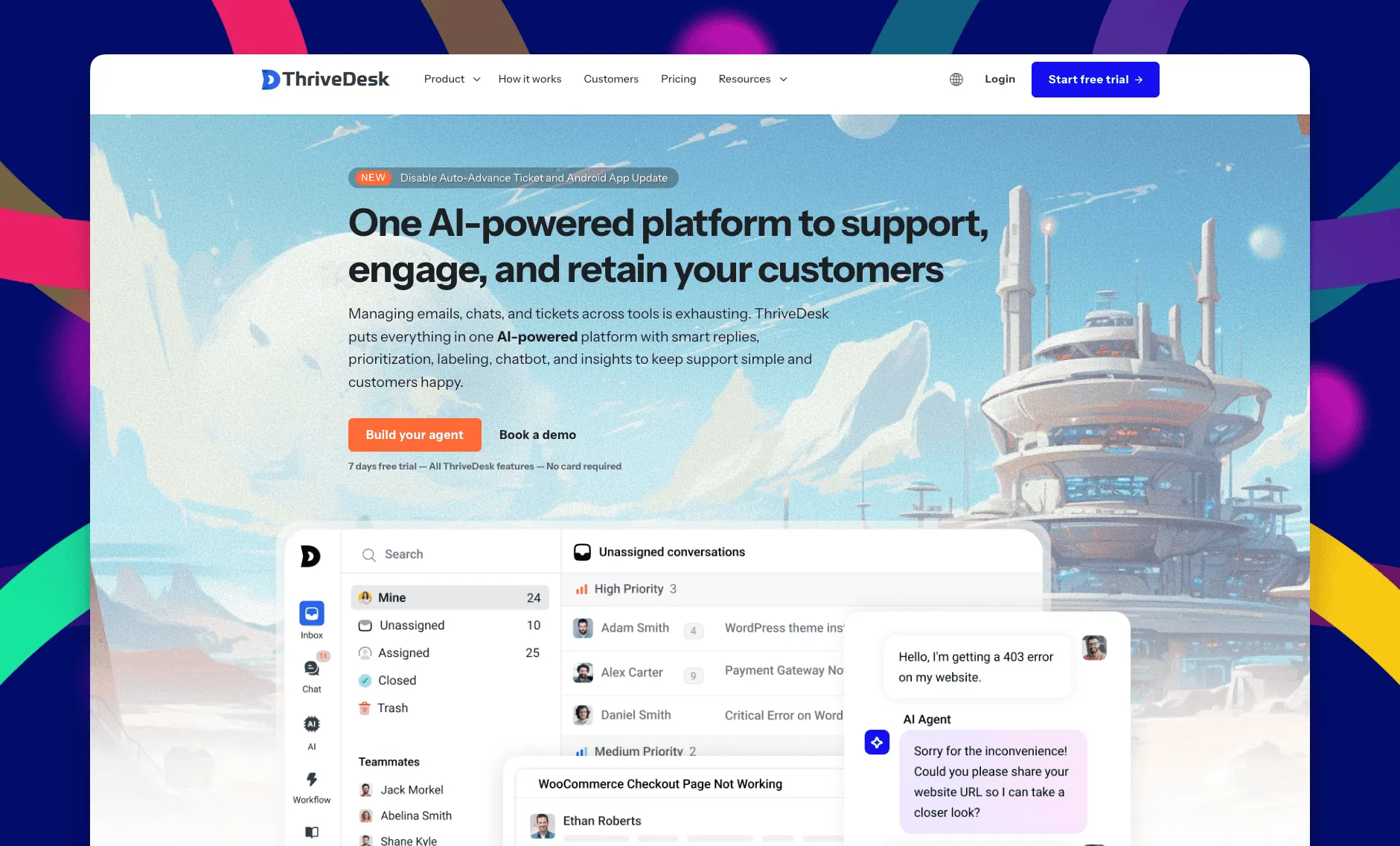
ThriveDesk is AI customer service software for ecommerce: an agentic omnichannel helpdesk, intelligent chatbot, modern help center and powerful reporting, plus Neo, the AI agent that answers customers around the clock. It’s built for small and midsize teams, not banking specifically, and reviewers rate it 4.9 out of 5 on G2. You pay for the plan rather than for each person answering it.
Shared inbox
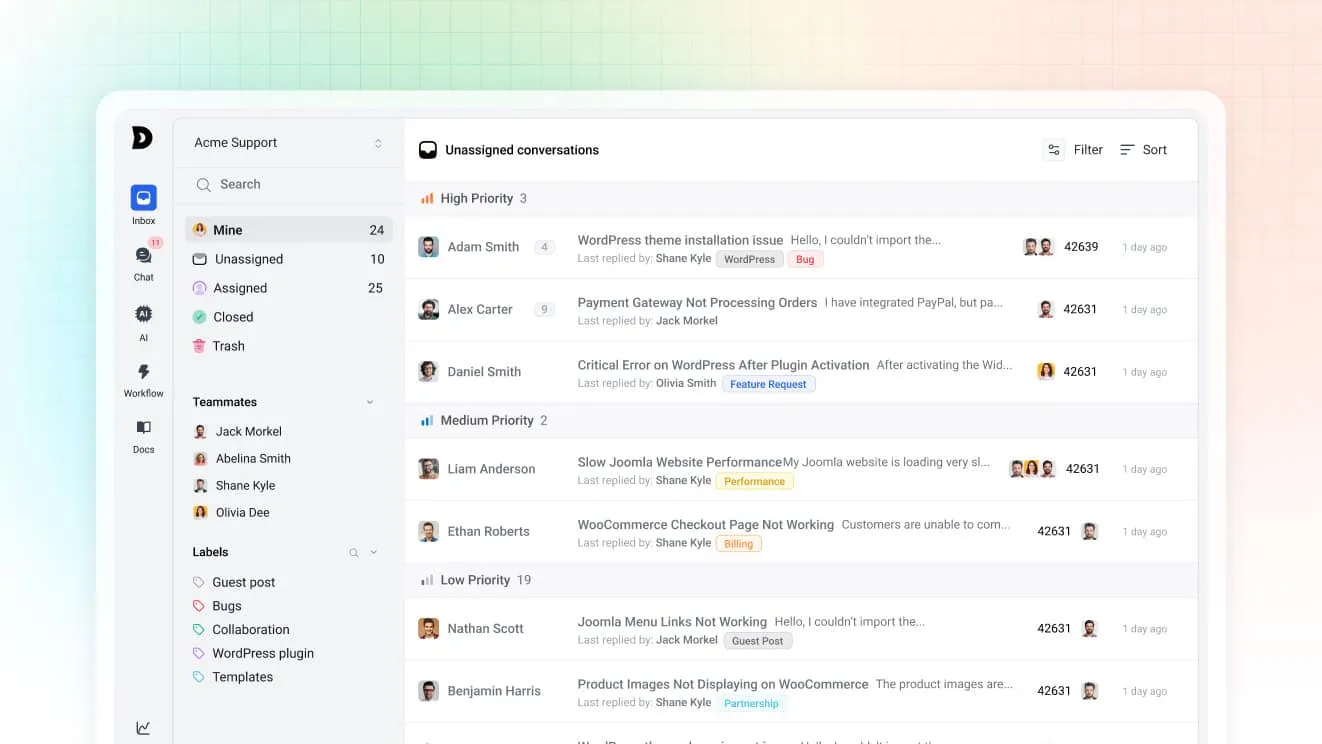
Chat and email both land in the same shared inbox, so a question that starts in the widget and continues by email stays one thread. Assignment rules route by tag or subject. Saved replies keep wording consistent across every agent answering a common question like a hold or a fee.
Neo, the AI agent
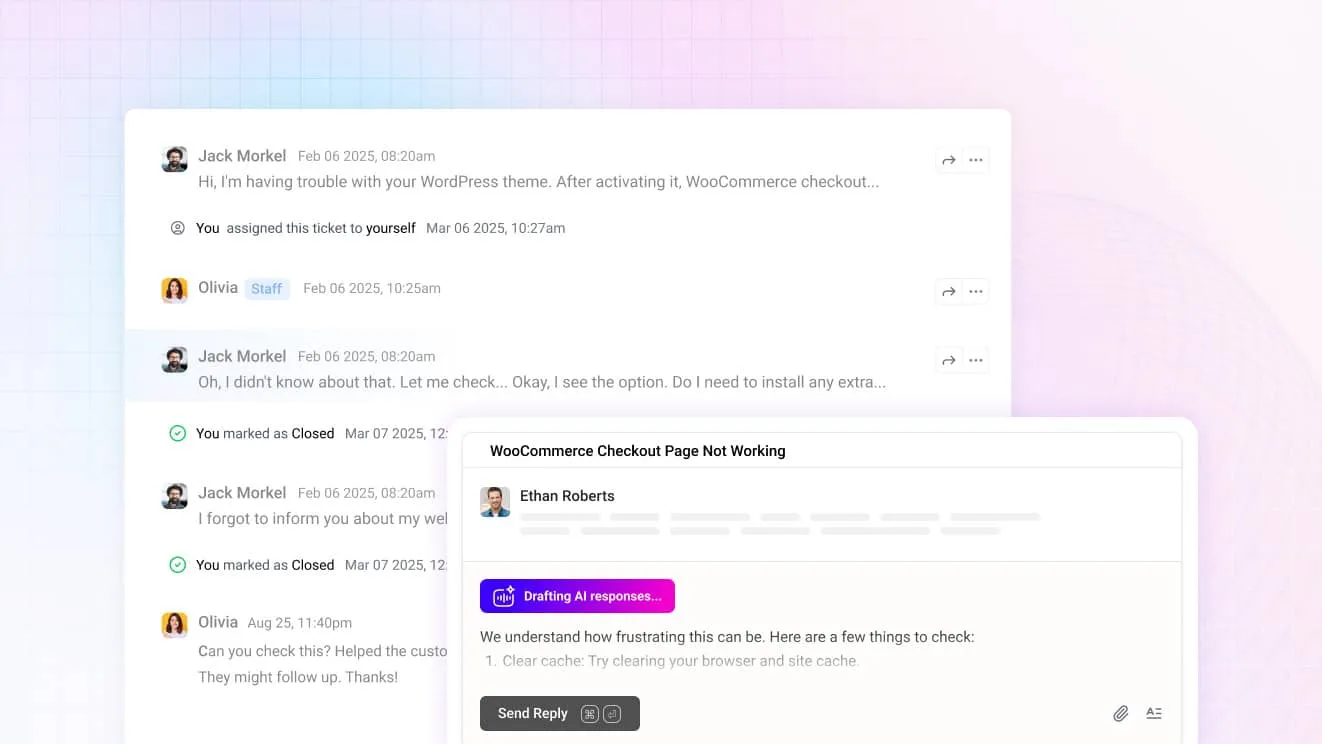
Neo answers the after-hours question from your help center content and hands off the moment a customer asks for a person, rather than guessing at something account-specific. It’s included in every plan with no per-resolution fee. For agents, Copilot drafts replies from the same content and summarizes a long thread before anyone opens it.
The chat widget
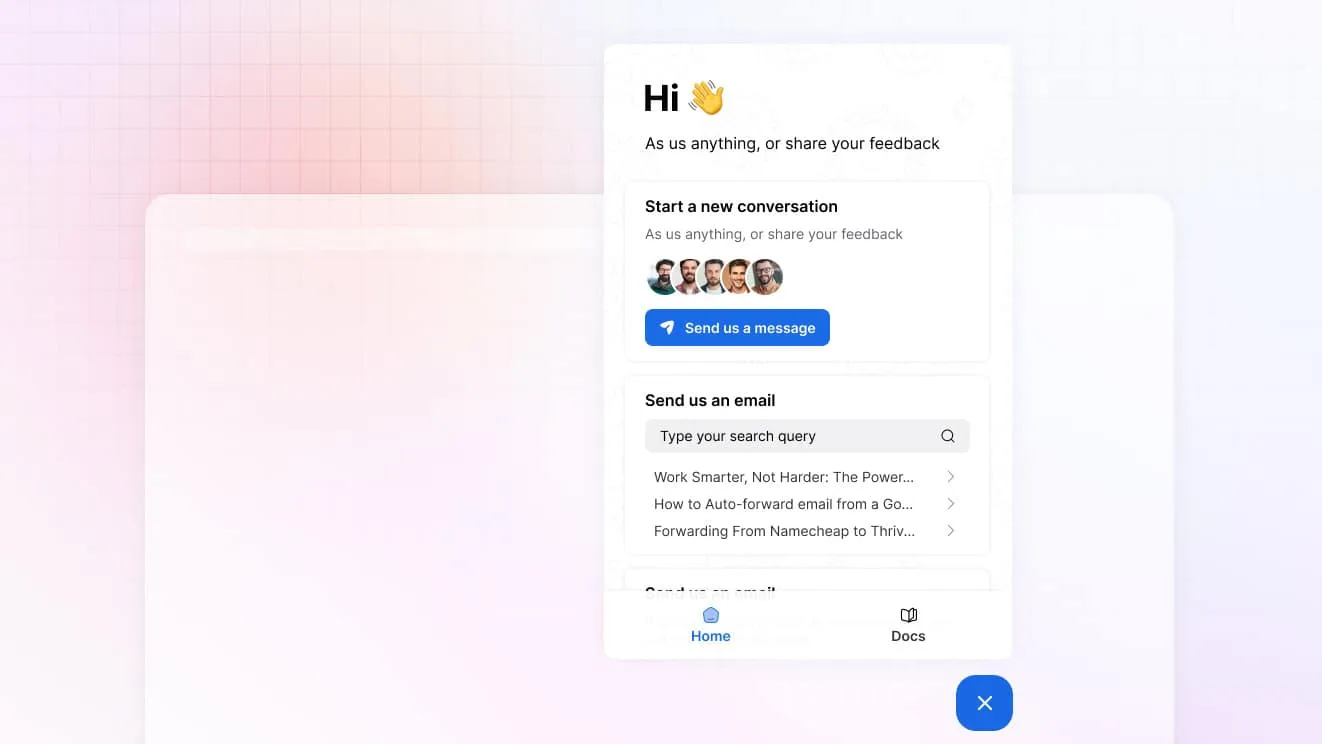
One widget carries live chat, a contact form and a search box over your help center. A customer can find branch hours or a routing number without starting a chat at all, which cuts volume before an agent ever gets involved.
Help center
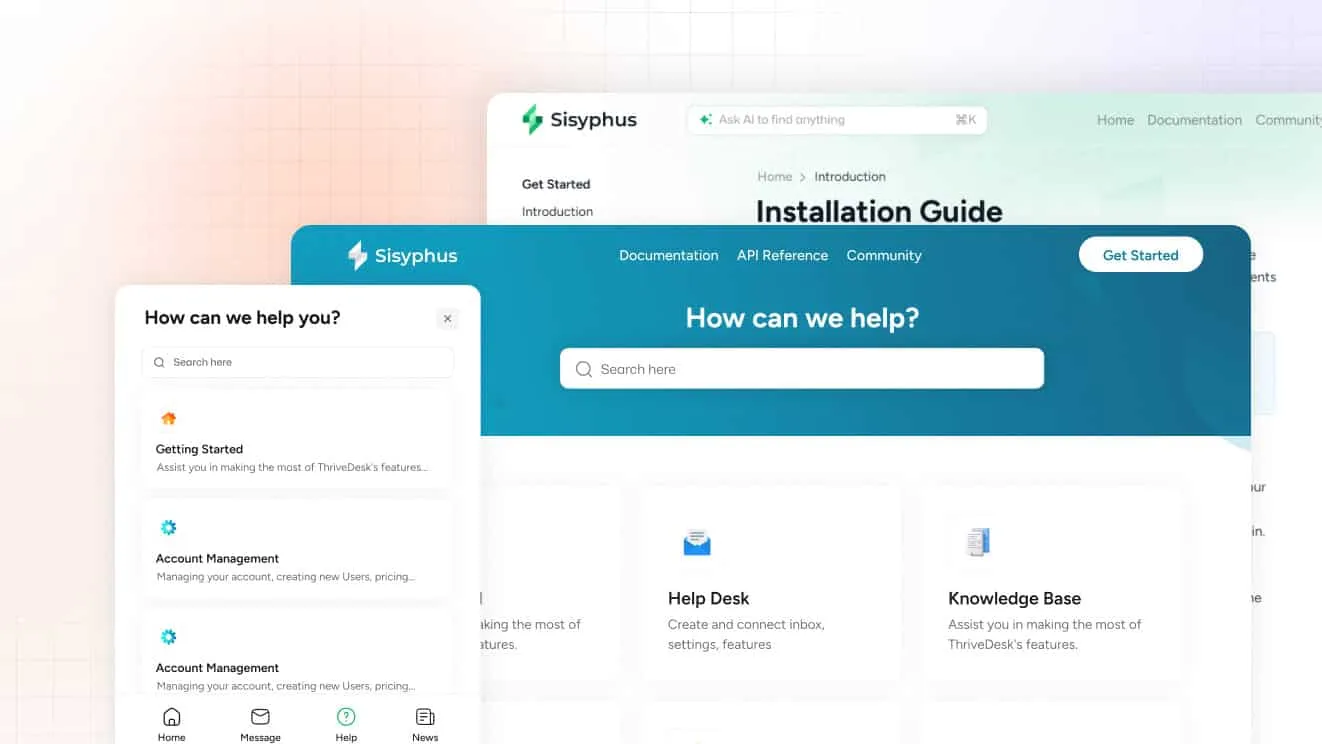
The help center holds fee schedules, routing details and how-to articles a customer can search before typing a message. Standard includes a public help center. Unlimited adds private and multiple help centers, useful for an institution that wants member-only content kept separate from public pages.
What it costs
Basic is $29 a month for two teammates and one inbox, with live chat included. Standard is $69 for five teammates, two inboxes, the public help center, workflow automation and the MCP server. Unlimited is $129 for unlimited teammates and five inboxes. Annual billing brings those down to $19, $49 and $99. Every plan has a 7-day trial, no card required.
Best for: a community bank or credit union that wants chat, email and a help center in one place instead of separate logins and separate bills.
Limitations: ThriveDesk has no core banking system integration and no compliance certification built in. It shows billing data from connected tools like Stripe next to a message, which suits a bank’s own subscription products more than core account lookups. There’s a trial but no free plan. The comparison pages put ThriveDesk beside other help desks.
2. Zendesk: best for a full omnichannel suite with an audit trail
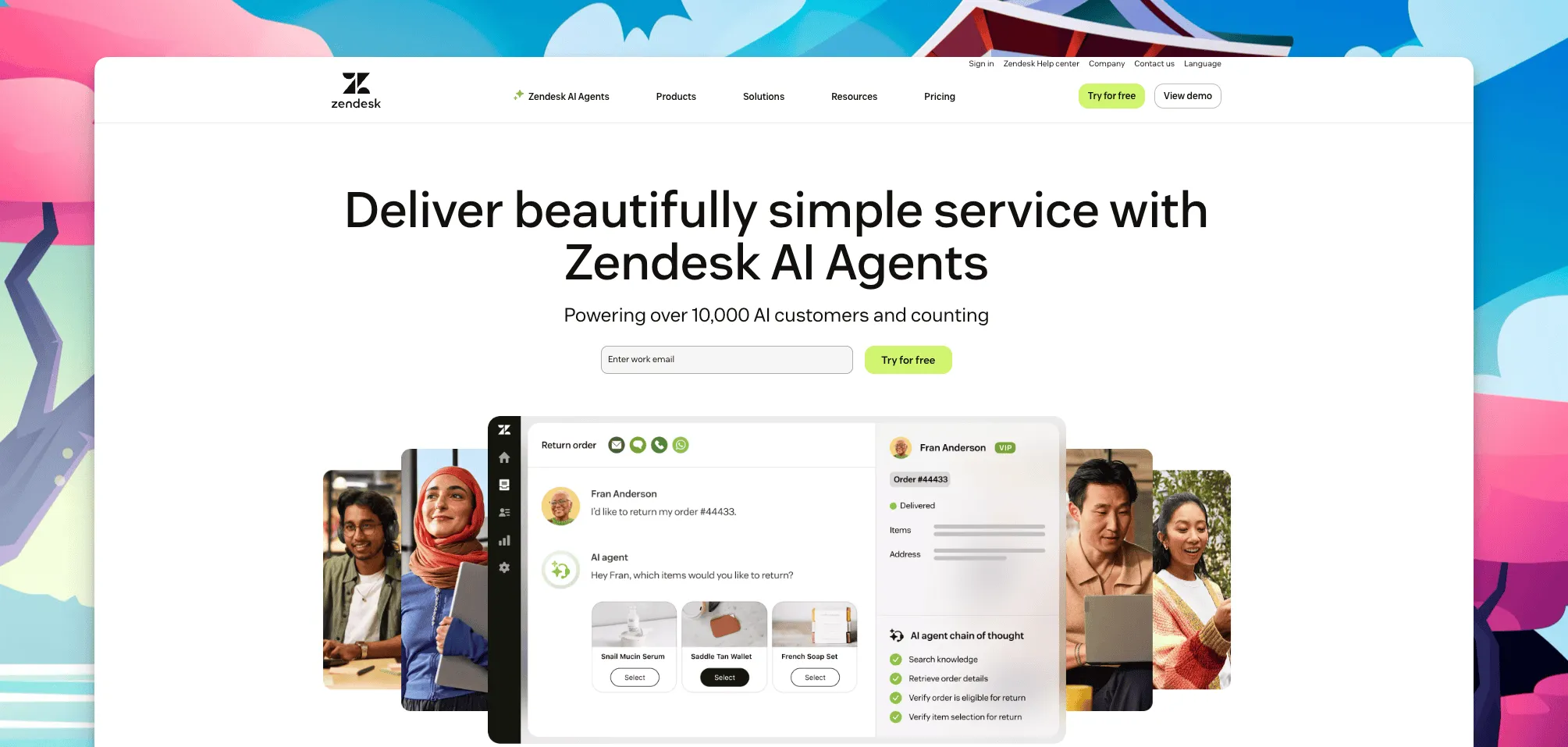
Zendesk bundles messaging, a help desk and bots into one suite, with conversations, customer data and integrations tied together across channels. Reviewers rate it 4.3 on G2. Detailed activity logs record who accessed what and when, which gives a compliance team something to review even though the log itself isn’t a certification.
Support Team is $19 an agent a month, Suite Team is $55, Suite Professional is $115, all on annual billing, and Suite Enterprise is quote-based. Copilot, the AI layer, is a further $50 an agent a month. There’s a 14-day trial and no free plan. The Suite tiers add messaging, a help center and bots on top of ticketing, which is where the price climbs fastest as a team wants more than basic chat.
Best for: a larger bank that wants one platform for chat, tickets, bots and reporting, with the budget for per-agent pricing across a call center of any real size.
Limitations: the per-agent cost adds up fast once a call center scales past a handful of people, and administrators face a real learning curve configuring the full suite. Read ThriveDesk vs Zendesk if the suite’s price is the sticking point.
3. LiveChat: best for a chat-first team that wants deep visitor tracking
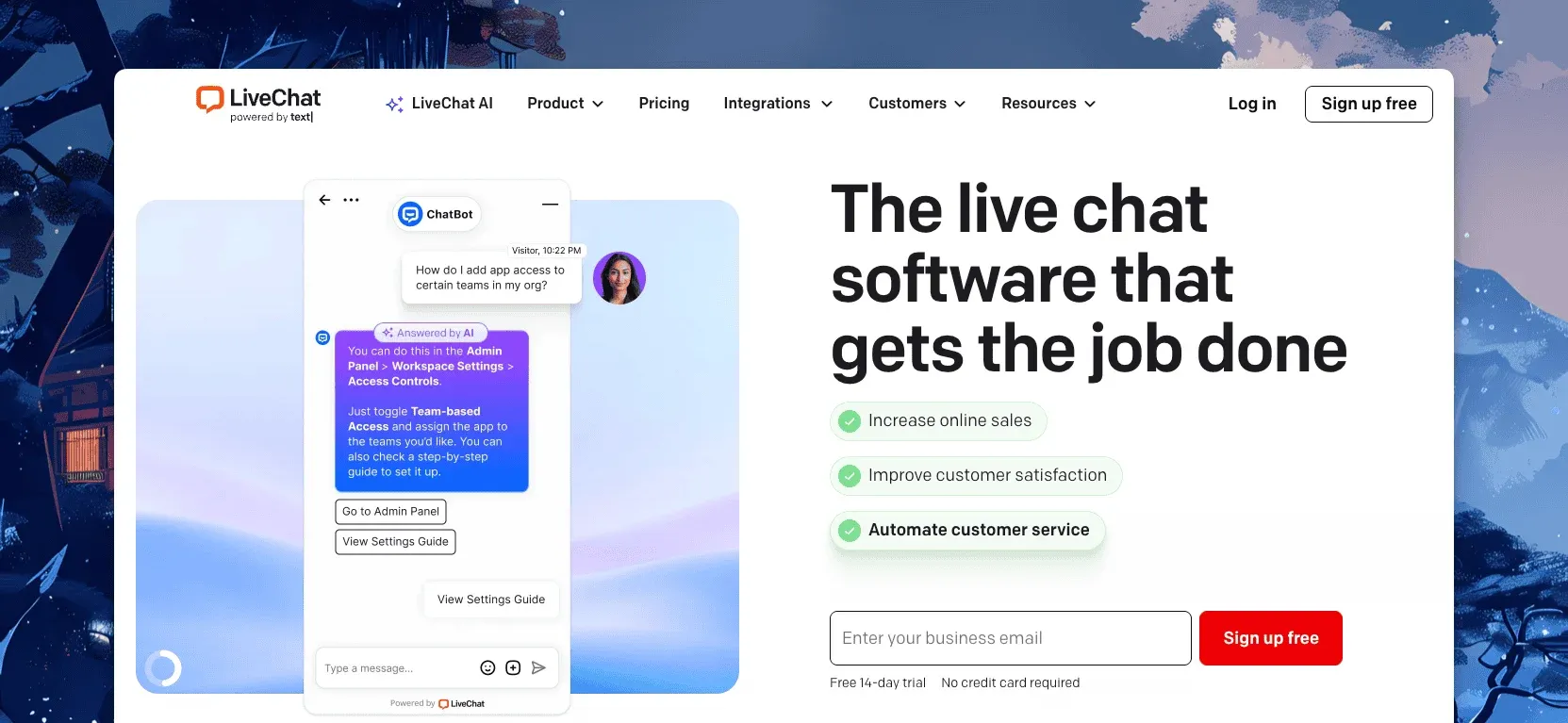
LiveChat does one thing well: the agent app shows who’s on the site, what pages they’ve viewed and what they’re typing before they hit send. Reviewers rate it 4.4 on G2. LiveChat includes Text Intelligence, its AI layer, rather than metering it separately, which is unusual among the tools on this list.
Starter is $19 a person a month on annual billing ($25 monthly), Team is $49 ($59), and Business is $79 ($89). Enterprise is quote-based. Every plan has a 14-day trial.
Best for: a team of dedicated chat agents that already handles email and tickets somewhere else.
Limitations: there’s no email inbox, so a bank needs a second tool for the follow-up thread, and per-person pricing scales with headcount. A knowledge base and a chatbot are each sold separately under the Text brand, so the full stack costs more than the chat plan alone suggests. Our LiveChat alternatives post covers who moves and why.
4. Freshchat: best if you already run the Freshworks suite
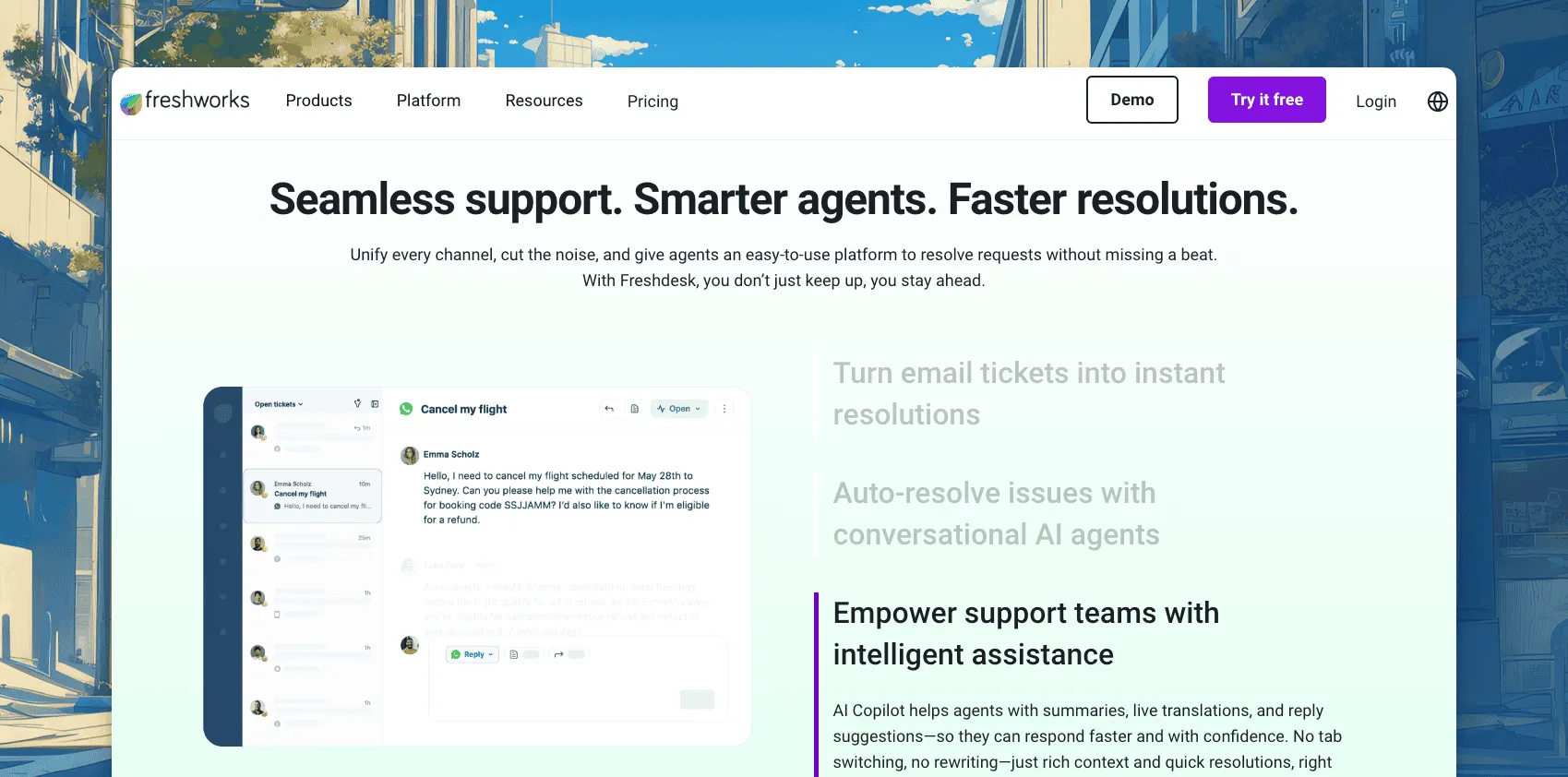
Freshchat is the messaging half of Freshworks: web chat, WhatsApp and Messenger in one agent inbox, with Freddy AI for bots and reply suggestions. Reviewers rate it 4.4 on G2, and the free plan is generous on seats.
Free covers up to 10 agents. Growth is $19 an agent a month billed annually, Pro is $49 and Enterprise is $79. Freddy AI Copilot adds $29 an agent a month, and the Freddy AI Agent is $49 per 100 sessions. Email ticketing lives in Freshdesk, a separate product with its own bill. A bank that wants both chat and email support ends up budgeting for two Freshworks products rather than one.
Best for: a bank that already runs Freshdesk or plans to, and wants chat from the same vendor.
Limitations: chat and email split across two products, and the AI add-ons are priced apart from the base plan. Read ThriveDesk vs Freshdesk if the suite itself is the draw.
5. Helpshift: best for chat built into your mobile banking app
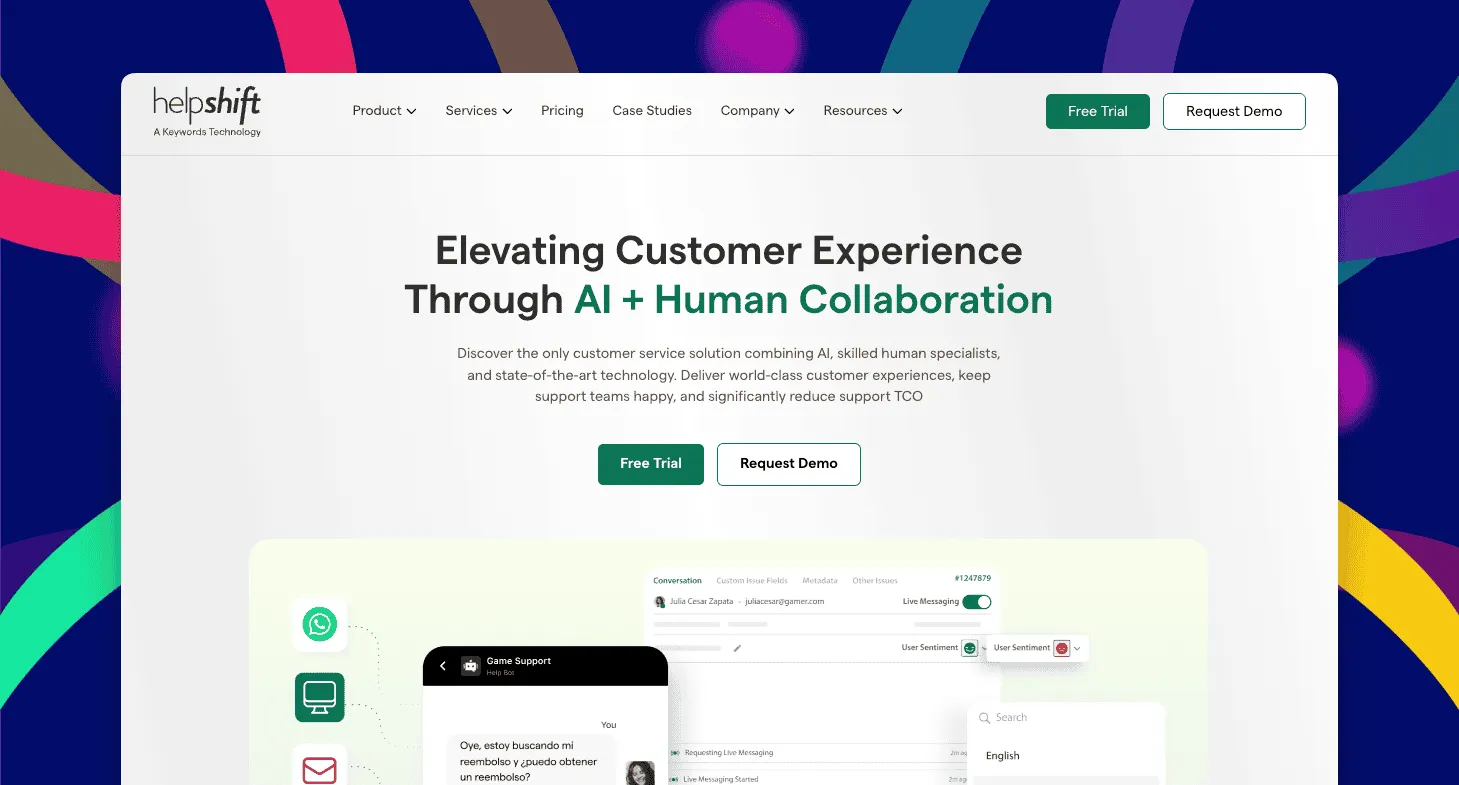
Helpshift is built around in-app messaging first. A mobile SDK puts live chat inside an existing mobile banking app, rather than only on the website. Agents work from one desktop that combines chat and email, which keeps a mobile-first support team from juggling separate tools for each channel.
Out-of-the-box analytics track how customers move between chat and email. Automated routing sends a question to whichever agent fits based on expertise or workload, so a triage step doesn’t slow down a busy queue.
Best for: a bank whose customers live in its mobile app and expect support without leaving it.
Limitations: Helpshift doesn’t publish pricing, so budgeting starts with a sales call. Ask specifically how the mobile SDK handles sensitive fields before rolling it into an app that touches account data, and confirm what happens to a conversation if a customer switches from the app to the website mid-thread.
6. REVE Chat: best for co-browsing and video during account help
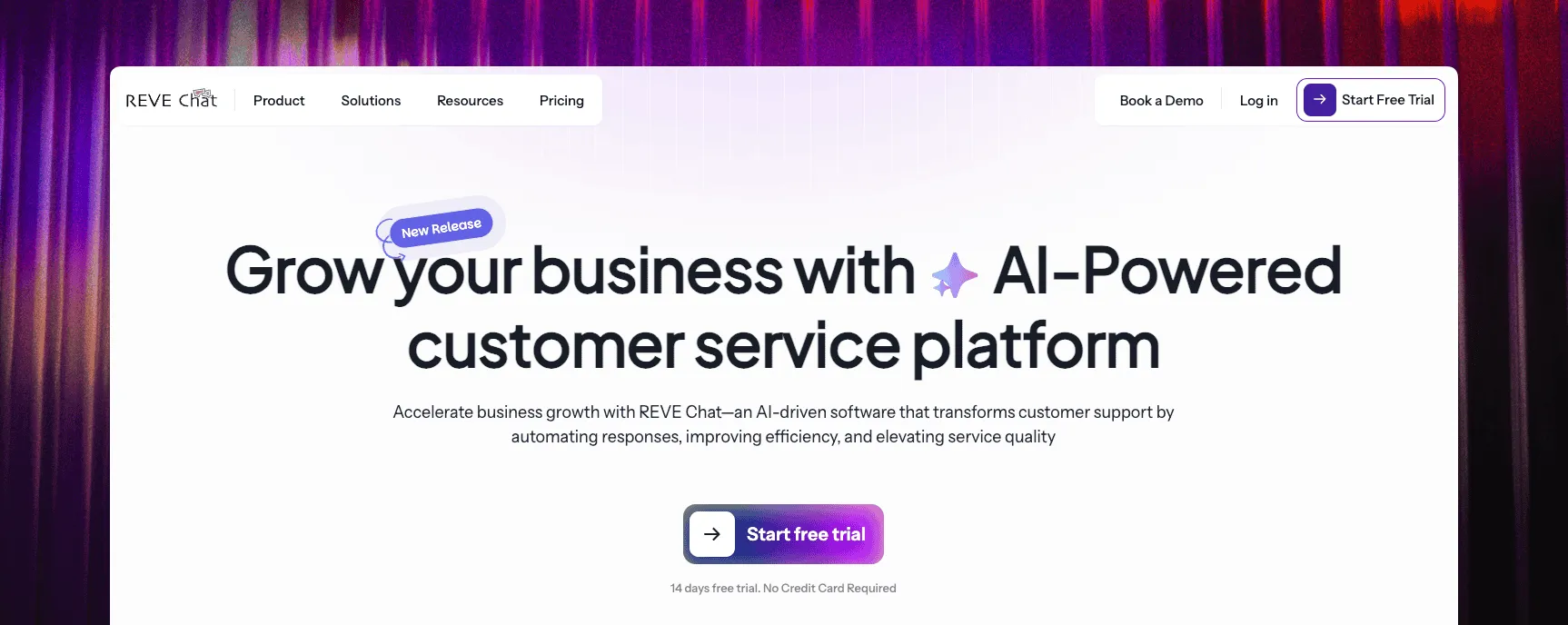
REVE Chat leads with visual engagement tools. Co-browsing walks a customer through a form, and video or voice chat covers anything easier to explain out loud than to type. Canned responses and automated routing handle the routine volume around those richer conversations.
REVE Chat prices live chat and its chatbot separately rather than as one bundle, and we don’t have a public number for either. Ask for both quotes together so the total is clear before you commit to either piece. Data in transit is encrypted, which is table stakes for any tool touching account conversations, not a substitute for a signed security review.
Best for: walking a customer through a loan application or a form field by field, rather than answering a quick balance question.
Limitations: the richer tools take more setup, and pricing two products separately makes the total harder to compare against a flat-rate competitor. A team that mostly answers quick balance or hours questions won’t use most of what it’s paying for.
7. Nextiva Chat: best for a bank that wants chat inside a wider phone and messaging suite
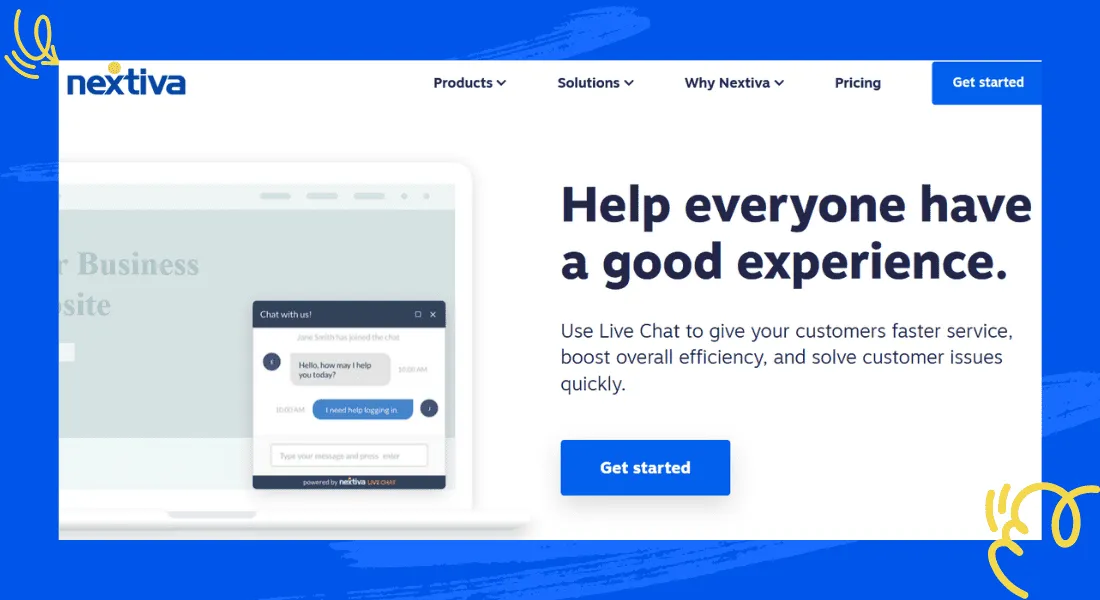
Nextiva Chat is the live chat piece of a broader communications company built around business phone service. Live chat sits alongside internal chat for staff collaboration. Chat history stays on record for reference, and a conversation can convert into a case for follow-up. Customizable widgets let a bank match its own branding. An internal wiki gives agents a shared place to keep answers consistent across a branch network.
Best for: a bank that already runs, or is shopping for, Nextiva’s phone system and wants chat to come from the same vendor.
Limitations: pricing is quote-based, so there’s no number to compare here, and the chatbot is priced as an add-on rather than included. A bank that only wants chat, without the phone system attached, will likely find a cheaper, simpler option higher up this list instead.
How to choose live chat software for banking
Match the tool to the size of the team answering it, not just the feature list.
- A community bank or credit union with a small support team: ThriveDesk, for chat, email and a help center in one flat-priced plan.
- A larger institution that wants one suite with detailed logs: Zendesk, if the per-agent cost fits the budget.
- Dedicated chat agents who already have email covered elsewhere: LiveChat, for the visitor tracking.
- Already invested in Freshworks: Freshchat, and accept the second bill for Freshdesk.
- Customers who live in your mobile app: Helpshift’s SDK.
- Walking customers through forms or applications: REVE Chat’s co-browsing and video.
- Already on, or shopping for, a business phone system: Nextiva Chat.
Team size and existing vendor relationships matter more here than any single feature on a comparison chart. A branch network already committed to Freshworks or a business phone provider usually gets more value from staying with that vendor. Switching vendors for a marginally better chat widget rarely pays for itself in the long run, once the migration work is counted.
Whichever you shortlist, ask for a current SOC 2 report and a straight answer on where the vendor stores chat transcripts before signing anything. Get that in writing before a contract, not after the first account conversation happens in the tool, and keep a copy for your own compliance file in case an examiner ever asks for it. The help desk cost calculator helps price out the tools that do publish a number, once you’ve narrowed the list on security grounds first.
Why teams choose ThriveDesk for banking support
Banks and credit unions pick ThriveDesk because the pieces come together in one plan, not because any single feature is unique to financial services.
The price stops moving as agents are added. A five-person team on Standard costs $69 a month, flat. The pricing page has no per-seat line and no per-resolution meter, so growth doesn’t change the bill the way Zendesk’s or LiveChat’s per-agent pricing does.
Chat and email share one queue. The shared inbox treats a chat and the email that follows it as one conversation, with automation rules that route and tag so a small team isn’t triaging fee and account questions by hand.
The help center deflects the routine questions. Fee schedules, routing numbers and hours can live in the help center and get searched before a customer ever opens a chat.
Neo covers the hours the branch is closed. It answers from the help center content at night and on weekends, collects the lead, and hands off the moment a customer asks for a person.
Setup takes a day, not a procurement cycle. A small team can have chat, email and a help center live the same afternoon they sign up, without a sales call or a multi-week rollout project.
A live chat tool doesn’t make a bank PCI compliant on its own; ask what the vendor can show you, not what its homepage claims. That goes for ThriveDesk as much as any tool on this list. Get current security documentation before a card number or account detail ever reaches the chat. Start the 7-day trial; no card needed.






