A trial signup asks one question before they’ll enter a card, and a founder who answers in two minutes converts more of them than one who answers in two hours. Live chat is how an early-stage team closes that gap, if the tool fits two or three people who also write the product and answer email.
The best live chat software for startups in 2026 is: 1) ThriveDesk, for chat, email and a help center in one flat-priced plan; 2) Zendesk, for a team that will need full ticketing as it scales; 3) Freshchat, for a team growing into the Freshworks suite; 4) Olark, for routing chat leads into a CRM; 5) Help Scout, for email-first support with chat included free; 6) Drift, for B2B sales teams qualifying leads rather than support; and 7) Intercom, for in-app messaging and SaaS product-led growth.
We ranked them on what the first plan costs at your current headcount, what happens to the bill at the next funding stage, and whether an AI add-on charges a flat rate or a per-resolution fee. Every price below was read on the vendor’s pricing page in September 2026, except Zendesk’s, checked in August 2026.
What counts as live chat software for startups
Three kinds of tool answer to the name, and a young company can end up paying for more capability than it needs in year one.
- A chat-only widget. Olark. The chat is the product; a CRM or Zapier step does the rest, and there’s no ticketing or knowledge base underneath it.
- A messaging and marketing platform. Drift and, to a large degree, Intercom. Built to qualify a lead or message a user inside the product, with support handled as a secondary job rather than the main one.
- A help desk with chat built in. ThriveDesk, Help Scout, and Zendesk or Freshchat once you’re on their Suite tiers. Chat is one channel into an inbox that already holds email, so nothing gets triaged twice.
A team of two or three answering everything themselves usually gets the most out of the third kind. The alternative is checking a chat inbox and an email inbox on separate tabs all day, which is how questions get answered twice or missed entirely.
How we evaluated
Six questions, asked of every tool in the same order, weighted toward what actually breaks as a startup adds its third and fourth hire.
- What does the first plan cost at your current headcount? Per-seat tools are cheap for two people and expensive for eight; flat plans don’t care either way.
- Does chat share a queue with email? If the follow-up email lands in a different tool, the chat widget just created a second inbox to check every morning.
- Does the AI add-on charge a flat rate or per resolution? A per-resolution meter is hard to budget before you know your ticket volume, and it’s the line item that surprises founders at renewal.
- Is there a free plan, or just a trial? We say which, and where the free tier stops charging nothing.
- What happens at the next funding round? A tool priced sensibly for two people should still make sense at fifteen, without a renegotiation.
- Does it notify the team where they already work? Most early teams live in Slack, and a chat alert that lands there gets answered faster than one buried in a browser tab.
Quick comparison
| Tool | Best for | Starting price | Free plan | Chat and email in one inbox |
|---|---|---|---|---|
| ThriveDesk | Chat, email and a help center in one flat plan; Neo AI agent in every plan, no per-resolution fee | $29 a month, flat | 7-day trial | Yes |
| Zendesk | Full ticketing suite with chat built in | $19 an agent a month for ticketing; chat needs Suite Team at $55 | 14-day trial | Yes, on Suite plans |
| Freshchat | Growing into the Freshworks suite | $19 an agent a month, annual | Up to 10 agents | Chat and messaging; email needs Freshdesk |
| Olark | Routing chat leads into a CRM | Priced per agent, not published | Not published | Chat only |
| Help Scout | Email-first support, chat on every plan | $25 a user a month | 5 users, 1 inbox | Yes |
| Drift | B2B sales-led qualification | Quote-based, reported from $2,500 a month | None | Chat only |
| Intercom | In-app messaging and SaaS growth | $29 a seat a month, annual, plus Fin usage | 14-day trial | Yes |
1. ThriveDesk: best for chat, email and a help center in one flat plan
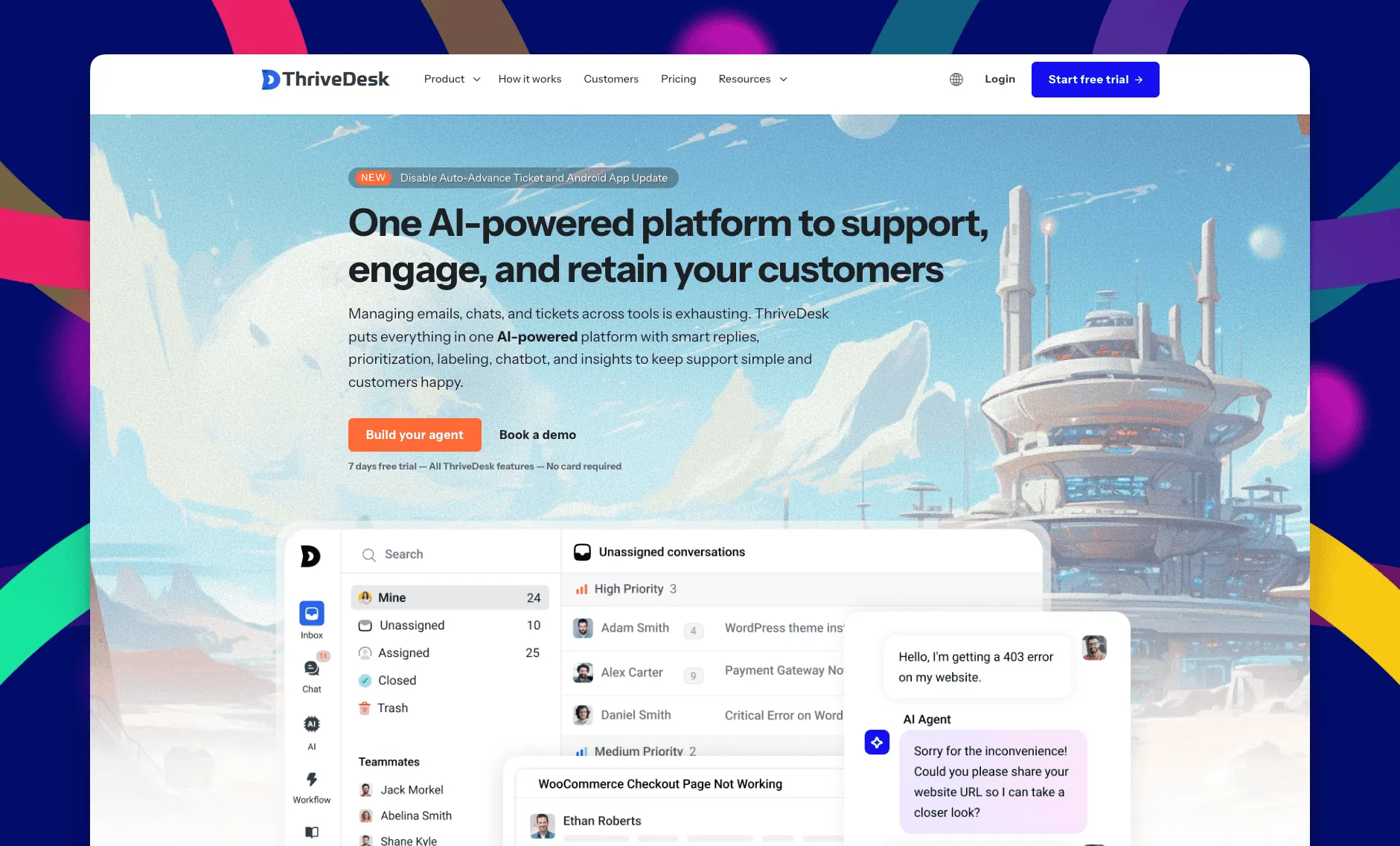
ThriveDesk is AI customer service software for ecommerce: an agentic omnichannel helpdesk, intelligent chatbot, modern help center and powerful reporting, plus Neo, the AI agent that answers customers around the clock. It’s built for small teams, which is what most startups still are when they buy their first support tool, and it’s priced for the plan rather than the seat.
Shared inbox
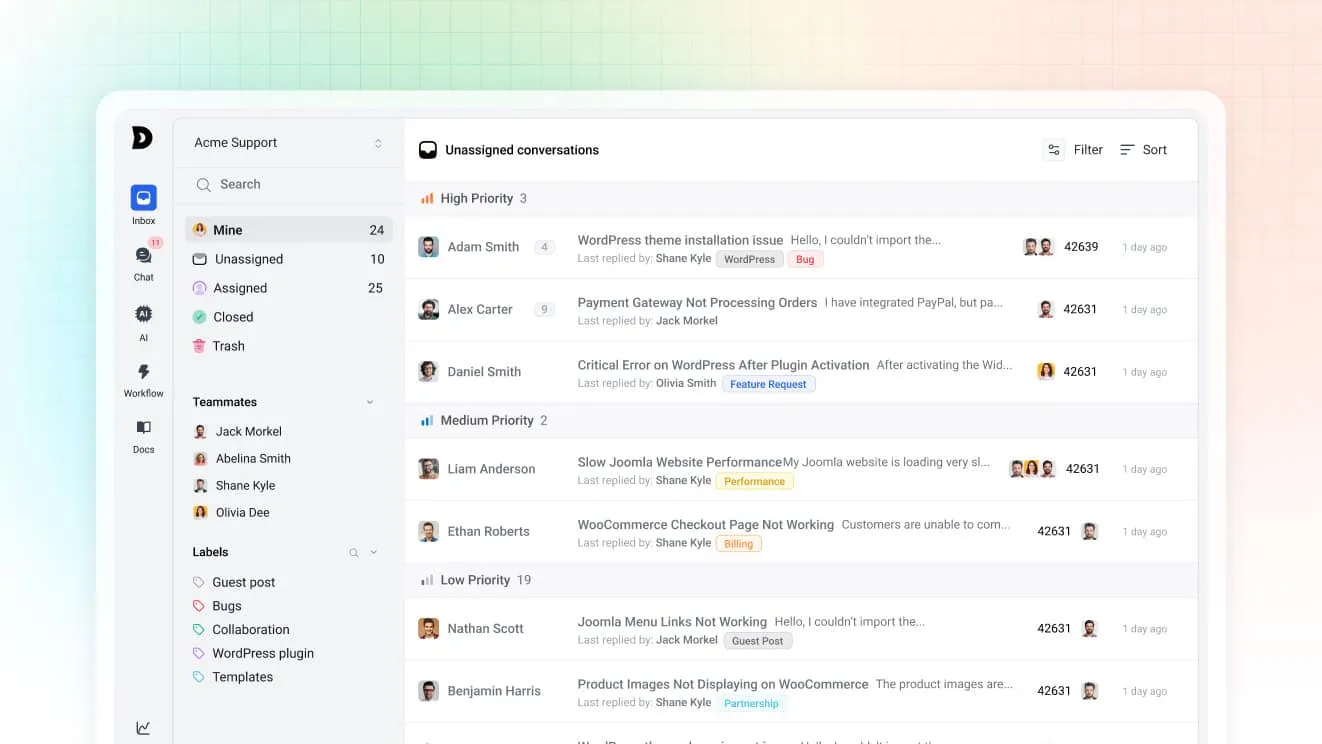
Chats and emails land in the same shared inbox, so a question that starts in the widget and continues by email stays one thread instead of two. Saved replies keep answers to the same onboarding questions consistent, and tags group conversations by feature request, bug or billing question for a small team to triage fast. A Slack connection puts a new conversation notification where the team is already talking, instead of a separate app to check.
Neo, the AI agent
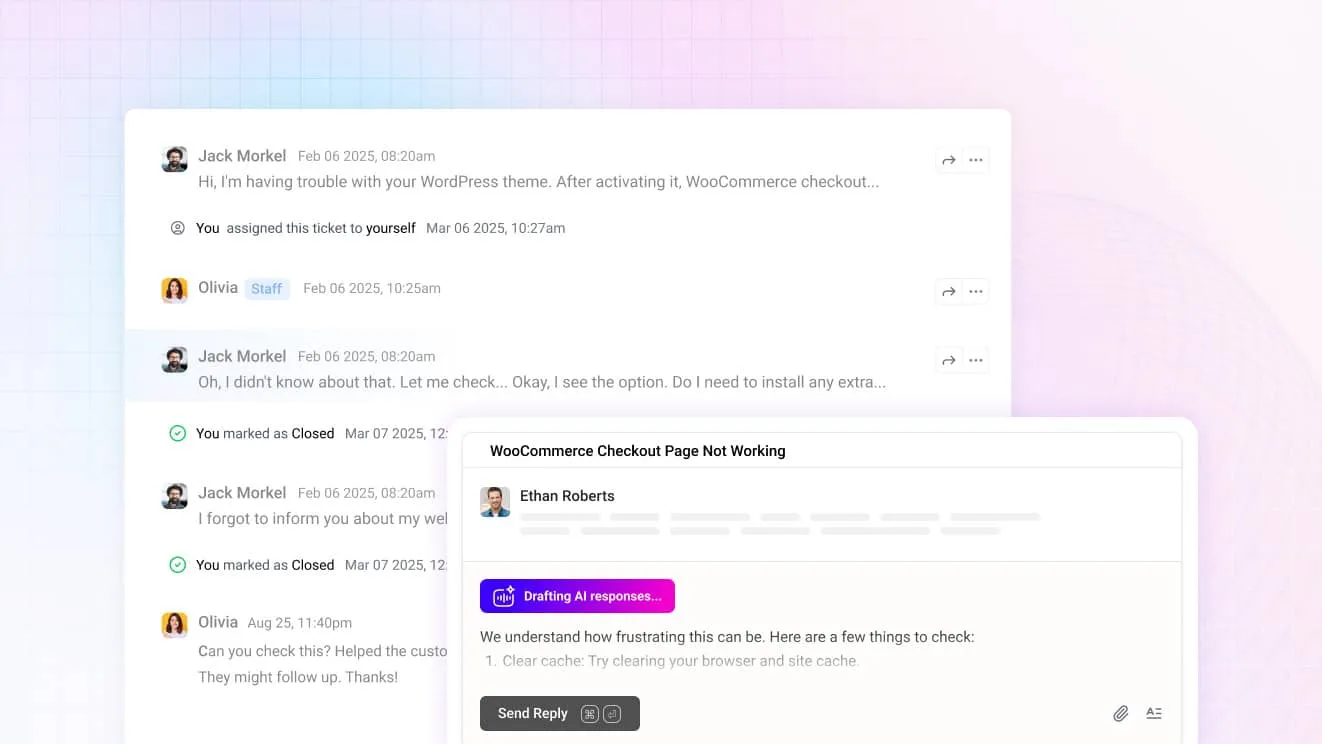
Neo answers from your help center content. In the chat widget it handles a repeat onboarding question on its own overnight, at no extra cost per resolution, and it hands over the moment someone asks for a person. For agents, Copilot drafts replies from the same content and summarizes a long thread before you open it.
The chat widget
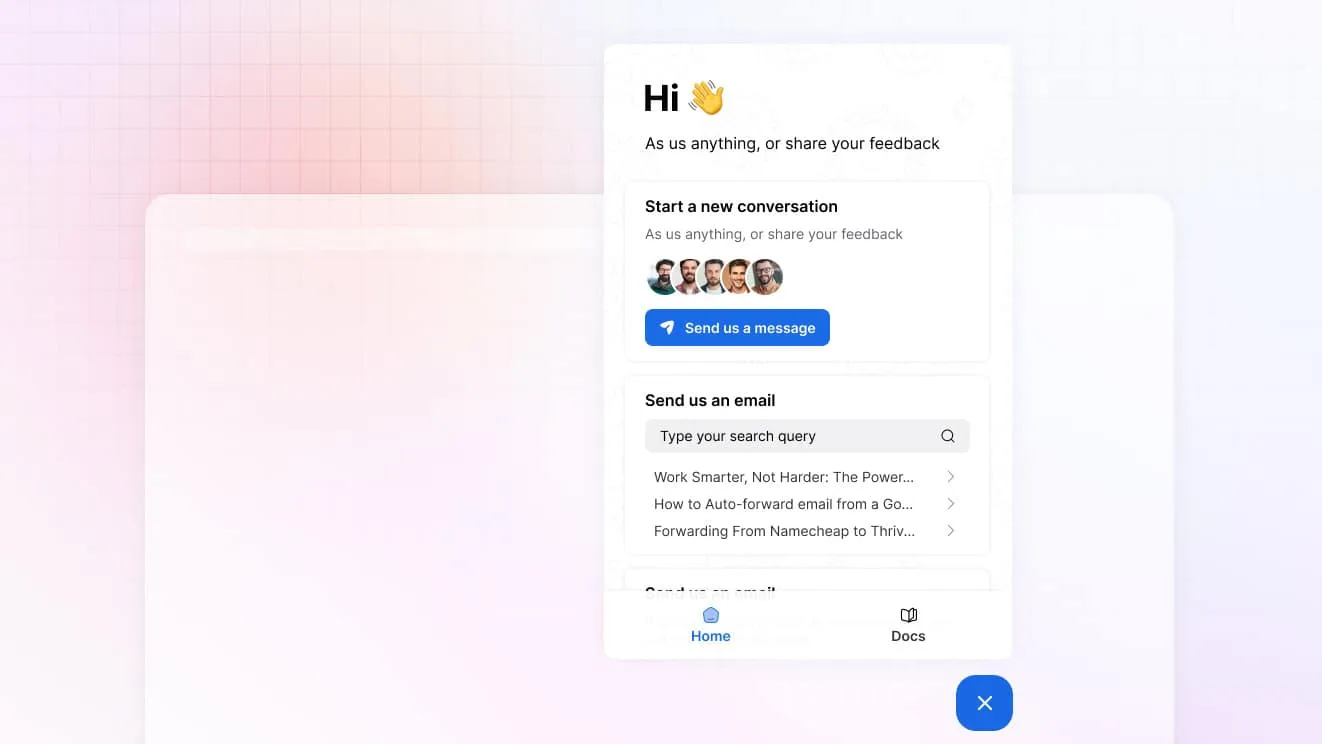
One widget carries live chat, a contact form and search over your help center. A trial user can find an answer without waiting for a reply at all. Visitor tracking on the Unlimited plan shows who’s on the pricing page right now, which matters more to a five-person team than a five-hundred-person one.
Billing data in the conversation
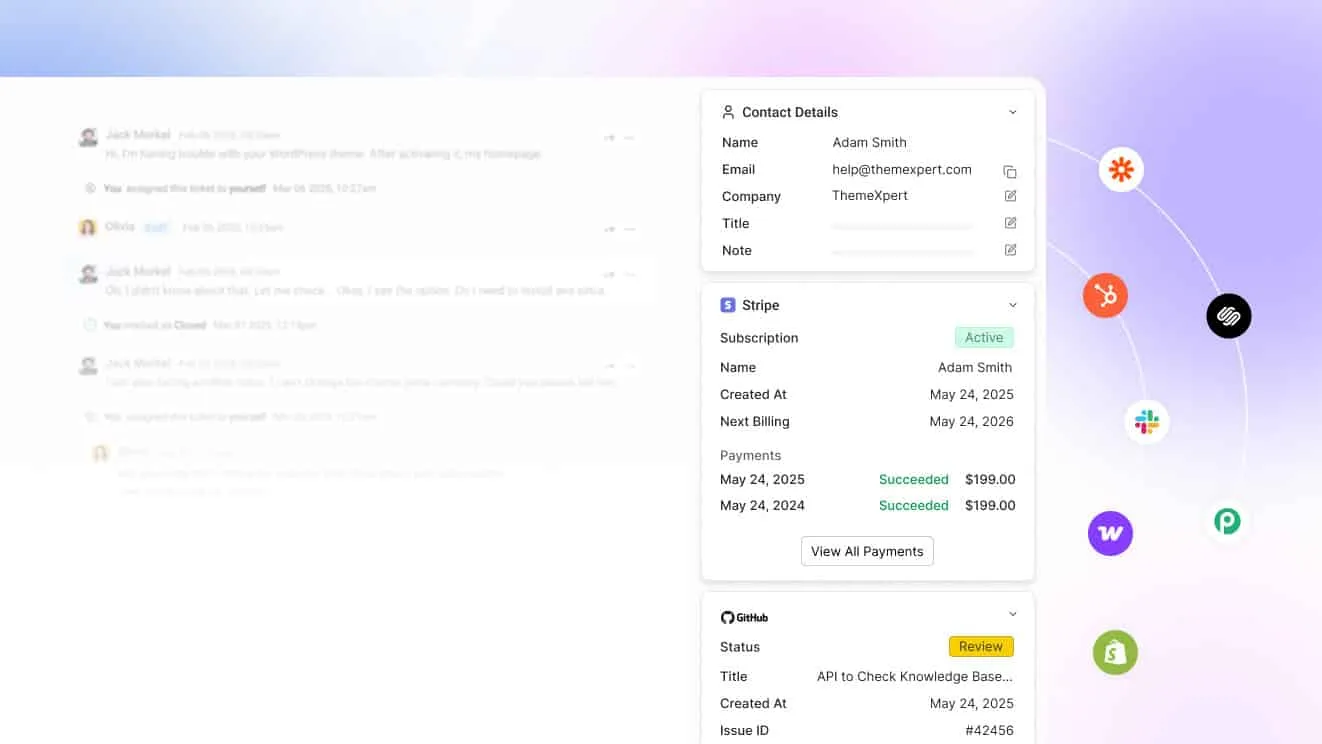
Connect Stripe, Paddle or Freemius and a customer’s subscription and payment history sits beside the message. An agent can check a plan or a failed charge without opening a second dashboard. WooCommerce, Shopify, SureCart and Easy Digital Downloads connect the same way for a startup selling through those platforms too.
Help center
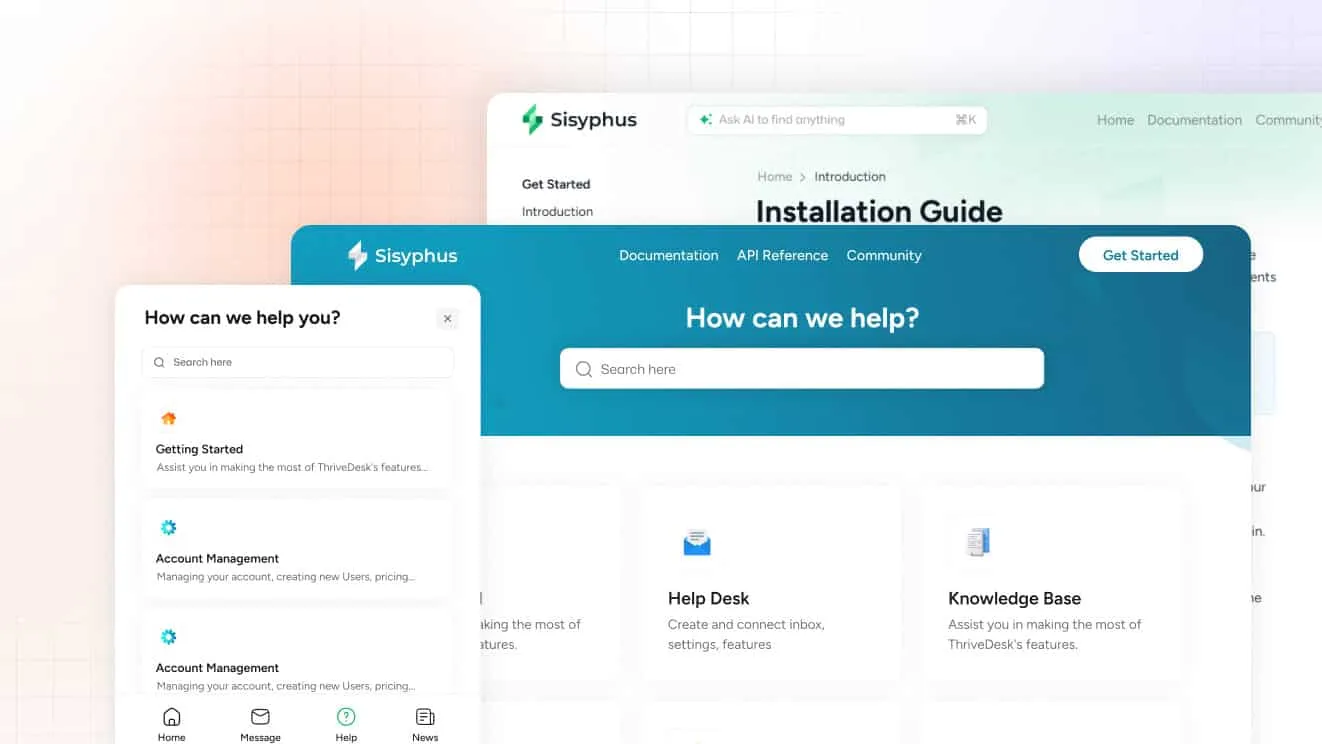
The help center turns a ticket reply into an article with one click. That matters when the same three questions show up in a product’s first month, over and over. Standard includes a public help center; Unlimited adds a private one for logged-in customers.
What it costs
Basic is $29 a month for two teammates and one inbox, with live chat included. Standard is $69 for five teammates, two inboxes, the public help center, workflow automation and the MCP server. The MCP server lets a technical team wire ThriveDesk’s data into their own AI tools. Unlimited is $129 for unlimited teammates and five inboxes. Annual billing drops those to $19, $49 and $99. Extra inboxes cost $15 a month each if you outgrow the plan’s allowance before you outgrow the plan itself. Every plan carries a 7-day trial, no card, and support at no extra charge.
Best for: a founding team of two to ten that wants chat, email and self-serve docs without a per-seat bill that grows with every hire.
Limitations: there’s a trial but no free plan, and there’s no in-app product messaging the way Intercom builds it. The comparison pages line ThriveDesk up against each tool on this list.
2. Zendesk: best for a startup that will need full ticketing later
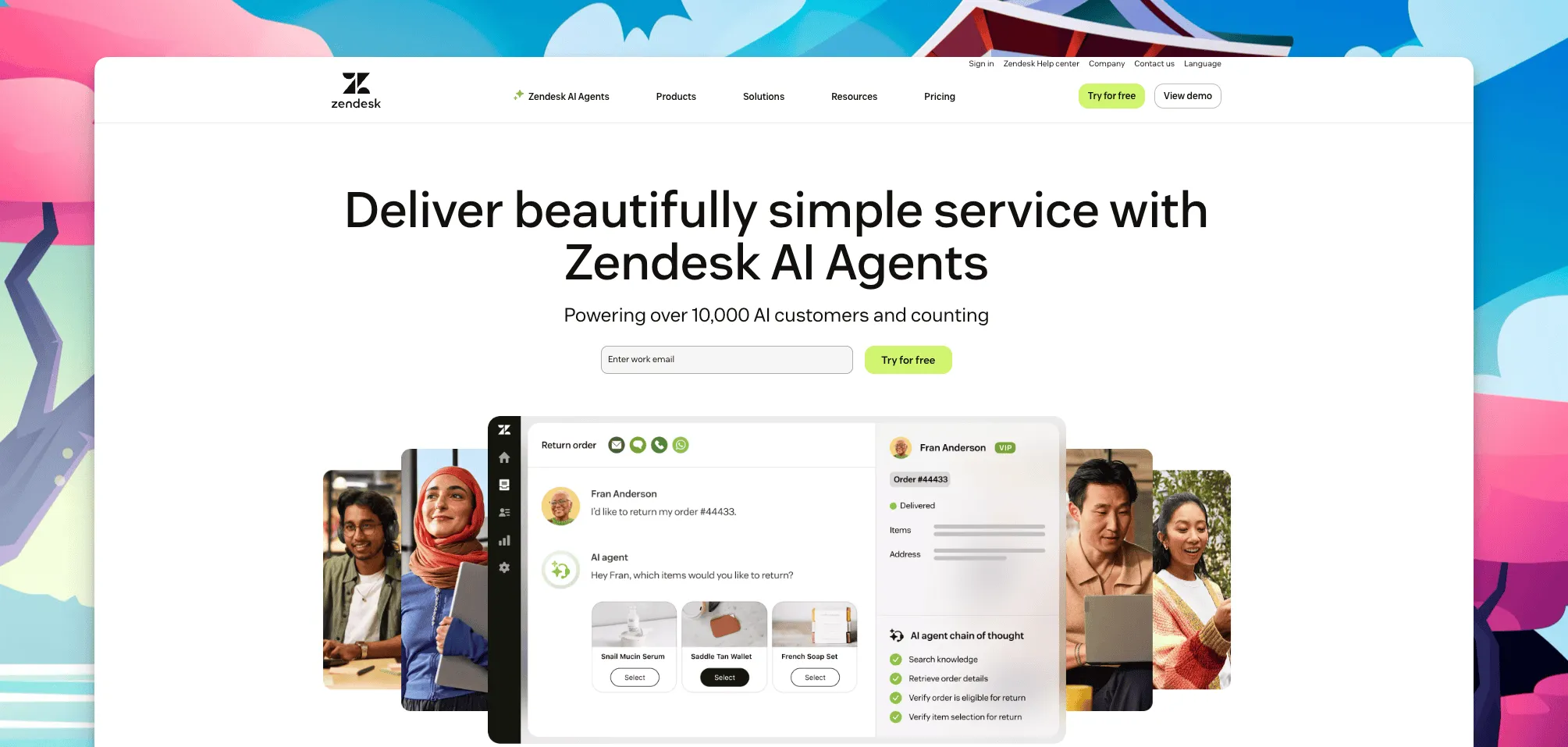
Once support tickets outgrow a shared email account, Zendesk’s ticketing suite is usually the first thing startups check other tools against. Chat, a help center and automation live inside its Suite plans rather than as an add-on to bare ticketing. Reviewers on G2 rate it 4.3.
Support Team, ticketing alone, is $19 an agent a month, checked on Zendesk’s pricing page in August 2026. Chat only ships on the Suite plans: Suite Team is $55, Suite Professional $115, both billed annually since Zendesk publishes annual rates only. Suite Enterprise is quote-based, and Copilot adds $50 an agent a month on top of any of them. There’s a 14-day trial and no free plan. A startup pays from the first day it signs up.
Best for: a startup that already knows it’ll need SLAs, custom fields and reporting within the year, and is fine paying for that now.
Limitations: chat is locked behind a Suite plan rather than being part of the base tier, and per-agent pricing climbs fast past five people.
3. Freshchat: best if you’ll grow into the Freshworks suite
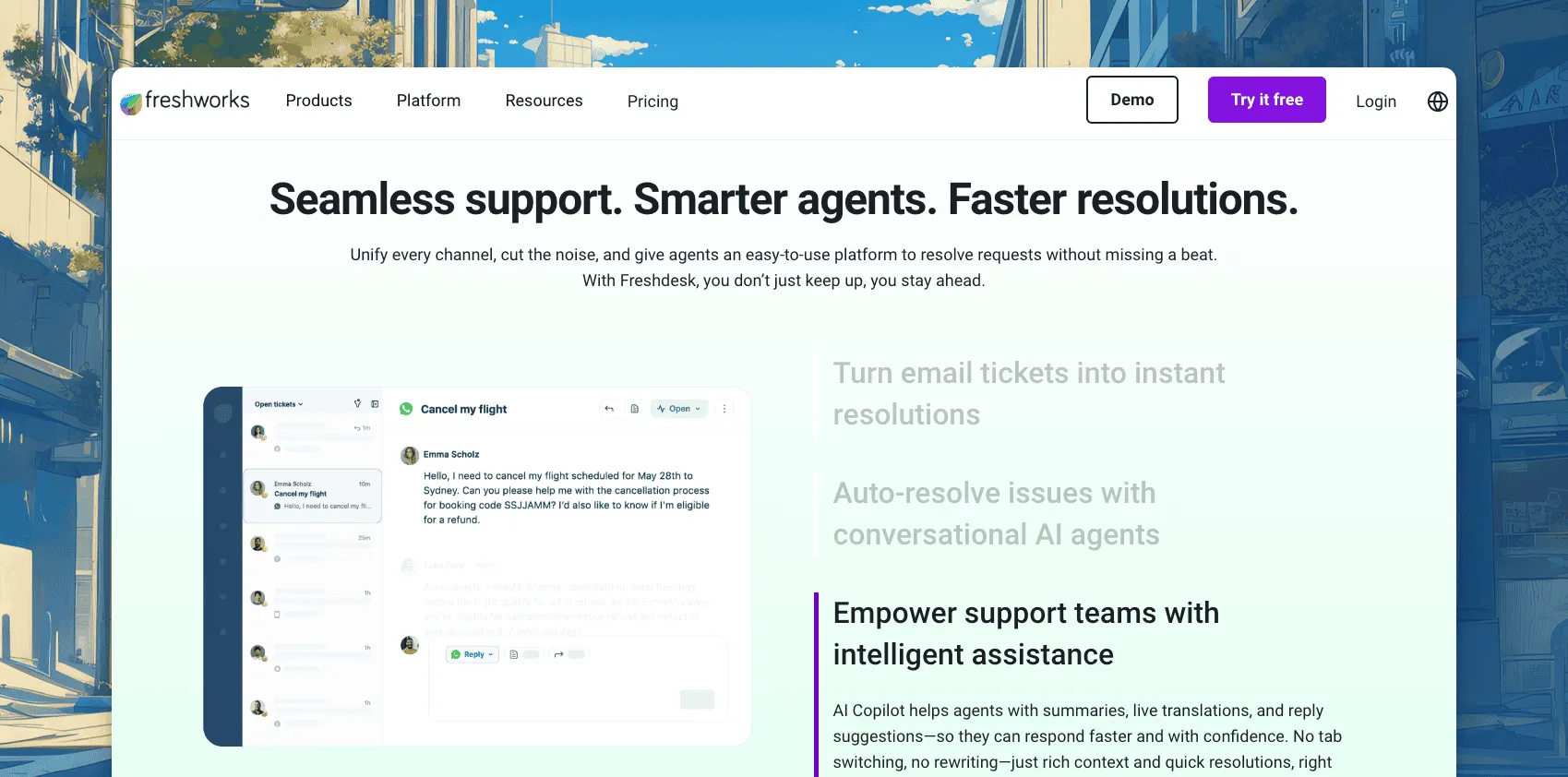
Freshchat covers the messaging half of Freshworks: web chat, WhatsApp, Messenger and Instagram in one inbox, with Freddy AI for bots and reply suggestions. Its free tier is one of the more generous on this list.
Free covers up to 10 agents. Growth is $19 an agent a month billed annually, Pro is $49 and Enterprise is $79. Freddy AI Copilot adds $29 an agent a month. The Freddy AI Agent runs $49 per 100 sessions, on top of whichever plan you’re already on. It sits at 4.4 on G2 from about 500 reviews. Email ticketing lives in Freshdesk, a second product with its own separate bill.
Best for: a team testing the product with a generous free seat count, with a plan to add Freshdesk once ticket volume grows past what a founder can answer alone.
Limitations: chat and email split across two products once you need both, and the Copilot and AI Agent meters stack on top of each other.
4. Olark: best for routing chat leads into your CRM
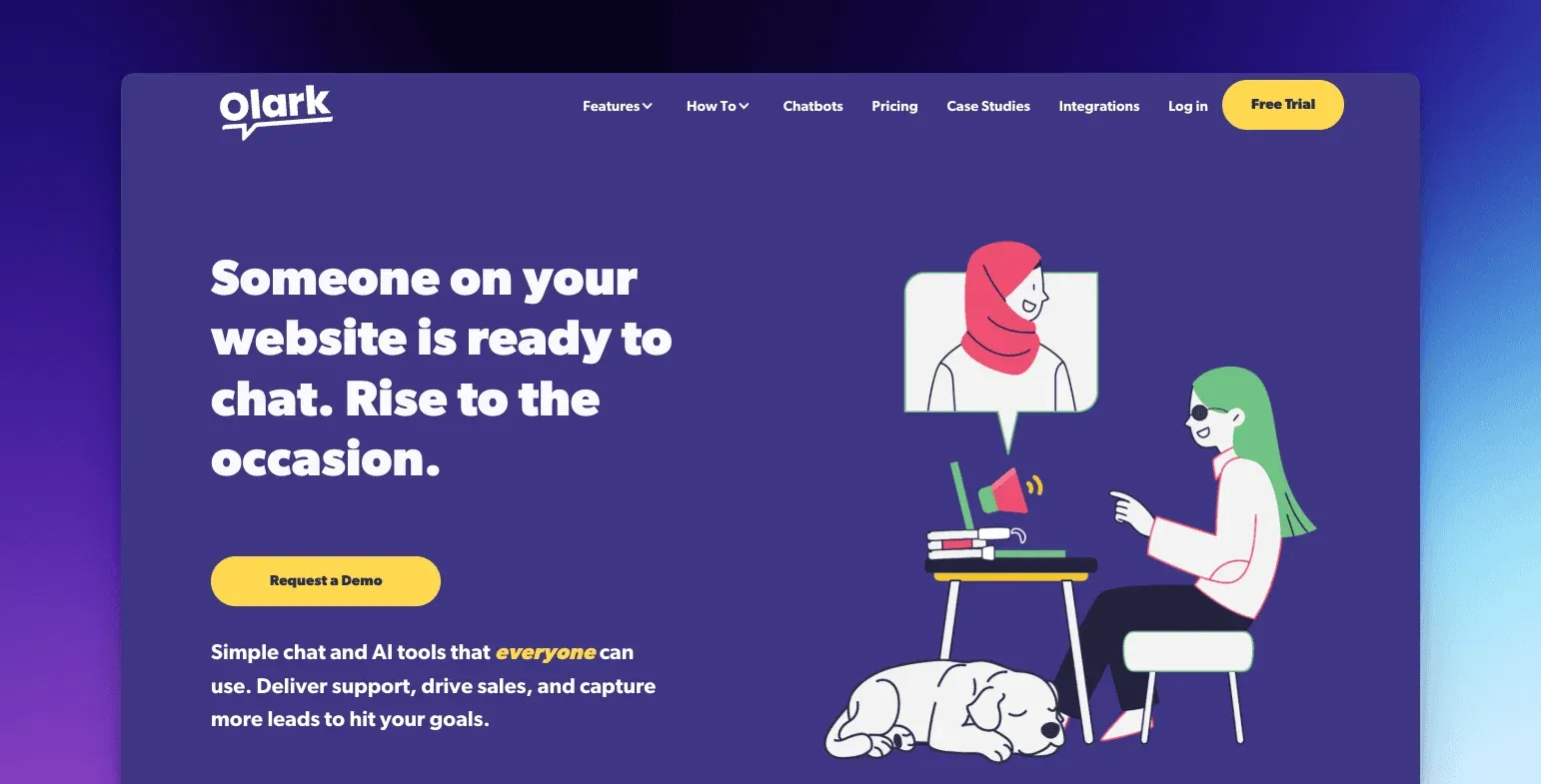
Olark builds its chat widget around automation and CRM integrations, for a startup whose sales and support share the same inbox and the same Salesforce instance. Custom data forms capture visitor details mid-chat, and automation rules trigger invitations when a visitor meets a qualifying condition. Reports cover volume, resolutions and agent activity across the team.
Olark prices per agent. The vendor doesn’t publish current rates. A startup evaluating it should get a live quote rather than plan around an old number.
Best for: a small team where the same chat widget feeds both the sales pipeline and support questions into one CRM record.
Limitations: there’s no ticketing or knowledge base, so email support runs through a separate tool, and most of the useful automation sits behind paid plans.
5. Help Scout: best for email-first support with chat on every plan
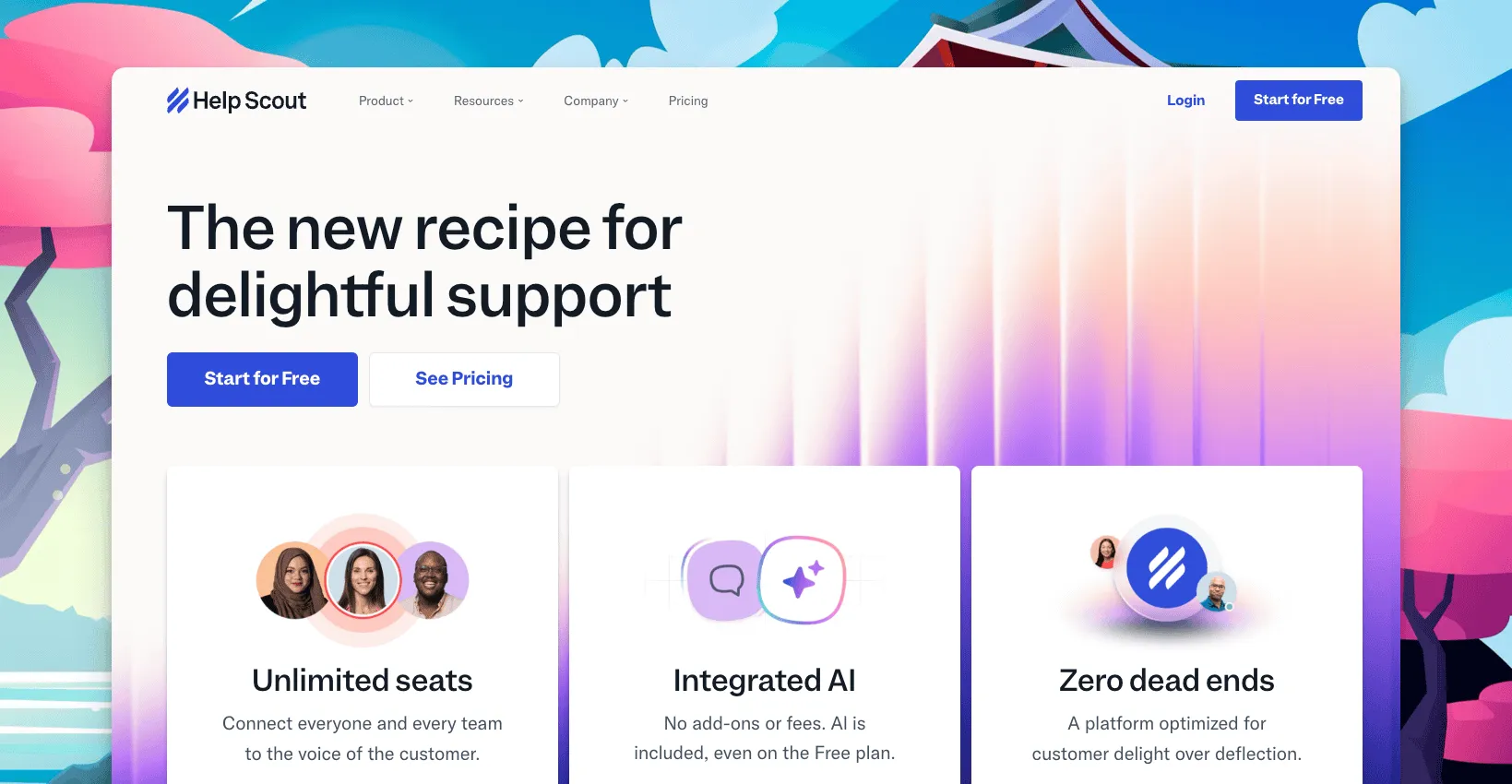
Help Scout combines a shared inbox with a knowledge base and Beacon, a chat widget that ships on every plan, including the free one. It reads like email, which is why an early team that’s never used a help desk before tends to pick it up fast.
Free covers 5 users, 1 inbox, 1 Docs site and up to 100 contacts a month, with Beacon included rather than gated behind a paid tier. Standard is $25 a user a month, Plus $45, Pro $75, with roughly 16% off on annual billing. AI Answers, which resolves conversations on its own, costs $0.75 per resolution after a 3-month trial. An extra inbox runs $12 a month. Reviewers hold it at 4.4 on G2 from 423 reviews.
Best for: a founder or first hire answering both sales questions and support tickets from one inbox, for free, until the team passes five people.
Limitations: chat is the least developed part of the product next to a dedicated messaging tool. The free plan’s user cap is tight once support stops being a side task.
6. Drift: best for B2B sales teams, not support
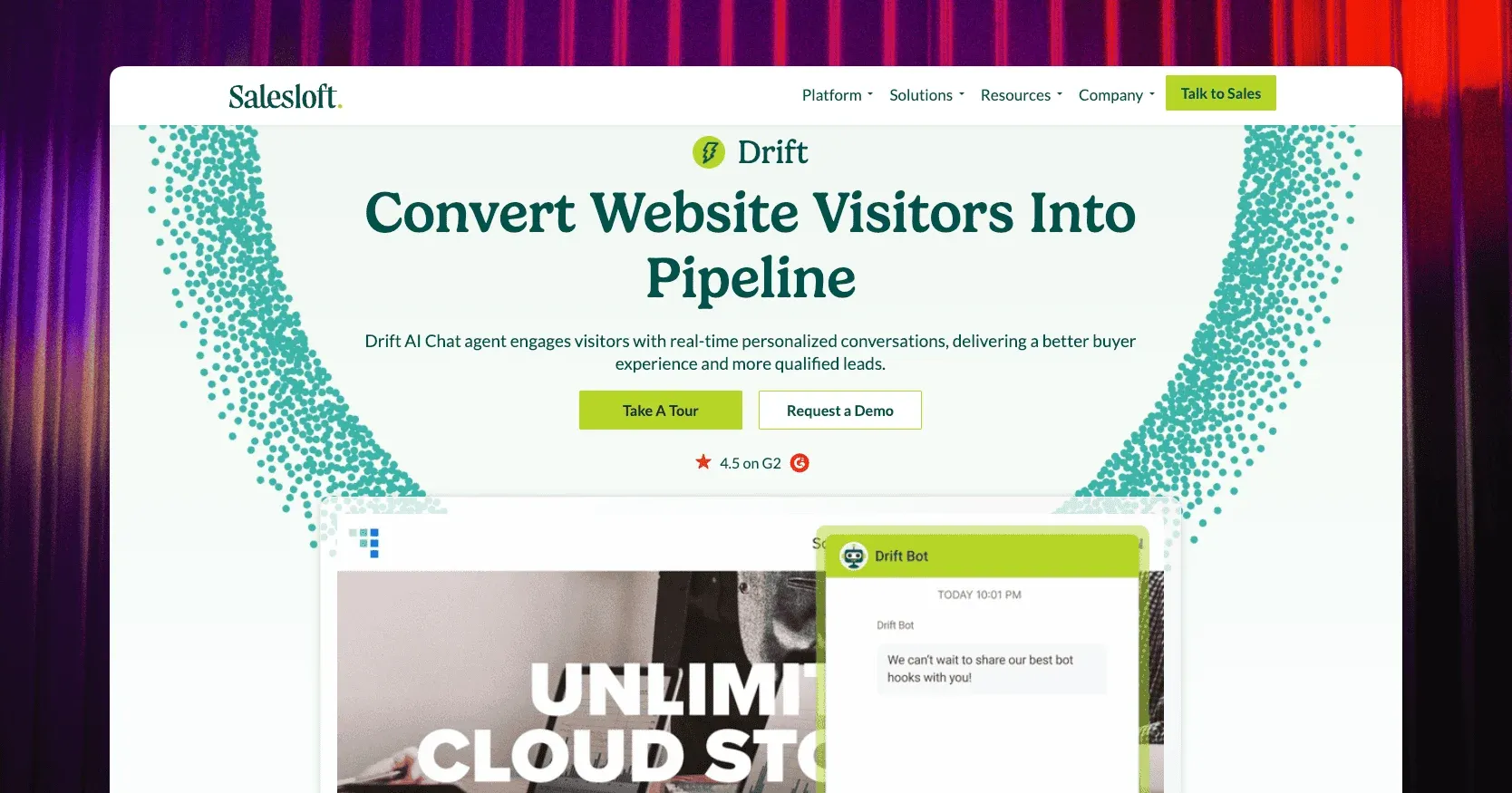
Drift, part of Salesloft since 2024, is conversational marketing rather than support. Bots qualify a visitor, book a meeting on a rep’s calendar, and hand a hot account to sales with the company’s details already attached.
Drift doesn’t publish pricing. G2’s own pricing listing still shows the old Premium tier at about $2,500 a month. Treat that as a historical figure rather than a live rate. G2 reviewers put it at 4.4 from about 1,200 reviews, and there’s no free plan.
Best for: a startup with an outbound sales motion and a marketing budget behind it, not a two-person support team answering tickets.
Limitations: there’s no ticketing or knowledge base, and the reported price puts it out of reach for most pre-seed and seed-stage teams.
7. Intercom: best for in-app messaging and SaaS growth
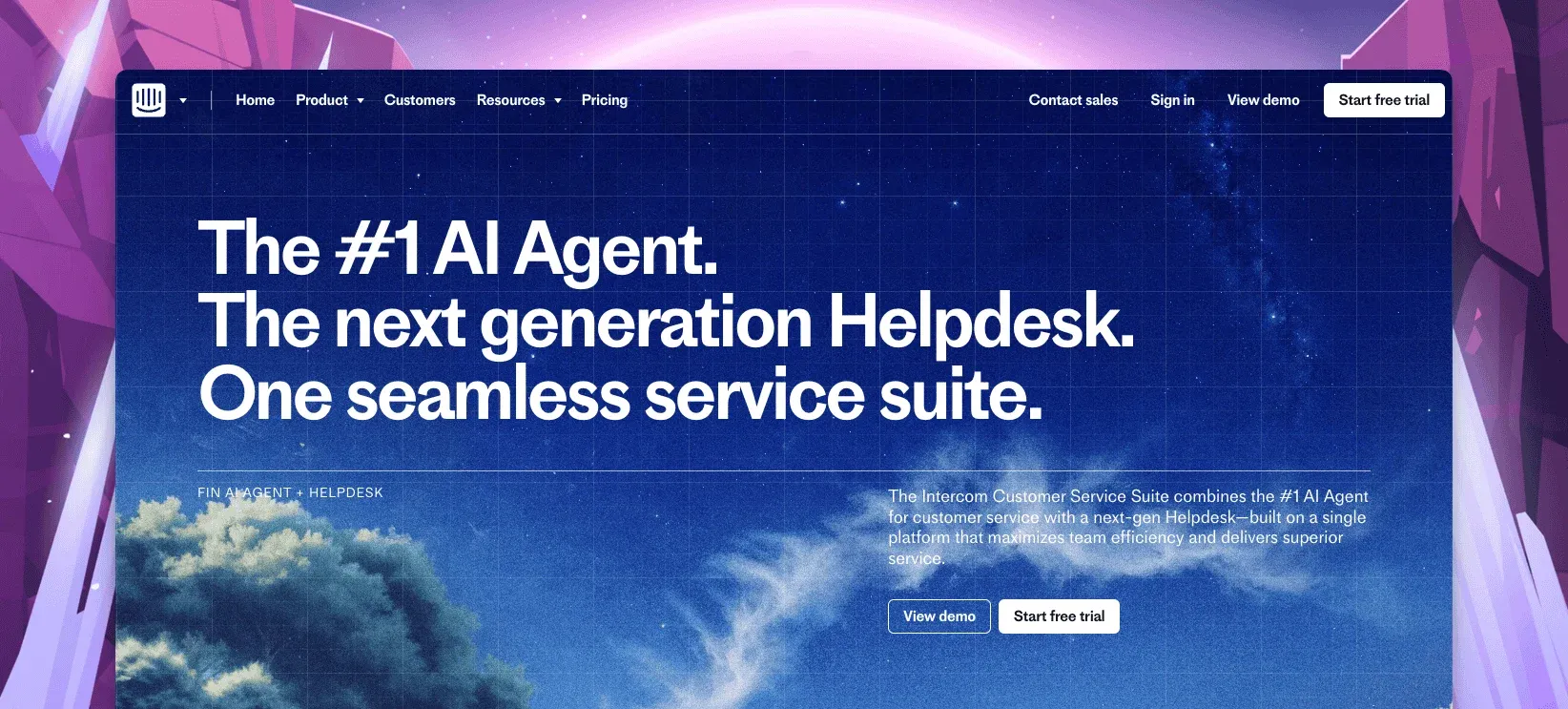
Intercom pairs in-app messaging with a help desk: product tours, outbound campaigns, and Fin, the AI agent that now leads its pitch. It’s the tool most SaaS startups end up comparing everything else against once they need onboarding messages, not just support.
Essential is $29 a seat a month billed annually, Advanced $85, Expert $132. Fin is billed on top at $0.99 per resolution, with a $9.99 qualification outcome, and Copilot, the agent-side AI, is $29 an agent a month annually. There’s a 14-day trial and no free plan. An early-stage startup discount cuts 93% off the first year, which is how many young companies start on it before the full bill arrives later. It holds a 4.5 on G2 from more than 3,000 reviews.
Best for: a product-led SaaS startup that wants onboarding messages running inside the product itself from day one.
Limitations: the startup discount ends, and the seat-plus-resolution combination is the bill many founders don’t see coming at renewal.
How to choose live chat software for a startup
The right pick depends on which motion the chat widget actually serves, not just which logo other founders mention.
- Pre-seed, one or two people: ThriveDesk’s flat plan or Help Scout’s free tier, whichever inbox style fits how you already write.
- Outbound sales with an SDR team: Drift, budget allowing, since it’s built for booking meetings rather than closing tickets.
- Already picked Freshworks, or planning to: Freshchat, and accept the second bill once Freshdesk joins it.
- Sales and support sharing one CRM: Olark, so chat data lands where the pipeline already lives.
- Enterprise buyers asking about SLAs already: Zendesk, and budget for a Suite plan rather than bare ticketing.
- Product-led SaaS with an onboarding flow to message: Intercom, with Fin’s per-resolution fee built into the model from day one.
Price it at the headcount you’ll have after your next raise, not the one you have today. Per-seat tools and per-resolution AI meters are the two line items that surprise a startup at renewal, usually because nobody modeled them past the pilot month. Run the numbers before signing an annual contract, not after the first invoice lands. The help desk cost calculator runs that math for the tools above.
Why startups choose ThriveDesk for live chat
Early-stage teams pick ThriveDesk because the bill doesn’t change shape every time the team does, and because nobody has to learn a second tool just to answer email.
The price stays flat through a funding round. Ten agents on a $29-a-seat tool already costs $290 a month before any AI add-on. ThriveDesk Standard covers five teammates for $69, and Unlimited covers as many as you add for $129. The pricing page has no per-seat line and no per-resolution meter to model against your growth curve.
Neo doesn’t charge per ticket. Fin bills $0.99 a resolution, and the Freddy AI Agent bills per 100 sessions. Neo answers from your help center at the flat plan price, whatever your volume looks like this month or next.
The MCP server is built for a technical team. Standard and Unlimited plans include an MCP server with 28 actions. A startup already wiring up AI tools and internal agents can connect ThriveDesk’s conversation data the same way, without a custom integration to maintain.
Chat and email share one queue. The shared inbox keeps the widget conversation and the follow-up email as one thread. Private notes let one agent hand a question to a teammate without a reply going out to the customer by mistake.
Support comes with the plan. There’s no separate line item for help from the ThriveDesk team. That matters when a two-person startup can’t afford to wait on a support queue of its own.
Start the 7-day trial; no card needed.






