
A shopper on a WordPress store asks whether a size is back in stock and leaves before finding a contact form. Live chat closes that gap, but WordPress doesn’t ship with one. Every option is a plugin, a script tag, or a full help desk bolted onto the site, not a shared inbox with your support team.
The best WordPress chat plugins in 2026 are: 1) ThriveDesk, for chat, email and a help center in one workspace; 2) LiveChat, for a team that lives in chat all day; 3) Zendesk, for a large team that wants a full support suite; 4) Pure Chat, for unlimited chat history on one site; 5) JivoChat, for messaging across WhatsApp, Facebook and Telegram; 6) LiveAgent, for a full help desk built around chat; 7) Brevo, for pairing chat with email marketing; 8) Crisp, for a small team on a real free plan; 9) Userlike, for stores that want proactive chat; and 10) Olark, for sales teams that want chat tied to a CRM.
We checked cost, whether chat shares a queue with email, and what a busy month does to the bill. Every price below came from the vendor’s pricing page in August 2026.
What counts as a WordPress chat plugin
Three kinds of plugin answer to the name, and WordPress.org lists all of them under the same “live chat” tag even though they don’t cost or behave the same.
- A widget-only plugin: LiveChat, Pure Chat, Userlike and Olark drop a script tag on your site, and the chat itself runs on the vendor’s own product elsewhere.
- A widget with a bot: JivoChat and Brevo add lightweight automation to the chat, and both bundle it with other channels the same vendor sells.
- A help desk with chat built in: ThriveDesk, Zendesk, LiveAgent and Crisp treat chat as one channel into a shared inbox, and that inbox also holds email and, for a WooCommerce store, the order.
Most WordPress sites do better with the third kind. The extra setup pays off because the same one or two people end up answering everything anyway, from the pre-sale chat to the refund email three days later. A widget that only does chat ends up as one more tab to check, and a store running a return window rarely closes the conversation on the first reply.
How we evaluated
We asked four questions, in the same order, for every plugin. Prices are the entry paid plan, monthly unless the vendor only publishes annual rates.
- Does it drop into WordPress cleanly? Most plugins need only a script or a WordPress.org install. A few also want content moved onto their own platform.
- Does chat share a queue with email? If a chat ends and the follow-up email lands somewhere else, the plugin has created a second inbox to check.
- What does the first paid plan cost, and is it per agent? Per-agent pricing triples at three agents. A flat plan doesn’t move.
- Is there a free plan, and where does it stop? A seat cap, a conversation cap or a feature wall — we say which.
- Does the plugin know the order? A chat that shows a WooCommerce order beside the message answers the most common question before the agent has to look it up.
Quick comparison
| Plugin | Best for | Starting price | Free plan | Chat and email in one inbox |
|---|---|---|---|---|
| ThriveDesk | Chat, email and a help center in one workspace; Neo AI agent in every plan, no per-resolution fee | $29 a month, flat | 7-day trial | Yes |
| LiveChat | A team that lives in chat all day | $19 per person a month, annual | 14-day trial | Chat only; tickets are a separate product |
| Zendesk | A large team that wants a full support suite | $55 per agent a month, annual (Suite Team) | 14-day trial | Yes |
| Pure Chat | Unlimited chat history on a single site | Paid, licensed per site | None | No, chat only |
| JivoChat | Messaging across WhatsApp, Facebook and Telegram | Free tier, then paid per agent | Yes | Yes, plus WhatsApp and social channels |
| LiveAgent | A full help desk with chat for large teams | Paid, per agent | None | Yes |
| Brevo | Pairing chat with email marketing | Free tier, then paid per user | Yes | Chat and email marketing, not a ticket queue |
| Crisp | A small team on a real free plan | $45 a month per workspace | Free, 2 seats | Yes |
| Userlike | E-commerce sites that want proactive chat | Paid, tiered by plan | Yes | Unified chat inbox; no email ticketing |
| Olark | A sales team that wants chat tied to the CRM | Paid, per agent | None | Shared chat inbox; no email ticketing |
1. ThriveDesk: best for chat, email and a help center in one workspace
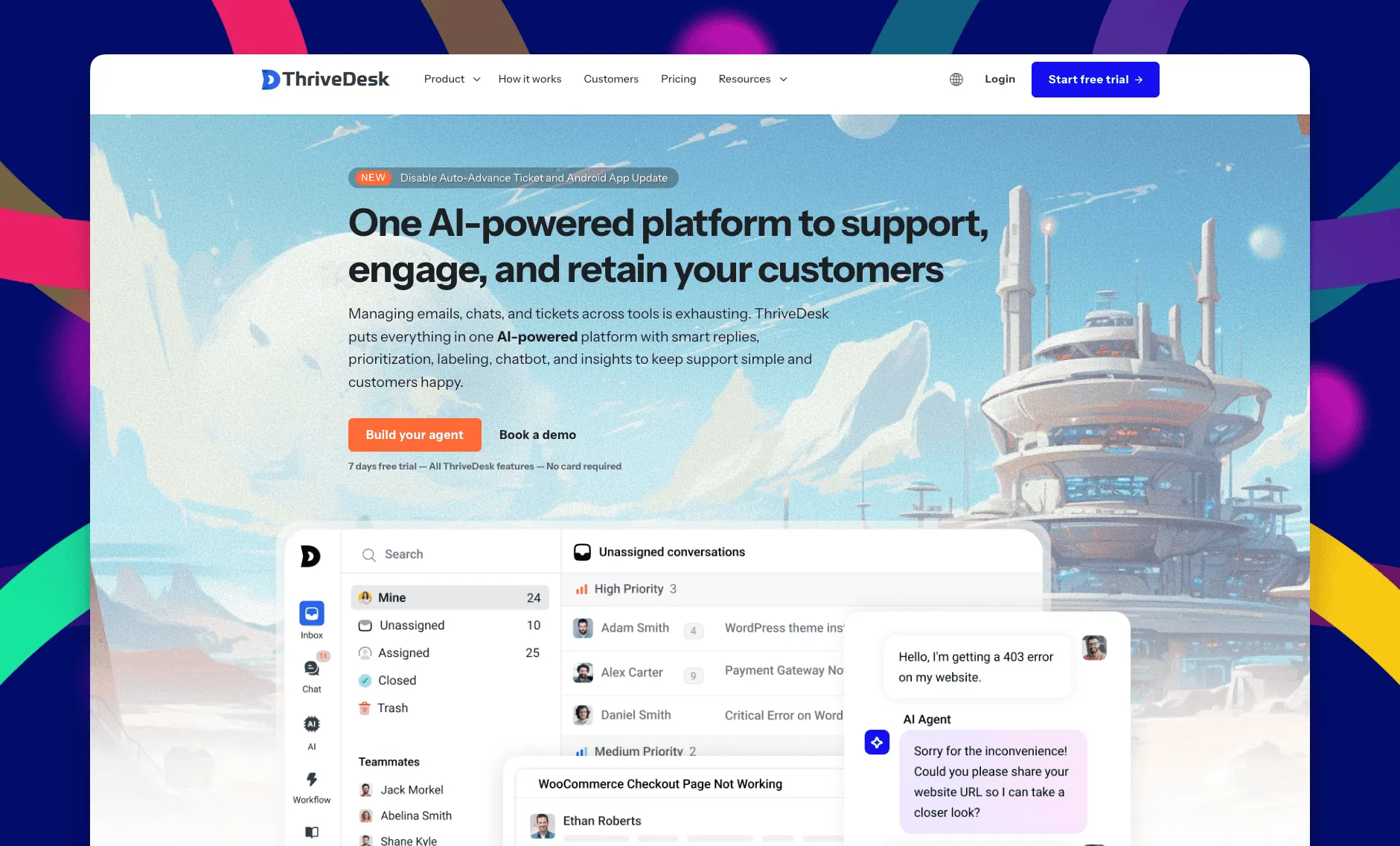
ThriveDesk is AI customer service software for ecommerce: an agentic omnichannel helpdesk, intelligent chatbot, modern help center and powerful reporting, plus Neo, the AI agent that answers customers around the clock. It’s built for WordPress sites and small support teams. The chat widget sits inside the same workspace as the shared inbox and the help center, so a WordPress site gets one chat tool instead of a queue of its own.
Shared inbox and store data
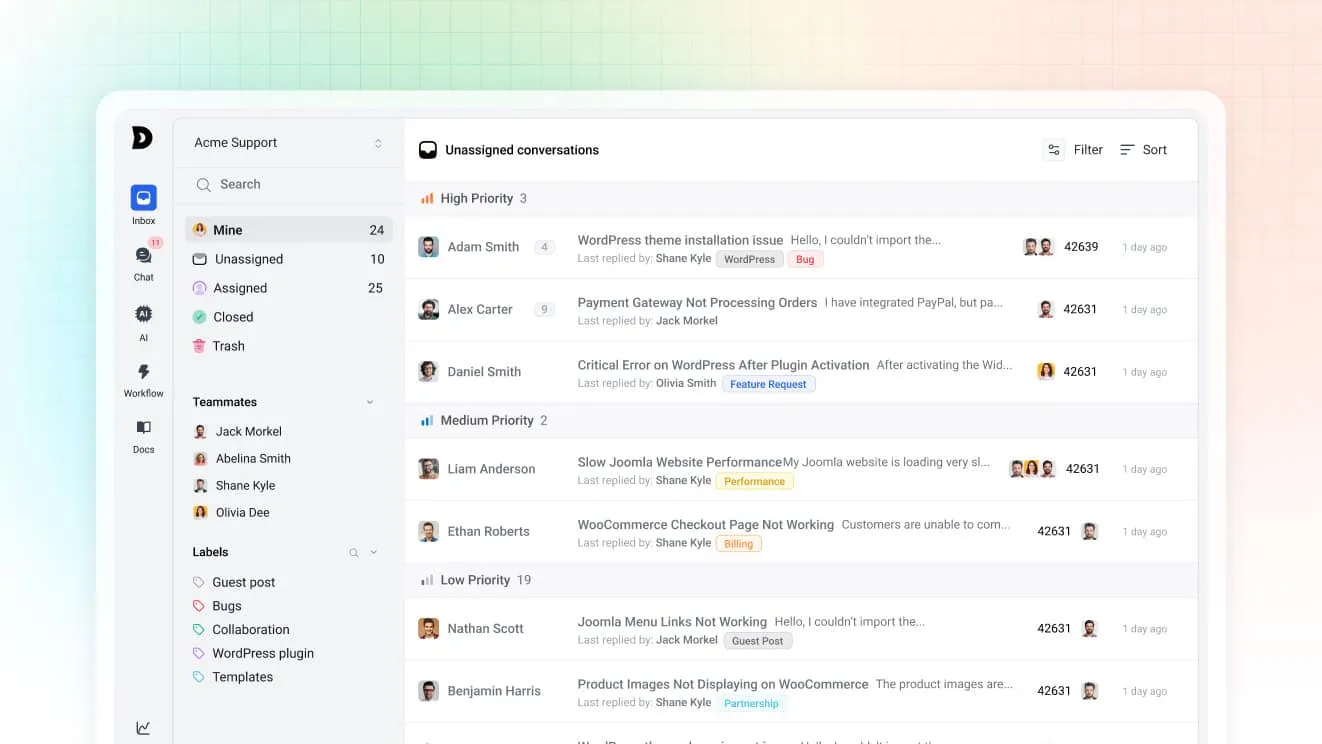
Chats and emails land in the same shared inbox, with assignment rules that route by tag, subject or priority. A conversation that starts in the widget and continues by email stays one thread, so nobody has to copy the history over by hand. Connect WooCommerce and the order sits next to the message, so an agent can check a shipment or process a refund without a second tab.
Neo answers after hours
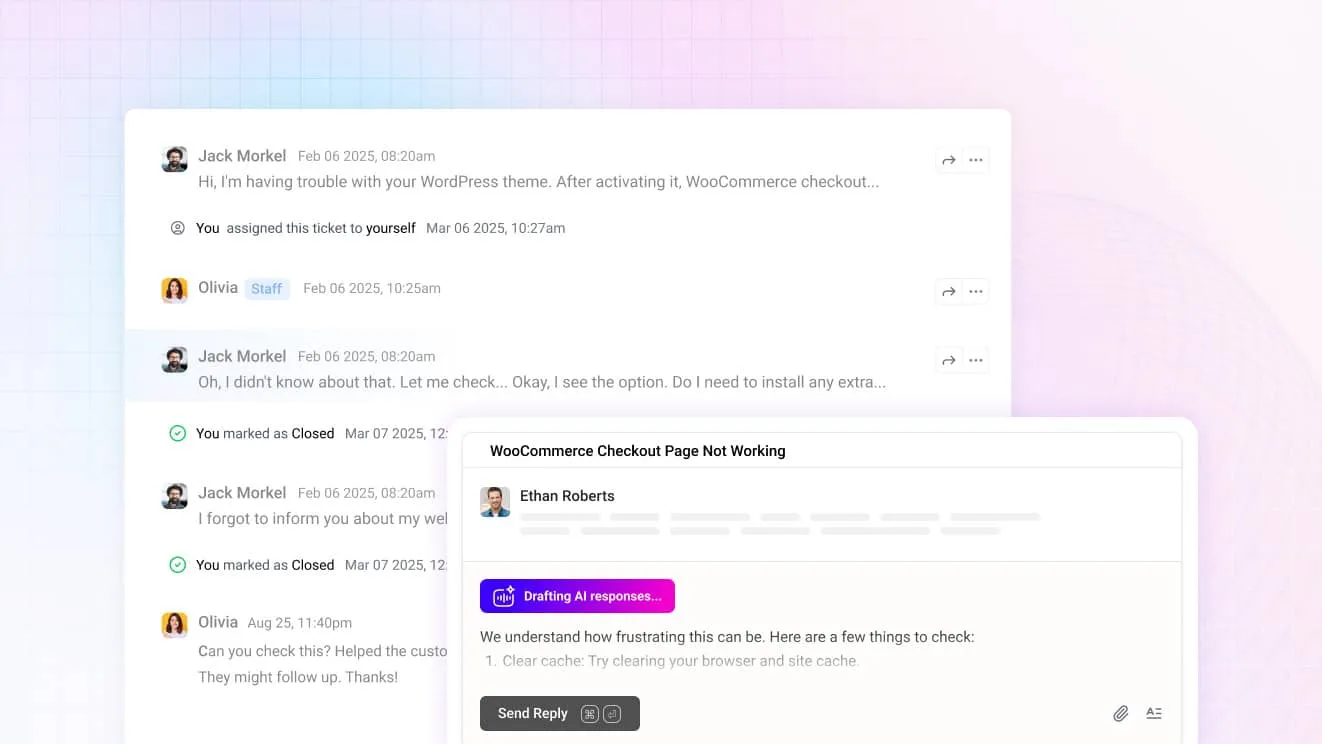
Neo answers from your help center content, so in the chat widget it handles the after-hours question on its own. The moment a visitor asks for a person, it hands over instead of guessing. It’s included in every plan with no per-resolution fee. For agents, Copilot drafts replies, summarizes a long thread before you open it, and can expand, shorten or translate a message in one click.
The chat widget
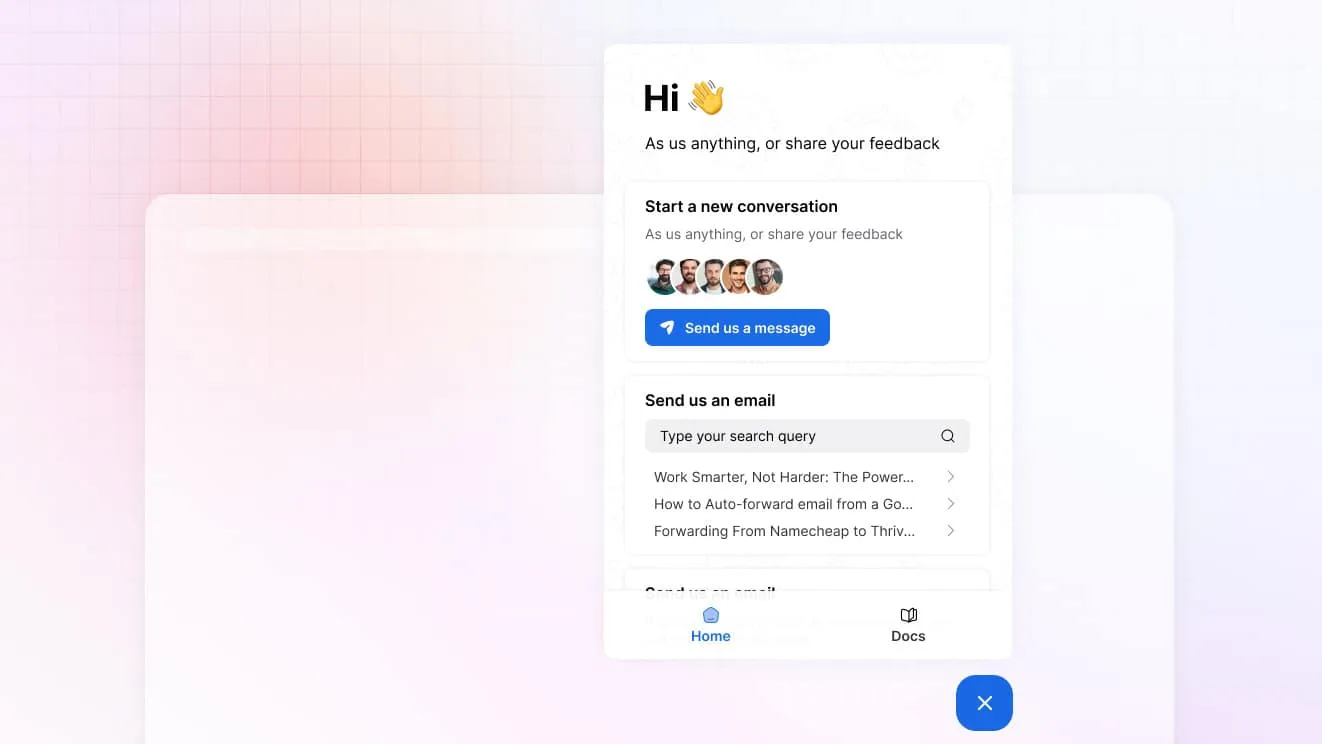
One widget carries live chat, a contact form, an order lookup and a search box over your help center. A visitor can check a delivery date without starting a chat at all, and the ones who do start one arrive with the page they were on already attached. On the Unlimited plan, visitor tracking shows who’s browsing the site right now.
What it costs
Basic runs $29 a month for two teammates and one inbox, with live chat included. Standard is $69 for five teammates, two inboxes and the public help center, and it adds the MCP server. Unlimited is $129 for unlimited teammates and five inboxes, plus private and multiple help centers. Annual billing drops those to $19, $49 and $99, and every plan runs on a 7-day trial, no card.
Best for: a WordPress site or WooCommerce store that wants chat, email and a help center in one plan instead of three separate tools.
Limitations: there’s a trial but no free plan, and Basic stops at two teammates. The comparison pages put ThriveDesk beside each plugin on this list.
2. LiveChat: best for a team that lives in chat all day
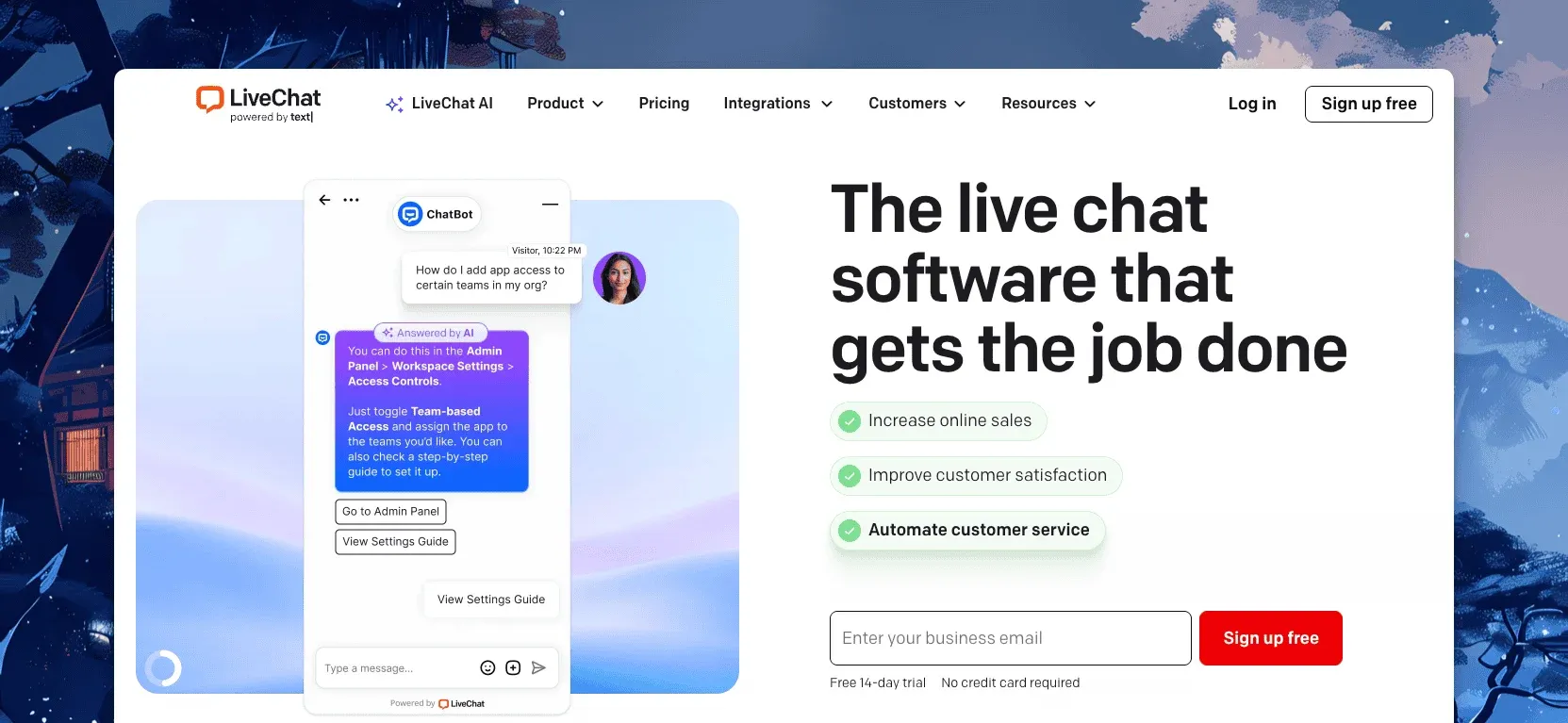
LiveChat connects to WordPress through an official plugin. It puts the widget on every page without touching the theme. The agent app shows who’s on the site, what page they’re reading, and what they typed before hitting send. Canned responses speed up the answers agents give most often, and the mobile app keeps a small team reachable outside business hours.
LiveChat charges $19 per person a month billed annually ($25 monthly) on Starter, $49 ($59) on Team, and $79 ($89) on Business. Enterprise is quote-based, and every plan carries a 14-day trial. Reviewers on G2 give it 4.4 from about 790 reviews.
Best for: a WordPress site with dedicated chat agents who handle email somewhere else.
Limitations: per-person pricing, and there’s no email inbox, so an order question that starts in chat still needs a second tool to finish in. Our LiveChat alternatives post covers who moves and why.
3. Zendesk: best for a large team that wants a full support suite
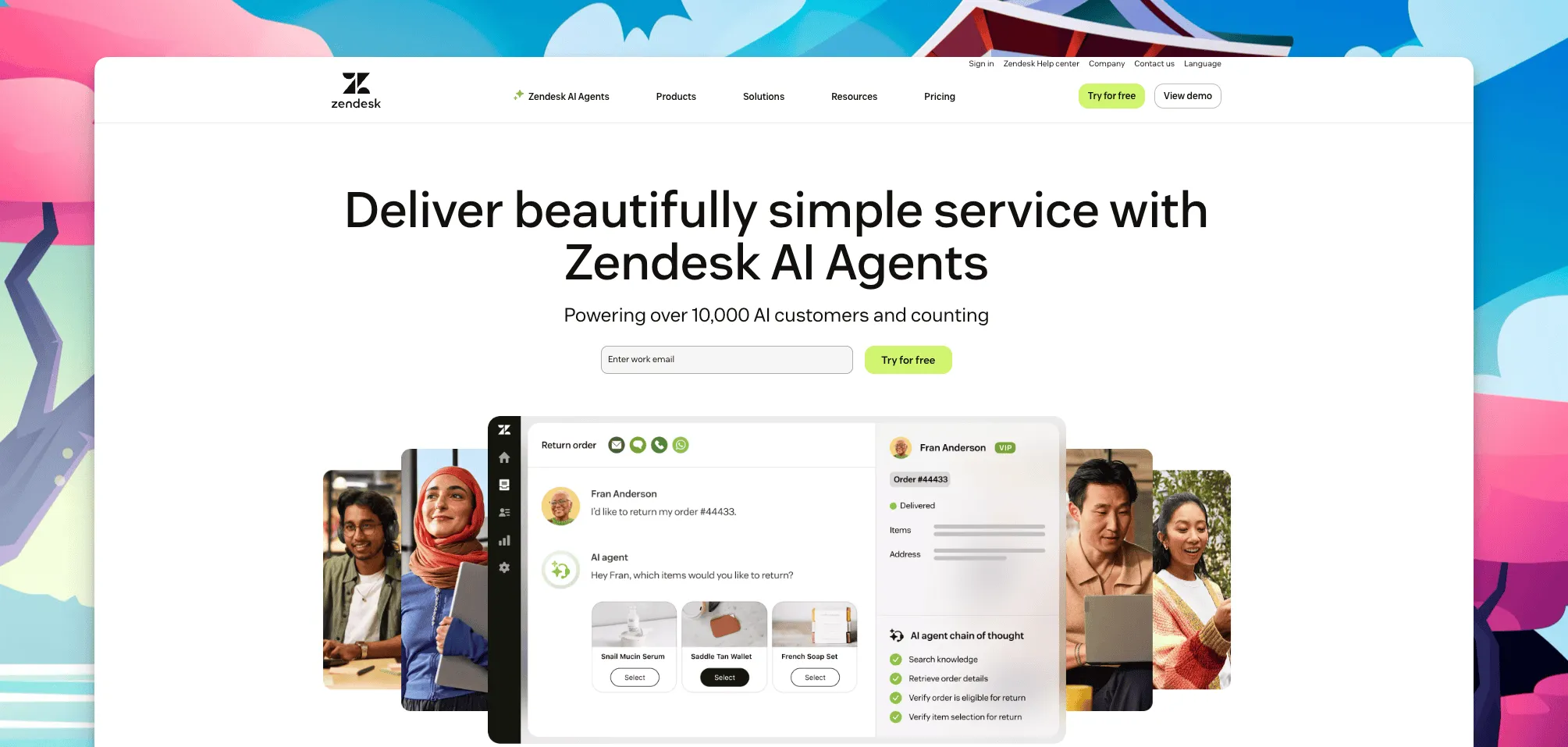
Zendesk folded its stand-alone chat product into the Suite plans. A WordPress site adds the widget through the WordPress.org plugin, and the conversation lands in the same agent workspace as email, help center articles and any other channel the account already carries.
Suite Team starts at $55 per agent a month billed annually. Suite Professional runs $115, and Suite Enterprise is quote-based; a lighter Support-only plan starts at $19 per agent for teams that don’t need the messaging bundle. There’s a 14-day trial and no free plan. Reviewers on G2 rate the suite 4.3.
Best for: a larger WordPress operation that wants one platform for chat, ticketing and a public help center.
Limitations: per-agent pricing adds up past a handful of seats, and most of the setup assumes a dedicated admin most small stores don’t have on staff. ThriveDesk vs Zendesk has the side-by-side for a smaller team.
4. Pure Chat: best for unlimited chat history on a single site
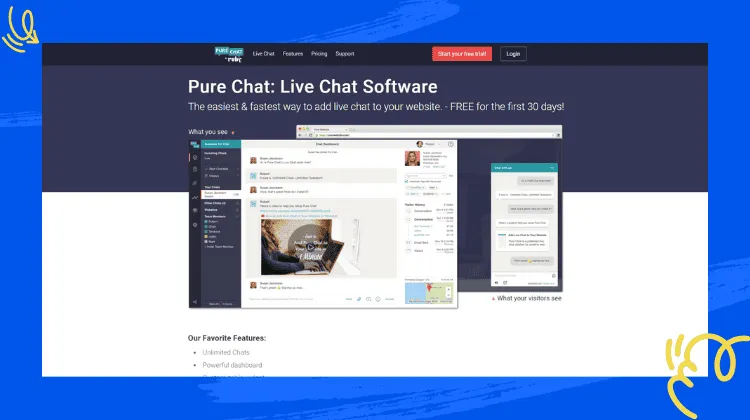
Pure Chat is a widget-only plugin built around unlimited chat history and full transcripts. Its operator dashboard shows visitor details during the conversation, including the page they landed on and where they came from. It drops into WordPress through a shortcode, and canned responses and chat alerts cover what a small team needs day to day.
Pure Chat licenses plans per site rather than per agent, with an entry tier capped at one site and a higher tier for unlimited sites. There’s no free plan, so a small store pays from day one.
Best for: a single WordPress site that wants a straightforward chat widget without a help desk attached.
Limitations: it’s chat only, so email and any knowledge base live in other tools, and a WooCommerce order still gets checked in a separate tab. Pricing scales by site rather than by team size.
5. JivoChat: best for messaging across WhatsApp, Facebook and Telegram
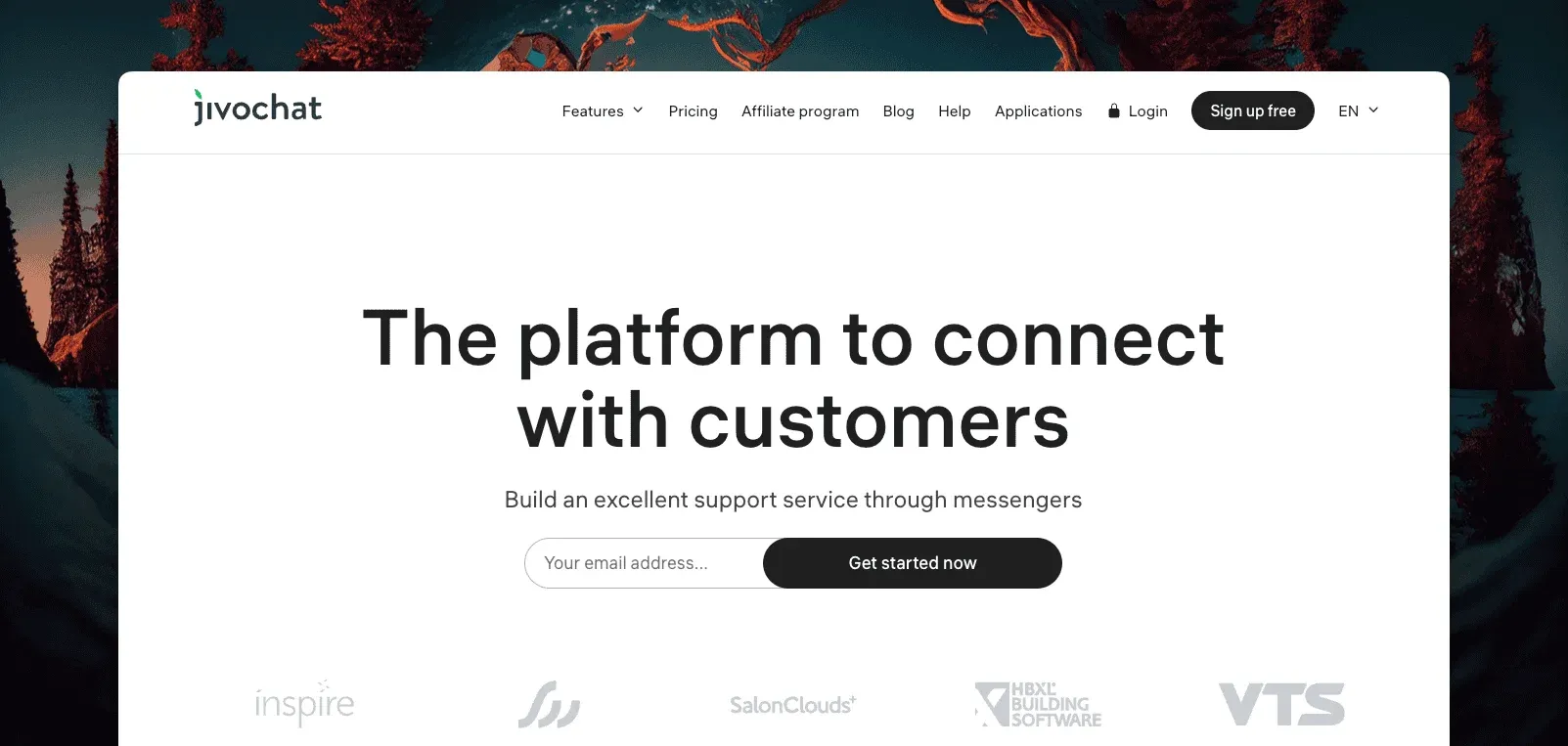
JivoChat is a business messenger. It puts live chat, WhatsApp, Facebook and Telegram in one widget on a WordPress site, with a mobile app so agents can answer from a phone between other tasks. A visitor can start on the website widget and keep the same thread going over WhatsApp later.
The Basic plan is free. Paid tiers add seats and extra channels, and bill per agent annually.
Best for: a WordPress site whose customers message through WhatsApp or social channels as often as the site’s own chat widget.
Limitations: the free plan is basic. Most of the routing and analytics depth sits in the paid tiers.
6. LiveAgent: best for a large team that wants a full help desk with chat
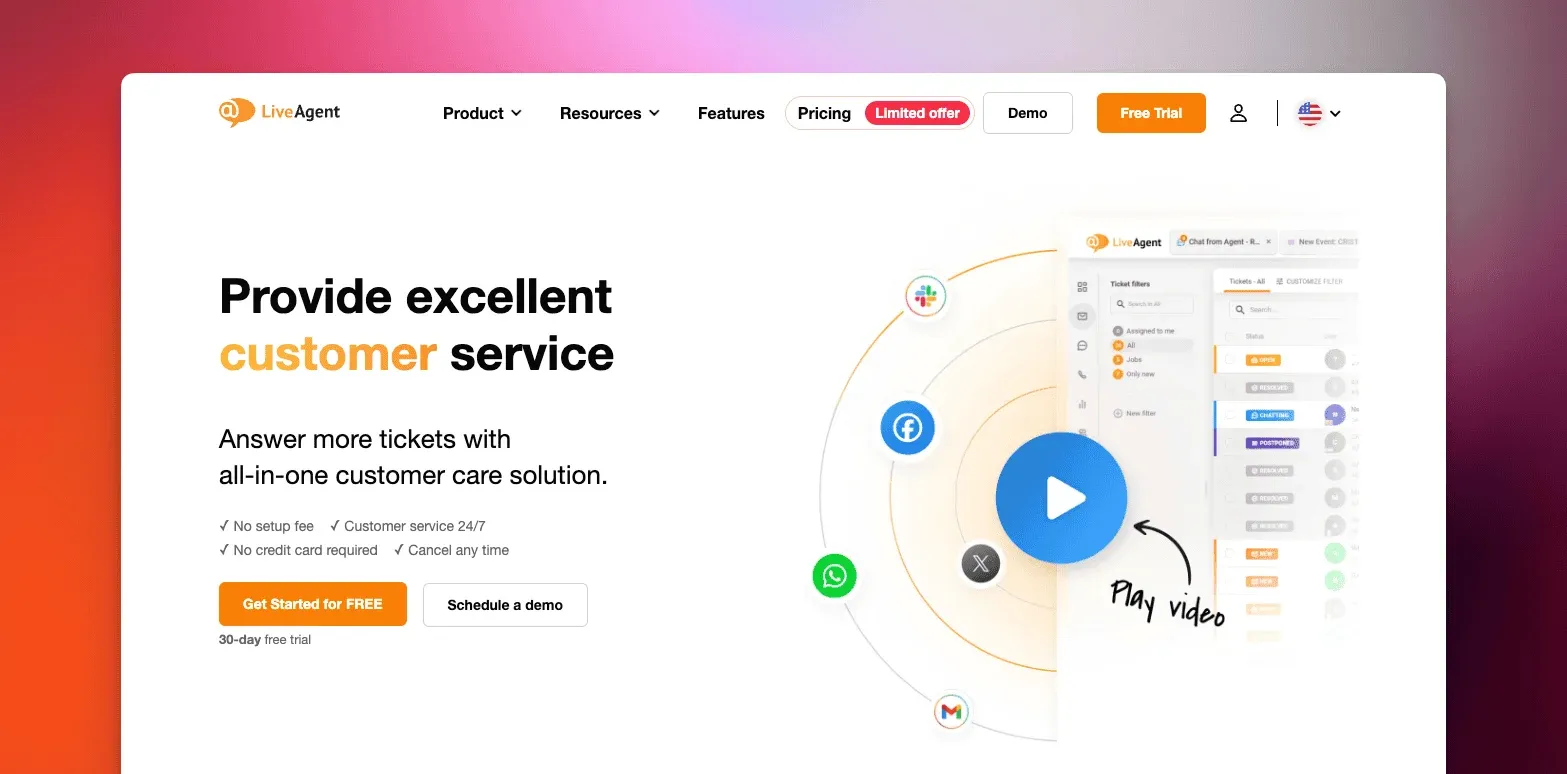
LiveAgent pairs a WordPress chat widget with a full help desk. Shared inboxes, ticketing and automation sit alongside the chat, built for teams large enough to need shift coverage, workload balancing and a manager watching the queue.
LiveAgent bills per agent across four tiers, from a small-team plan up to an enterprise tier, with a lower rate on annual billing than monthly. There’s no free plan.
Best for: a larger WordPress support team that wants chat folded into a full ticketing system rather than bolted on separately.
Limitations: per-agent pricing across several tiers means the bill grows with the team. The feature depth can be more than a two-person shop needs.
7. Brevo: best for pairing chat with email marketing
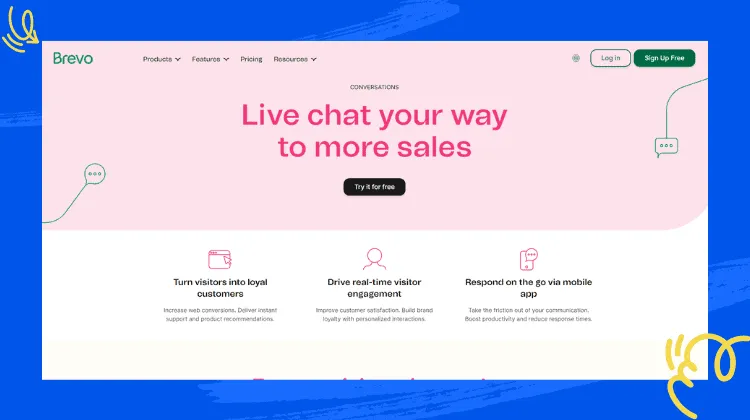
Brevo is email marketing software that added live chat. A WordPress site gets the widget alongside campaigns, SMS and a CRM in the same universal inbox, so a chat transcript sits next to the same contact’s newsletter history.
A free plan covers the basics of chat and a shared inbox. Paid tiers add seats and marketing automation, and bill per user.
Best for: a WordPress site that already runs its email marketing through Brevo and wants chat in the same account instead of a fourth tool.
Limitations: chat is a feature of a marketing platform rather than the product itself, so a support-first team will find the ticketing side thin.
8. Crisp: best for a small team on a real free plan
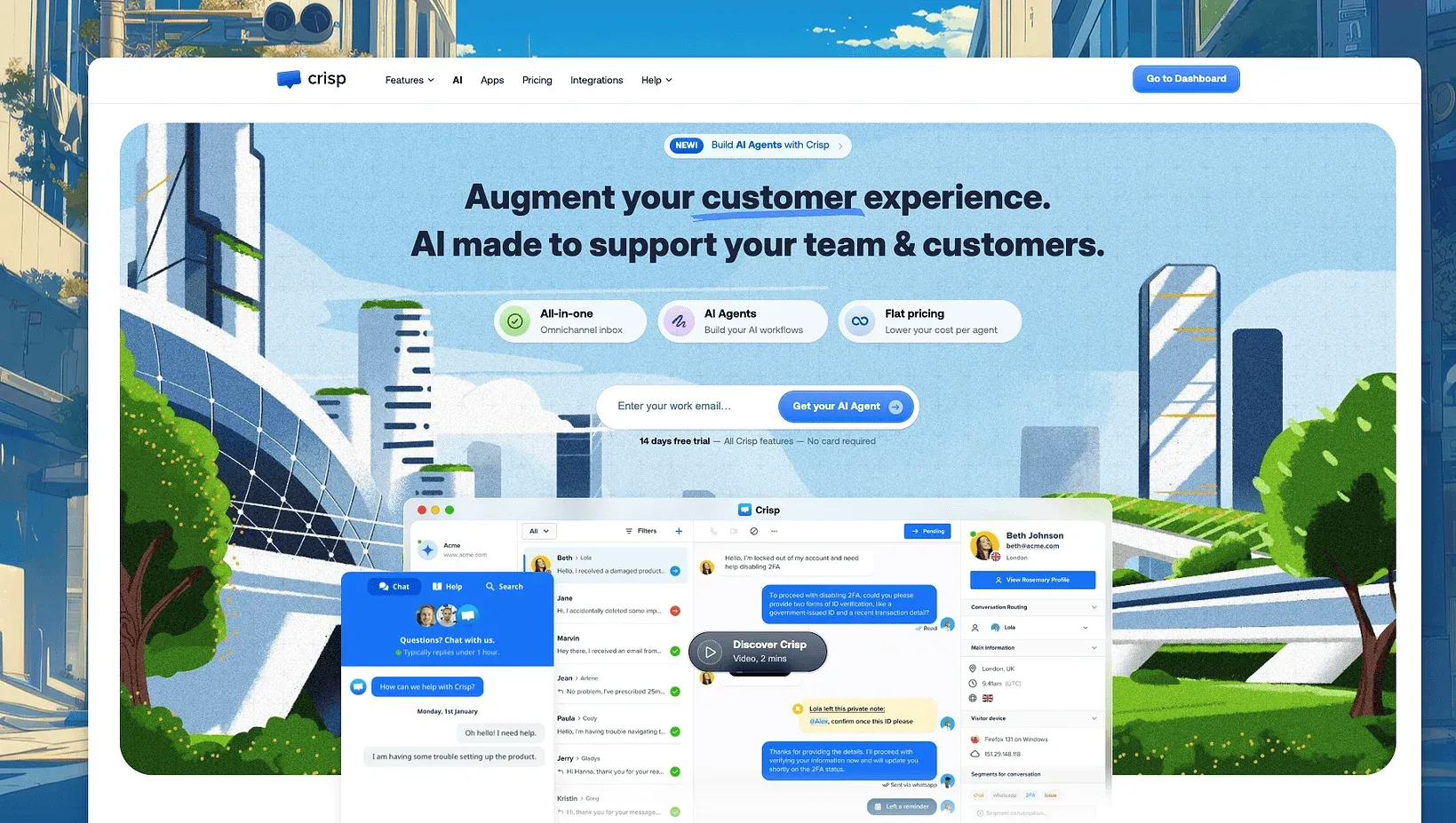
Crisp puts live chat, a shared inbox and a chatbot behind one free plan, then adds seats and channels as a WordPress site grows. The WordPress plugin drops the widget in without touching the theme, and a Zapier connection reaches more than 2,000 other apps, from email marketing tools to a CRM.
The free plan covers 2 seats and unlimited conversations, with no cap on chat history. Mini runs $45 a month per workspace for 4 seats, Essentials is $95 for 10, and Plus is $295. Paid tiers carry a 14-day trial.
Best for: a small WordPress team that wants chat, a shared inbox and a bot without paying for the first two seats.
Limitations: the free plan caps out at two seats fast, and pricing runs per workspace rather than per site, so several sites on one account share the seat count.
9. Userlike: best for e-commerce sites that want proactive chat
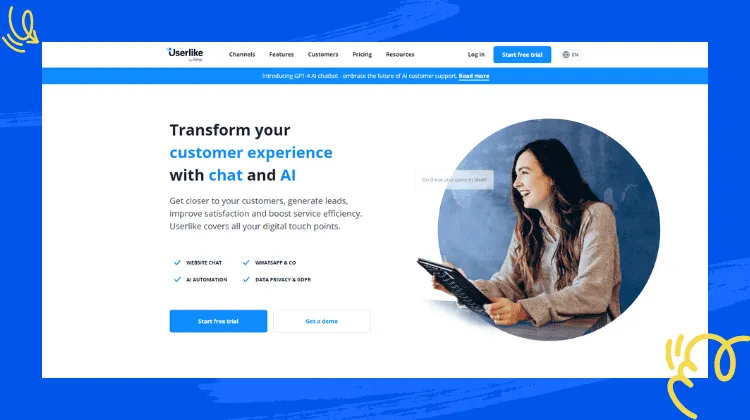
Userlike builds its widget around proactive engagement. It invites a visitor into a chat based on behavior on the page, such as time spent on a product or a return visit, which suits a WordPress store trying to catch someone before they abandon a cart.
A free plan covers the basics of the widget. Paid tiers bill a flat monthly rate per plan, add more operator slots, and a custom option covers larger teams.
Best for: an e-commerce site on WordPress that wants proactive chat prompts tied to on-page behavior.
Limitations: the free plan is limited, and there’s no email ticketing, so the follow-up on an abandoned cart still needs another tool to send.
10. Olark: best for a sales team that wants chat tied to the CRM

Olark connects its chat widget to Salesforce and other CRMs. A sales-driven WordPress site can log a chat straight to a contact record instead of copying it over by hand, and automation rules can route a hot lead to a rep while the visitor is still on the page.
Olark prices per agent on a single plan, with a custom Pro tier for teams that want more automation rules, reporting and dedicated support.
Best for: a sales team that wants every chat logged to the CRM automatically.
Limitations: there’s no free plan, and Olark is built for pre-sale conversations rather than an ongoing support queue, so a post-purchase shipping question is better handled elsewhere.
How to choose WordPress chat plugins
The right pick depends on what else the same people do all day, not just which widget looks best on the page. A busy support inbox and a quiet marketing site need different tools even though both call themselves chat.
- A WooCommerce store with two to ten people: ThriveDesk, so chat, email and the order share one screen.
- Dedicated chat agents, email handled elsewhere: LiveChat, for the visitor tracking.
- A larger team that needs a full support suite: Zendesk, if the per-agent bill fits the budget.
- One site, one widget, nothing else: Pure Chat.
- Customers message over WhatsApp as much as the site itself: JivoChat.
- Already running email marketing through Brevo: Brevo, for one account instead of two.
- A small team on a tight budget: Crisp’s free plan.
- A store trying to catch cart abandonment: Userlike’s proactive prompts.
- A sales pipeline that lives in a CRM: Olark.
Price it at the team size you’ll have in a year, not the one you have today, and at the volume a sale week brings rather than a quiet Tuesday. Per-agent plugins are cheap for one person and expensive for five, and the add-ons — a bot here, a knowledge base there — tend to arrive in month three. The help desk cost calculator runs that math for the tools above.
Why teams choose ThriveDesk for WordPress chat
WordPress teams pick ThriveDesk over a standalone chat plugin for one reason. The widget was never the only thing they needed to run support, and swapping five separate tools for one workspace is what actually saves the time a chat plugin promises.
The price stops moving. Five agents on LiveChat’s Team plan cost $245 a month on annual billing. Five on ThriveDesk Standard cost $69, and unlimited teammates on Unlimited cost $129. The pricing page has no per-seat line and no surprise renewal.
Chat and email share one queue. The shared inbox treats a chat and the email that follows it as one conversation. Automation rules route, tag and assign, so a small team isn’t triaging by hand every morning.
The order is in the conversation. WooCommerce, SureCart and other store data show next to the message. An agent can act on it there instead of opening a second tab to check a shipment, which matters most during a sale, when order volume spikes.
Neo covers the hours you don’t. Neo answers from the help center at 2 a.m., collects the lead, and leaves a summary for the morning. There’s no per-resolution fee for any of it, unlike the AI add-ons several plugins on this list sell separately. Reviewers on G2 rate ThriveDesk 4.9.
Start the 7-day trial, no card needed.






