
A contact-form message, a WooCommerce order question and a support email can each look like the only inbox that matters, until all three are open at once during a seasonal sale. WordPress helpdesk plugins are supposed to turn that mess into one organized queue. The plugin can live inside a WordPress site, or connect it to a hosted help desk instead.
The best WordPress helpdesk plugin in 2026 is: 1) ThriveDesk, for ticketing, live chat and a help center in one workspace; 2) Awesome Support, for a team with a workflow no other plugin quite fits; 3) Heroic Inbox, for support that never leaves wp-admin; 4) KB Support, for a store that leads with self-service; 5) WSDesk, for ticket management with an AI-assisted reply option; 6) JS Help Desk, for a budget plugin with deep admin controls; 7) WordPress Advanced Ticket System, for a genuinely free option; 8) SupportCandy, for GDPR-ready ticketing on one licence; 9) Richpanel, for a self-service portal across multiple stores; and 10) Help Scout, for a shared inbox with a lighter learning curve.
We checked what each plugin costs to run, whether live chat ships in the core product, and where ticket data actually lives. Prices for ThriveDesk and Help Scout were checked in September 2026. The self-hosted plugins here don’t publish a comparable number, so their pricing model is described instead of a guessed figure.
What counts as a WordPress helpdesk plugin
WordPress helpdesk tools split into two groups, and the split decides where ticket data lives and who maintains it.
- Self-hosted ticket plugins. Awesome Support, Heroic Inbox, KB Support, WSDesk, JS Help Desk, WATS and SupportCandy install into wp-admin. Every ticket stays in the WordPress database, and most charge an annual site licence rather than a monthly fee.
- Hosted help desks connected to WordPress. ThriveDesk, Richpanel and Help Scout run outside WordPress and connect through a plugin, a widget or an API key. They add live chat and real-time collaboration that a self-hosted plugin usually doesn’t include on the base licence.
Neither group is strictly better. A site with an in-house developer can absorb a self-hosted plugin’s maintenance. A two-person team usually can’t, and outgrows the self-hosted option once chat and email need to share a queue. The line matters most at renewal time, since an annual licence stays flat while a per-agent plan grows with the team.
How we evaluated
Five questions, asked the same way for every plugin here.
- Does live chat ship in the core product? Built in, or a separate paid add-on where it exists at all.
- Where does ticket data live? On the site’s own server, or in a vendor’s cloud.
- Is the bill per site, per agent or a flat fee? An annual licence and a per-agent SaaS plan behave very differently as a team grows.
- Does the plugin show order or customer data beside the ticket? A refund question answered without a second tab beats one that isn’t.
- Who handles updates and security? A self-hosted plugin depends on the site owner; a hosted help desk takes that off the checklist.
Prices came from each vendor’s own pricing page. A plugin without a public price is described by its pricing model instead of a guessed number. A star rating only appears where a vendor’s own review page confirms it.
Quick comparison
| Tool | Best for | Starting price | Hosting | Live chat included |
|---|---|---|---|---|
| ThriveDesk | Ticketing, live chat and a help center in one workspace; Neo AI agent in every plan, no per-resolution fee | $29 a month, flat | Cloud | Yes |
| Awesome Support | A workflow no other plugin quite fits | Free core, paid add-ons | Self-hosted, wp-admin | Via add-on |
| Heroic Inbox | Support that never leaves wp-admin | Annual site licence | Self-hosted, wp-admin | No |
| KB Support | A store that leads with self-service | Annual site licence | Self-hosted, wp-admin | No |
| WSDesk | Ticket management with an AI-assisted reply option | Annual site licence | Self-hosted, wp-admin | Via add-on |
| JS Help Desk | A budget plugin with deep admin controls | Annual site licence | Self-hosted, wp-admin | No |
| WordPress Advanced Ticket System | A genuinely free option | Free, paid tier for more sites | Self-hosted, wp-admin | No |
| SupportCandy | GDPR-ready ticketing on one licence | Annual site licence | Self-hosted, wp-admin | No |
| Richpanel | A self-service portal across multiple stores | Per-user SaaS plan | Cloud | Via chat campaigns |
| Help Scout | A shared inbox with a lighter learning curve | $25 a user a month | Cloud | Yes |
1. ThriveDesk: a full help desk built for WordPress sites
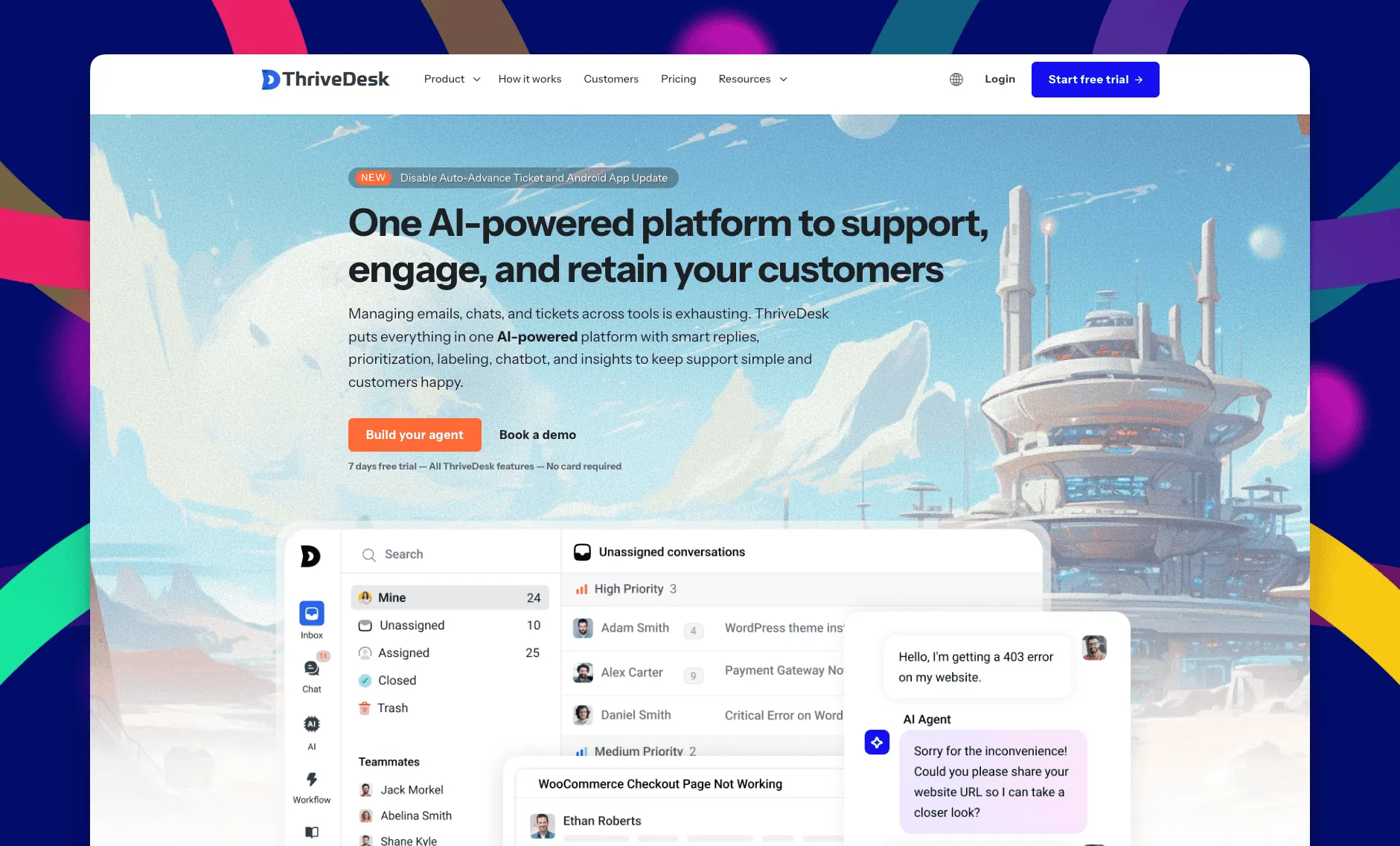
ThriveDesk is AI customer service software for ecommerce: an agentic omnichannel helpdesk, intelligent chatbot, modern help center and powerful reporting, plus Neo, the AI agent that answers customers around the clock. It’s built for WordPress sites and small support teams, with ticketing and live chat in one workspace. A site pays for the plan, not for each teammate in it. A two-person team and a ten-person team run on the same product for the same price.
Shared inbox
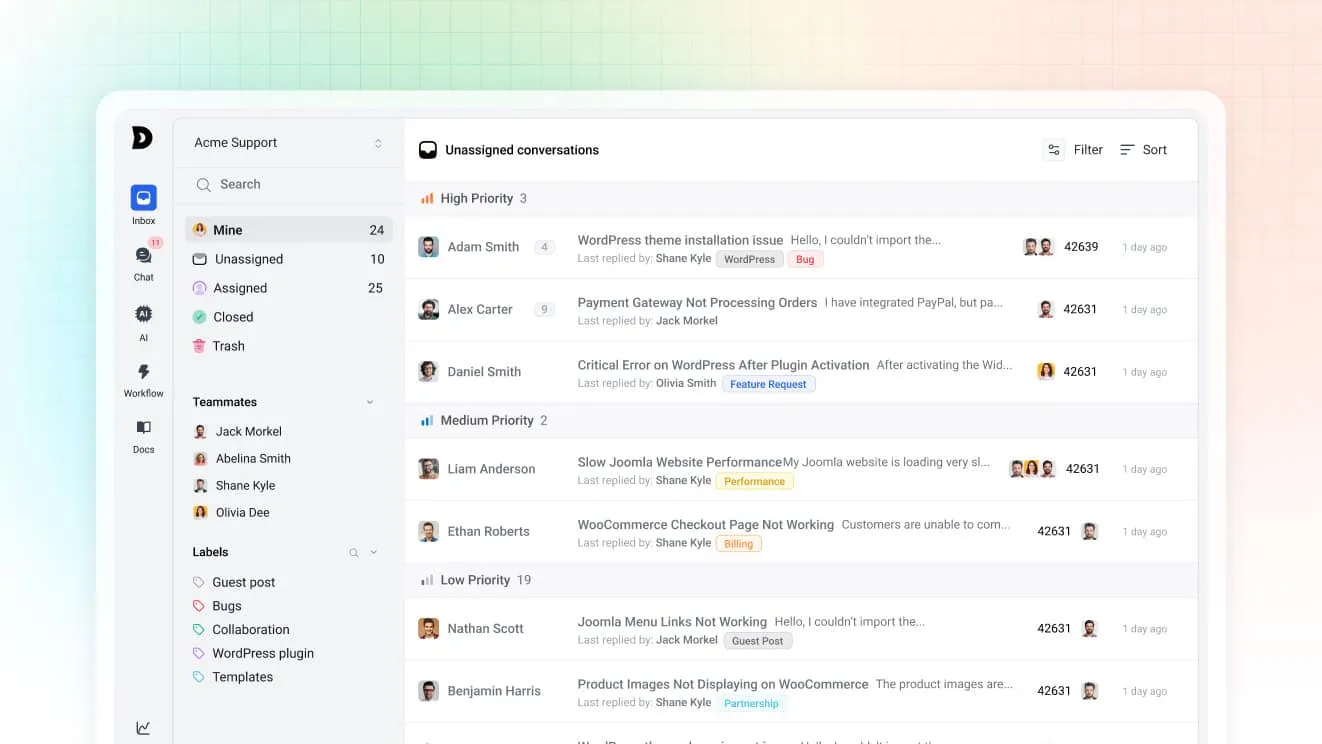
Contact-form messages, support email and chat land in the same shared inbox, so nothing gets triaged across three separate tools. Assignment rules route by tag or subject, and private notes let agents discuss a ticket the customer never sees.
Neo, the AI agent
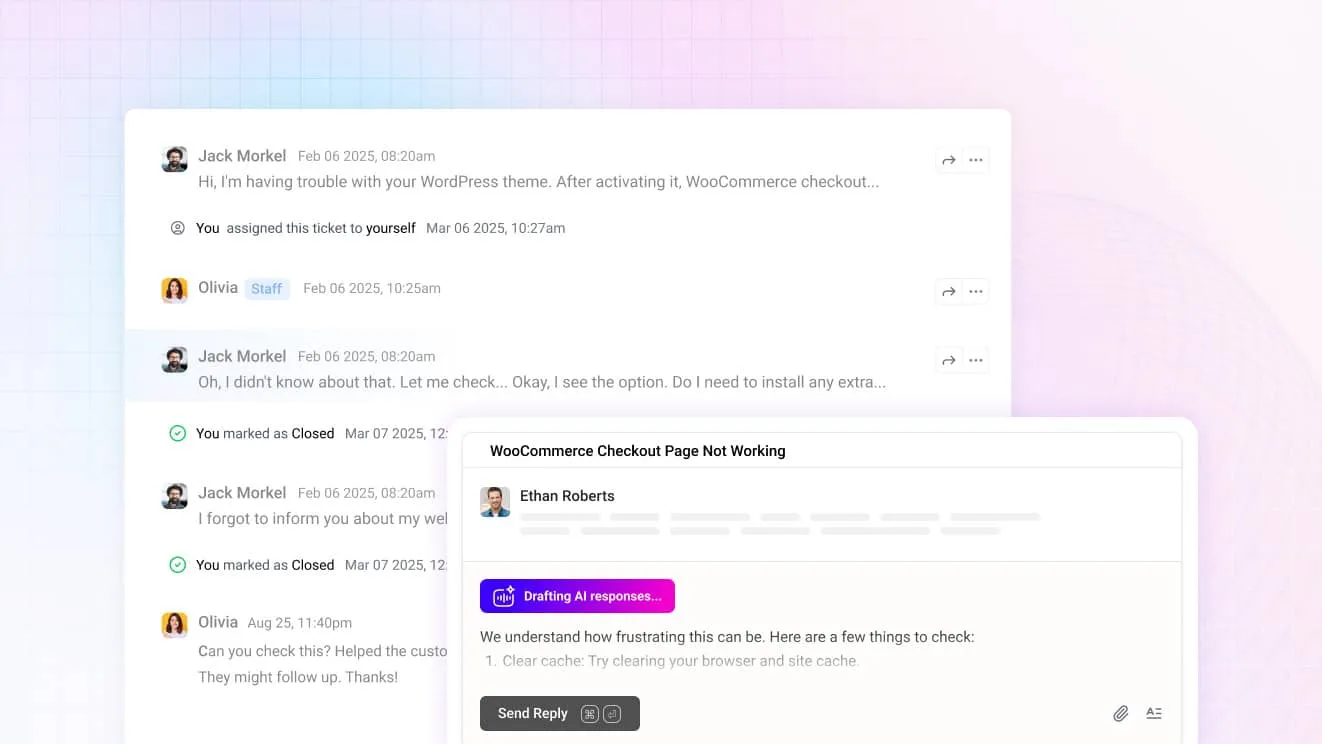
Neo answers routine questions from the site’s help center content on its own, then hands over to a person the moment a visitor asks for one. It’s included in every plan with no per-resolution fee. For agents, Copilot drafts replies from the same content and summarizes a long thread before it’s opened.
Self-service and WP Portal
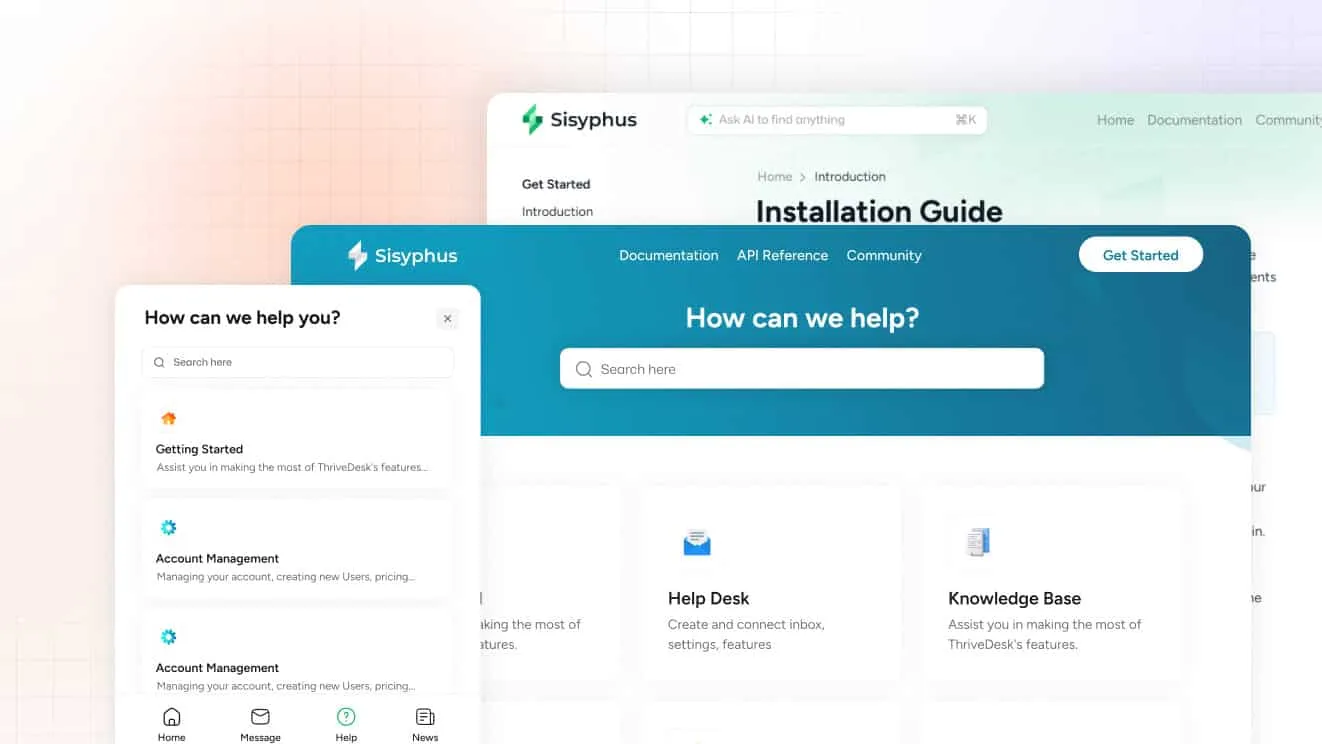
The help center ships with a block editor and AI search from the Standard plan. Unlimited adds WP Portal, a branded login area where a customer can track a ticket or read a private article without leaving the site.
Store and CRM data in the conversation
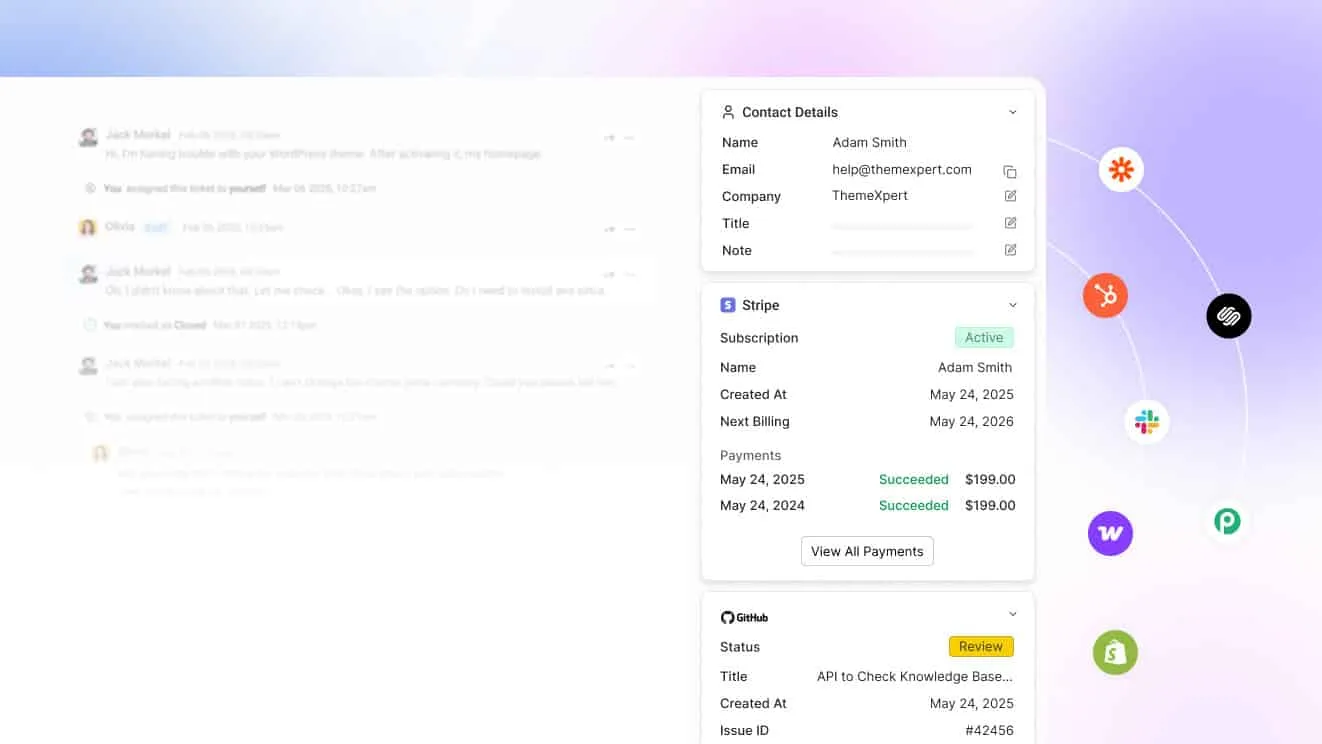
Sites running WooCommerce, FunnelKit or FluentCRM can connect them directly. A customer’s order or subscription status shows up beside the ticket, so an agent answers the “where’s my order” question without a second tab.
What it costs
Basic is $29 a month for two teammates and one inbox, with live chat included. Standard is $69 for five teammates, two inboxes and the public help center, plus workflow automation. Unlimited is $129 for unlimited teammates, five inboxes and WP Portal. Annual billing drops those to $19, $49 and $99, and the pricing page has the full plan breakdown. Every plan carries a 7-day trial, no card, and support at no extra cost.
Best for: a WordPress site that wants ticketing, live chat and self-service in one place without a per-agent bill.
Limitations: there’s a trial but no free plan, and Basic stops at two teammates. The comparison pages put ThriveDesk beside each plugin on this list.
2. Awesome Support: modular support for teams with unique workflows
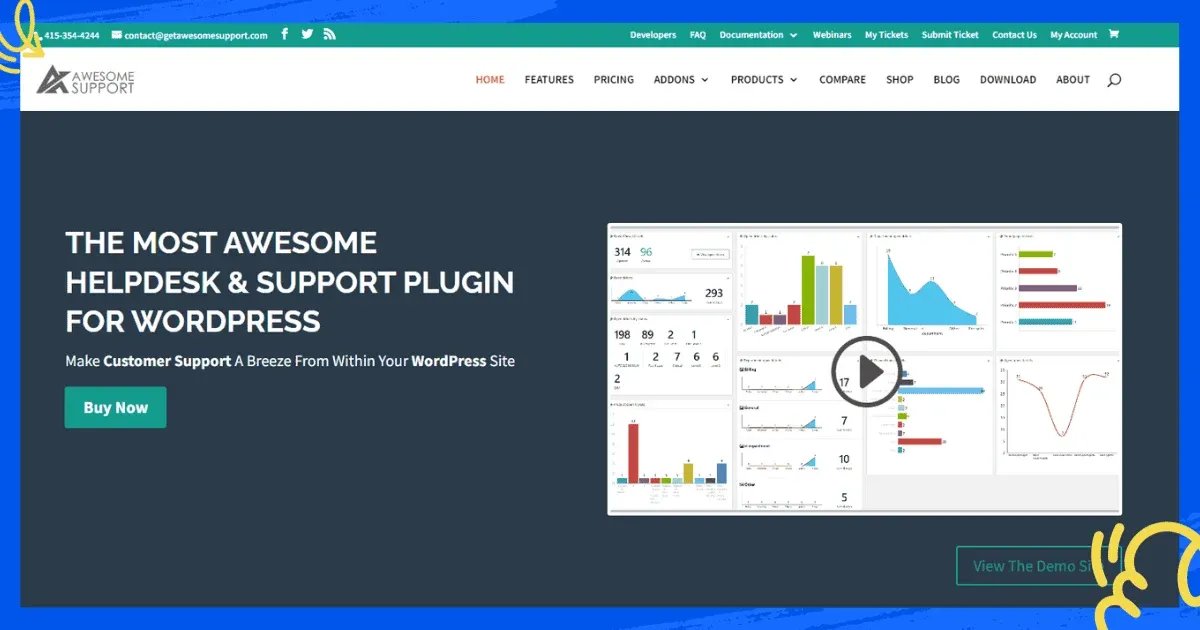
Awesome Support ships a free core plugin, then sells live chat, a knowledge base, time tracking, billing and WooCommerce order syncing as separate add-ons. Custom fields, multiple departments and file uploads on tickets suit a site whose support process doesn’t fit a generic template.
Role-based access limits who can see which department’s tickets. An open developer ecosystem also lets a technical team extend the plugin with hooks and filters. Billing and invoicing add-ons turn the same plugin into a paid-support desk for an agency that charges clients by the ticket. Multiple department support keeps sales and technical questions from landing in the same queue.
Best for: a team that wants to start free and add exactly the modules its support process needs.
Limitations: the interface feels dated next to a newer product, and the add-on model means the final bill depends on how many modules a site turns on.
3. Heroic Inbox: a shared inbox that never leaves wp-admin
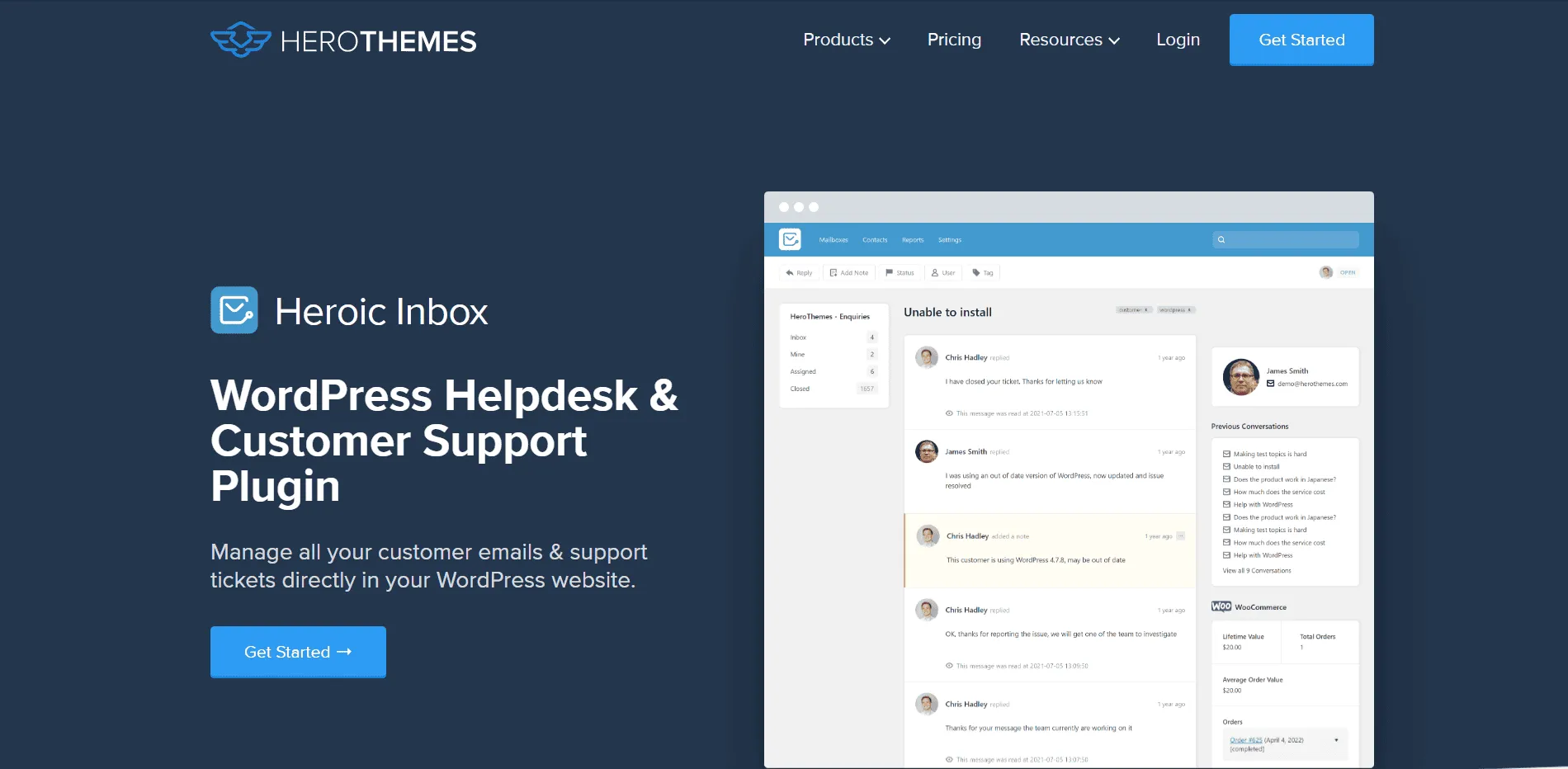
Heroic Inbox centralizes email into a shared inbox inside wp-admin, with internal notes and assignment built in. A WooCommerce panel shows a customer’s lifetime value and order history right beside the thread, which is unusual for a plugin this focused on email.
Multiple mailboxes, such as a separate address for sales and one for support, sit in the same dashboard. Performance reports cover ticket volume and response time without leaving WordPress. Customer profiles keep the full conversation history in one place, so a returning shopper’s earlier tickets are visible before an agent replies to the new one.
Best for: a team that wants a shared inbox without ever opening a tool outside WordPress.
Limitations: there’s no free version, and support is limited to email rather than live chat.
4. KB Support: ticketing paired with a built-in knowledge base
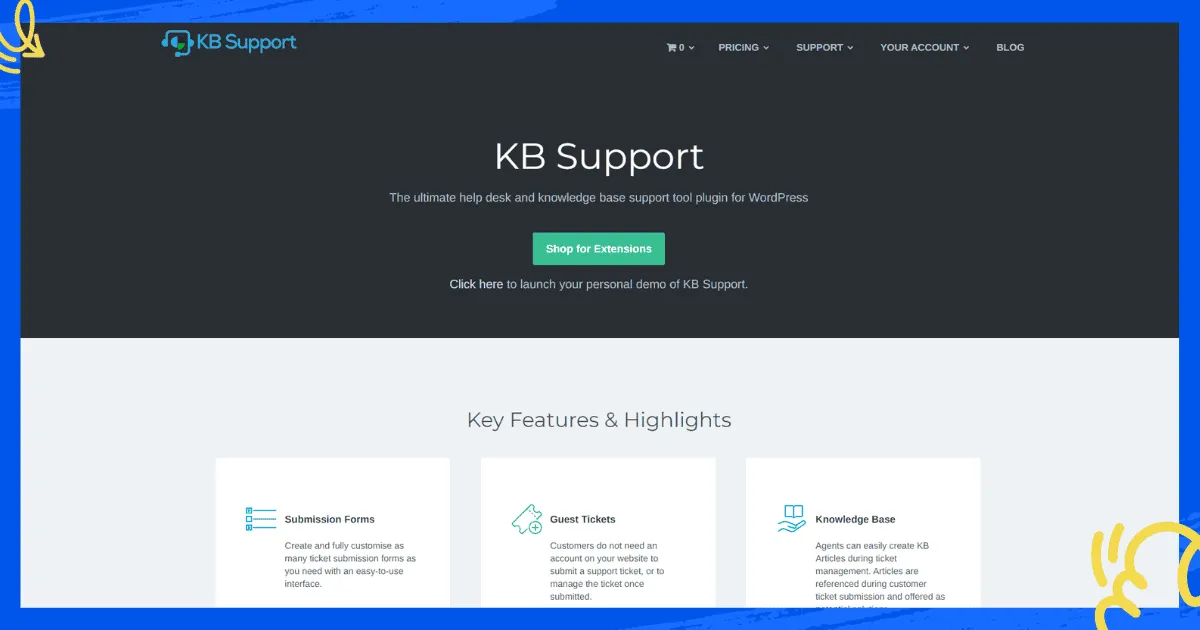
KB Support pairs a ticketing system with a built-in knowledge base, aimed at a site that wants a customer to try self-service before opening a ticket. Customizable ticket forms and email piping cover the daily ticket workflow.
An agent can draft a knowledge base article straight from a ticket reply, so a recurring question becomes a help center entry instead of a repeated answer. Role-based agent access keeps the plugin usable once more than one person is answering tickets.
Best for: a site whose support strategy starts with the knowledge base and treats tickets as the fallback.
Limitations: the free version is limited, and deeper WooCommerce order linking needs a paid extension.
5. WSDesk: ticket management with an AI-assisted reply option
WSDesk installs into wp-admin and keeps every ticket on the site’s own server. It handles unlimited tickets and agents, customizable ticket fields, and an option to draft replies through a ChatGPT connection.
An in-depth report library covers ticket volume and response time, and a satisfaction score tracks agent performance from customer surveys. Everything runs on the existing WordPress install, so there’s no per-agent fee to plan around and no separate vendor account to manage. The WooCommerce connection shows order details without a separate integration to configure, and canned responses built on a rich-text editor round out the daily reply workflow.
Best for: a site that wants ticket data on its own server and a licence fee instead of a monthly bill.
Limitations: setup and updates depend on WordPress expertise on the team, and third-party integrations are thinner than a hosted help desk’s.
6. JS Help Desk: a budget ticketing plugin with deep admin controls
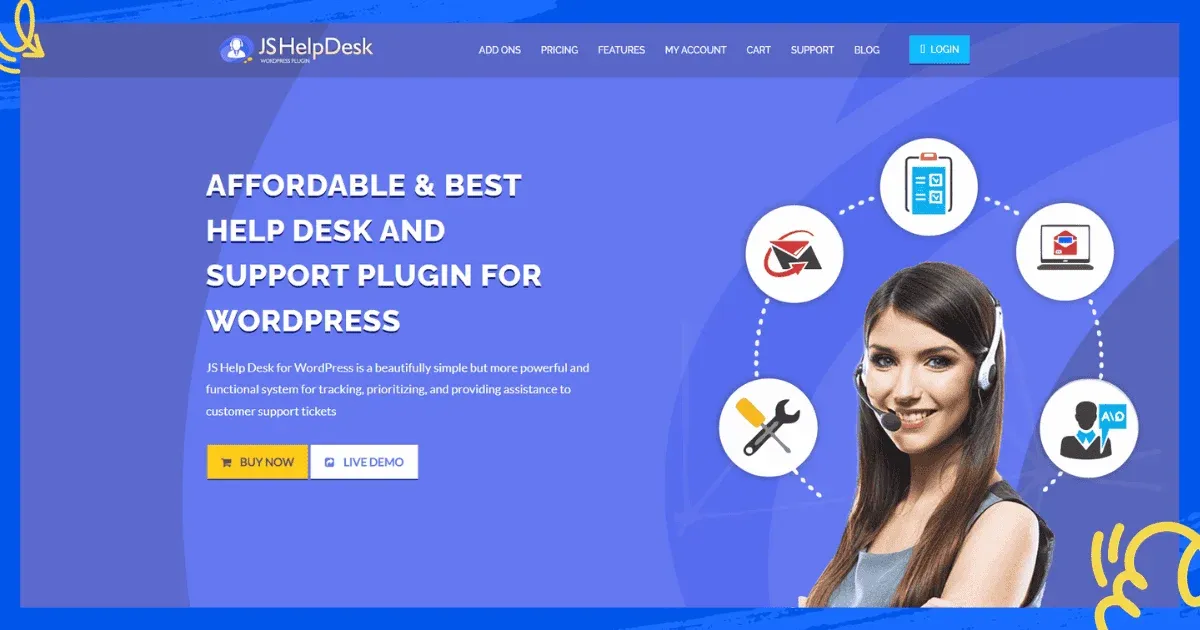
JS Help Desk covers unlimited tickets with a searchable, filterable ticket list and more than 150 admin configuration options. Priority-based queuing sets an automatic overdue window for each ticket, and customizable email templates keep notifications on-brand.
A responsive layout and translation-ready strings suit a site serving customers on mobile or in more than one language. Bulk actions such as merging, closing and printing tickets cover a busy queue without opening each one individually. An HTML editor on replies covers formatted notes and longer explanations without switching to a separate tool.
Best for: a budget-conscious site that wants granular admin control over how tickets are queued and handled.
Limitations: there’s no built-in intelligent ticket routing, so assignment stays a manual step. The plugin also doesn’t scale as smoothly as a hosted help desk once volume climbs.
7. WordPress Advanced Ticket System: a free plugin since 2009
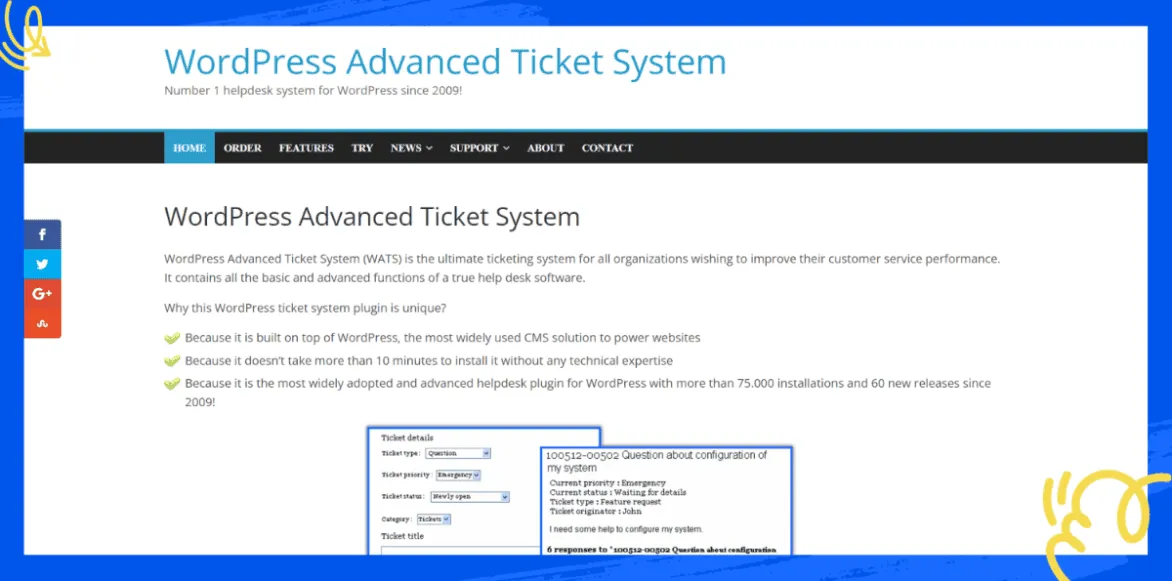
WordPress Advanced Ticket System, or WATS, is one of the oldest ticketing plugins for WordPress and still ships a genuinely free version. Individual ticket ID numbers, unlimited custom fields and ticket visibility rules cover the basics of a small support queue.
A paid tier adds a call center option and higher usage limits for a site that outgrows the free version. Simple statistics and CSV export cover reporting without a separate analytics tool, and service level agreements set a response-time target on every ticket.
Best for: a site that wants basic ticketing at no cost and doesn’t need live chat or a knowledge base.
Limitations: the interface and feature set haven’t kept pace with newer plugins, and there’s no live chat or built-in knowledge base.
8. SupportCandy: GDPR-ready ticketing on a single licence
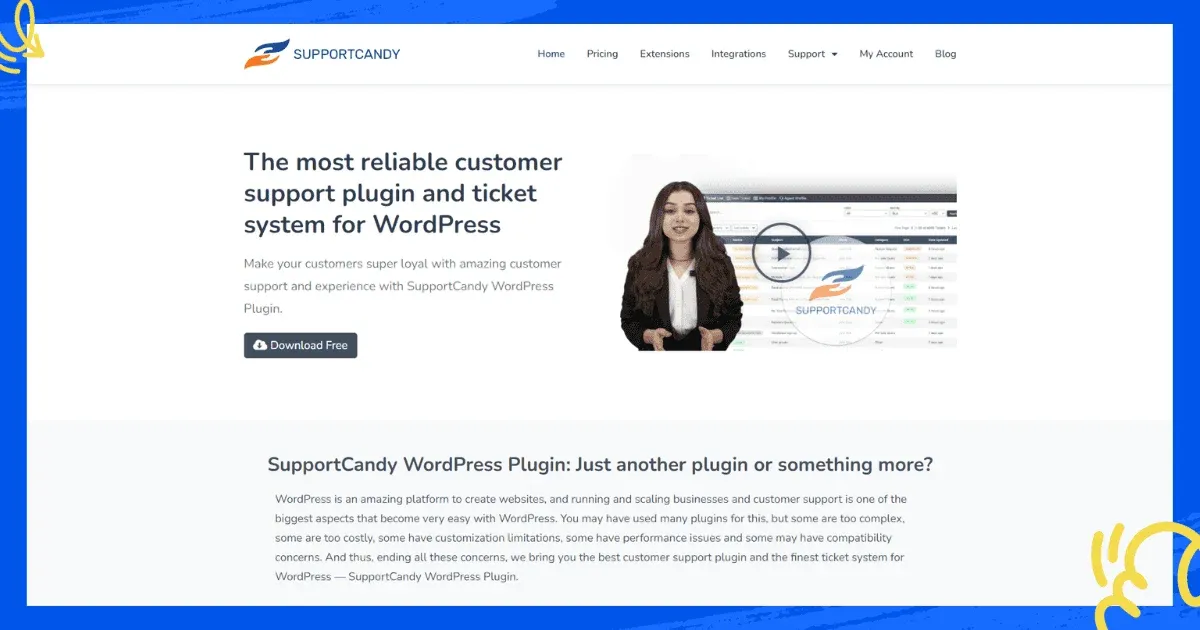
SupportCandy handles unlimited tickets and agents on a single licence, with GDPR compliance features and customizable ticket forms built into the core plugin. Canned replies, private notes between agents and CSV export cover the daily workflow.
A WooCommerce integration extension adds order lookups for a store running on the same site. Service level agreements set expectations for reply time without a separate SLA tool. The interface stays close to a standard WordPress admin screen, so a team that already knows wp-admin has little to learn.
Best for: a site that needs GDPR compliance and predictable licensing over a monthly SaaS bill.
Limitations: several features, including the deeper WooCommerce integration, need paid add-ons rather than shipping in the core plugin.
9. Richpanel: a self-service portal for multi-store brands
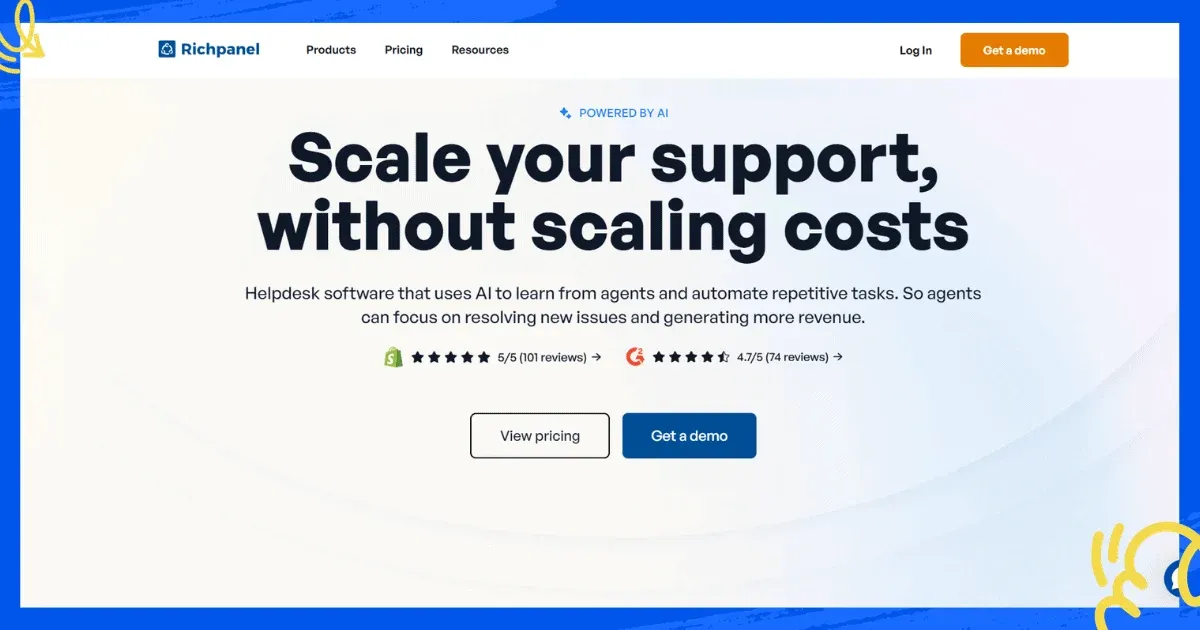
Richpanel centers on a self-service portal where a customer resolves a common question without opening a ticket. An agent inbox unifies email, chat and social channels behind it. Chat campaigns connect a high-intent visitor to a live agent, and the plugin supports multiple stores and languages from one account.
Migration tooling covers a move from Gorgias, Freshdesk, Zendesk, Help Scout or Intercom, which matters for a brand consolidating several storefronts onto one shared support tool.
Best for: a multi-store brand that wants self-service to handle the bulk of questions before a human sees them.
Limitations: it’s built around a hosted SaaS model rather than a WordPress-native plugin, so pricing is per user rather than a flat site licence, and there’s no independently verified rating to cite.
10. Help Scout: a shared inbox with a lighter learning curve
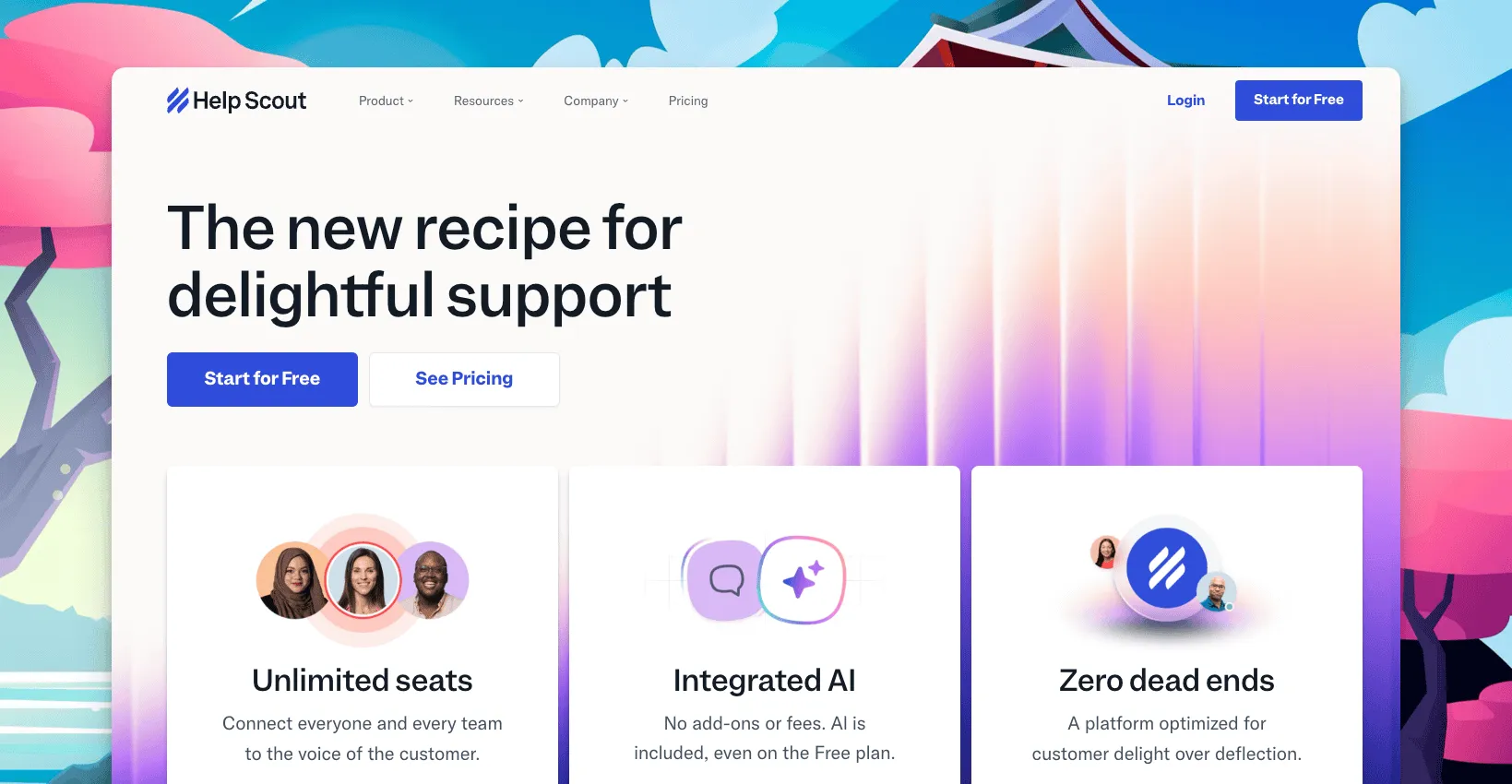
Help Scout pairs a shared inbox with a knowledge base and Beacon, a chat widget included on every plan, even the free one. It’s not a WordPress plugin in the traditional sense; a lightweight embed connects the Beacon widget to the site instead. Reviewers on G2 rate it 4.4 out of 5 from 423 reviews.
Free covers 5 users, 1 inbox and 100 contacts a month. Standard is $25 a user a month, Plus is $45 and Pro is $75, with roughly 16% off on annual billing. An extra inbox is $12 a month.
Best for: a team that wants a shared inbox that reads like email and a real free plan to start on.
Limitations: the bill is per user, and WooCommerce order data needs a third-party connector. ThriveDesk vs Help Scout covers the two side by side.
How to choose the right WordPress helpdesk plugins
Match the pick to where ticket data needs to live and who’s going to manage it, not to the longest feature list.
- Ticketing, live chat, self-service and the WooCommerce order need to share one screen: ThriveDesk, without a per-agent fee.
- The support process doesn’t fit a generic template: Awesome Support, adding modules as the workflow demands them.
- Everything should stay inside wp-admin: Heroic Inbox, with WooCommerce order value already in the sidebar.
- Self-service should come before a ticket, not after: KB Support, with the knowledge base built into the ticketing core.
- Budget rules out a monthly bill entirely: WordPress Advanced Ticket System, on its free tier.
- Multiple storefronts need one self-service layer: Richpanel, with migration tooling to move existing tickets over.
- The team wants an inbox that reads like email: Help Scout, free until the sixth user.
Price the shortlist at the team size expected in a year, not the one running support today, and at the ticket volume a peak sales week brings. Account for who maintains the plugin as the site grows, too. A self-hosted licence is cheap for one site and stays that way. A per-agent SaaS plan gets expensive fast once a third person joins. The help desk cost calculator runs that math for the tools above, and the WooCommerce helpdesk plugin roundup covers the store-specific side of the same decision.
Why teams choose ThriveDesk for WordPress support
Sites pick ThriveDesk over a self-hosted plugin or a per-user SaaS tool for a few reasons that hold up once support volume grows.
Ticketing and live chat share one queue. The shared inbox treats a chat and the email that follows it as one conversation. Automation rules route and tag so a small team isn’t triaging by hand. Support is included on every plan too, at no extra cost.
Self-service goes beyond a plugin’s default FAQ page. The help center ships with AI search and a block editor. WP Portal gives customers a branded login for tickets and private articles on top of it.
Tags keep recurring requests visible. Tags group similar tickets together. A pattern, like a bug report spiking after a plugin update, shows up before it turns into a flood of separate emails.
Store and CRM connections come standard. WooCommerce, FunnelKit and FluentCRM connect without a Zapier workaround. Customer context arrives with the ticket, instead of a separate lookup, so a refund or delivery question doesn’t need a second tool.
A WordPress site doesn’t need WordPress expertise to run it. ThriveDesk lives outside wp-admin. Updates, uptime and security patches are the vendor’s job, not a recurring task on the site owner’s own plugin checklist.
Start the 7-day trial; no card needed.






