
A contact-form message, a WooCommerce order question and a support email can each look like the only inbox that matters, until all three are open at once during a seasonal sale. WordPress ticketing system plugins turn that mix of order questions, contact-form messages and support email into one organized queue. The plugin can live inside a WordPress site, or connect the site to a hosted help desk instead.
The best WordPress ticketing system plugin in 2026 is: 1) ThriveDesk, for ticketing, live chat and a help center in one workspace; 2) WSDesk, for a self-hosted plugin with ChatGPT-assisted replies; 3) Zendesk, for enterprise-grade routing inside WordPress; 4) Awesome Support, for a team that wants every module as a paid add-on; 5) Fluent Support, a fast, self-hosted ticketing plugin; and 6) SupportCandy, for GDPR-heavy sites on a tight budget.
We checked what each plugin costs to run, whether live chat ships in the core product, and where ticket data actually lives. Prices for ThriveDesk were checked in September 2026; Zendesk’s are from August 2026, and the self-hosted plugins here don’t publish a comparable number. Where a vendor doesn’t publish a price at all, that’s stated plainly instead of guessed.
What counts as a WordPress ticketing system plugin
WordPress ticketing tools split into two groups, and the split decides where ticket data lives. It also decides the shape of the bill, since one group charges once a year and the other charges per agent every month.
- Self-hosted ticket plugins. WSDesk, Awesome Support, Fluent Support and SupportCandy install into wp-admin and store every ticket in the WordPress database. The licence is billed once a year per site, rather than as a monthly fee.
- Hosted help desks connected to WordPress. ThriveDesk and Zendesk run outside WordPress and connect through a plugin, a widget or an API key. They add live chat and real-time collaboration that a self-hosted plugin usually doesn’t include on the base licence.
Neither group is strictly better. A single site with light volume often prefers ticket data on its own server, while a team fielding chat and email together usually outgrows it. The line matters most at renewal time. An annual licence renews at the same price regardless of ticket volume. A per-agent plan grows instead, right along with the team answering it.
How we evaluated
Six questions, asked the same way for every plugin here.
- Does live chat ship in the core product? Built in, or a separate paid add-on.
- Where does ticket data live? On the site’s own server, or in a vendor’s cloud.
- Is the bill per site, per agent or a flat fee? An annual licence and a per-agent SaaS plan behave very differently as a team grows.
- How well does it connect to WooCommerce or a CRM? A direct integration beats a workaround through Zapier or a form plugin, especially when an order number is the first thing a shopper mentions.
- What happens to the bill if the team doubles? A flat annual licence stays the same; a per-agent plan doesn’t.
- Does the vendor handle updates and security? A self-hosted plugin depends on the site owner to keep WordPress core, themes and plugins patched; a hosted help desk takes that off the checklist entirely.
Prices came from each vendor’s own pricing page. A plugin without a public price is described by its pricing model instead of a guessed number. A star rating only appears where a vendor’s own review page confirms it.
Quick comparison
| Tool | Best for | Starting price | Hosting | Live chat included |
|---|---|---|---|---|
| ThriveDesk | Ticketing, live chat and a help center in one workspace; Neo AI agent in every plan, no per-resolution fee | $29 a month, flat | Cloud | Yes |
| WSDesk | A self-hosted plugin with ChatGPT-assisted replies | Annual site licence | Self-hosted, wp-admin | Via add-on |
| Zendesk | Enterprise-grade routing inside WordPress | $19 per agent a month, annual | Cloud | Yes |
| Awesome Support | Every module as a paid add-on | Free core, paid add-ons | Self-hosted, wp-admin | Via add-on |
| Fluent Support | A fast, self-hosted ticketing plugin | Annual site licence | Self-hosted, wp-admin | No |
| SupportCandy | GDPR-heavy sites on a tight budget | Annual site licence | Self-hosted, wp-admin | No |
1. ThriveDesk: ticketing, live chat and a help center in one workspace
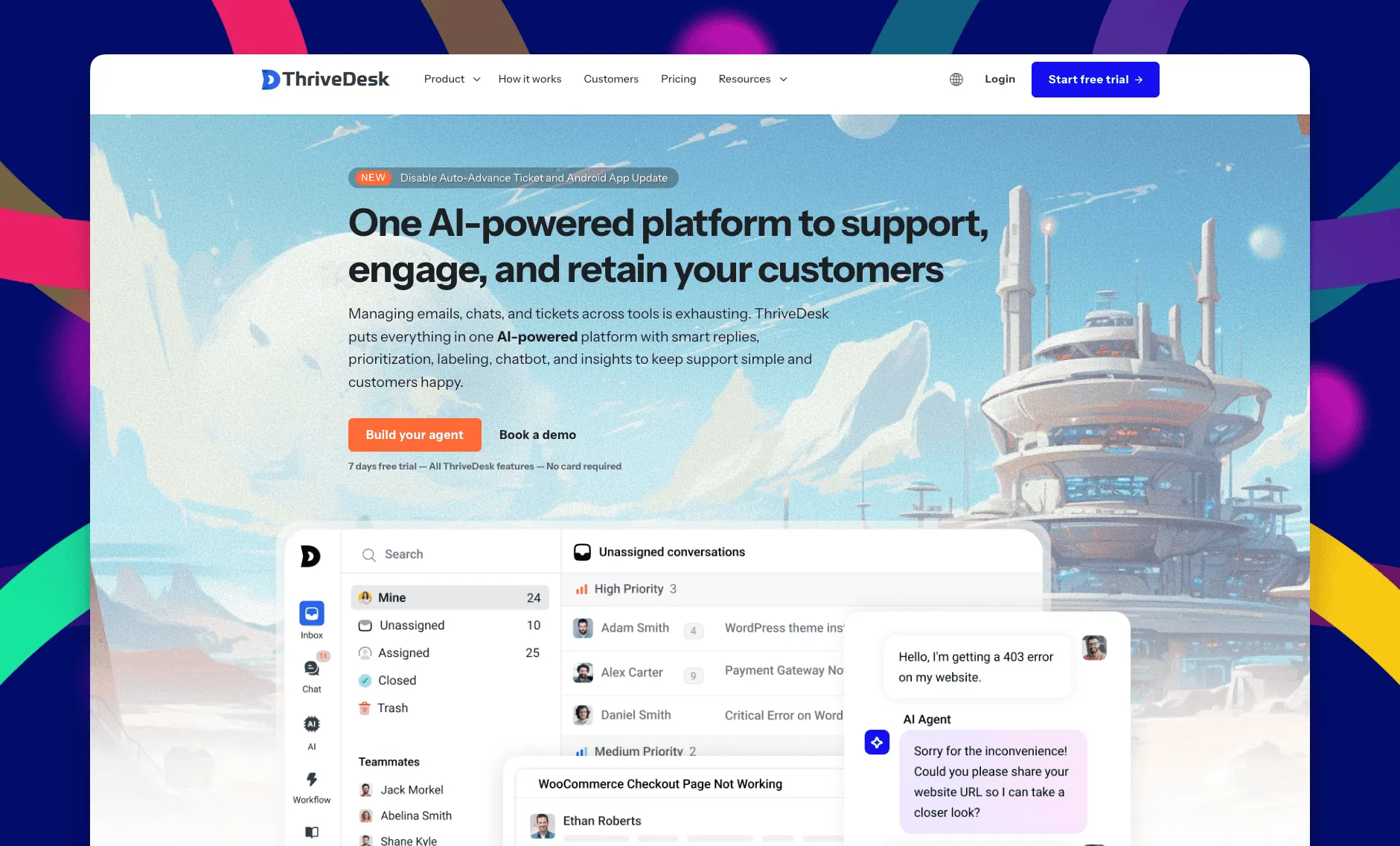
ThriveDesk is AI customer service software for ecommerce: an agentic omnichannel helpdesk, intelligent chatbot, modern help center and powerful reporting, plus Neo, the AI agent that answers customers around the clock. It’s built for WordPress sites and small support teams, with ticketing and live chat in one workspace. A site pays for the plan, not for each teammate in it, so a two-person team and a ten-person team run on the same product.
Shared inbox
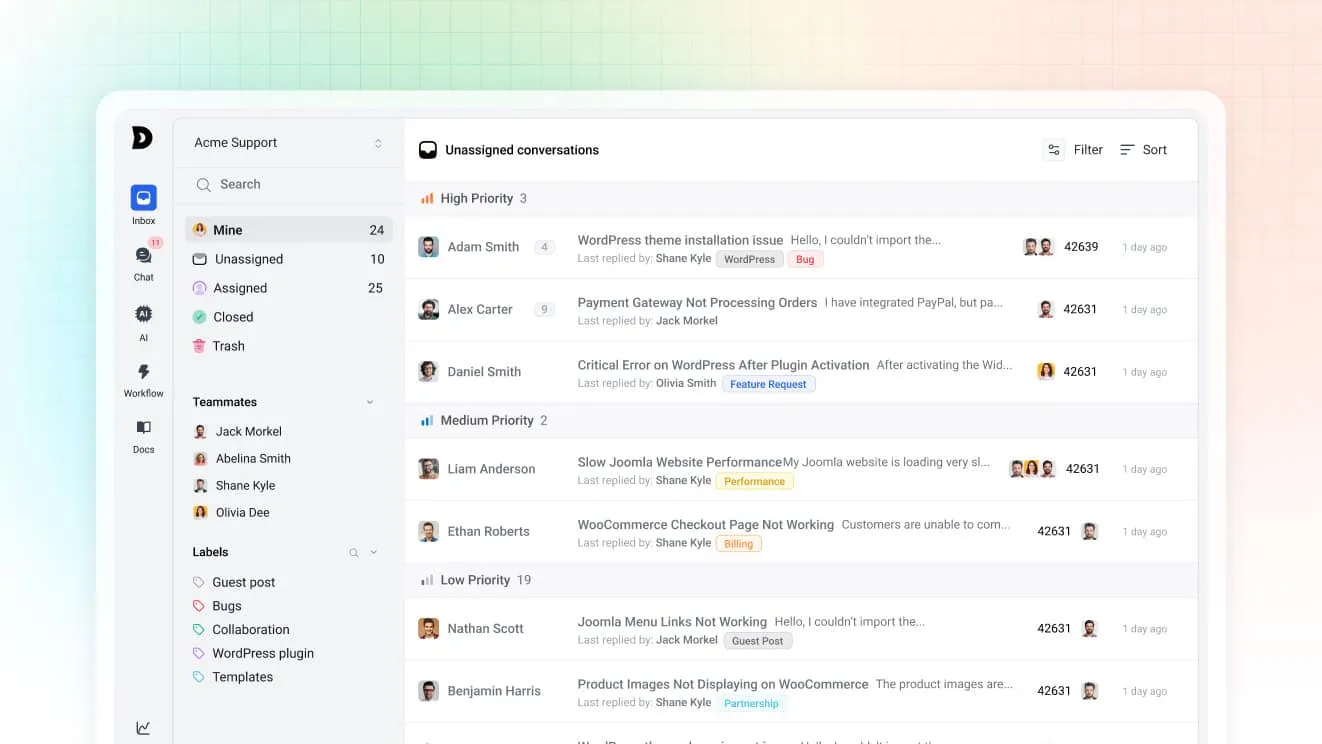
Contact-form messages, support email and chat land in the same shared inbox, so nothing gets triaged across three separate tools. Assignment rules route by tag or subject, and collision detection shows who’s already replying.
Neo, the AI agent
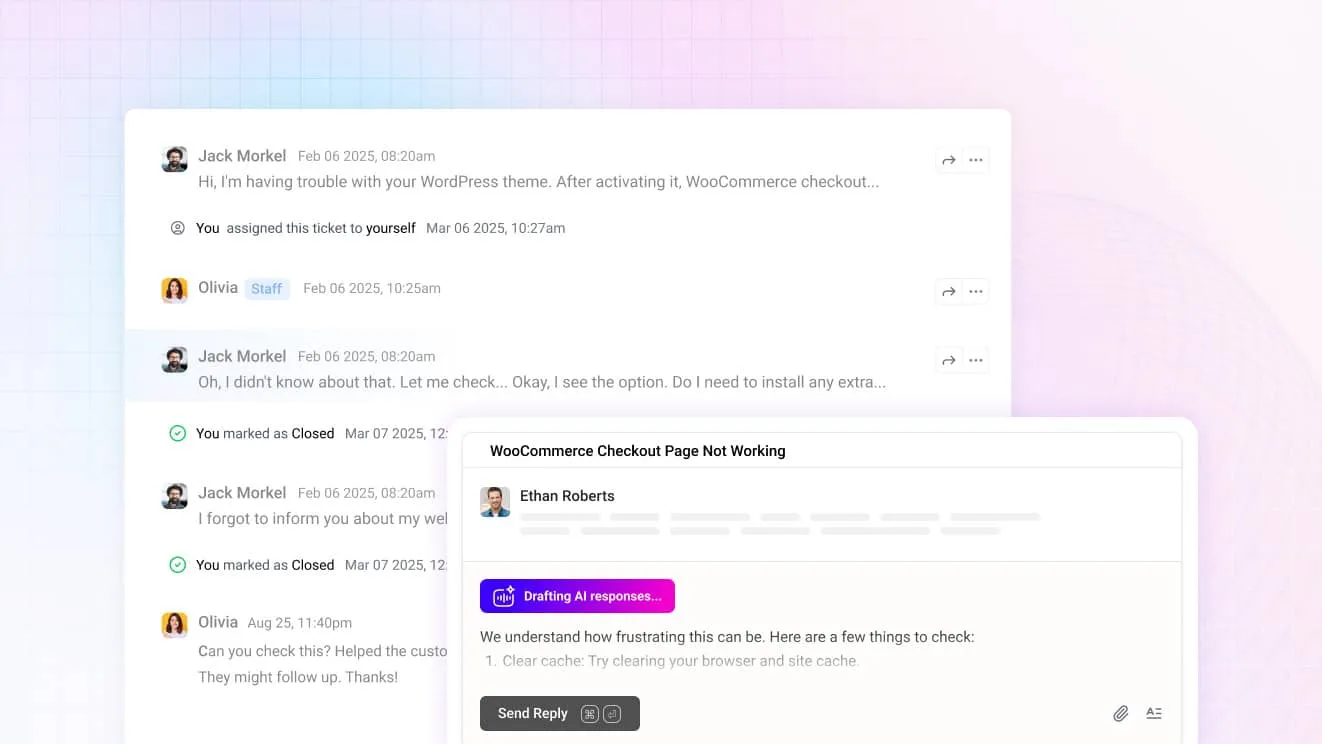
Neo answers routine questions from the site’s help center content on its own, then hands over to a person the moment a visitor asks for one. It’s included in every plan with no per-resolution fee. For agents, Copilot drafts replies from the same content and summarizes a long thread before it’s opened.
Self-service and WP Portal
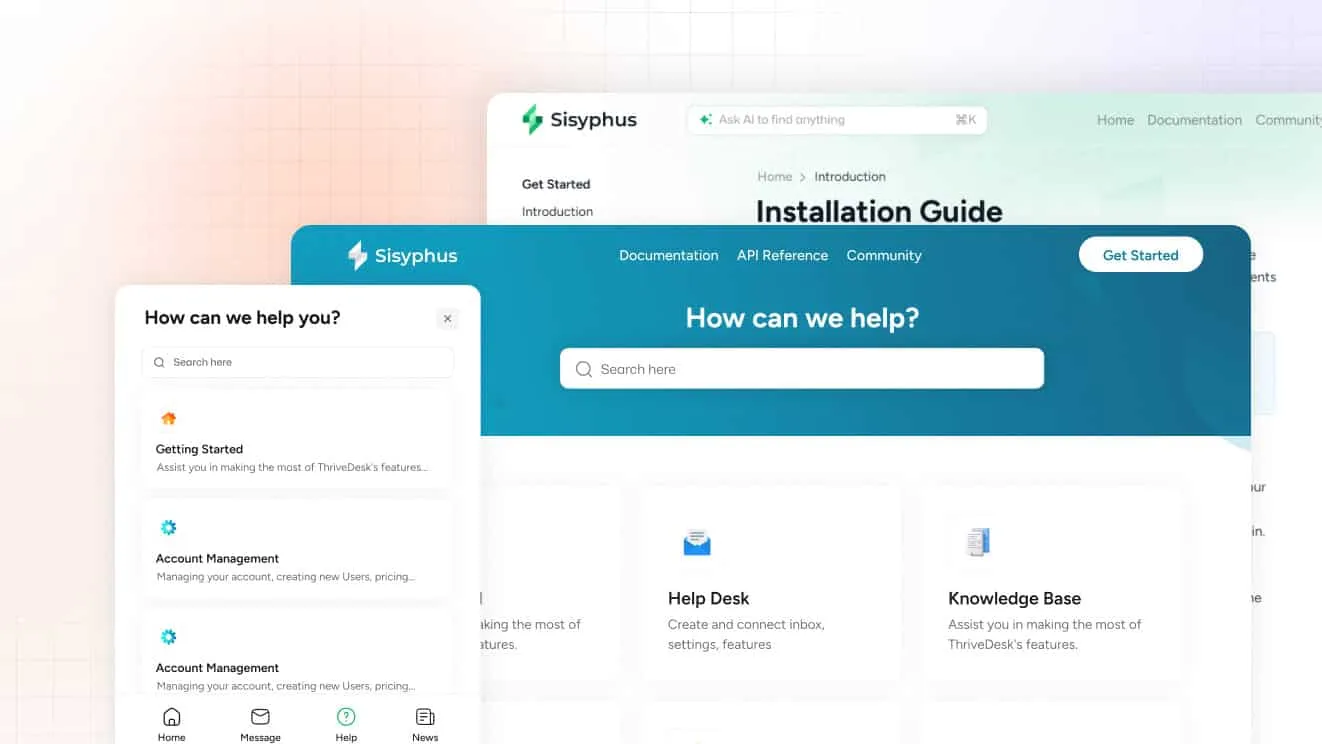
The help center ships with a block editor and AI search from the Standard plan. Unlimited adds WP Portal, a branded login area where a customer can track a ticket, read a private article or check an account without leaving the site.
CRM and store data in the conversation
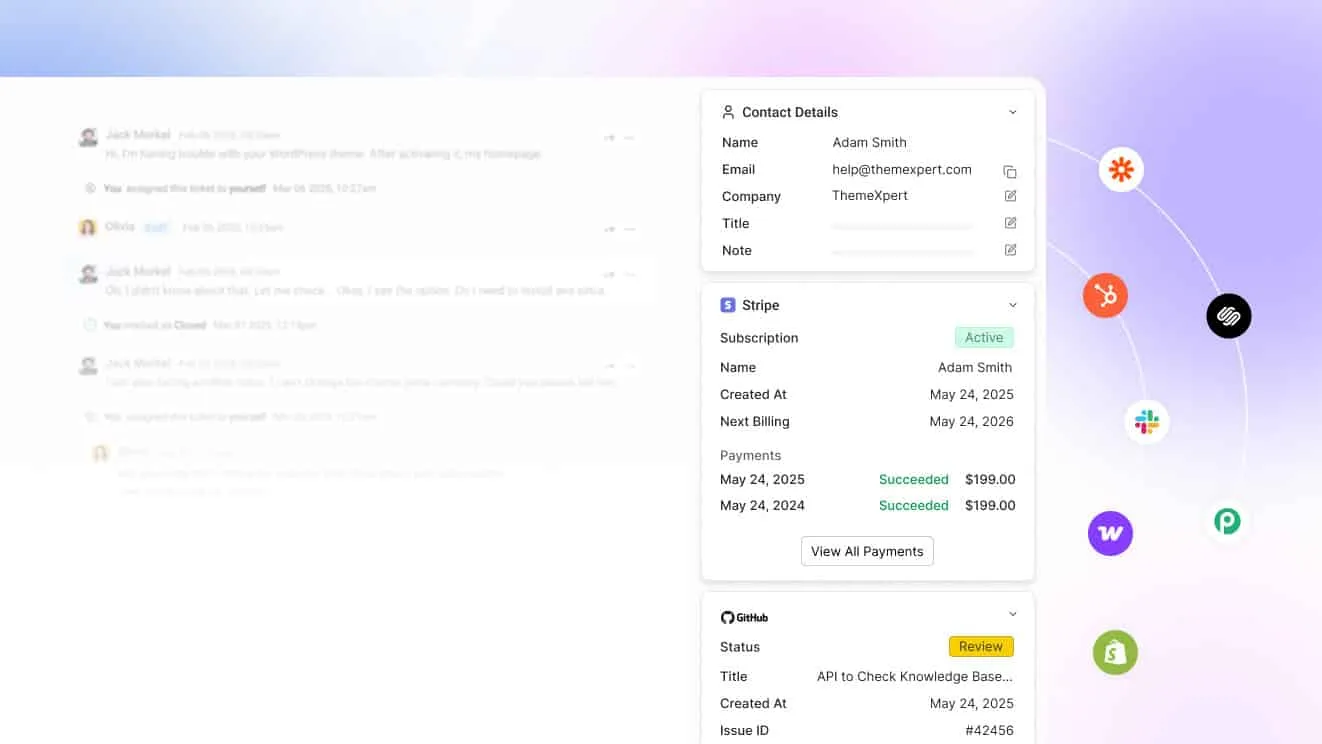
WordPress sites running WooCommerce, FunnelKit or FluentCRM can connect them directly. A customer’s order or subscription status shows up beside the ticket, instead of in a separate CRM tab. An agent answers the “where’s my order” question without leaving the conversation.
The chat widget on the site

One widget replaces a plain contact form with live chat, a searchable help center and an order lookup. A visitor who doesn’t want to chat can still submit a ticket the old-fashioned way, and it lands in the same shared inbox as everything else. The widget carries the site’s own branding, so it reads as part of the page rather than a bolted-on plugin.
What it costs
Basic is $29 a month for two teammates and one inbox, with live chat included. Standard is $69 for five teammates, two inboxes and the public help center, plus workflow automation and the MCP server. Unlimited is $129 for unlimited teammates, five inboxes and WP Portal. Annual billing drops those to $19, $49 and $99. Every plan carries a 7-day trial, no card, and support at no extra cost. An extra inbox costs $15 a month for a site that outgrows its plan’s allowance before it outgrows the plan itself.
Best for: a WordPress site that wants ticketing, live chat and self-service in one place without a per-agent bill.
Limitations: there’s a trial but no free plan, and Basic stops at two teammates. The comparison pages put ThriveDesk beside each plugin on this list.
2. WSDesk: a self-hosted plugin with ChatGPT-assisted replies

WSDesk installs into wp-admin and keeps every ticket on the site’s own server. It handles unlimited tickets and agents, and customizable ticket fields. Agents can draft replies through a ChatGPT connection, or fall back to canned responses built on a rich-text editor.
Agent performance shows up in a satisfaction score calculated from customer surveys. An in-depth report library covers ticket volume and response time. Everything runs on the existing WordPress install, so there’s no per-agent fee and no separate vendor account to manage. The WooCommerce connection shows order details without extra setup. Email alerts keep agents and customers notified on both sides, and the plugin connects to common WordPress form builders for intake. A site that already runs its support through email finds the switch straightforward, since WSDesk turns each inbound message into a ticket automatically. Customizable email templates keep the notifications on-brand without touching code.
Best for: a site that wants ticket data on its own server and a licence fee instead of a monthly bill.
Limitations: setup and updates depend on WordPress expertise on the team, and third-party integrations are thinner than a hosted help desk’s. WSDesk has no independent G2 rating to cite either, unlike ThriveDesk or Zendesk further down this list.
3. Zendesk: enterprise-grade routing inside WordPress
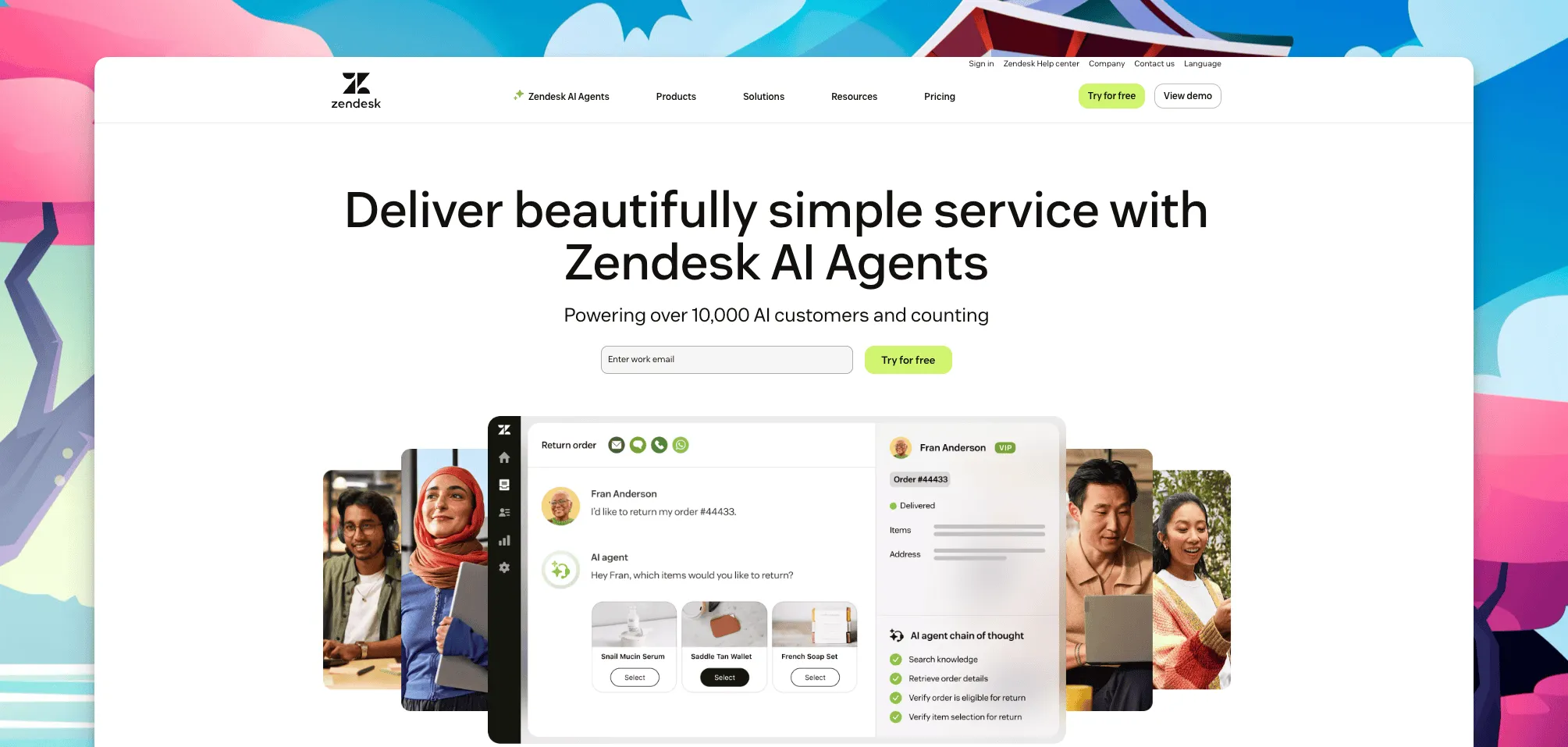
A dedicated WordPress plugin connects a site’s contact forms and self-service portal to Zendesk, a large customer service platform with omnichannel routing and advanced reporting. It carries a 4.3 rating on G2, and the integration library covers most CRM and e-commerce tools a WordPress site would already run.
Support Team is $19 per agent a month. Suite Team is $55, and Suite Professional is $115, all billed annually, since Zendesk publishes only annual rates. Suite Enterprise is quote-based, and Copilot, its AI layer, adds $50 per agent a month. There’s no free plan, and a 14-day trial covers evaluation.
The WordPress plugin itself is a thin connector. The routing, SLAs and reporting all happen on Zendesk’s own platform. Agents end up working across two systems: WordPress for the site’s content, and Zendesk for the actual ticket queue.
Best for: a WordPress site backed by a support team large enough to need enterprise routing and SLAs.
Limitations: the price and the setup are built for a bigger team than most WordPress sites run. ThriveDesk vs Zendesk breaks down where the two diverge.
4. Awesome Support: every module as a paid add-on
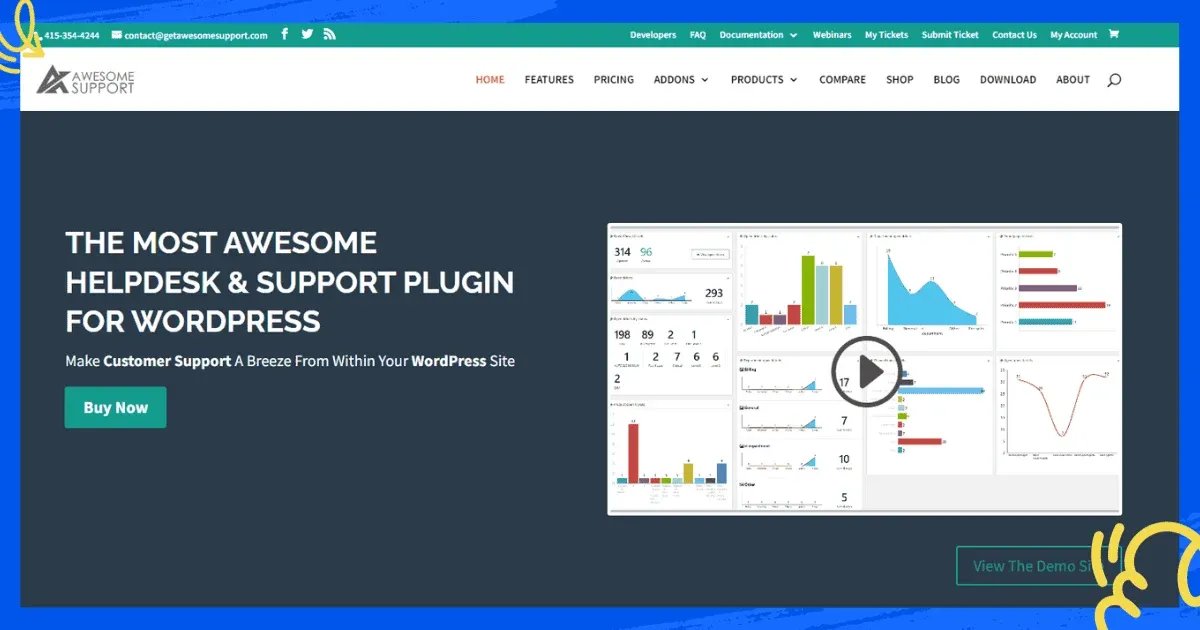
Awesome Support ships a free core plugin, then sells live chat, a knowledge base, time tracking, billing and WooCommerce order syncing as separate add-ons. That structure suits a team that wants to pay only for the pieces it uses.
Custom fields, multiple departments and file uploads on tickets cover a support team running more than one queue. An open developer ecosystem also lets a technical team extend the plugin further with hooks and filters. Role-based access limits who can see which department’s tickets, and email alerts keep both sides updated without a customer needing to log in. Time tracking and billing add-ons together turn the same plugin into a paid-support desk for an agency that bills clients by the ticket. A limited-access mode also lets a customer view only their own ticket history rather than the full support archive.
Best for: a team that wants to start free and add exactly the modules its support process needs.
Limitations: the interface feels dated next to a newer product, and the add-on model means the final bill depends on how many modules a site turns on.
5. Fluent Support: a fast, self-hosted ticketing plugin
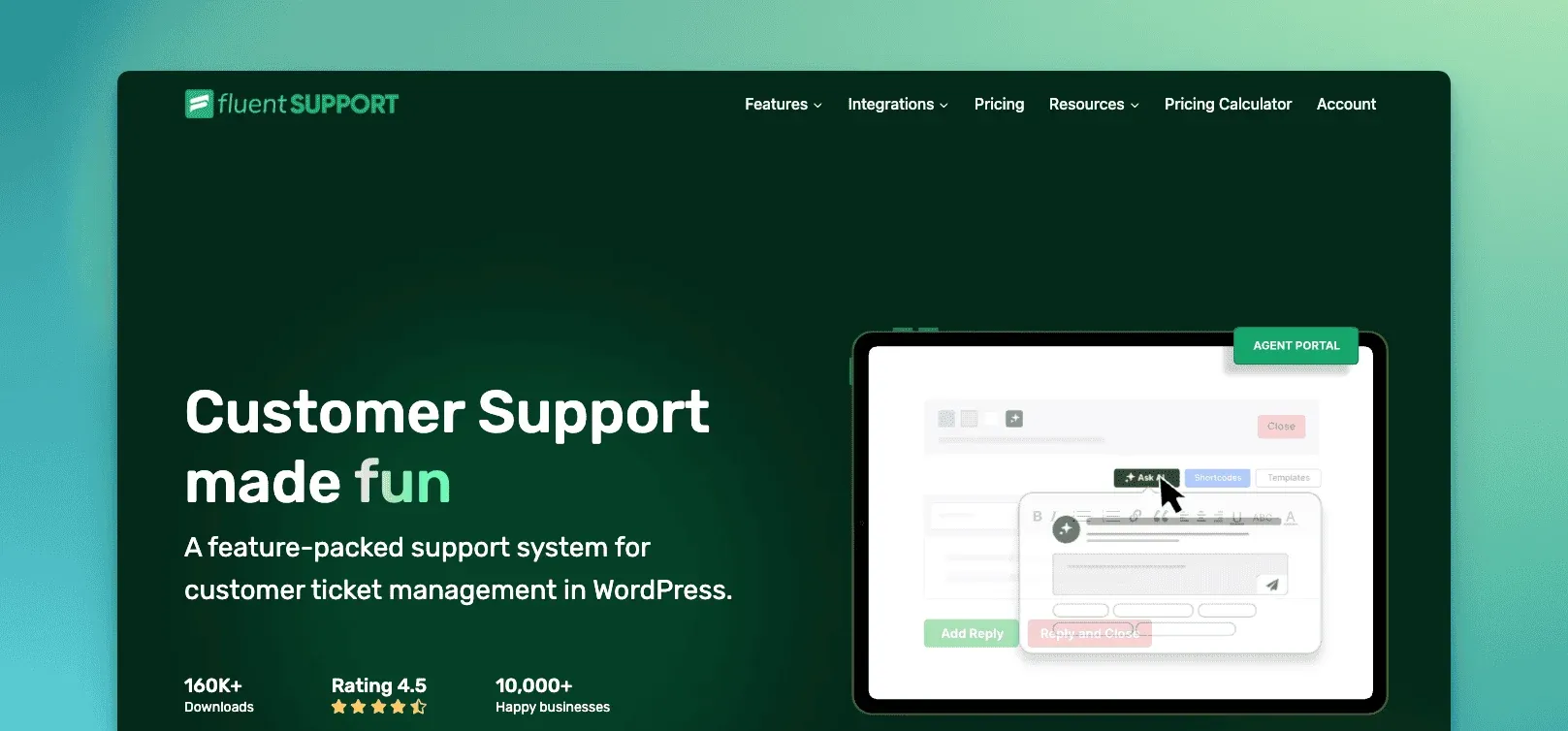
Fluent Support is a lightweight ticketing plugin built for speed inside wp-admin. Its inbox interface loads as a single-page app rather than reloading WordPress admin screens on every click. Automatic agent assignment, conditional filtering and more than 20 integrations cover most of a small team’s daily workflow.
Private notes let agents discuss a ticket without the customer seeing it, and email piping brings inbound messages in as tickets automatically. Reporting goes down to the individual agent, which helps a small team spot who needs support of their own. Custom fields and email CC on tickets round out a workflow that otherwise stays close to a standard inbox. Ticket priority can be set manually or by a rule, so an urgent request doesn’t wait behind a backlog of routine ones. An agent satisfaction view shows which team members are getting the best customer ratings, without a separate survey tool.
Best for: a WordPress site that wants a fast, self-hosted ticketing plugin and is comfortable managing it inside wp-admin.
Limitations: live chat and deeper automation depend on how the plugin is configured, and support depends on the team’s own WordPress experience rather than a vendor’s help desk.
6. SupportCandy: GDPR-heavy sites on a tight budget
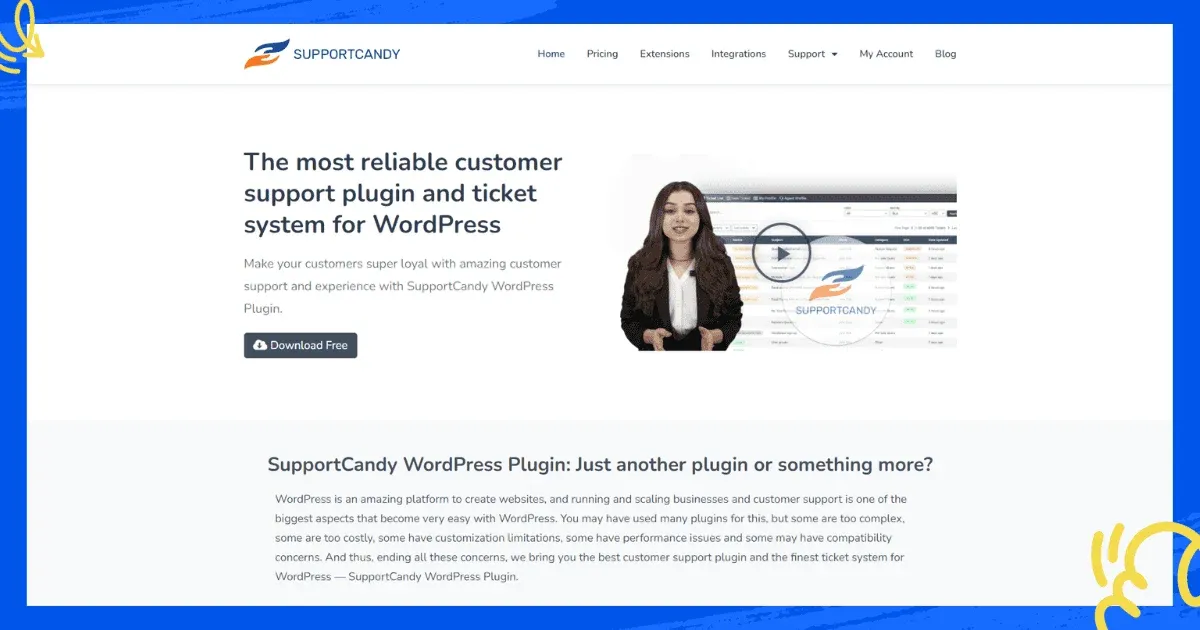
SupportCandy handles unlimited tickets and agents on a single licence, with GDPR compliance features and customizable ticket forms built into the core plugin. A WooCommerce integration extension adds order lookups for a store running the same site.
Canned replies, private notes between agents and CSV export cover the daily workflow, and the interface stays close to a standard WordPress admin screen. Service level agreements set expectations for reply time without a separate SLA tool. Agents can also accept or reply to a ticket directly from their own email client when that’s faster. A responsive layout means the same ticket list works on a phone screen without a dedicated app. A knowledge base add-on gives a customer a self-service option before a ticket ever opens.
Best for: a site that needs GDPR compliance and predictable licensing over a monthly SaaS bill.
Limitations: several features, including the deeper WooCommerce integration, need paid add-ons rather than shipping in the core plugin. A plugin’s own marketing page was never treated as a substitute for a third-party review score, and SupportCandy is one of several plugins here with no independent rating to cite.
How to choose the right WordPress ticketing system plugins
Match the pick to where the site needs ticket data to live and who’s going to manage it, not to the longest feature list. A site with an in-house developer can absorb a self-hosted plugin’s maintenance; a two-person team running a store usually can’t, especially heading into a seasonal sale.
- Ticket data must stay on the site’s own server: WSDesk, Fluent Support or SupportCandy, all billed as an annual licence.
- Support should start free and grow module by module: Awesome Support, paying only for the add-ons the team turns on.
- Ticketing, live chat and self-service need to share one screen: ThriveDesk, without a per-agent fee.
- A large team needs enterprise routing and SLAs: Zendesk, if the budget allows it.
- GDPR compliance matters more than a big feature list: SupportCandy, on a single predictable licence.
- The plugin just needs to be fast and simple: Fluent Support, if the team is comfortable managing it inside wp-admin.
- The site already runs on WooCommerce, FunnelKit or FluentCRM: ThriveDesk again, since those connect without a Zapier bridge.
Price the shortlist at the team size expected in a year, not the one running support today, and account for who maintains the plugin as the site grows. A self-hosted licence is cheap for one site and stays that way. A per-agent SaaS plan gets expensive fast once a third person joins, and add-ons for chat or reporting tend to arrive in month three. The help desk cost calculator runs that math for the tools above, and the WooCommerce helpdesk plugin roundup covers the store-specific side of the same decision.
Why teams choose ThriveDesk for WordPress ticketing
Sites pick ThriveDesk over a self-hosted plugin or a per-agent SaaS tool for a few reasons that hold up once support volume grows.
Ticketing and live chat share one queue. The shared inbox treats a chat and the email that follows it as one conversation. Automation rules route and tag so a small team isn’t triaging by hand.
The bill doesn’t move with headcount. Five agents on Standard cost $69 a month. A per-agent plan at $19 a seat would cost more for the same team, and the pricing page has no per-seat line to watch. Support is included on every plan too, so a small site gets the same access to the ThriveDesk team as a larger one.
Self-service goes beyond a plugin’s default FAQ page. The help center ships with AI search and a block editor. WP Portal gives customers a branded login for tickets and private articles on top of it.
Tags keep recurring requests visible. Tags group similar tickets together. A pattern, like a bug report spiking after a plugin update, shows up before it turns into a flood of separate emails.
CRM and store connections come standard. WooCommerce, FunnelKit and FluentCRM connect without a Zapier workaround, so customer context arrives with the ticket instead of a separate lookup, and a refund or delivery question doesn’t need a second tool.
A WordPress site doesn’t need WordPress expertise to run it. ThriveDesk lives outside wp-admin. Updates, uptime and security patches are the vendor’s job, rather than a recurring task on the site owner’s own plugin checklist.
Start the 7-day trial; no card needed.






