
Help Scout still works. What pushes teams to look around is the bill: seats run $25, $45, or $75 each per month, AI Answers adds $0.75 for every resolution once the trial ends, and some older accounts sit on contact-based billing that prices differently again. Model that at twice your current team size and the switch starts to make sense.
The best Help Scout alternatives in 2026 are ThriveDesk for ecommerce teams, Front for collaboration across channels, Freshdesk for feature depth on a budget, Zendesk for enterprise support, Gorgias for Shopify-first stores, Zoho Desk for a genuinely free plan, Missive for small teams that live in email, and Hiver for support inside Gmail.
We compared eight current options on the questions that usually decide a switch: the real price at your team size, what the AI can do, where usage charges appear, and how much Help Scout history you can bring with you. We have used every tool on this list, and pricing and plan details were re-checked against public vendor pages on August 13, 2026.
Help Scout alternatives, compared
| Tool | Best for | Starting price | AI model | Seat limits | Free trial | Migration from Help Scout | G2 rating* |
|---|---|---|---|---|---|---|---|
| ThriveDesk | Ecommerce and small support teams | $19/mo yearly, flat ($29 monthly) | Neo AI agent in every plan, no per-resolution fee | 2 on Basic; unlimited on Unlimited | 7 days | Free assisted migration | 4.8 |
| Front | Cross-channel collaboration | $25/user/mo yearly | Copilot $20/user; Autopilot usage-based | 10 on Starter; 50 on Professional | 14 days | Direct importer, no added cost; not actively maintained | 4.7 |
| Freshdesk | Broad feature set | $19/agent/mo yearly | 500 AI Agent sessions included; Copilot $29/agent | No published cap | 14 days | Export/API or migration specialist | 4.4 |
| Zendesk | Enterprise service teams | $19/agent/mo yearly | AI Agents included; Copilot $50/agent | No published cap | 14 days | API or migration partner | 4.3 |
| Gorgias | Shopify-first stores | $10/mo for 50 tickets | $1/resolution monthly or $0.90 yearly | 3 on Starter; 500 on higher plans | 7 days | Paid partner; free sample migration | 4.6 |
| Zoho Desk | Free plan and low seat cost | Free for 3 agents; Express from $7/user/mo yearly | Zia on higher tiers | 3 on Free; 5 on Standard | 15 days | Assisted Zwitch migration on paid plans | 4.4 |
| Missive | Small teams in email | $14/user/mo yearly | Missive AI credits or your own API key | 5 on Starter; 50 on Productive | 30 days | Ask support; no Help Scout-specific guide | 4.8 |
| Hiver | Gmail-native support | $25/user/mo yearly | AI Agent and Copilot included | 2-seat minimum, then blocks of 5 | 7 days | Free assisted migration | 4.6 |
| Help Scout | The baseline | Free; paid from $25/user/mo | Inbox assistant on Standard; AI Drafts on Plus; AI Answers $0.75/resolution | 25 on Standard; 50 on Plus | 15 days | Not applicable | 4.4 |
Prices use annual billing when the vendor publishes an annual rate. G2 ratings move over time and were checked on August 13, 2026. Zoho serves regional prices, so confirm the rate shown to your account.
Why teams look beyond Help Scout
The account type can change the math. Help Scout’s own billing guide distinguishes between user-based and contact-based accounts. Its public page currently advertises Standard at $25, Plus at $45, and Pro at $75 per user per month. If your account is still contact-based, the public calculator is not your renewal quote. Check Your Plan inside Help Scout before making a comparison.
AI has more than one price and capability. Standard includes the AI Inbox assistant. Unlimited AI Drafts begins on Plus, while AI Answers is a separate $0.75-per-resolution add-on after a three-month trial. That may be fair for a low-volume team. It becomes a different budget question when AI handles thousands of conversations.
Ecommerce work often happens outside the inbox. Help Scout can display customer data through integrations, but many store teams want agents or AI to retrieve an order and take action without opening another tab. That requirement narrows the field to tools designed around commerce workflows.
A clean interface is not the same as a predictable total cost. Seat fees, inbox add-ons, AI resolutions, voice, onboarding, and migration can all sit outside the headline price. Compare the bill you expect today and at twice your current size.
The posts below are individual customer experiences, not a survey. They are useful because they show the billing confusion that prompted some teams to re-evaluate their setup. Each card links to the original post.
This is a great anti-example from @helpscout about how to confuse and alienate your customers. They switched to some kind of credit-based system a while ago and I wasn't even notified about it. I just want to pay $720/year and not have to think about it…
— James Potter (@jamespotter) August 3, 2026
The danger of steep price increases (yesterday for example @helpscout 2.3x'ed our license fee) is that you immediately think “what if I throw $1500 at an AI to replicate this product?”
— Erik van Eykelen (@hackteck) August 6, 2026
HelpScout cost us $280 per month last April. New “AI” features apparently 🙄
— Steve Burge (@SteveJBurge) April 24, 2026
So @helpscout is increasing prices. Their explainer page features a section every indie hacker should take note of: a confident value nurturing component. “Yes, it's getting more expensive. You've been with us for x years, and here is all the stuff we added.”
— Arvid Kahl (@arvidkahl) March 14, 2023
When staying with Help Scout is the sensible choice
Stay if the free plan covers your volume, your team likes the workflow, and your current account price is stable. Help Scout remains easy to learn, supports the main messaging channels, and now includes an AI Inbox assistant on Standard. Switching software creates real work, so a theoretical saving is not enough on its own.
Move when the numbers fail at your next hiring milestone, when usage fees are hard to forecast, or when agents spend too much time leaving the inbox to manage orders. Export a representative sample first, test it in the replacement, and only then schedule the final cutover.
Sources checked: Help Scout pricing and Help Scout’s billing guide.
The Help Scout migration guide explains the process and what to check before you switch.
1. ThriveDesk: best for ecommerce teams
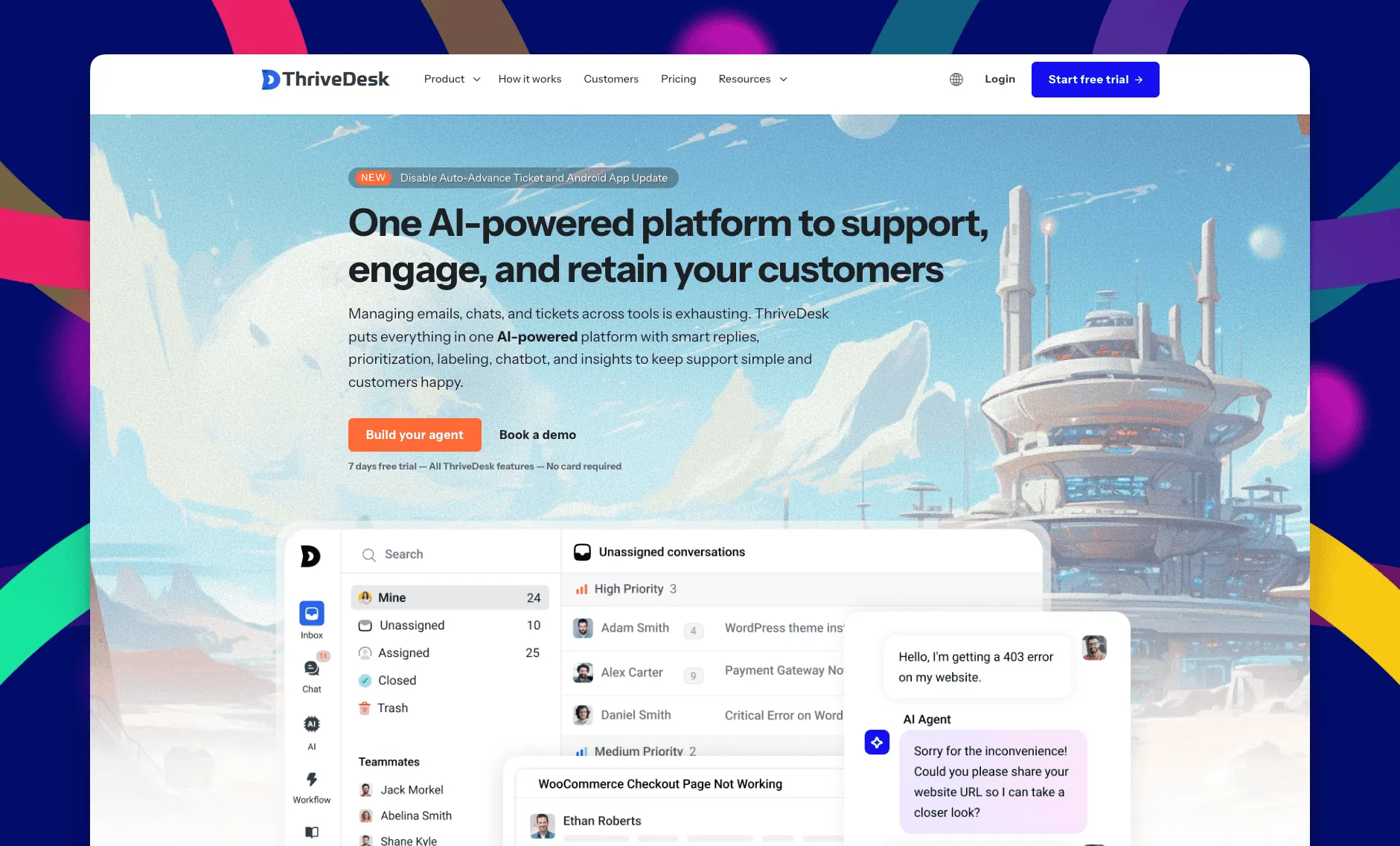
ThriveDesk is AI customer service software for ecommerce: an agentic omnichannel helpdesk, intelligent chatbot, modern help center and powerful reporting, plus Neo, the AI agent that answers customers around the clock. It’s built for ecommerce and small support teams that want one inbox, live chat, a help center, and AI without a separate charge for every resolution. The commercial model is flat by plan. Basic includes 2 teammates, Standard includes 5, and Unlimited removes the teammate cap.
The strongest reason to choose it over Help Scout is the store context. WooCommerce, Shopify, and SureCart data appears beside the conversation, while Stripe and Paddle add billing context for SaaS teams. Agents can see who bought what without asking the customer for an order number or opening another system. Neo answers from your help content and can work with connected store data.
ThriveDesk is not the right fit for every team. It does not offer a native phone channel. Shopify support is also less mature than its WooCommerce workflow, so a Shopify-only merchant should compare Gorgias before deciding.
Pros
- Flat plans avoid adding a full software seat for every new teammate.
- Neo, the AI agent, and Copilot writing help for agents are included without a per-resolution meter.
- Strong WooCommerce, SureCart, Stripe, and Paddle context in the inbox.
Cons
- No native phone or voice channel.
- Shopify-first stores get a deeper commerce workflow from Gorgias.
ThriveDesk pricing
- Basic: $29/month, or $19/month yearly; 2 teammates and 1 inbox
- Standard: $69/month, or $49/month yearly; 5 teammates and 2 inboxes
- Unlimited: $129/month, or $99/month yearly; unlimited teammates and 5 inboxes
The trial lasts 7 days and does not require a credit card. See the current ThriveDesk pricing page, or the full head-to-head breakdown in ThriveDesk vs Help Scout.
Bottom line: start here if you run WooCommerce or SureCart, want predictable team pricing, and do not need native voice.
2. Front: best for collaboration across channels
Front is the closest alternative to Help Scout’s shared-inbox feel, but it treats each conversation more like a team project. Teammates can comment, mention each other, share drafts, and coordinate across email, chat, SMS, WhatsApp, and social channels. That makes it particularly useful when support needs regular input from sales, operations, or account management.
The trade-off is cost. Starter is $25 per user on annual billing and caps the workspace at 10 seats. Professional rises to $65 per user and supports up to 50. Copilot costs another $20 per user, while Smart QA and Smart CSAT are separate add-ons. Autopilot uses outcome pricing, so the bill depends on whether it triages, hands off, or resolves a conversation.
Front has a direct Help Scout importer that brings over inboxes, teammates, tags, contacts, and messages at no added cost. Front also says the importer is not actively maintained and recommends a migration partner for a more dependable or complex move. Help center articles can be imported separately from a public Help Scout Docs URL.
Pros
- Excellent internal comments, mentions, shared drafts, and ownership controls.
- Broad channel coverage in one collaborative workspace.
- Direct Help Scout importer for a straightforward migration.
Cons
- Per-user pricing becomes expensive at Professional plus Copilot.
- Important analytics and automation features sit above Starter.
- Front warns that its Help Scout importer is not actively maintained.
Front pricing
- Starter: $25/user/month yearly ($35 monthly), up to 10 seats
- Professional: $65/user/month yearly ($85 monthly), up to 50 seats
- Enterprise: $105/user/month, annual contract
- AI add-ons: Copilot $20/user, Smart QA $20/user, Smart CSAT $10/user; Autopilot uses outcome pricing
Sources checked: Front pricing and Front’s Help Scout migration guide.
Bottom line: choose Front when cross-functional collaboration matters more than keeping the software bill lean.
3. Freshdesk: best feature depth on a budget
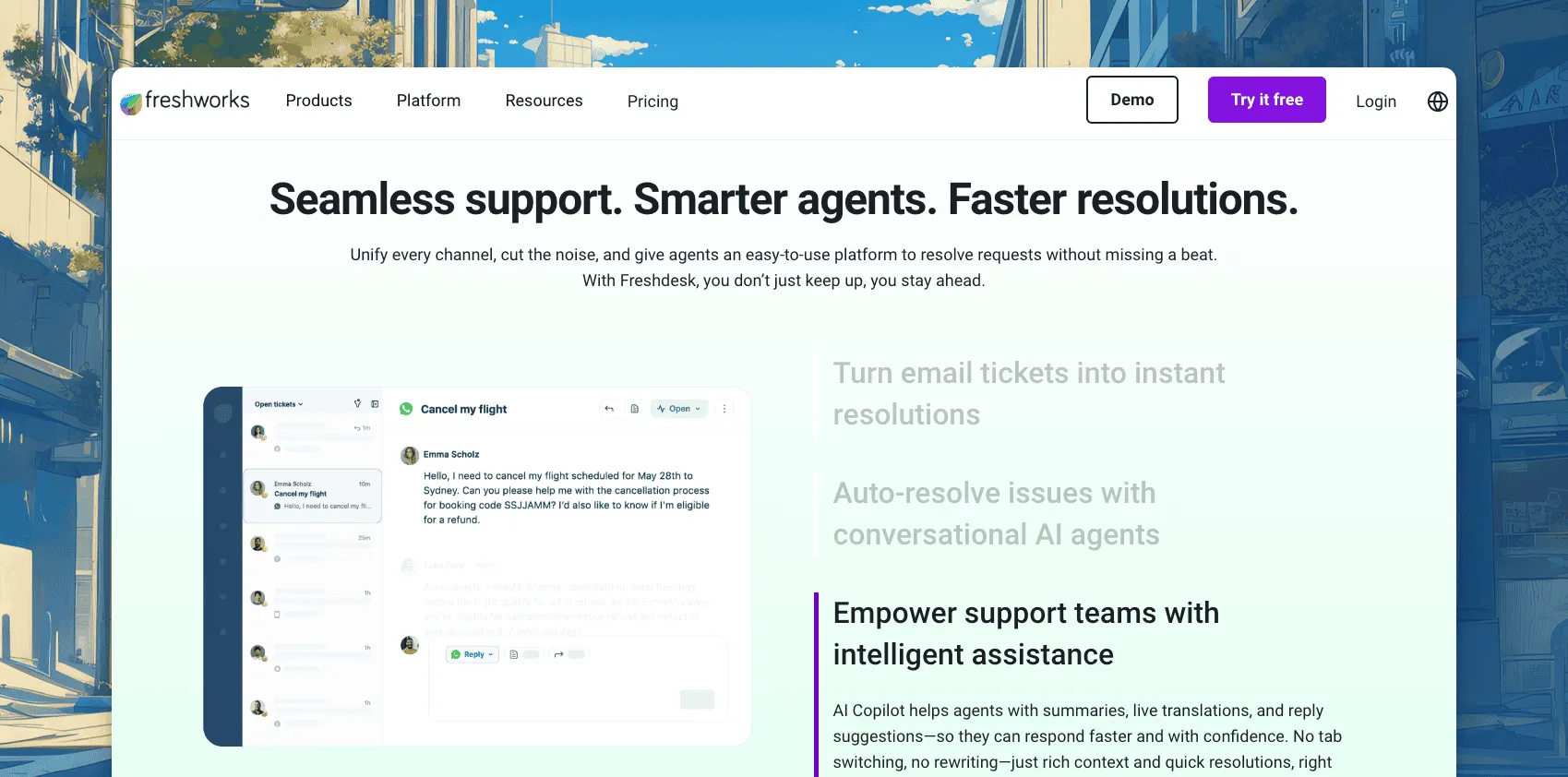
Freshdesk offers a broad helpdesk feature set at a $19 per-agent entry point. Growth includes ticketing, a shared inbox, a customer portal, knowledge base, reporting, and the first 500 Freddy AI Agent sessions. It is a reasonable step up when Help Scout feels too narrow but Zendesk feels too heavy.
The naming around AI deserves a careful read. Freddy AI Agent is the customer-facing automation and includes 500 sessions before additional blocks cost $49 per 100. Freddy AI Copilot is the agent assistant for drafting, summaries, translation, and related work. Copilot costs $29 per agent and is offered on Pro and Enterprise. A five-person Pro team with Copilot therefore costs $420 a month on annual billing, not the $95 suggested by the Growth headline.
Freshdesk can accept data through exports, APIs, and migration services, but its public pricing page does not promise a native one-click Help Scout importer. Ask exactly which objects, attachments, timestamps, and relationships will survive before buying.
Pros
- Ticketing, portal, knowledge base, automations, and reporting from $19 per agent.
- 500 Freddy AI Agent sessions listed on each paid tier.
- Large ecosystem and enough depth for complex support operations.
Cons
- Freddy AI Copilot adds $29 per agent and requires Pro or Enterprise.
- Extra AI Agent sessions cost $49 per 100.
- Plan comparisons are dense, and the Help Scout migration path needs scoping.
Freshdesk pricing
- Growth: $19/agent/month yearly
- Pro: $55/agent/month yearly
- Enterprise: $89/agent/month yearly
- Freddy AI Copilot: $29/agent/month yearly on Pro and Enterprise
Freshdesk offers a 14-day trial. Source checked: Freshdesk pricing.
Bottom line: Freshdesk is good value when Growth covers your needs. Price the AI and migration separately before moving up a tier. We break the pricing down further in ThriveDesk vs Freshdesk.
4. Zendesk: best for enterprise teams
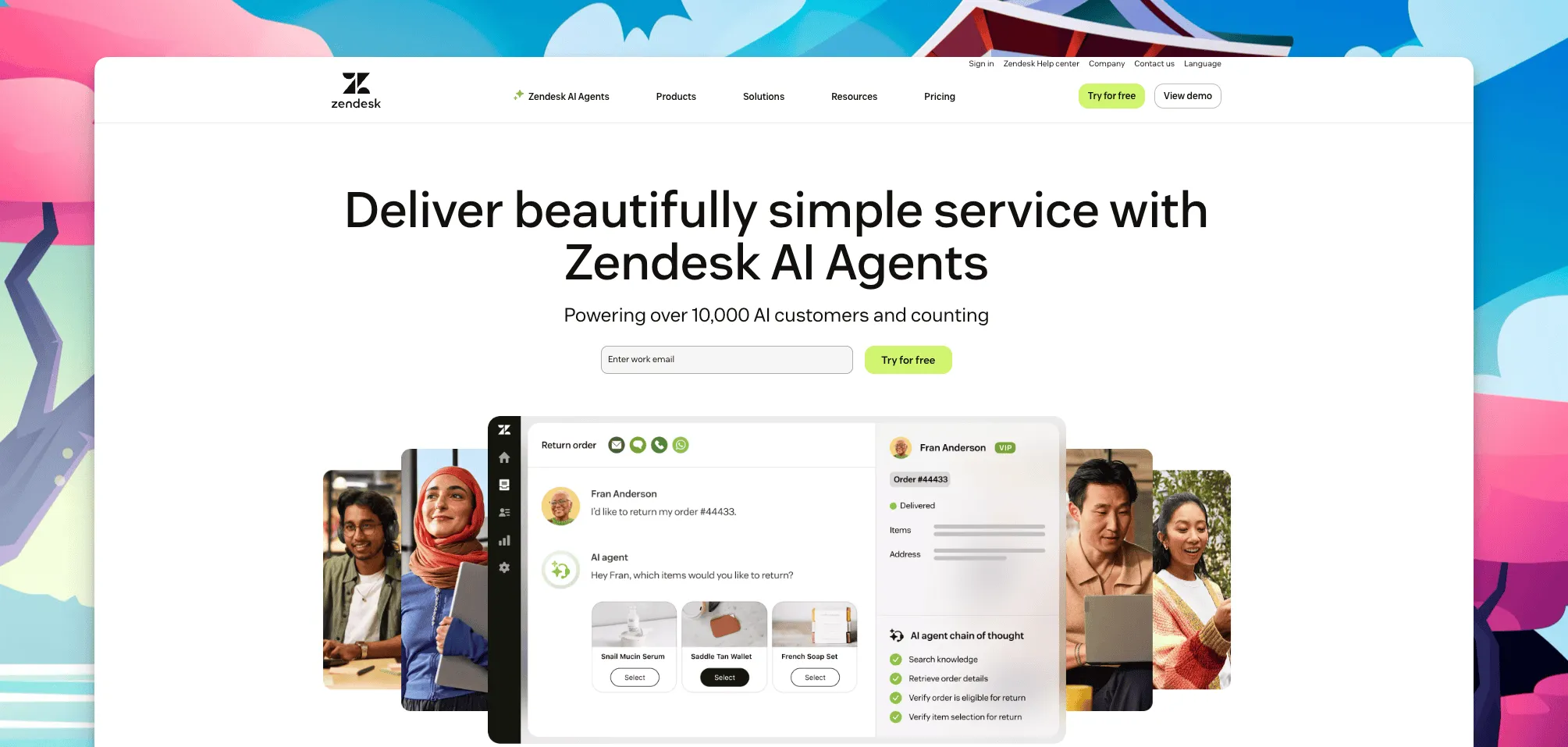
Zendesk remains the safe enterprise choice because it can handle sophisticated routing, SLAs, multiple brands, audit requirements, and a large integration ecosystem. Support Team begins at $19 per agent on annual billing. The broader Suite starts at $55 per agent and combines ticketing with messaging, help center, and voice-oriented workflows.
Its strength is also the reason smaller Help Scout teams often reject it. Zendesk rewards careful configuration and usually needs someone to own administration. AI Agents are available on plans, but usage is measured in automated resolutions. Copilot is a separate $50-per-agent add-on. Several costs, including some usage rates and enterprise arrangements, require a quote.
Zendesk does not advertise a direct Help Scout importer. Its own migration guidance points to APIs for tickets, users, organizations, and articles, with migration partners or professional services for more complex datasets. That route is flexible, but it is not the same as a free guided import.
Pros
- Strong routing, SLA, multi-brand, security, and reporting capabilities.
- Large app marketplace and mature APIs.
- Suitable for complex, high-volume service organizations.
Cons
- Setup and ongoing administration take real time.
- Copilot adds $50 per agent and AI resolution pricing needs close review.
- Migration normally requires API work, a partner, or professional services.
Zendesk pricing
- Support Team: $19/agent/month yearly
- Suite Team: $55/agent/month yearly
- Suite Professional: $115/agent/month yearly
- Suite Enterprise: contact sales
- Copilot: $50/agent/month
Sources checked: Zendesk pricing and Zendesk’s migration guidance.
Bottom line: choose Zendesk for enterprise controls and operational depth, not because it is the easiest place to move a small inbox. Our full head-to-head is at ThriveDesk vs Zendesk.
5. Gorgias: best for Shopify-first stores
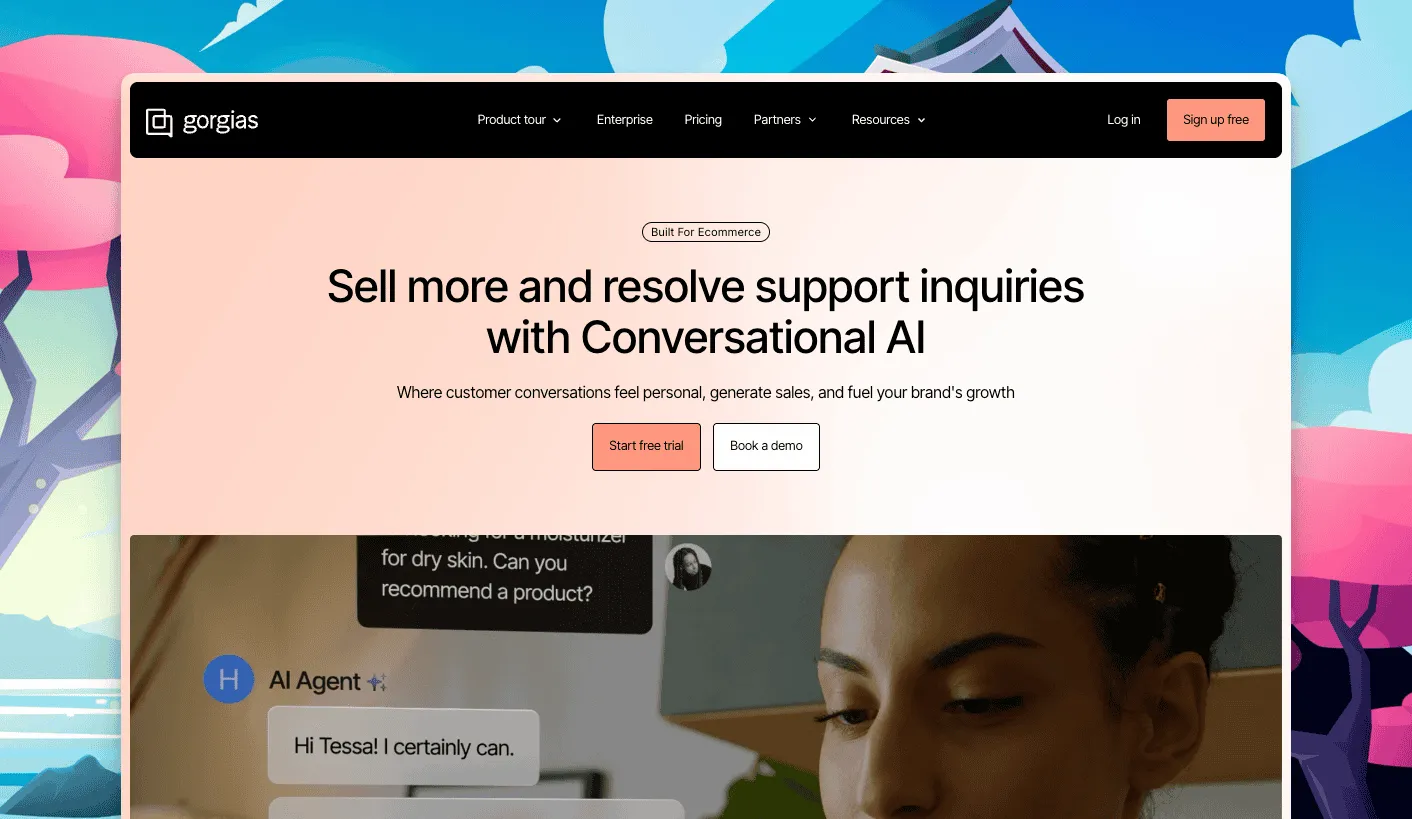
Gorgias is designed around ecommerce actions. Its strongest Shopify workflows let agents view orders, issue refunds, edit subscriptions, and handle common post-purchase requests from the conversation. Pricing is based on ticket volume rather than agent seats, which can work well when many store employees need occasional inbox access.
The base helpdesk and AI are priced separately. Starter is $10 a month for 50 tickets. Basic is $60 monthly or $50 a month on annual billing for 300 tickets. Pro is $360 monthly or $300 yearly for 2,000 tickets. AI Agent costs $1 per automated interaction on monthly billing or $0.90 on annual plans, and overage AI interactions cost more. An AI-handled conversation also consumes a helpdesk ticket, so forecast both meters using your busiest month.
Gorgias documents migration through Help Desk Migration, a paid partner that supports Help Scout and offers a free sample migration. That is useful for testing, but the full move is another line item.
Pros
- Deep Shopify actions inside customer conversations.
- Ticket-based pricing allows many users on higher plans.
- AI Agent is available across plans and billed by outcome.
Cons
- Helpdesk tickets and AI interactions are separate usage meters.
- Peak-season overages can change the economics quickly.
- Full Help Scout migration uses a paid partner.
Gorgias pricing
- Starter: $10/month; 50 tickets
- Basic: $60/month, or $50/month yearly; 300 tickets
- Pro: $360/month, or $300/month yearly; 2,000 tickets
- Advanced: $900/month, or $750/month yearly; 5,000 tickets
- AI Agent: $1/interaction monthly, or $0.90 yearly; overage $1.50
Sources checked: Gorgias pricing and Gorgias’s migration guidance.
Bottom line: Gorgias is the specialist for Shopify stores. Model ticket and AI volume together before you commit.
6. Zoho Desk: best free plan and low per-seat pricing
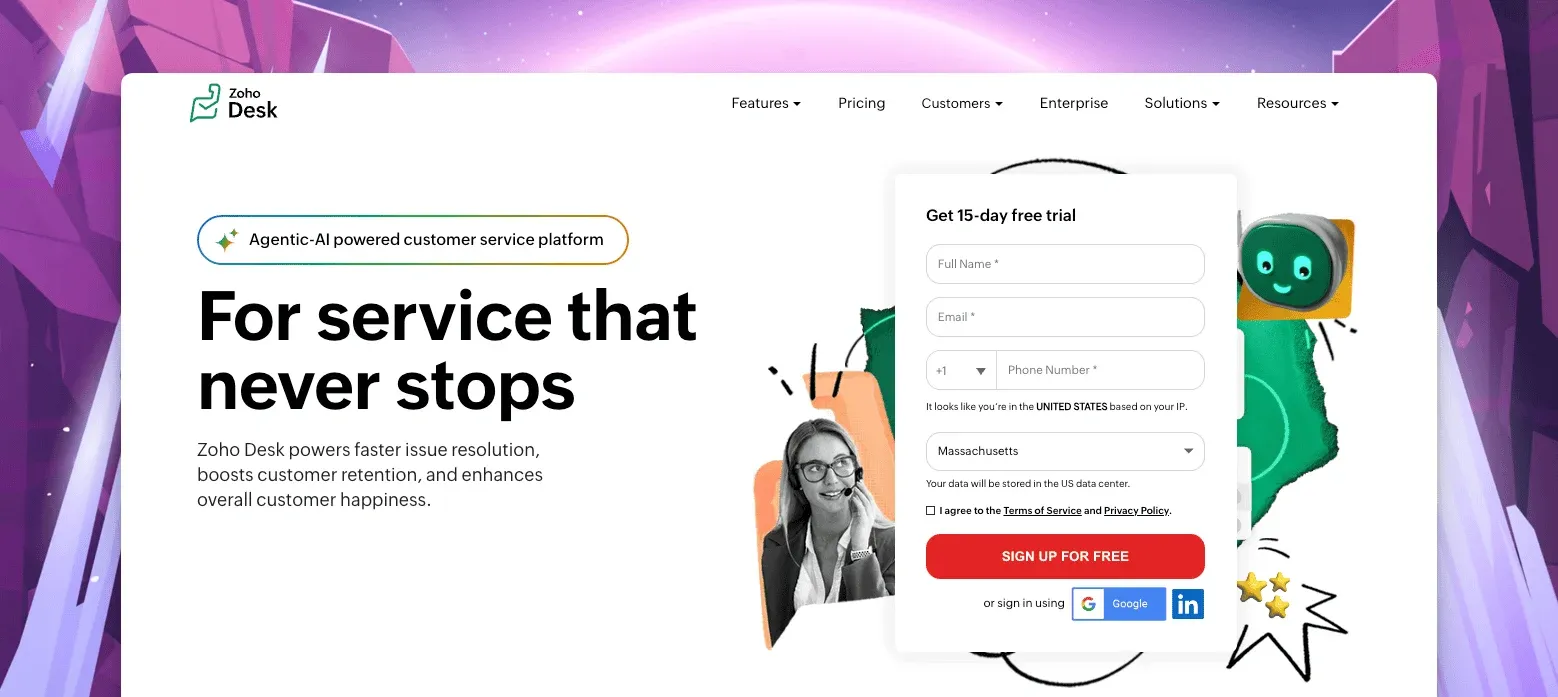
Zoho Desk has one of the most useful free plans in this comparison: 3 agents, email ticketing, and no trial deadline. Express starts at $7 per user per month on annual billing in the US, and Standard at $14 raises the user limit to 5. Zoho serves different price lists by region, so the amount shown to your account can differ from a screenshot or third-party comparison.
The product is a natural fit for companies already using Zoho CRM, Books, or other Zoho apps. Zia, its AI layer, appears on higher paid editions rather than the cheapest plans. The interface also exposes more settings than Help Scout. That depth is useful for an administrator and less pleasant for a team that chose Help Scout specifically for simplicity.
Migration is a real advantage. Zoho’s Zwitch service lists Help Scout as a supported source and fetches its data through APIs. Zoho can migrate agents, accounts, contacts, tickets, threads, comments, attachments, and knowledge base articles. Zwitch is supported on paid editions; trial accounts can migrate up to 2 GB.
Pros
- Free plan for 3 agents and a low-cost Express tier.
- Good fit with the broader Zoho suite.
- Assisted Help Scout migration through Zwitch on paid plans.
Cons
- The interface has a steeper learning curve than Help Scout.
- AI is not available on the cheapest tiers.
- Pricing and plan names can vary by region.
Zoho Desk pricing
- Free: $0 for 3 agents
- Express: $7/user/month yearly ($9 monthly)
- Standard: $14/user/month yearly ($20 monthly), up to 5 users
- Professional: $23/user/month yearly ($35 monthly), Zia included
- Enterprise: $40/user/month yearly ($50 monthly)
US list prices; confirm the currency and rate served to your own account.
Sources checked: Zoho Desk pricing, Zoho Desk Express, and Zoho’s Zwitch migration guide.
Bottom line: pick Zoho Desk when price and ecosystem breadth matter, then use the trial to make sure the interface works for your team.
7. Missive: best for small teams that live in email
Missive feels more like a collaborative email client than a traditional ticketing system. Email, SMS, chat, and social messages can sit alongside internal comments and tasks, so a small company can manage customer communication without turning every conversation into a formal support ticket.
The $14 Starter plan is attractive, but it has a five-user cap. Productive costs $24 per user on annual billing and raises the cap to 50. Business is $36 per user and removes the user cap. The free plan supports 3 users but only keeps 15 days of history, which makes it better for evaluation than long-term support records.
Missive’s AI model now offers two routes: use Missive AI credits or connect your own provider key. The AI assistant is available on Productive and Business, so it should not be treated as a free Starter feature. Missive publishes migration guidance for Front, Google Workspace, and Outlook, but not a Help Scout-specific importer. Its team says it can assist with migrations, so ask for a written object-by-object scope before assuming your tags, saved replies, or ticket states will carry over.
Pros
- Familiar email-style workflow with excellent internal collaboration.
- Lowest per-user starting price in this comparison.
- 30-day trial gives a team time to test real mailboxes.
Cons
- No native knowledge base or customer portal.
- AI requires Productive or Business plus credits or a provider key.
- No documented Help Scout-specific migration path.
Missive pricing
- Starter: $14/user/month yearly ($18 monthly), up to 5 users
- Productive: $24/user/month yearly ($30 monthly), up to 50 users
- Business: $36/user/month yearly ($45 monthly), unlimited users
Sources checked: Missive pricing and Missive’s migration-support page.
Bottom line: choose Missive for a small team that wants shared email done well and does not need a full help center.
8. Hiver: best for support inside Gmail
Hiver adds assignment, status, SLA, analytics, and AI workflows to Gmail. For a Google Workspace team, the main benefit is adoption: agents continue working in an interface they already know. Hiver also offers chat, WhatsApp, and voice options as the support operation grows.
Growth begins at $25 per user on annual billing, Pro at $55, and Elite at $85. Hiver requires at least 2 seats, then sells additional seats in blocks of 5. That rule can create unused capacity for a team that grows from 2 to 3 people, so compare the invoice rather than multiplying the advertised unit price.
AI Agent and Copilot are included in the current plan descriptions. Voice costs $30 per voice user per month and includes 2,000 pooled minutes, with additional usage charged separately. Hiver’s pricing FAQ says its team migrates data from another helpdesk at no extra cost. Confirm the Help Scout objects you need, especially attachments and historical assignment data, during the sales process.
Pros
- Minimal training for teams that already live in Gmail.
- AI Agent and Copilot included in the current plans.
- Assisted migration from another helpdesk at no extra cost.
Cons
- Two-seat minimum followed by blocks of five.
- Checkout is demo-led rather than fully self-serve.
- Pro can cost more than Help Scout Plus before voice is added.
Hiver pricing
- Growth: $25/user/month yearly ($35 monthly)
- Pro: $55/user/month yearly ($65 monthly)
- Elite: $85/user/month yearly ($95 monthly)
- Voice: $30/voice user/month with 2,000 pooled minutes
Source checked: Hiver pricing.
Bottom line: Hiver is the straightforward choice when keeping support inside Gmail matters more than avoiding per-user pricing.
How to choose in three questions
Which channels are genuinely required? Do not pay for an omnichannel suite because voice or social might become useful someday. For shared email, Missive or Hiver may be enough. For email, chat, and a help center, compare ThriveDesk, Freshdesk, and Zoho Desk. For a mature enterprise channel mix, Zendesk and Front have more room to grow.
Does AI only need to draft, or must it take action? Drafting and summarizing are now common. Store teams should test whether AI can safely retrieve an order, use current customer context, and hand off with a clear audit trail. ThriveDesk is strongest for WooCommerce and SureCart; Gorgias is strongest for Shopify. Also model the meter: a low per-resolution price can become the largest part of the bill at scale.
What happens at twice your current size? Add seats, inboxes, AI usage, voice, onboarding, migration, and expected peak volume. Then compare month-to-month flexibility with the annual discount. Our free helpdesk cost calculator makes that exercise faster, but you should still confirm the final quote with the vendor.
Before signing, run a sample migration with real conversations. Check attachments, tags, timestamps, customer identities, saved replies, assignment history, and help center URLs. A cheap plan is not cheap if the team spends weeks repairing the import.
Weighing a tool that is not on this list? Our help desk comparison hub has the side-by-side feature table and every head-to-head we have published.
Frequently asked questions
What is the best Help Scout alternative for ecommerce?
ThriveDesk is the strongest fit for WooCommerce and SureCart teams because it combines order and billing context, an AI agent, and flat pricing. Gorgias is the specialist choice for Shopify-first stores.
Is there a cheaper alternative to Help Scout?
Yes. Missive starts at $14 per user per month, Zoho Desk has a free plan for 3 agents, and ThriveDesk starts at $29 per month flat. At five users, ThriveDesk Standard costs $69 monthly versus $125 for five Help Scout Standard seats.
How hard is it to switch from Help Scout?
The work depends on what you need to preserve. ThriveDesk provides a free assisted Help Scout migration for conversations, customers, tags, and saved replies. Other vendors offer a direct importer, an assisted migration, APIs, or a paid partner. Run a sample import before the final cutover.
Why can two Help Scout customers see different billing?
Help Scout documents both user-based and contact-based billing accounts. Its public pricing page currently lists user-based plans at $25, $45, and $75 per user per month, while some existing accounts remain on contact-based billing. Check the plan page inside your own account before comparing costs.
Does Help Scout have a free plan?
Yes. The free plan includes up to 5 users, 1 inbox, 1 Docs site, and 100 contacts per month. New accounts also receive a three-month trial of AI Answers. It is useful for low-volume teams, but the contact cap and feature limits matter as you grow.
Disclosure: ThriveDesk is our product, so this is not an independent ranking. We have used every tool on this list, and we re-checked prices and plan details against each vendor’s public pages on August 13, 2026, linked the original customer posts, and included real limitations in the ThriveDesk section. Vendor plans change, so verify the current quote before buying. If you spot an outdated detail, tell us and we will correct it.






