
Zendesk can run a large customer support operation, but a small or midsize online store may never use much of that depth. The team still pays per agent, configures a large admin surface, and may add Copilot or other products before agents can answer routine order, delivery, return, and refund questions efficiently.
The best Zendesk alternatives for ecommerce in 2026 are: 1) ThriveDesk, for growing WooCommerce and SureCart stores; 2) Gorgias, for Shopify order support; 3) Tidio, for chat-first stores; 4) Help Scout, for simple email support; 5) Freshdesk, for structured ticketing at a lower entry price; and 6) Intercom, for high-touch customer messaging.
We compared each option on store integrations, order context, self-service, AI charges, migration fit, setup effort, and the total bill during a busy month. Price details come from recent ThriveDesk comparisons that checked vendor pages between 13 August and 22 September 2026.
What Zendesk does well, and where it hurts
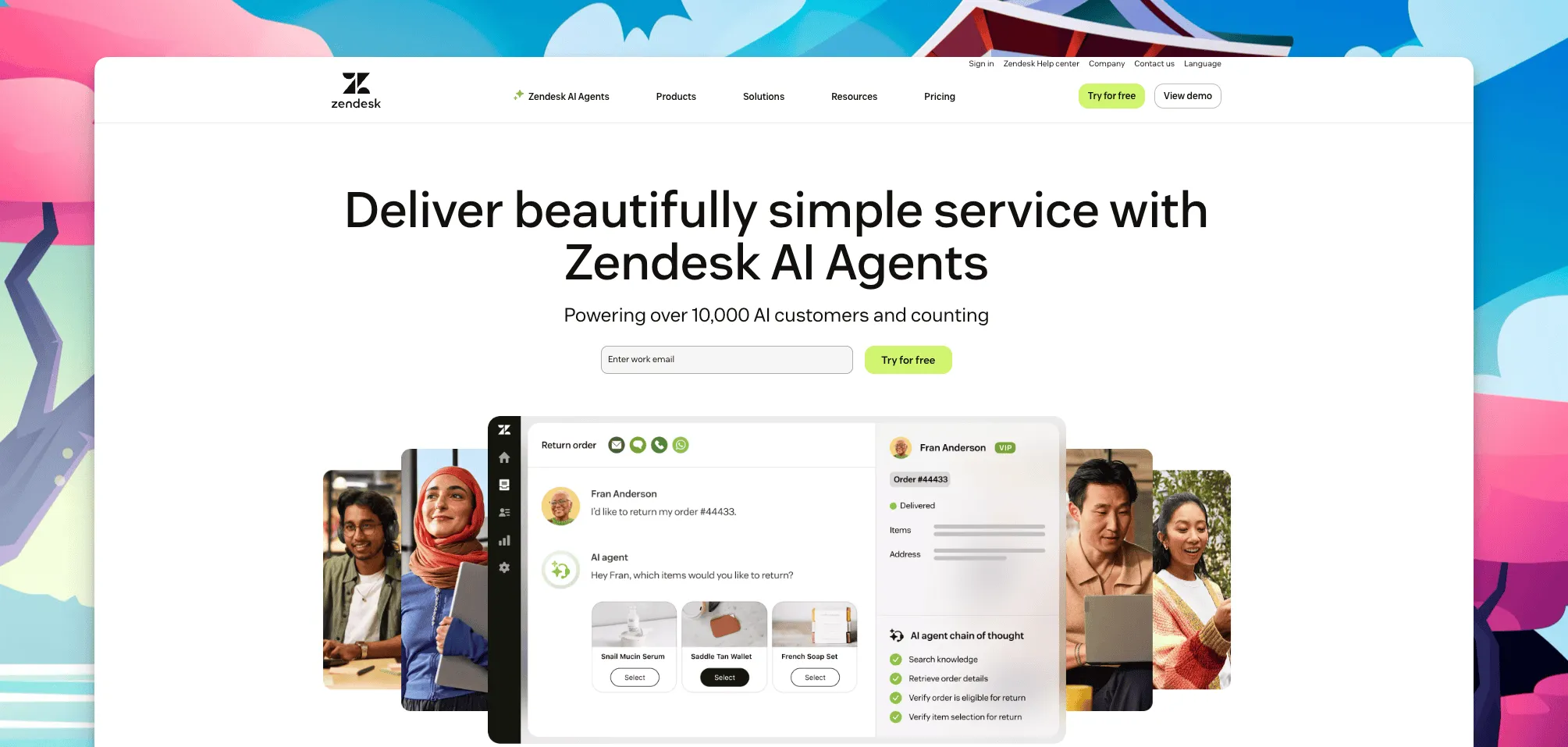
Zendesk is strongest when support has become an operation of its own. It handles complex queues, multiple brands, regional schedules, strict service levels, voice, social messaging, detailed permissions, and a large integration marketplace. G2 reviewers rate Zendesk 4.3 out of 5, with ticket management and channel coverage among its established strengths.
That depth creates work for a lean ecommerce team. Triggers, views, schedules, roles, queues, help centers, and reporting rules need an owner. A five-person store can end up maintaining software designed for a much larger service organization.
Top features
- Mature ticket routing, permissions, audit controls, and SLA workflows.
- Email, messaging, voice, social, and help center products under one vendor.
- Multibrand support for retailers with several storefronts or regions.
- A broad app marketplace and APIs for custom service operations.
Zendesk pricing
Support Team starts at $19 per agent a month on annual billing for email-focused ticketing. Suite Team starts at $55 per agent a month and adds broader messaging and self-service. Copilot costs another $50 per agent a month annually. A five-person team on Suite Team with Copilot reaches $525 a month before other add-ons.
Zendesk does not offer a permanent free plan. Some advanced products, enterprise arrangements, and usage rates require a quote, which makes a full budget harder to calculate from the headline plan alone.
The pricing model matters most when a store adds temporary agents for holiday demand. Zendesk can add those seats immediately, while reductions may wait until the next billing cycle. A short seasonal increase can therefore affect the invoice longer than the staffing change itself.
Why ecommerce teams look elsewhere
- Per-agent pricing turns every seasonal hire into another full license.
- Order lookup, delivery status, returns, and refunds may depend on separate integrations and configuration.
- The administration can outweigh the value for a team that mainly handles email and chat.
- AI, voice, workforce tools, and other add-ons can make the renewal bill difficult to forecast.
Staying with Zendesk makes sense when several brands, languages, channels, or compliance requirements justify the complexity. If the team already has an administrator and trusted workflows, moving only to save a small amount may create more work than value.
Quick comparison of Zendesk alternatives for ecommerce
The table uses each vendor’s cheapest relevant paid plan. Pricing units differ, so compare your real seat count and peak-season volume rather than the starting number alone.
| Tool | Core strength | Starting price | Best for | Main trade-off | G2 rating |
|---|---|---|---|---|---|
| ThriveDesk | Store-aware help desk; Neo AI agent in every plan, no per-resolution fee | $29 a month, flat | Growing WooCommerce and SureCart stores | No native voice channel | 4.9 |
| Gorgias | Shopify order actions inside tickets | $10 a month for 50 tickets | Shopify-first stores | Ticket and AI usage charges | 4.6 |
| Tidio | Storefront chat and chatbot automation | $24.17 a month | Small chat-first stores | Lighter ticket operations | 4.6 |
| Help Scout | Simple email-first shared inbox | $25 a user a month | Lean email support teams | Limited ecommerce actions | 4.4 |
| Freshdesk | Structured ticketing and SLAs | $19 an agent a month, annual | Growing teams needing more process | Chat and Copilot cost separately | 4.4 |
| Intercom | Messaging and AI automation | $29 a seat a month, annual | High-touch digital customer journeys | Layered seat and AI bill | 4.5 |
How we evaluated
We evaluated each product as a lean ecommerce team would. The tool had to turn storefront questions into owned work, support self-service, and remain manageable without a full-time administrator. We also checked store-platform fit, what survives a Zendesk migration, and how the pricing unit behaves during peak season.
Migration scored more than the presence of an importer. We looked at tags, attachments, saved replies, historical limits, and the workflow rules a team must rebuild. A low starting price means little if every new seat, ticket, conversation, or AI answer adds another charge, or if the switch creates weeks of cleanup.
1. ThriveDesk: best for growing ecommerce teams
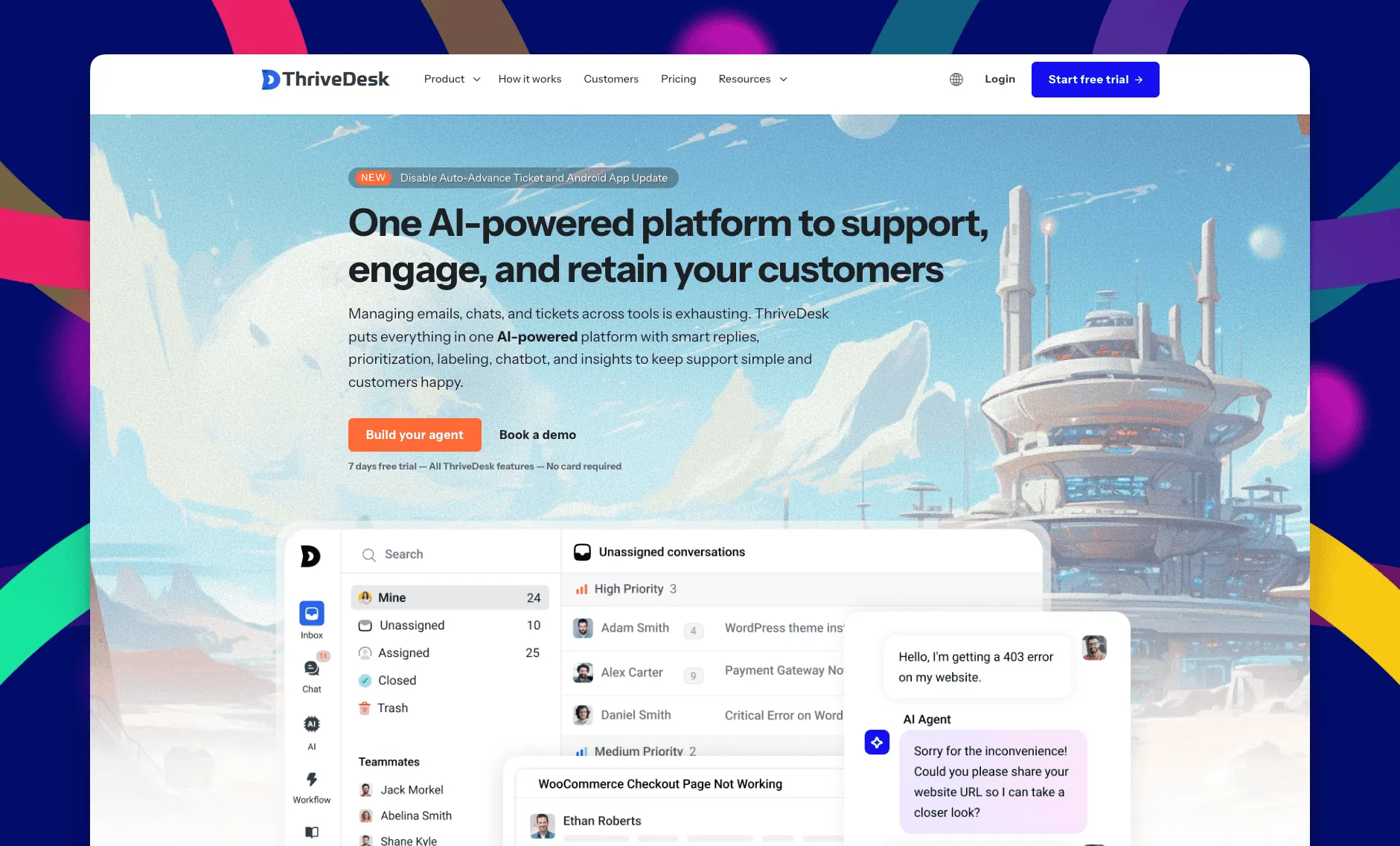
ThriveDesk is AI customer service software for ecommerce: an agentic omnichannel helpdesk, intelligent chatbot, modern help center and powerful reporting, plus Neo, the AI agent that answers customers around the clock. It suits small and midsize support teams, has less enterprise administration than Zendesk, and prices by plan rather than by agent, conversation, or AI resolution. That makes team growth and seasonal demand easier to budget.
The trade-off is channel depth. ThriveDesk does not include a native phone channel, and Shopify workflows are less specialized than Gorgias. It fits stores that mainly support customers through email and chat and want order context without maintaining an enterprise service stack. ThriveDesk’s current G2 rating is 4.9 out of 5, though the review count is much smaller than Zendesk’s.
A shared inbox with clear ownership
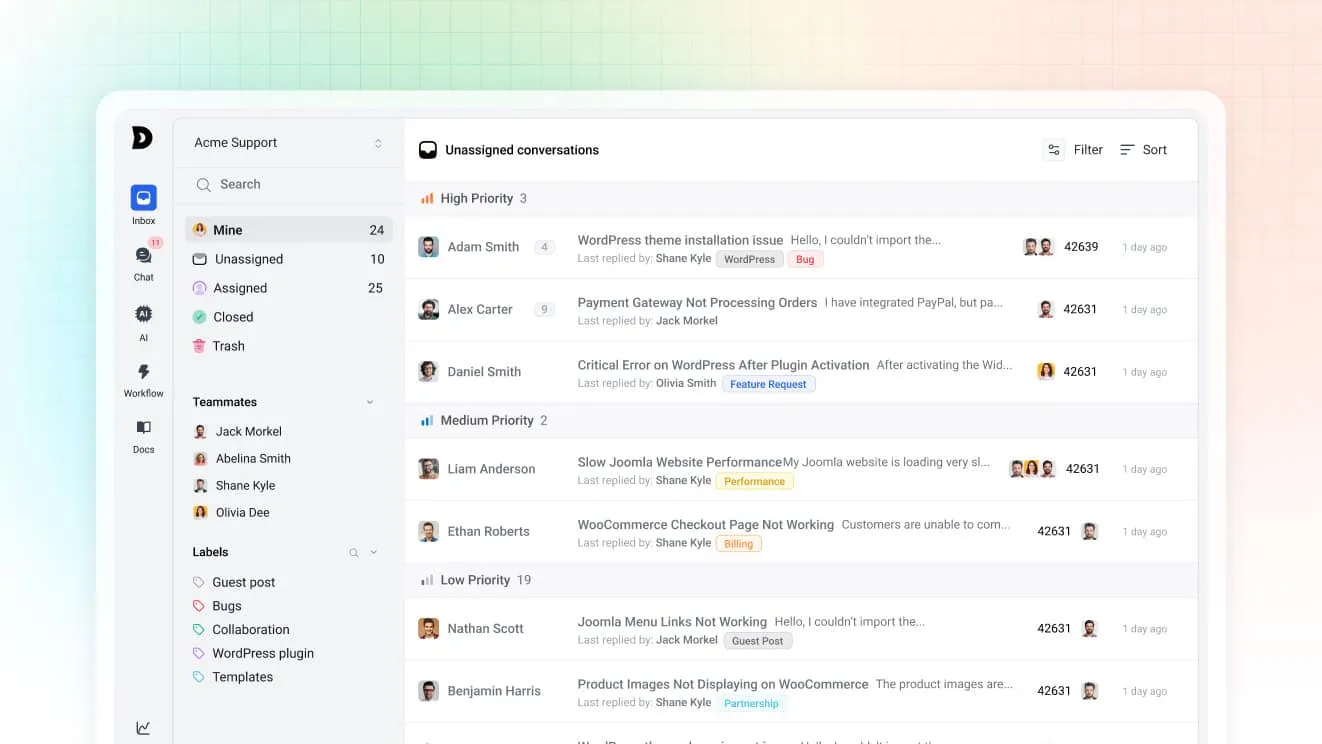
Email, chat, and contact-form messages land in one queue. Assignment rules route conversations by subject, tag, or priority, while collision detection shows when another teammate is already replying. Views group work by owner or status, so a growing store can add structure without recreating Zendesk’s full admin model.
That structure helps during seasonal peaks. Managers can separate delivery issues, returns, and urgent payment questions into focused views, then assign extra teammates without redesigning the whole queue.
Neo handles repeat store questions
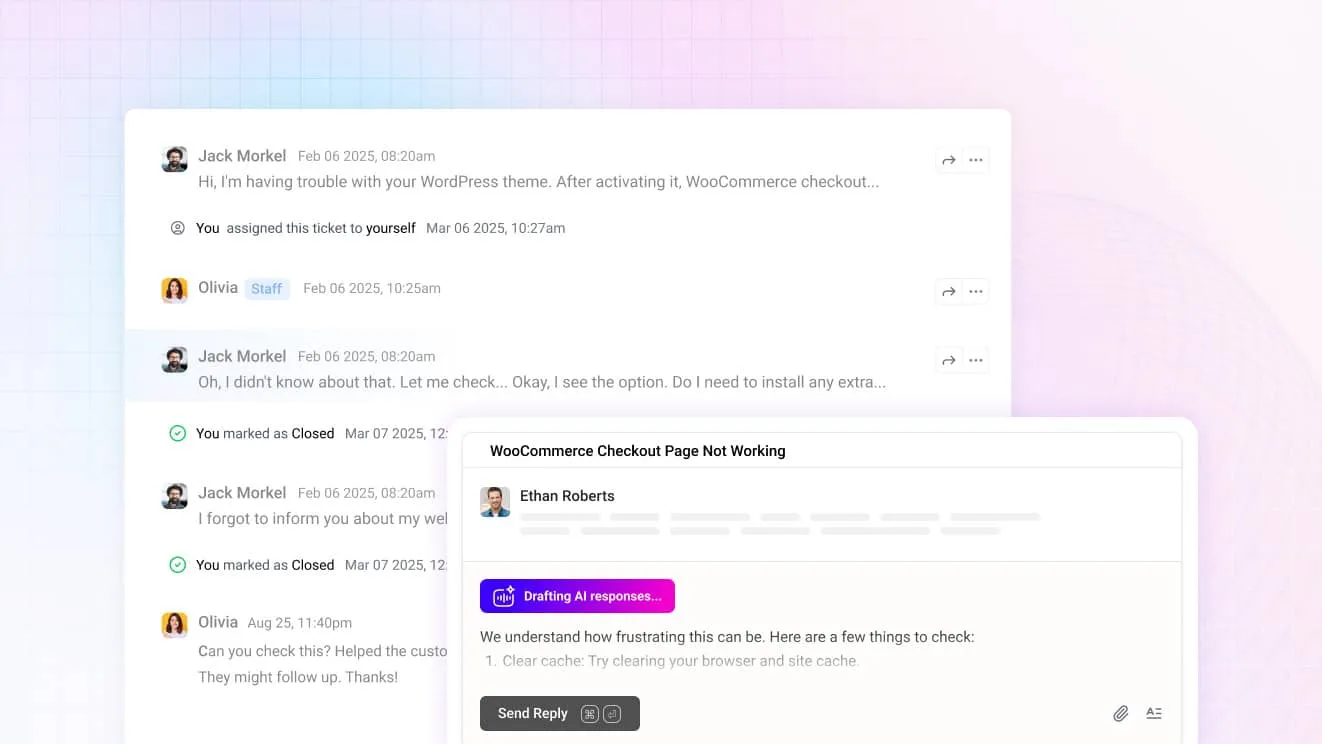
Neo answers customers from approved help content, and a person can take over inside the same conversation with the customer history and store context still visible. For agents, Copilot drafts replies, summarizes long threads, and translates messages. Both are included in every plan, with no fee for each successful resolution.
Stores can keep policy answers grounded in their own shipping, return, warranty, and product documentation. That reduces repetitive writing while keeping a human available for exceptions.
The chat widget supports customers after checkout
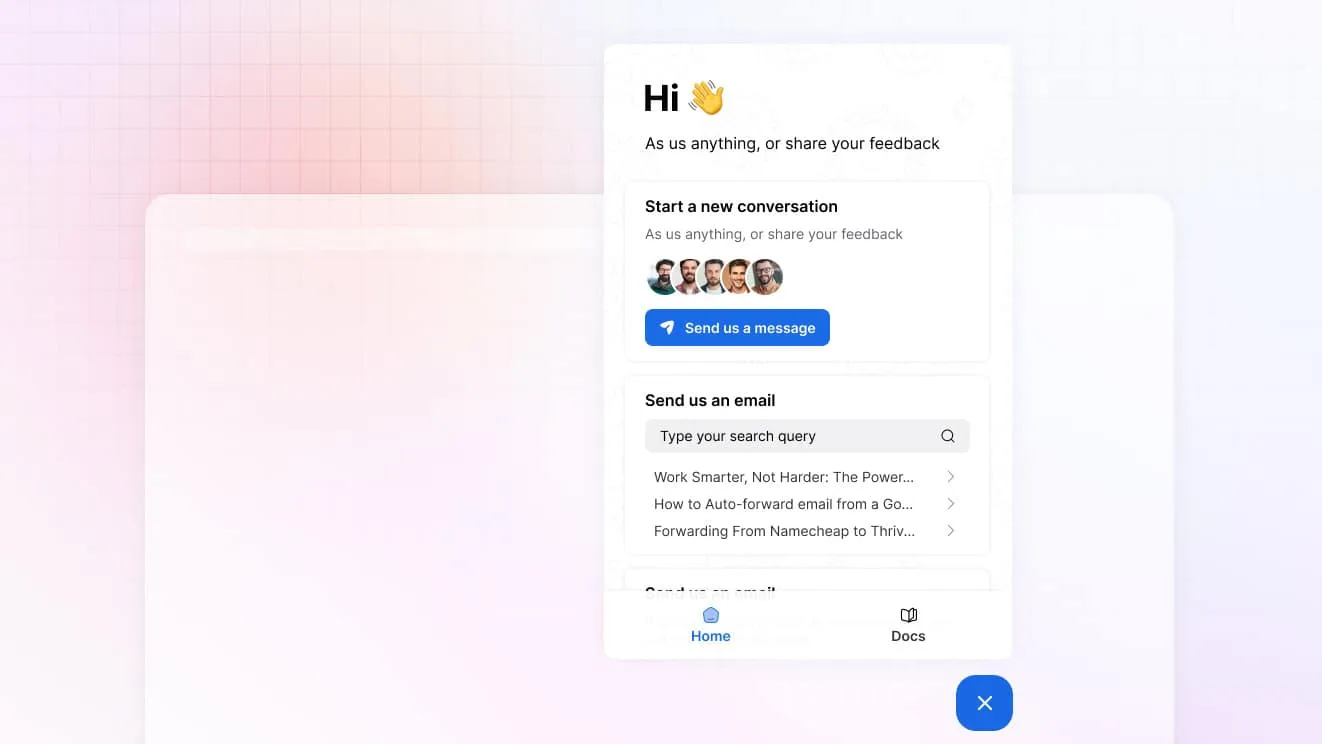
The chat widget combines live chat, a contact form, order lookup, and knowledge base search. Customers can find a delivery answer or reach the support queue without moving between separate tools. That keeps self-service and human support in one post-purchase flow.
The same widget can collect the customer’s question before an agent joins, which gives the team more context and reduces the first round of clarification.
Store data stays beside the ticket
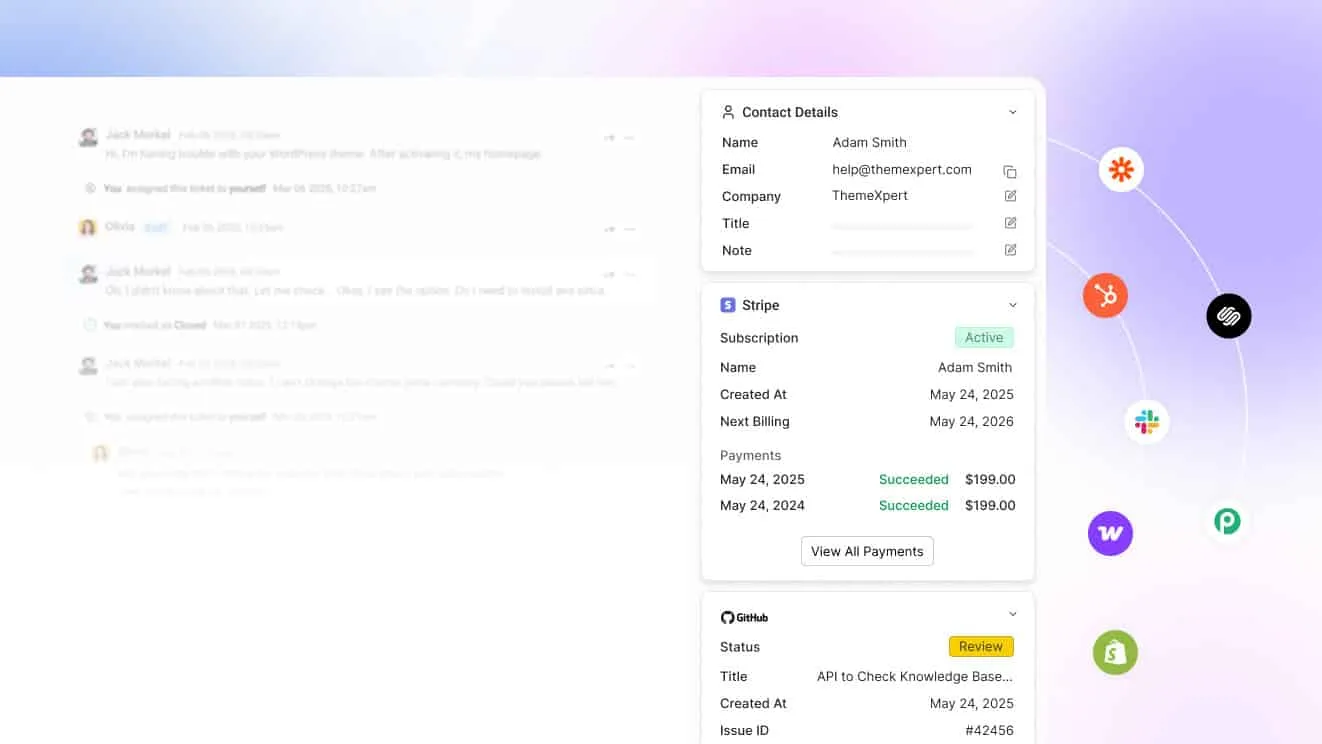
WooCommerce, Shopify, and SureCart integrations show order details beside the conversation. Agents can answer order and billing questions with less tab switching, while customers avoid repeating information the store already has. Shopify-first teams that need deep order edits should compare Gorgias.
For lean teams, the benefit is operational rather than cosmetic. Fewer lookups shorten routine replies and reduce the risk of copying details from the wrong order.
The help center reduces repeat volume
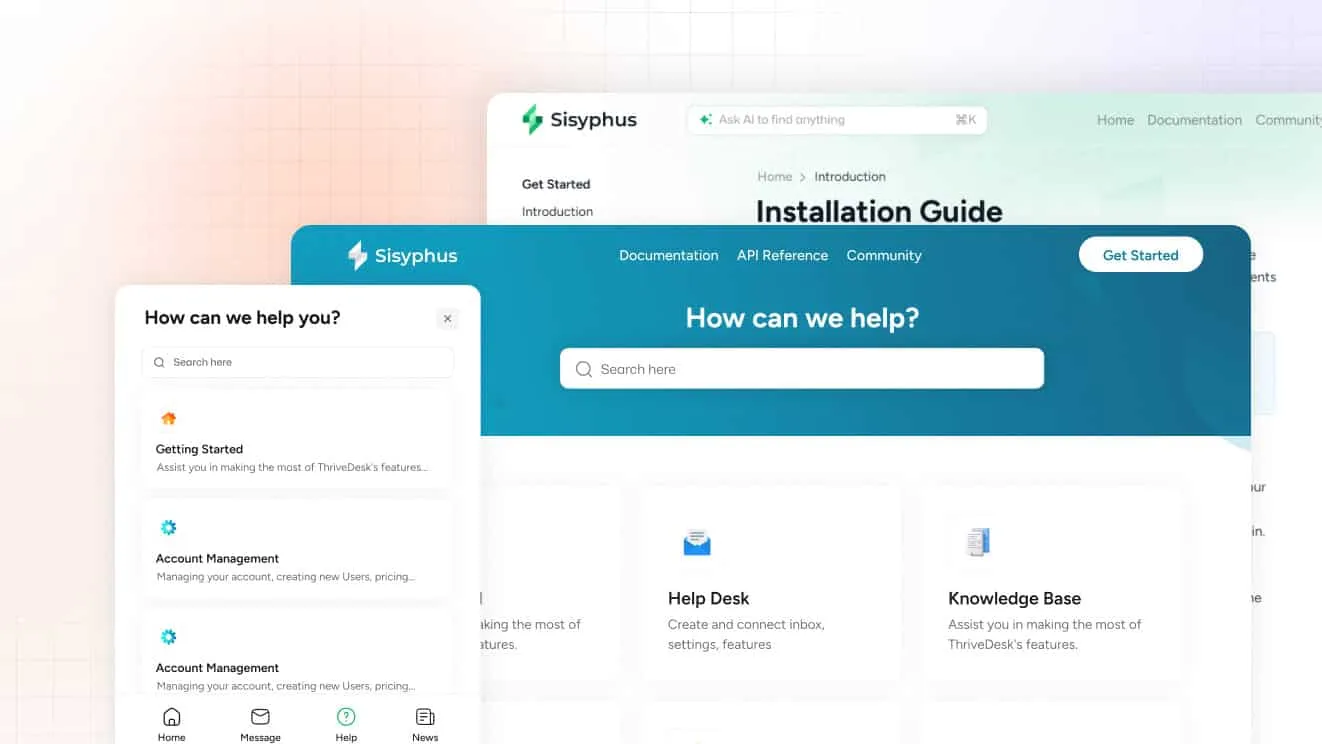
The knowledge base includes a block editor, AI writing help, and search inside the chat widget. Store policies, sizing guidance, shipping times, and return instructions become part of the support flow. The same approved content gives Neo a controlled source for its answers.
Teams can update one article when a policy changes instead of correcting the same answer across saved replies, agent notes, and chatbot scripts.
What it costs
- Basic is $29 a month, or $19 a month billed yearly, for 2 teammates and 1 inbox.
- Standard is $69 a month, or $49 a month billed yearly, for 5 teammates and 2 inboxes.
- Unlimited is $129 a month, or $99 a month billed yearly, for unlimited teammates and 5 inboxes.
The trial lasts 7 days without a credit card. The current pricing page lists the limits on each plan. ThriveDesk also provides a free, assisted Zendesk migration for contacts, tickets, threads, tags, and saved replies, so the team can verify the imported queue before cutover.
Why teams evaluate it against Zendesk
Choose ThriveDesk when the team wants ecommerce context, self-service, and clear ownership without per-agent pricing or a dedicated administrator. Choose Zendesk when voice, multibrand routing, audit controls, or complex service operations justify a broader platform. The full ThriveDesk versus Zendesk comparison shows where each product fits.
2. Gorgias: best for Shopify order support
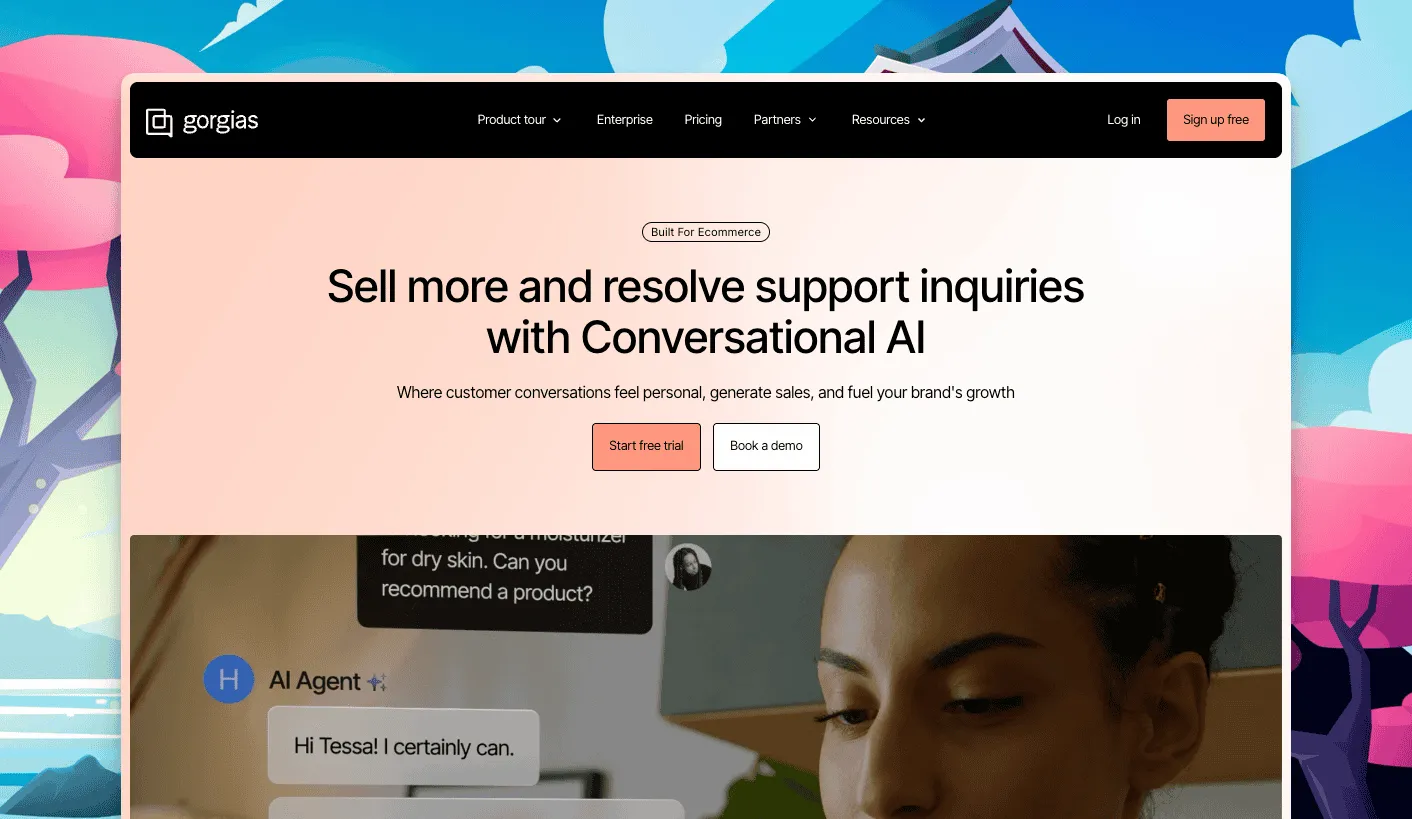
Gorgias is the ecommerce specialist in this list. Agents can see Shopify orders, edit them, issue refunds, and use customer history without leaving the ticket. Email, live chat, and social messages share the same queue, while automation handles common order questions.
That focus is valuable when most contacts are about orders rather than technical support. Agents can solve a routine request with fewer handoffs, and managers can connect support activity to store revenue.
The specialization comes with usage pricing. Starter costs $10 a month for 50 tickets, Basic $60 for 300, and Pro $360 for 2,000. Voice, SMS, AI interactions, and ticket overages add more charges. Model a Black Friday month rather than the annual average.
Top features
- Deep Shopify customer and order context inside each ticket.
- Rules, macros, and AI automation for repetitive store questions.
- Revenue reporting tied to support conversations.
- Large user allowances on plans above Starter.
Why teams evaluate it as a Zendesk alternative
Gorgias removes more tab switching for Shopify teams than a general help desk. The trade-off is two usage meters: AI-handled conversations still count as tickets, and both can exceed their allowances. Its native Zendesk importer also has published limits around attachments and older history, so test a sample first.
3. Tidio: best for chat-first online stores
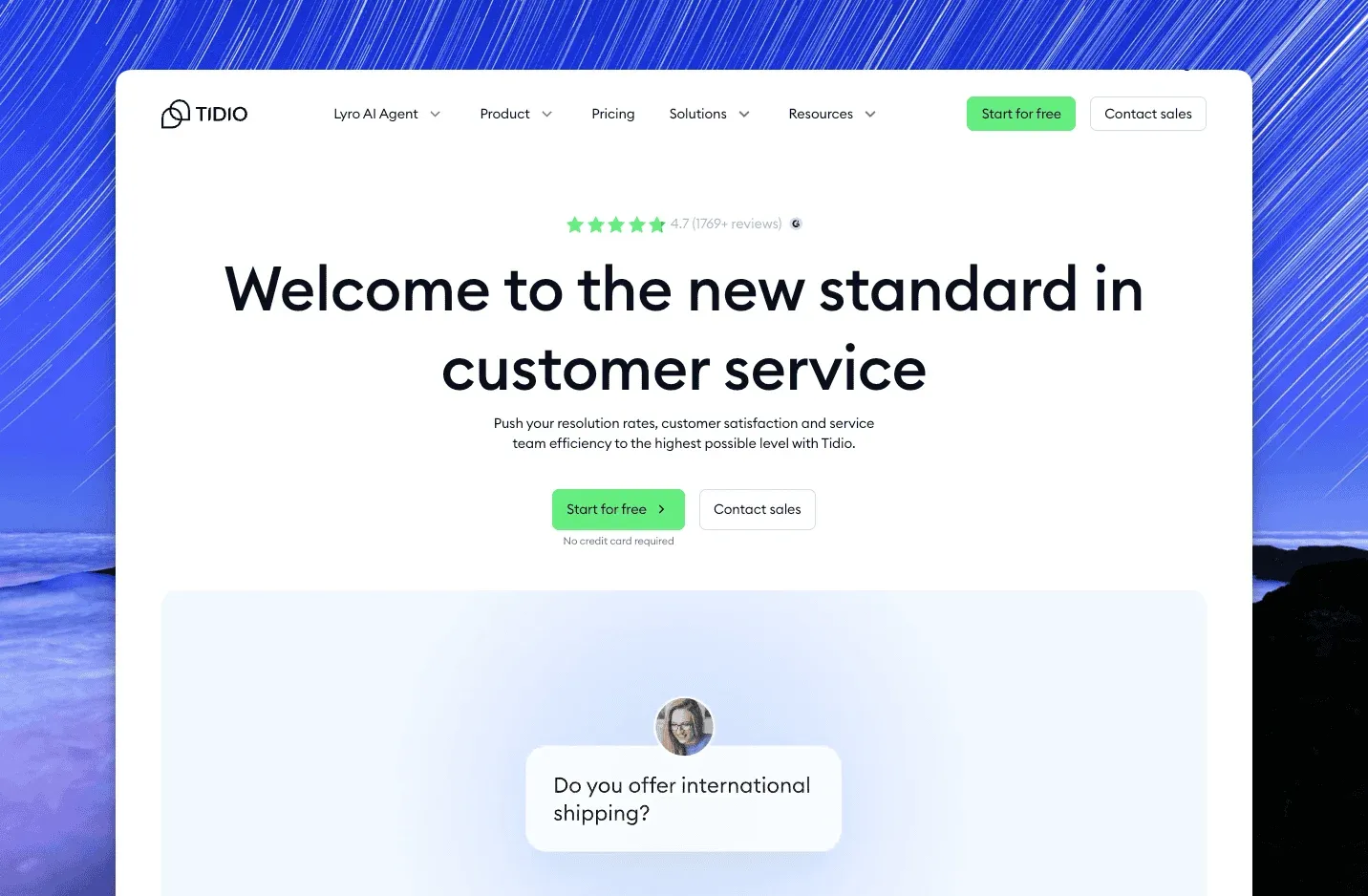
Tidio packages storefront chat, basic ticketing, chatbot flows, and the Lyro AI agent for small online stores. It works with Shopify, WooCommerce, and BigCommerce. This makes it useful for product questions, cart recovery, and delivery updates without a large service platform.
Its strength is speed. A merchant can launch the widget and common flows quickly, then add automation as conversation volume grows without first designing a complex ticket taxonomy.
The free plan covers 50 billable conversations. Starter is $24.17 a month for 100 conversations, while Growth starts at $49.17 and raises the allowance. Higher conversation volume and Lyro usage raise the bill, and ticket ownership remains lighter than Zendesk or Freshdesk.
Top features
- Quick live chat setup with a visual widget editor.
- Shopify, WooCommerce, and BigCommerce integrations.
- Scripted chatbot flows and Lyro AI answers.
- Shared handling across chat and email.
Why teams evaluate it as a Zendesk alternative
Tidio fits a small store that needs fast storefront conversations more than strict service operations. Setup is simpler and the starting price is lower. Teams with complex SLAs, several brands, a large help center, or detailed ticket reporting should test those workflows carefully before moving.
4. Help Scout: best for simple email support
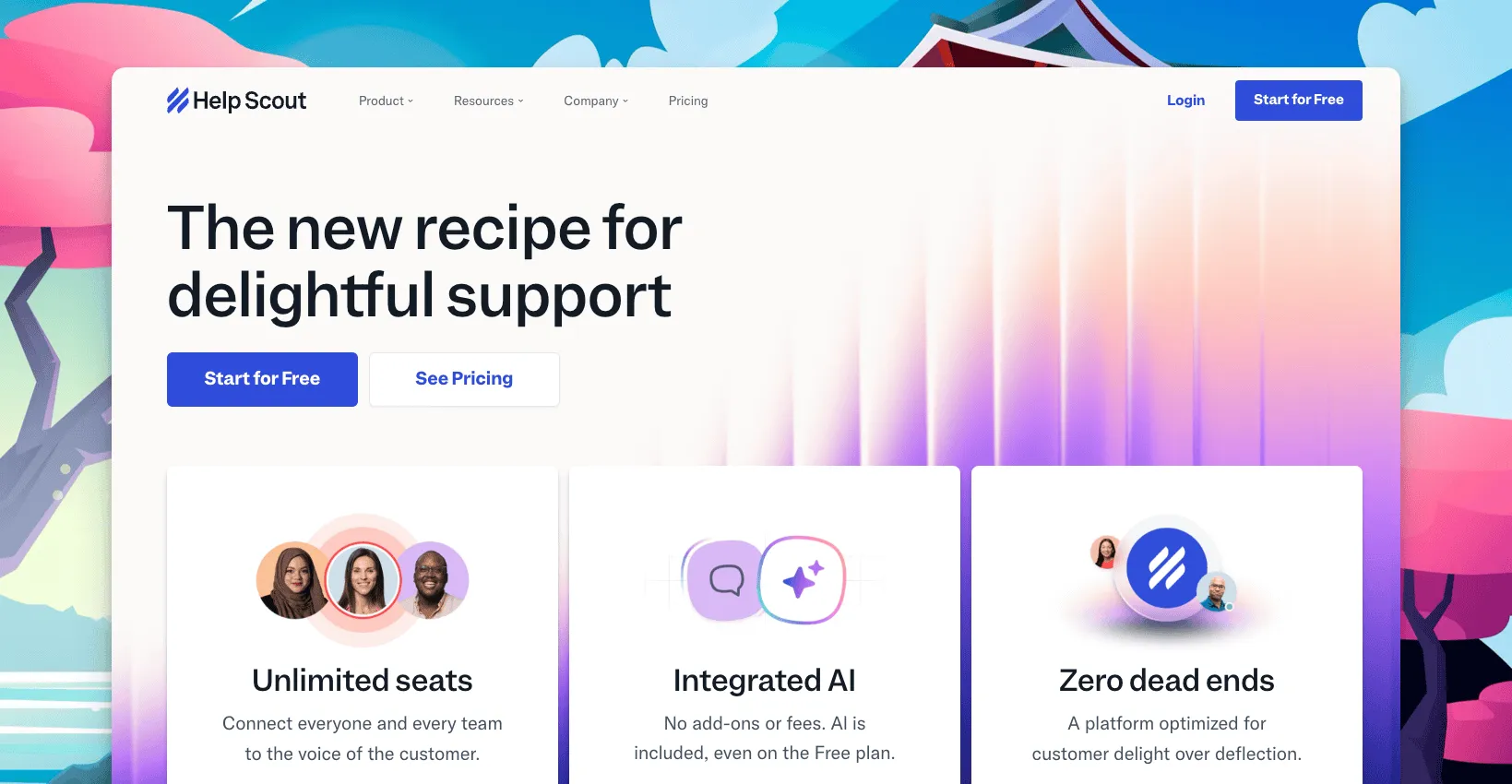
Help Scout suits ecommerce teams that found Zendesk too heavy but still want a proper shared inbox. It combines email support, Docs, and AI tools in an interface that is easier for a small team to learn and maintain.
The familiar mailbox model works well when email carries most post-purchase questions. New teammates can learn assignments, notes, and saved replies without first understanding a large set of views and triggers.
The public user-based plans are Standard at $25 per user a month, Plus at $45, and Pro at $75. AI Answers adds $0.75 per resolution after its trial. Help Scout also has contact-based accounts, so an existing customer’s renewal may not match the public calculator.
Top features
- A clean shared inbox with assignments, notes, and saved replies.
- Docs knowledge base and customer-facing Beacon widget.
- A native Zendesk importer that preserves ticket tags.
- A free plan for very small, low-volume teams.
Why teams evaluate it as a Zendesk alternative
Help Scout reduces the training and administration burden without abandoning ticket ownership. It is strongest for email-first support. Ecommerce work can still require another tab, and the seat price grows with the team, so compare it against store-aware tools before choosing simplicity alone.
5. Freshdesk: best for a lower-cost ticketing suite
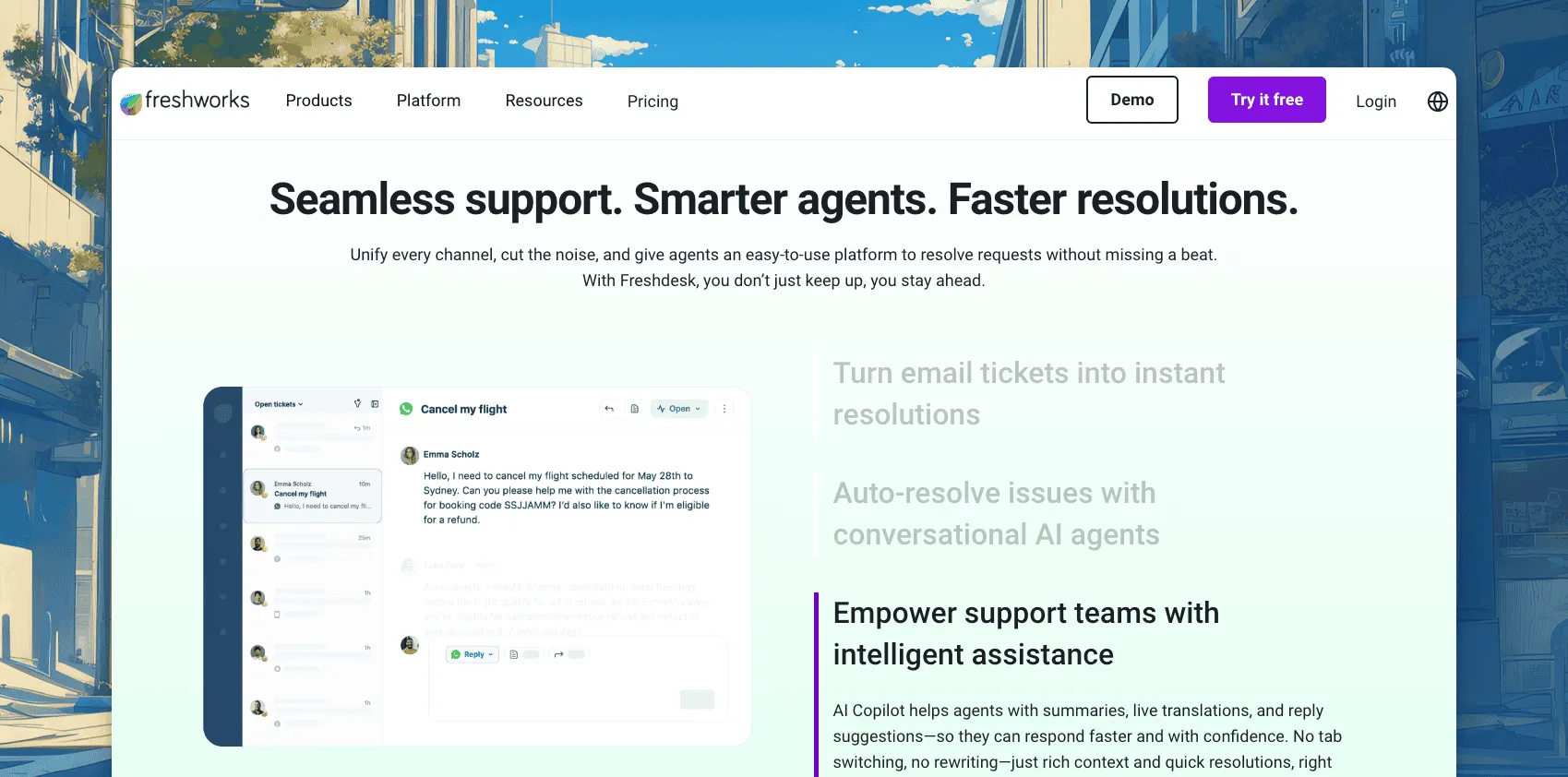
Freshdesk is the closest Zendesk-shaped option at a lower entry price. Growth includes ticketing, a customer portal, a knowledge base, automation, reporting, and 500 Freddy AI Agent sessions. It suits midsize teams that want queues and SLAs without starting at Zendesk Suite pricing.
That makes Freshdesk useful for a store moving from an informal inbox into defined support processes. The team can introduce ownership, response targets, and reporting while keeping a familiar ticket-first operating model.
Growth costs $19 per agent a month annually, Pro $55, and Enterprise $89. Freddy Copilot costs another $29 per agent and is limited to Pro and Enterprise. Live chat sits in Freshchat, so price the wider Freshworks package if the store needs both email and chat.
Top features
- Ticket views, routing rules, SLA policies, and a customer portal.
- Knowledge base and reporting across the paid plans.
- Freddy AI Agent sessions included with paid tiers.
- A broader Freshworks suite for chat, voice, and CRM needs.
Why teams evaluate it as a Zendesk alternative
Freshdesk offers familiar ticket structure with a lower starting price. The catch is packaging: chat, Copilot, and higher-level automation can move the team into separate products or more expensive tiers. Test the Zendesk migration path with sample data before treating it as a straight swap.
6. Intercom: best for high-touch customer messaging
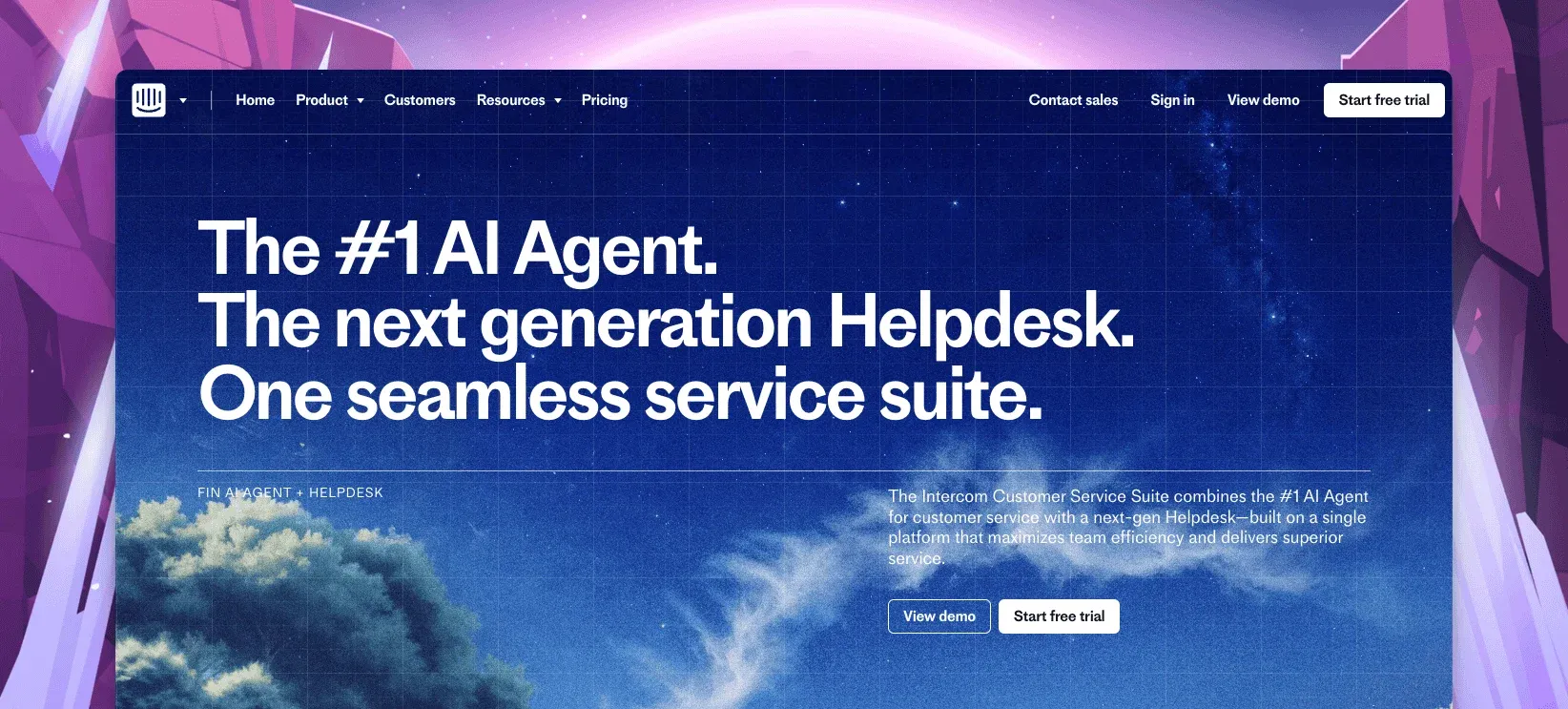
Intercom combines a polished Messenger with ticketing, a public help center, automation, and Fin AI. It fits larger ecommerce brands that support customers across a storefront, mobile app, and logged-in account area and want proactive messaging in the same platform.
This wider journey matters when support and customer engagement overlap. A brand can guide a shopper, answer an account question, and continue the conversation after purchase without switching messaging systems.
Essential starts at $29 per seat a month on annual billing. Fin starts at $0.99 per outcome, while unlimited Copilot adds $29 per teammate monthly on annual billing. The layered seat and AI bill can become harder to forecast than Zendesk for a high-volume store.
Top features
- Website and in-app messaging in the same workspace as email.
- Fin AI Agent for customer-facing automation.
- Product tours, surveys, banners, and outbound messages through add-ons.
- Mature workflows and reporting on higher plans.
Why teams evaluate it as a Zendesk alternative
Intercom suits a brand that values conversational engagement more than traditional queue depth. Its Zendesk importer can move core records, but published limits apply to tags, ticket volume, and attachments. Model both AI outcomes and seat count before assuming the lower entry plan means a lower total bill.
How to choose the right Zendesk alternative
- Choose ThriveDesk when a growing WooCommerce or SureCart store needs email, chat, order context, self-service, and predictable plan pricing.
- Choose Gorgias when Shopify order edits and refunds must happen inside the support ticket.
- Choose Tidio when storefront chat and quick automation matter more than deep ticket operations.
- Choose Help Scout for a simple email-first workflow with less administration.
- Choose Freshdesk when queues, SLAs, and ticket reporting matter but Zendesk feels too expensive.
- Choose Intercom when a larger brand needs customer messaging across its store and app.
Run the seat-based options through the help desk cost calculator with your peak-season staffing. Then test one order-status request, one return, one automation, and one historical ticket import. The best feature list will not reveal how many tabs, rules, or clicks the team repeats every day.
Score the trial with the people who will answer customers, not only the person buying the software. A cheaper platform that slows every reply can cost more in labor than it saves in subscriptions.
Why ecommerce teams choose ThriveDesk over Zendesk
Zendesk gives a large service organization room to design almost any workflow. ThriveDesk gives a lean ecommerce team the workflows it uses every day without requiring enterprise administration.
- One owned queue: the shared inbox gives every email and chat conversation a status, owner, history, and customer context.
- Store context beside the ticket: WooCommerce and SureCart data helps agents answer order and billing questions without moving between systems.
- Self-service in the same widget: customers can search help content, check an order, start a chat, or leave a message from one place.
- AI without outcome fees: Neo answers customers from approved content, and Copilot drafts and summarizes for agents, with no charge for each successful resolution.
- A bill a growing store can plan: Basic starts at $29 a month, and Unlimited costs $129 monthly for unlimited teammates rather than adding a full license for each seasonal hire.
The migration path also matters. ThriveDesk provides free, assisted migration from Zendesk for contacts, tickets, threads, events, tags, and saved replies. Your team can inspect the result before switching the live queue. This reduces the risk of discovering after purchase that a critical tag or response did not move.
ThriveDesk is not the right replacement for every store. Stay with Zendesk when voice, multibrand routing, strict audit controls, or complex regional operations justify the platform. Choose Gorgias when Shopify order actions are the center of the job. For a lean WooCommerce or SureCart team, compare the daily workflow and total cost on the Zendesk comparison page.






