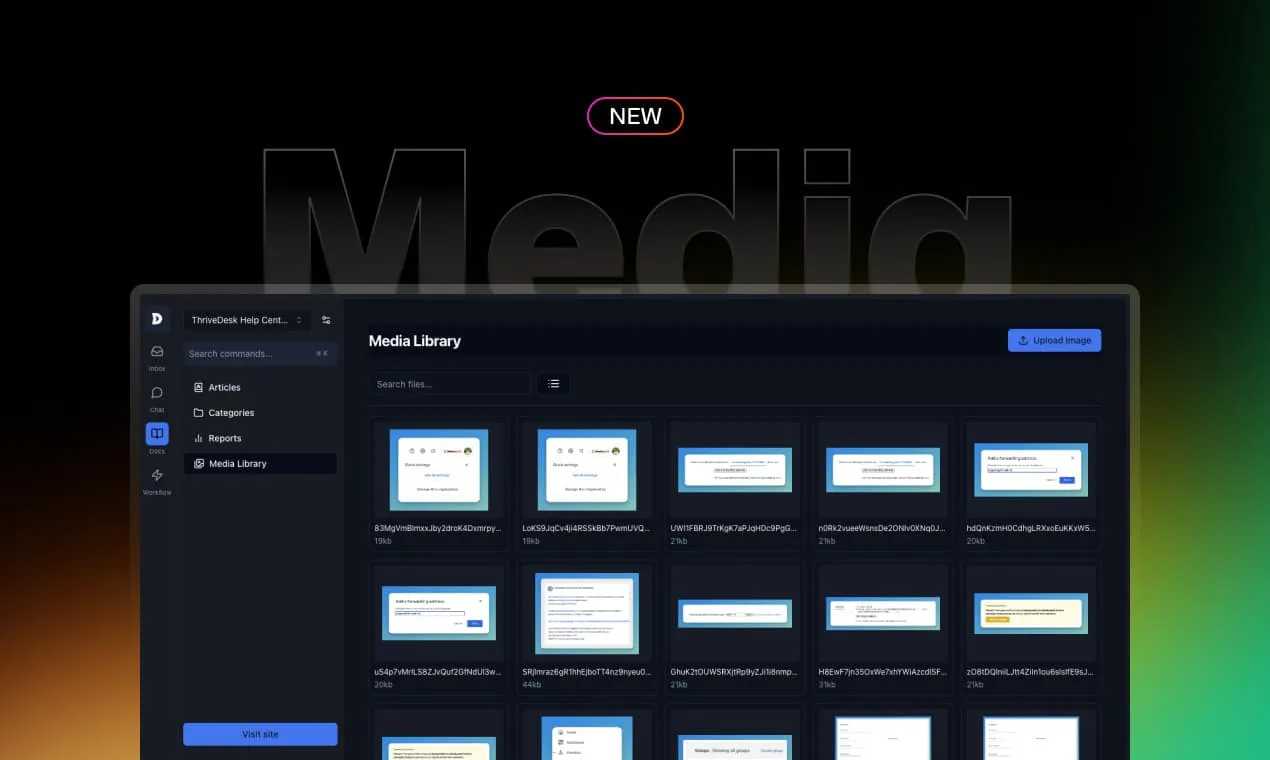
Since the launch of our Knowledge Base, we’ve allowed users to upload images and videos, but managing them has been a challenge—until now.
We’re excited to unveil the brand new Media Library as part of our Day 3 launch, providing a central place to manage and upload all your media.
Why It Matters
Previously, our editor allowed you to upload images and videos but lacked a way to manage them effectively. Deleting media from the editor didn’t remove them from our servers, leading to a buildup of unwanted files.
The new Media Library solves this problem by giving you complete control over all your media in one place. You can upload new images and easily manage existing ones, keeping your storage organized and efficient.
Tiles and List Views
The Media Library offers two viewing options: Tiles and List.
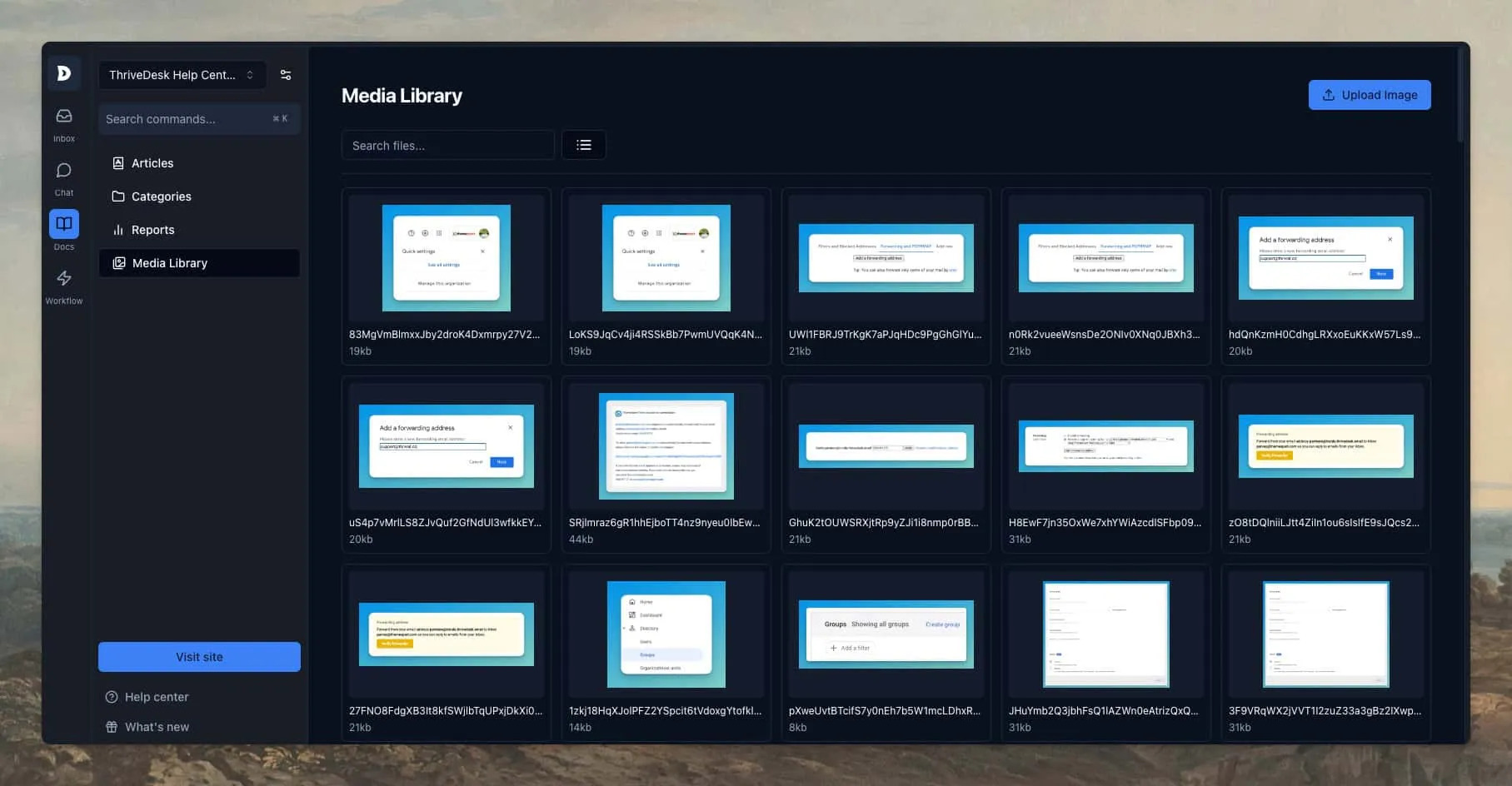
Tiles is a grid view that provides a larger image preview, making it easy to spot the media you need.
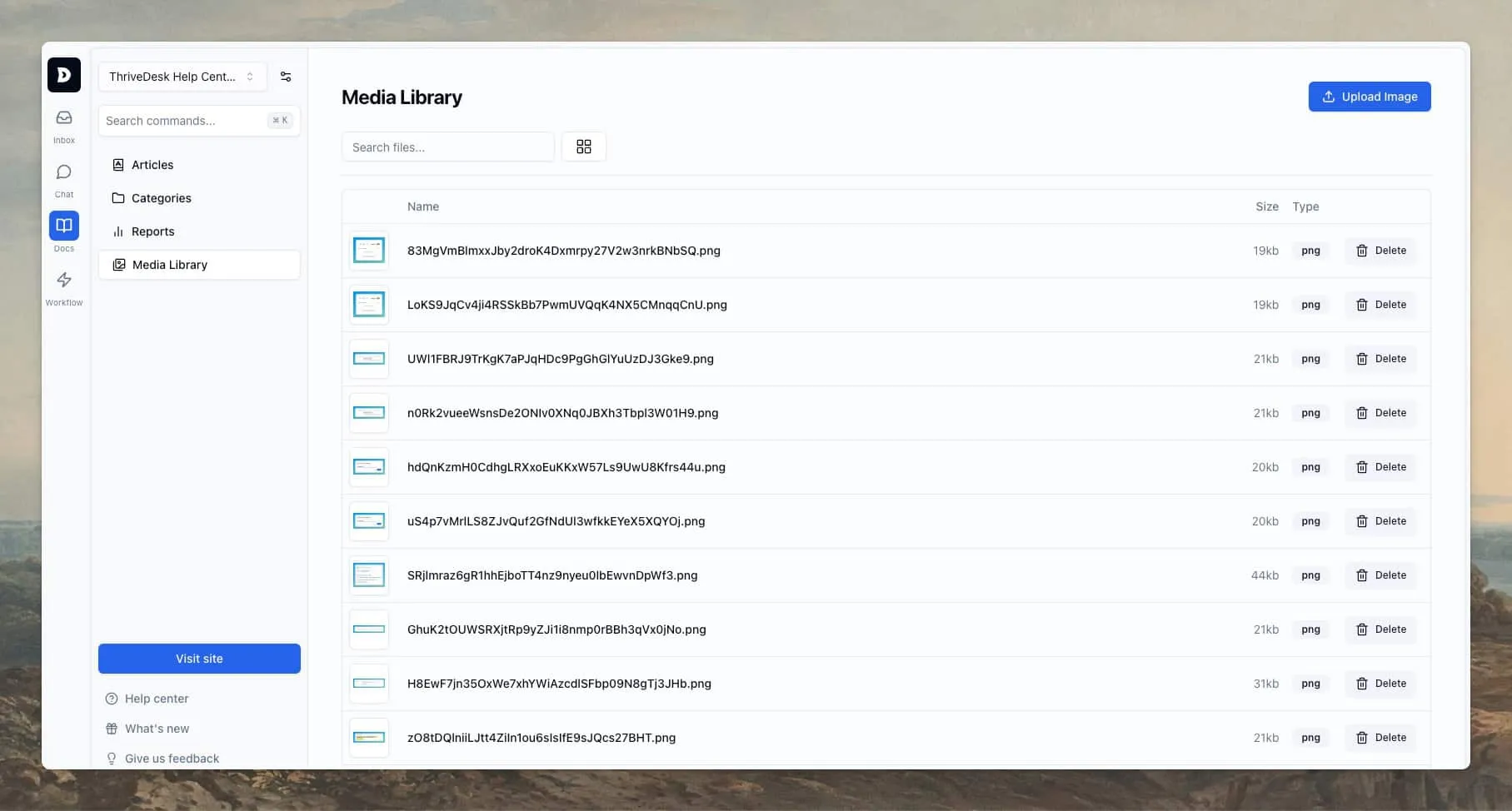
List view offers more detailed information, helping you quickly find and manage your files.
Image Preview
Click on any image to see a larger preview in a modal, making it easier to decide which media to use or delete.
Upload and Delete
You can delete individual images with ease, though bulk delete isn’t available just yet.
To upload new images, simply click the Upload Image button and drag your files into the designated area. Once uploaded, these images are readily accessible via the article editor’s Media Manager button.
Other Releases
- Knowledge Base 2.0 - Brand new way to write documentation.
- Customizer 2.0 - Tailor Your Help Center to Perfection
- Search - Knowledge base search got superpowered
- Command Center - Your New Superpower
Getting started
Our media library features are now available to all ThriveDesk users today. If you’re new to ThriveDesk, there’s no better time to dive in and elevate your customer support. Get started here and see how ThriveDesk can help your business thrive.
To keep up with the rest of Launch Week, be sure to follow us on X or join our community.





